
Here are the key updates from the past month.
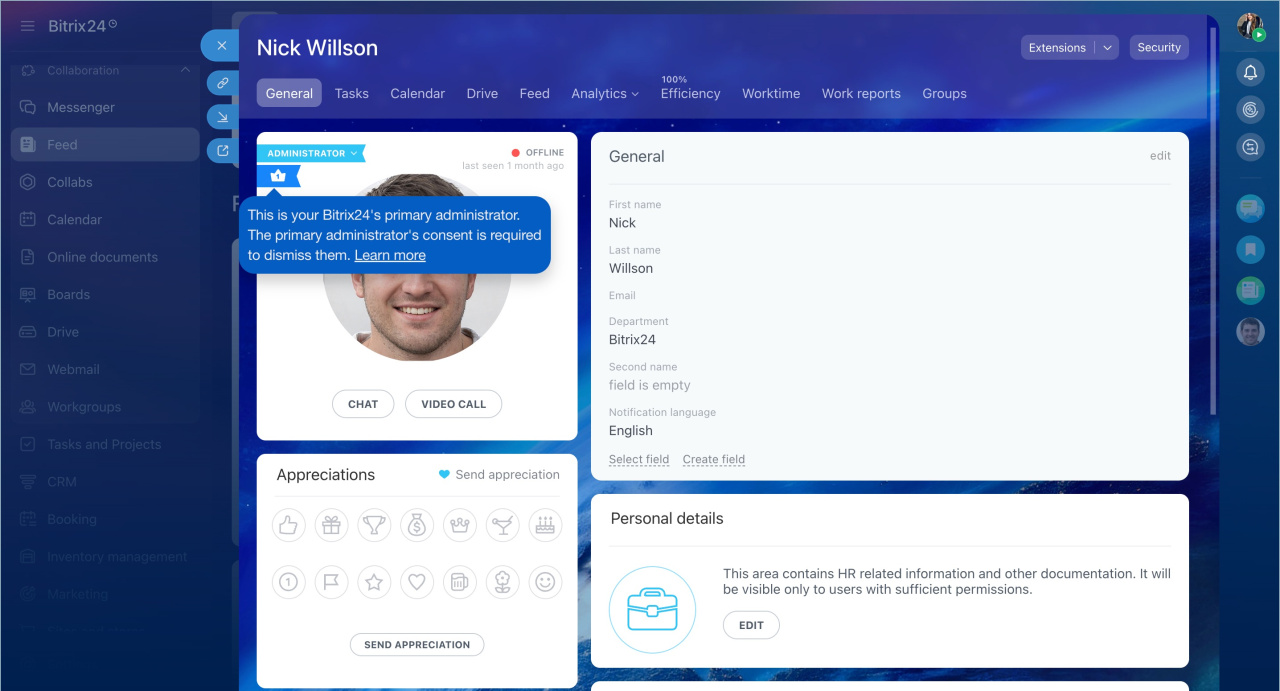
Replace or dismiss the main Bitrix24 administrator
The main administrator is the person who created your Bitrix24 account. This user receives system notifications such as plan renewal reminders, product news, and webinar invitations.
If this person leaves the company or no longer manages Bitrix24, transfer their permissions to another user. Only another administrator can do this.
The main administrator has the same permissions as other administrators. However, only this user can confirm the transfer of ownership and their removal. This prevents unauthorized changes to the account owner.
Change or dismiss the main administrator in Bitrix24
Search in task chats
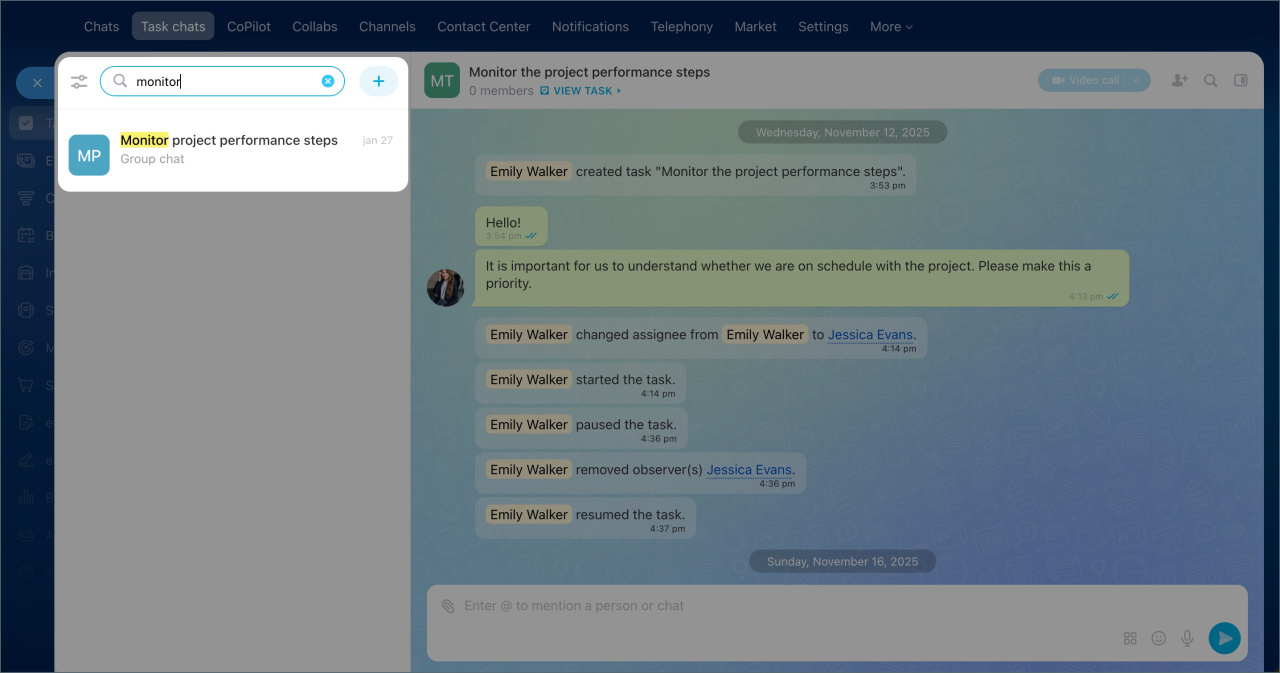
Messenger now includes search in the Task chats section. Enter part of the task name to see matching chats in the list.
This makes it easier to find discussions and navigate chats.
New task form
Other updates
Configure access permissions for activities in CRM
Work with documents in the mobile CRM
Invite a customer to Telegram chat
Limitations in tasks on the Free plan
