
To send email campaigns and create CRM forms, link and verify a phone number in your Bitrix24 account. This protects your account, prevents spam, and keeps personal data in CRM forms secure.
When verification is required
You need to verify your account in these cases:
- When you create your first email campaign in the Marketing section on any plan.
- When you create your first CRM form on the Free plan or during the trial period.
Verify your account
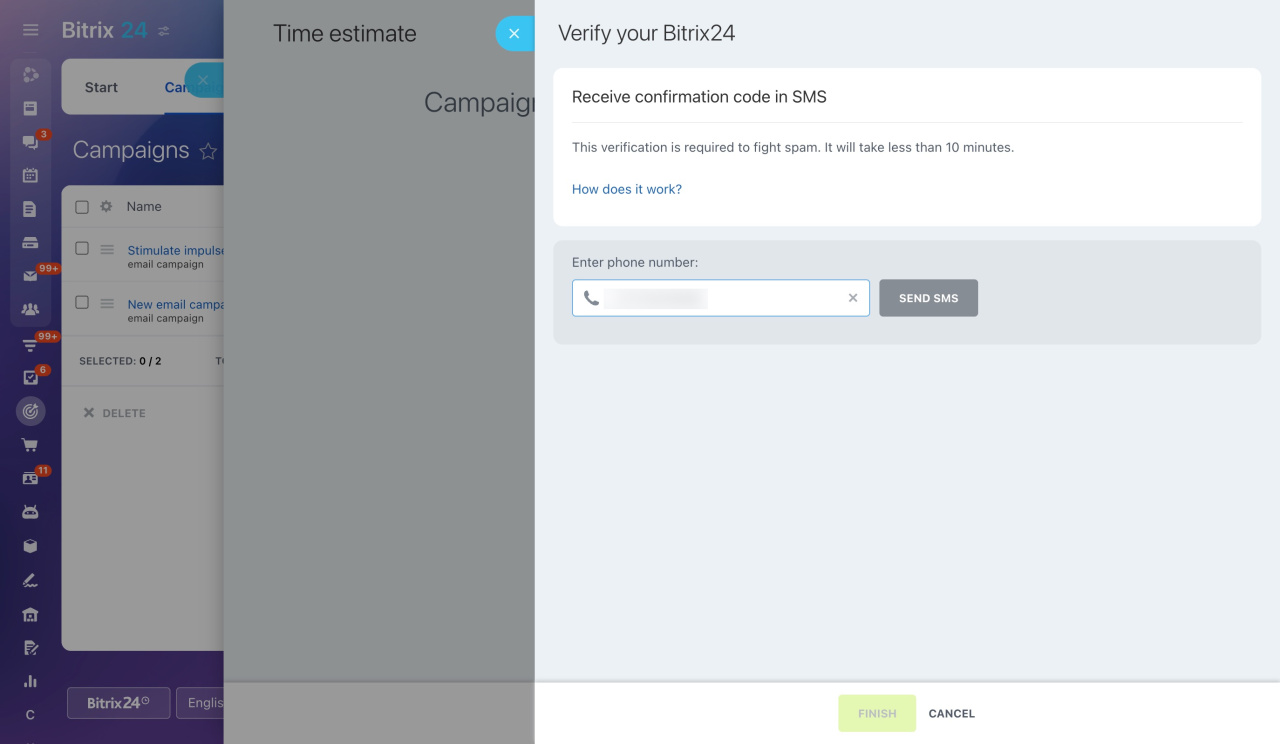
When you create your first email campaign or CRM form, a panel opens on the right.
Follow these steps:
- Enter your phone number and click Send SMS.
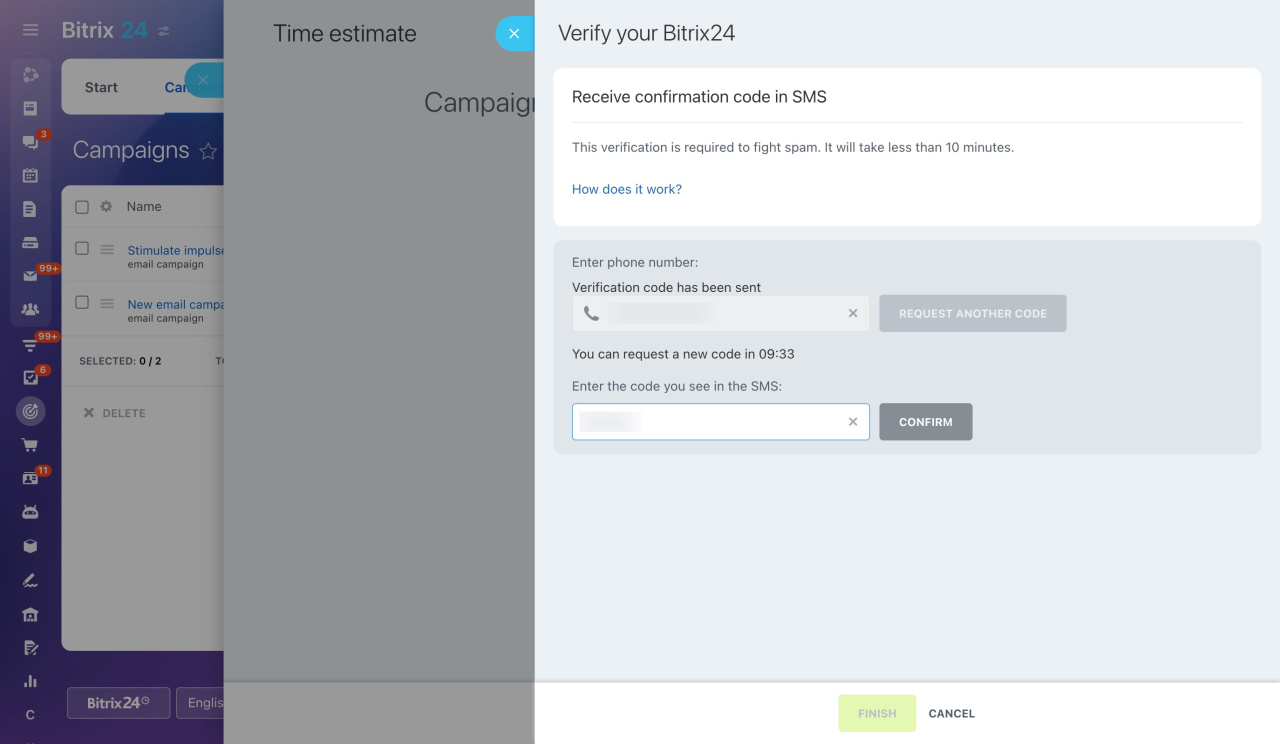
- You will receive a code within 10 minutes. Enter the code and click Confirm.
- Wait for verification to complete, then click Finish.
One phone number can be used for up to five accounts.
After verification, you can send email campaigns and create CRM forms.