There is an Availability option in the service form. It regulates the ability to sell the service in CRM and an online store. It is enabled by default in new services that you create. That means that customers will be able to buy this service through the online store, and managers will be able to sell it in CRM.
Disable this option if you have temporarily suspended the service, but have not removed it from your price list and plan to provide it in the near future.
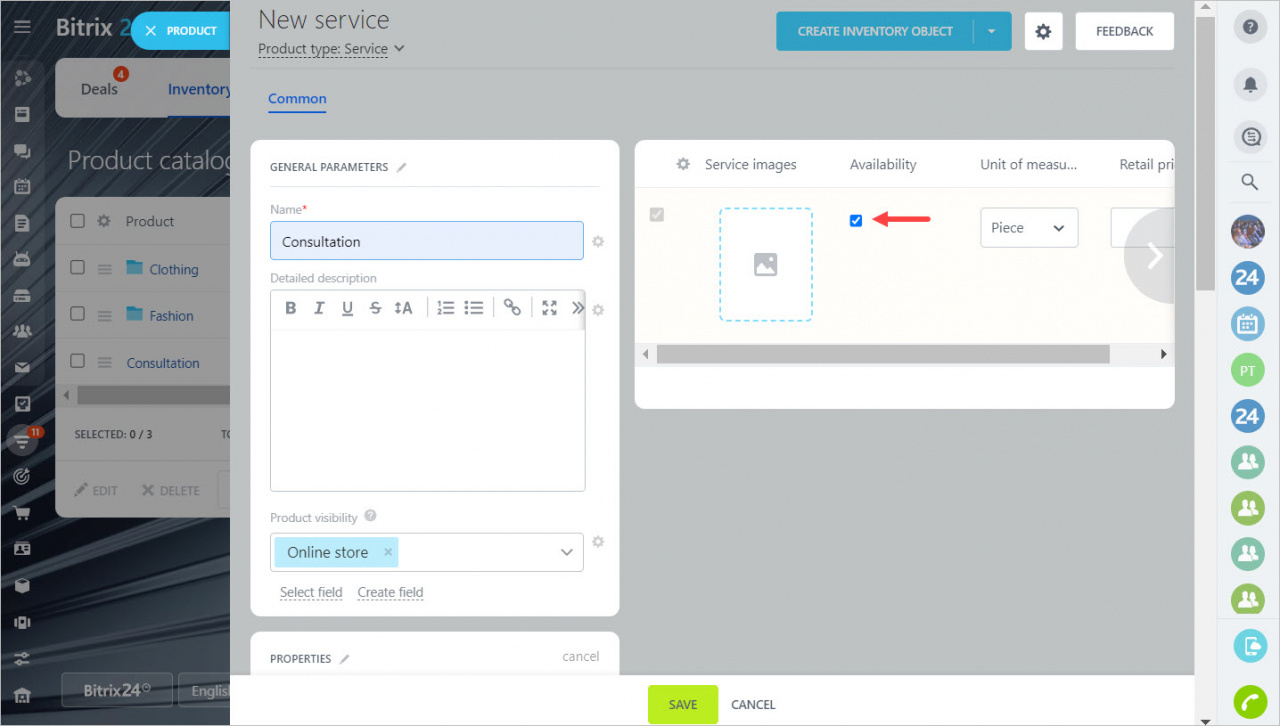
If you uncheck this box, the customer will still see the service on the site, but won't be able to add it to cart.
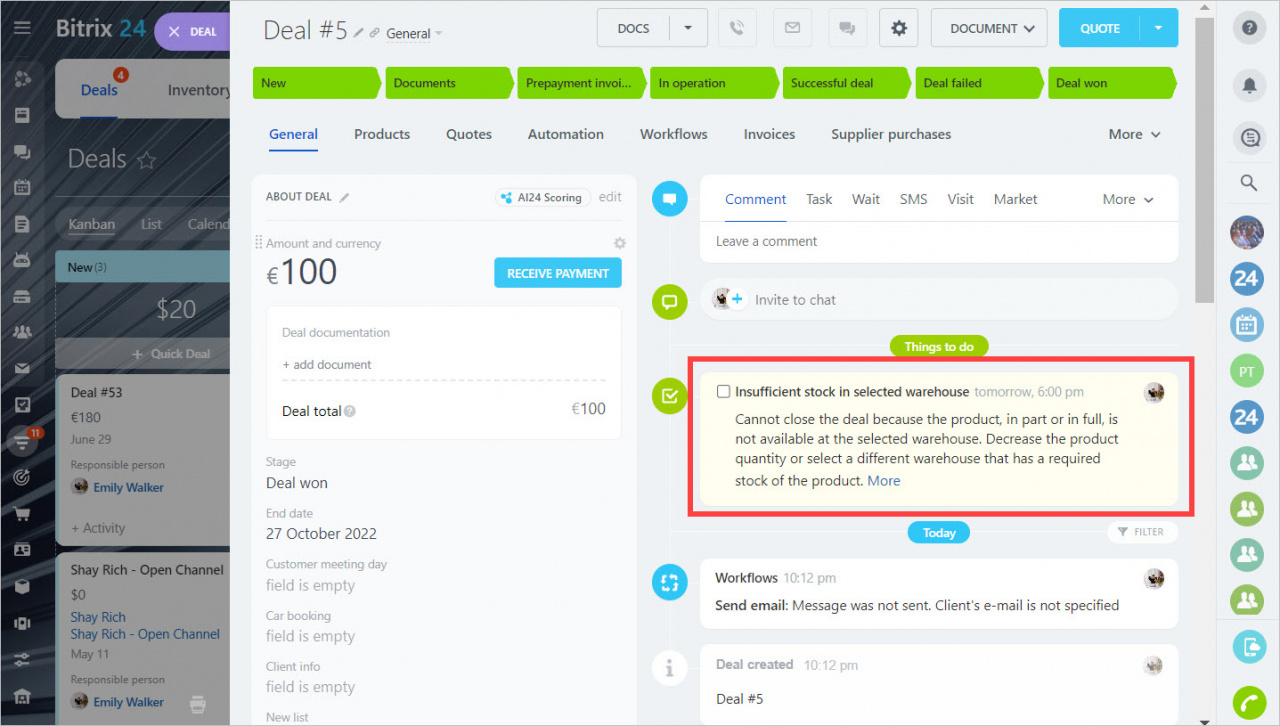
In CRM, a manager will be able to add an unavailable service to the deal form, but will not be able to finish the deal. The notification will appear in the timeline.