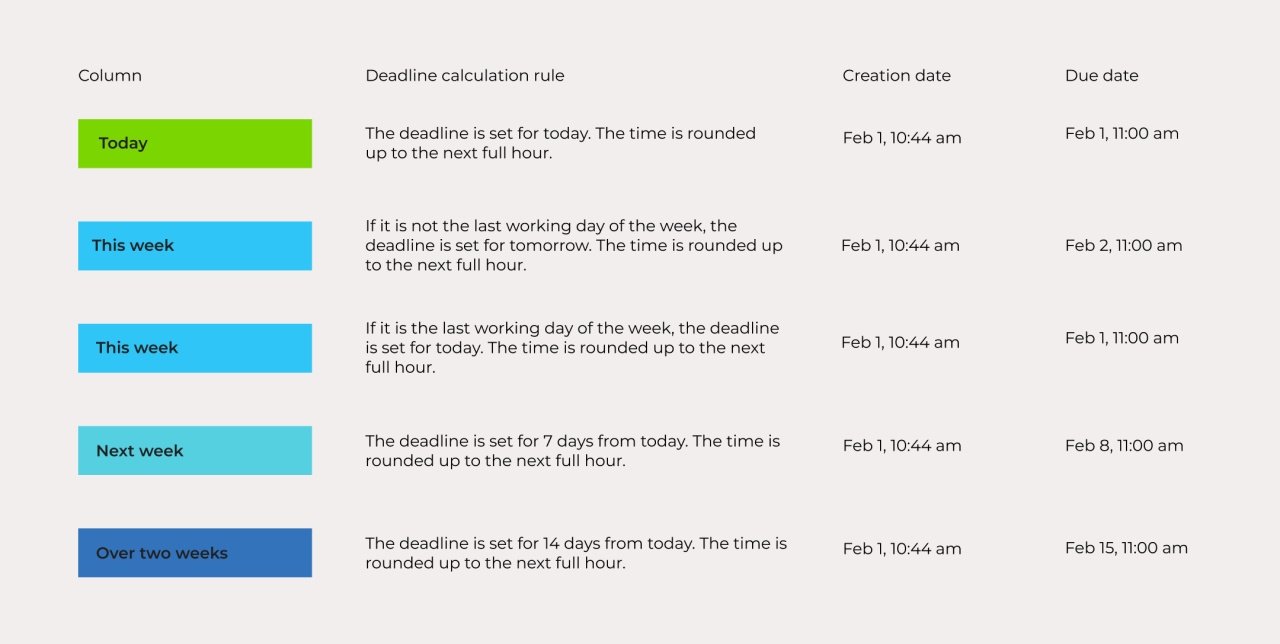
When you create a new activity, CRM automatically sets a deadline. The deadline depends on the view you use and where you create the activity.
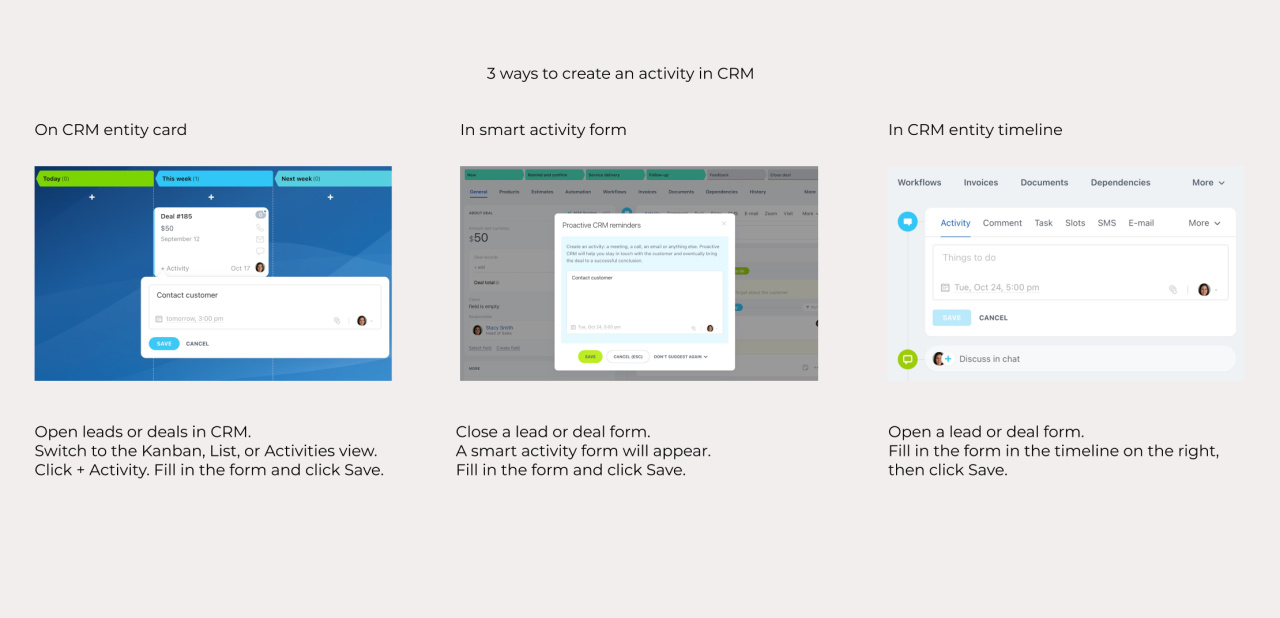
CRM sets the deadline to 3 working days after the activity creation date if you create the activity in one of these places:
- A CRM entity card in the Kanban or List view
- A smart activity after you close a lead or deal form
- The CRM entity timeline
|
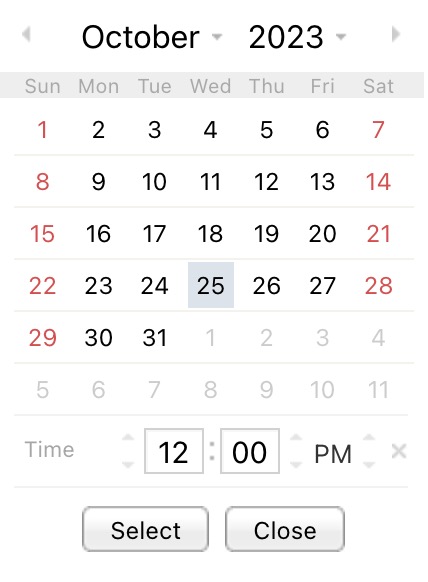
For example, your company's working days are from Monday to Friday. If you create an activity on Monday, October 23, the deadline will be set for Thursday, October 26. If you create an activity on Friday, October 20, the deadline will be set for Wednesday, October 25. |
|
If you create an activity in the Activities view, the column settings affect the deadline. CRM uses a different calculation in these cases:
- You create an activity in a quick lead or deal form.
- You move a CRM entity card to another column.
Refer to the table below for details about each column in this view.