
In this article:
- What happens if you don’t log in to Bitrix24 for a long time
- How to prevent your account from being deleted due to inactivity
- How to check if your Bitrix24 account was deleted
If you use the free plan, Bitrix24 may delete your account after 50 days of inactivity. You will receive several warning emails before deletion.
To keep your account active, make sure at least one employee logs in regularly.
Bitrix24 accounts on paid plans are not deleted, even if no one logs in for 50 days.
How to check if your account was deleted
Enter your Bitrix24 account address in the browser. Bitrix24 address is a unique domain that was created during registration in the format of https://*******.bitrix24.com/. If you see a 404 error page, it means your Bitrix24 has already been deleted.
Make sure you entered the address correctly. A typo can also cause a 404 error.
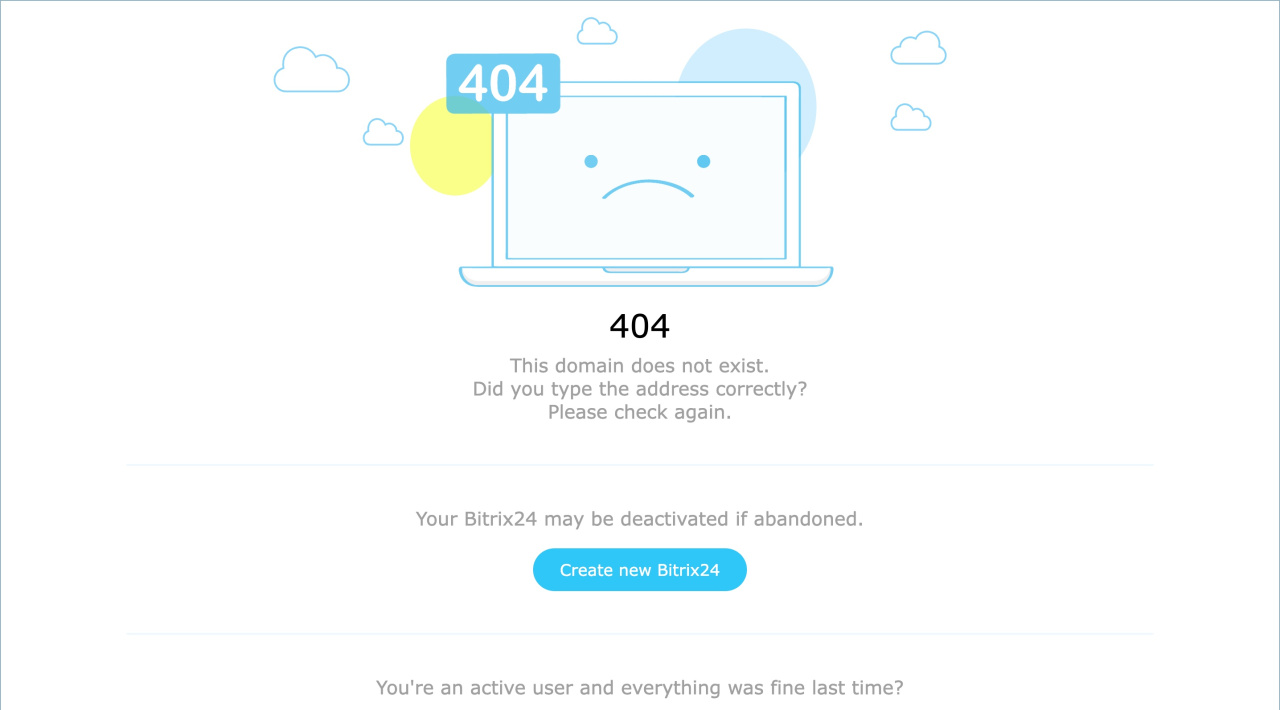
You cannot restore a deleted Bitrix24 account. You can create a new one instead.