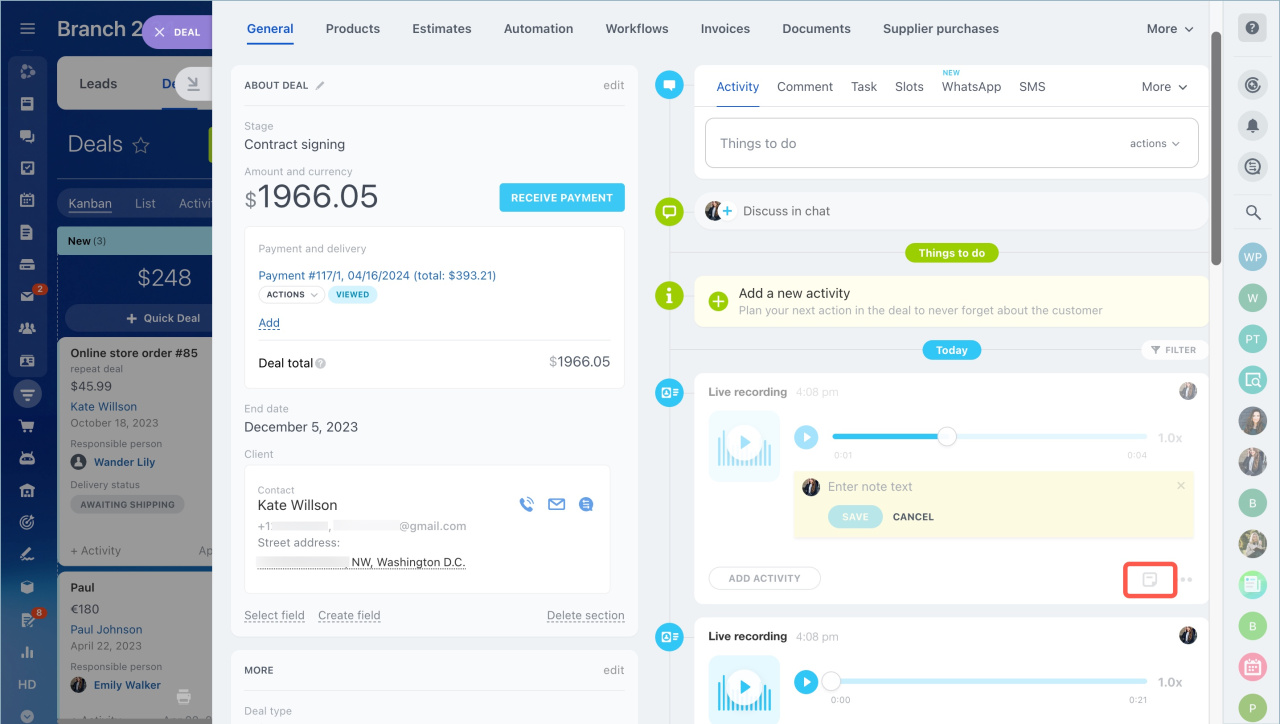
The Visit option lets you record conversations with customers directly in the CRM. It works like a built-in voice recorder. The system automatically saves each recording in the related deal or lead.
Use recordings to review meeting details, track timing, and capture agreements.
How to use the Visit option
- Go to CRM.
- Select a CRM item.
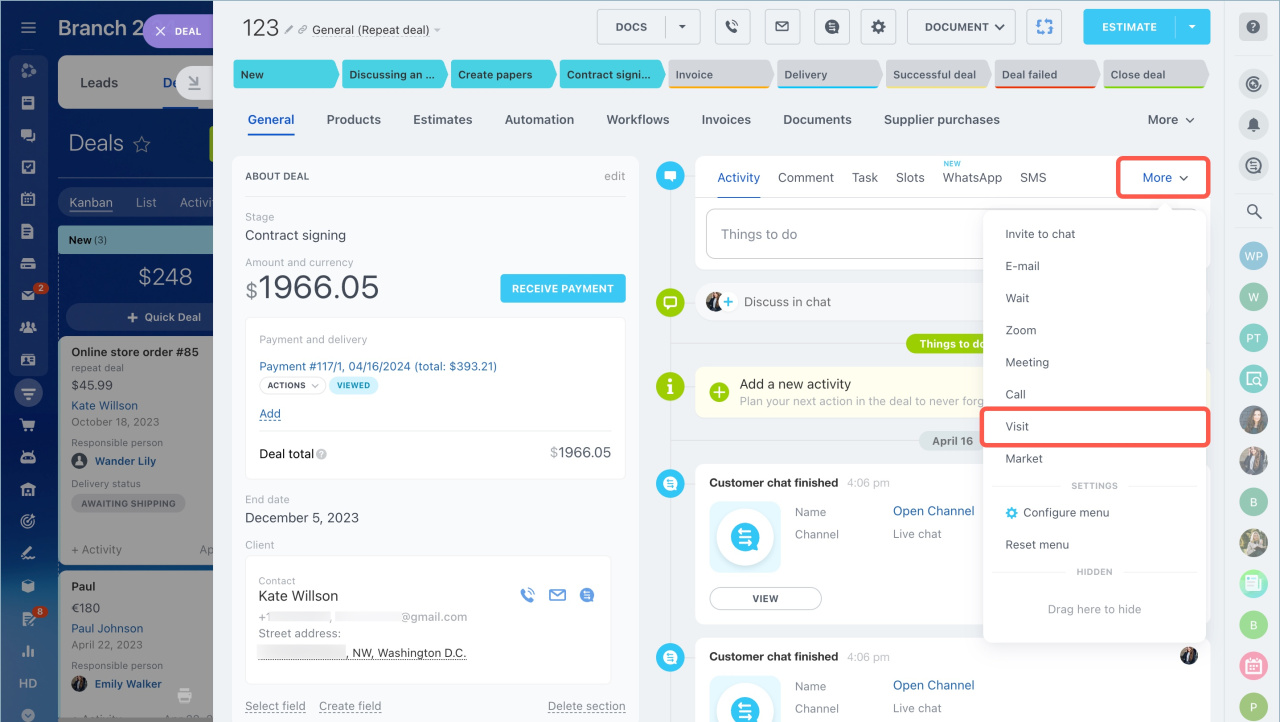
- Click More > Visit in the item form.
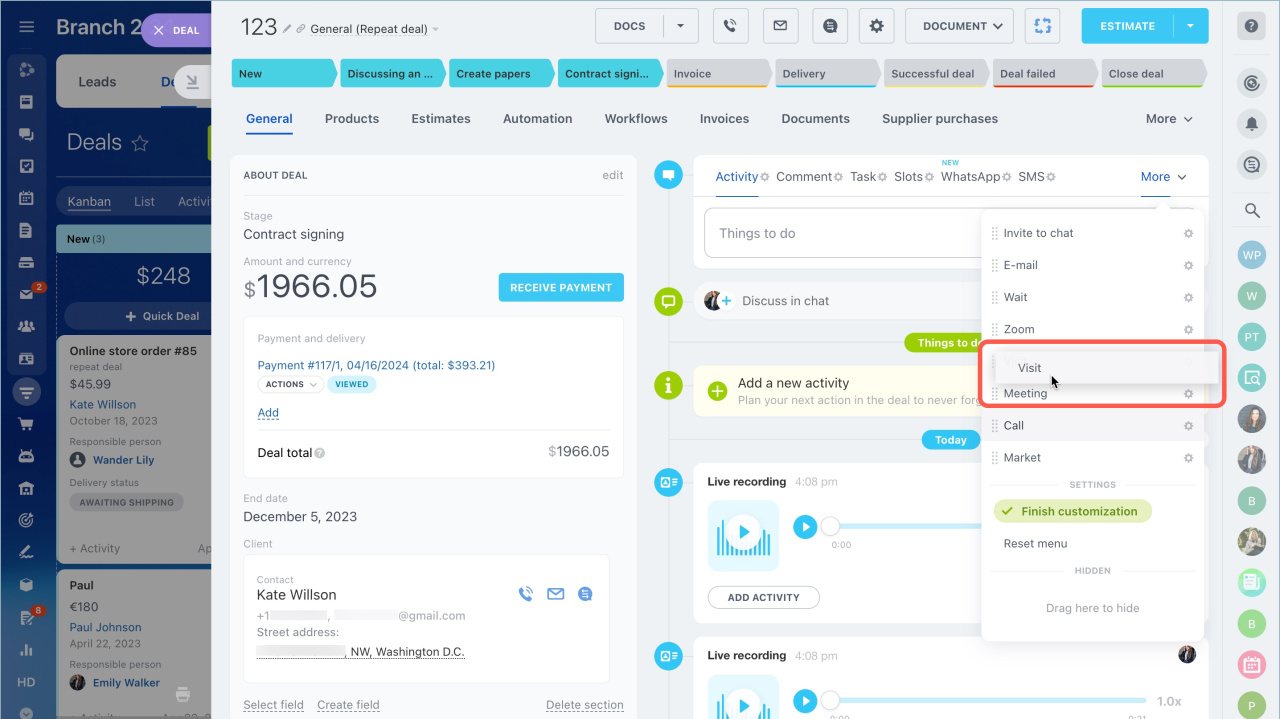
You can move the Visit icon by dragging it in the menu panel.
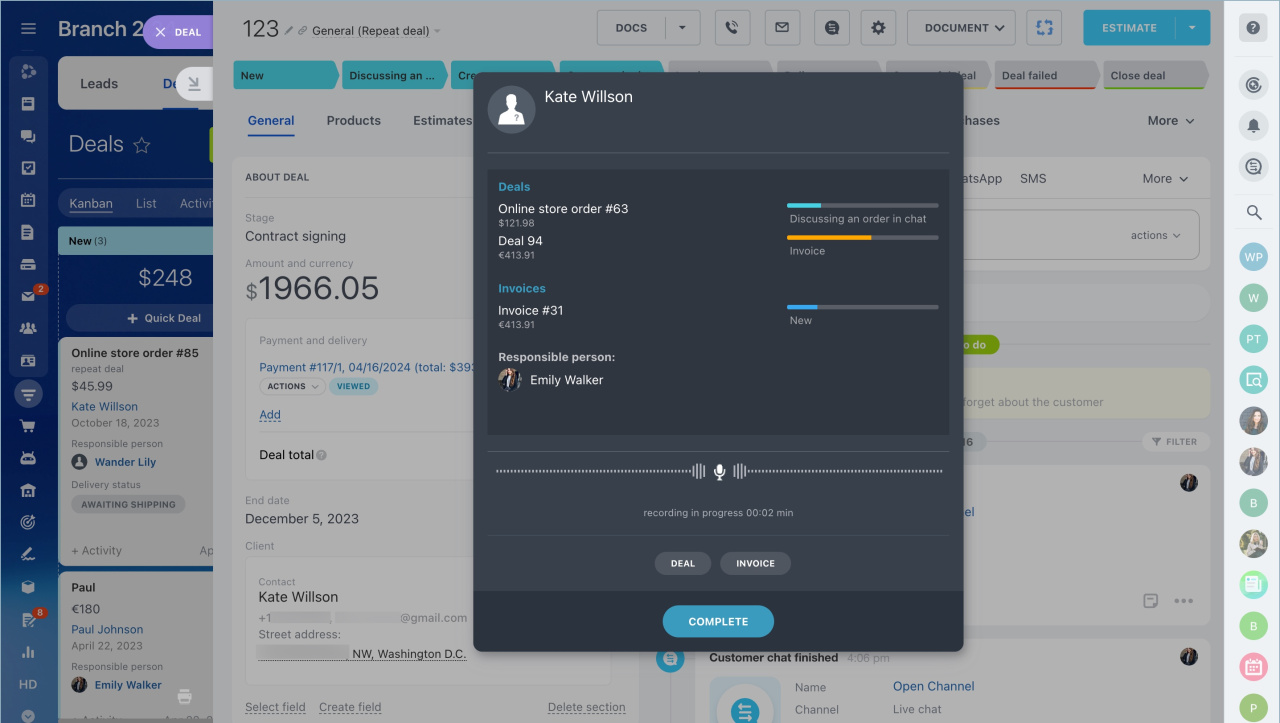
When recording starts, a timer appears in a separate window. From there, you can also create a new deal or invoice.
The system saves the recording in the timeline.
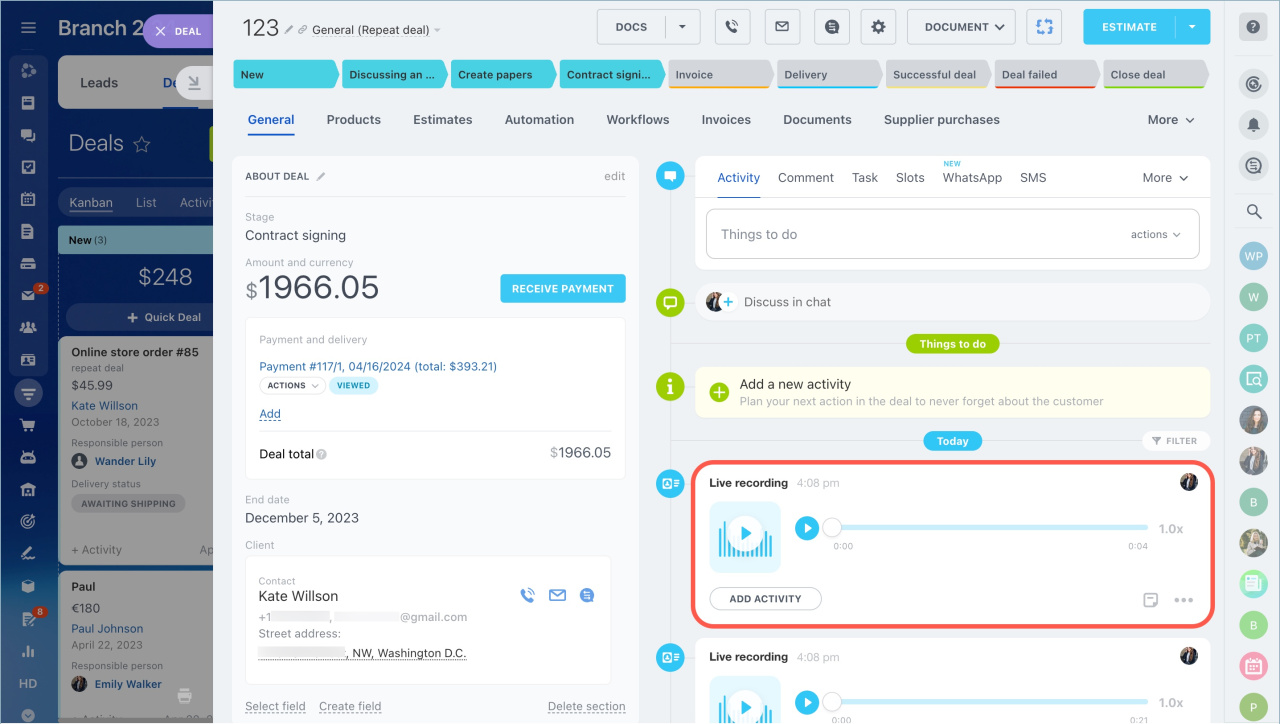
Available actions
You can:
- Add an activity
- Add a note
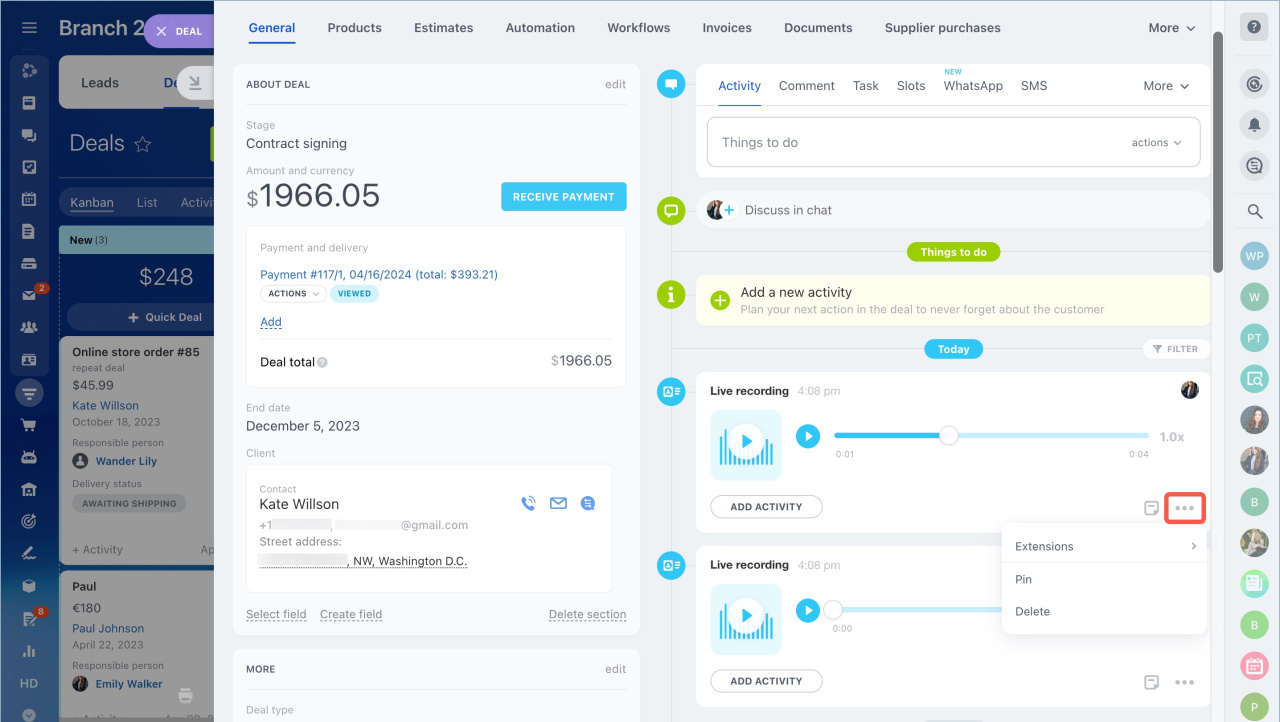
- Pin a recording
- Delete a recording