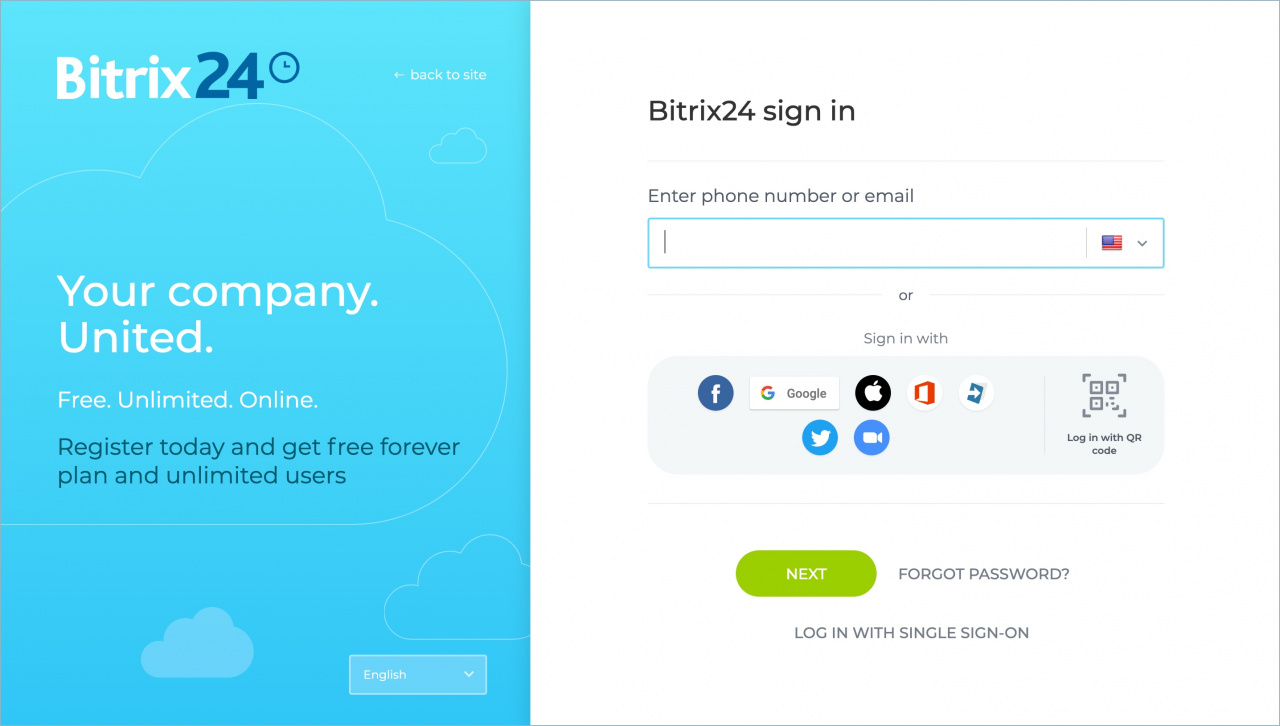
Single Sign-On (SSO) lets employees access Bitrix24 with one set of credentials. The account administrator manages all accounts in one place, so users don’t need multiple passwords.
Follow these steps to disconnect SSO:
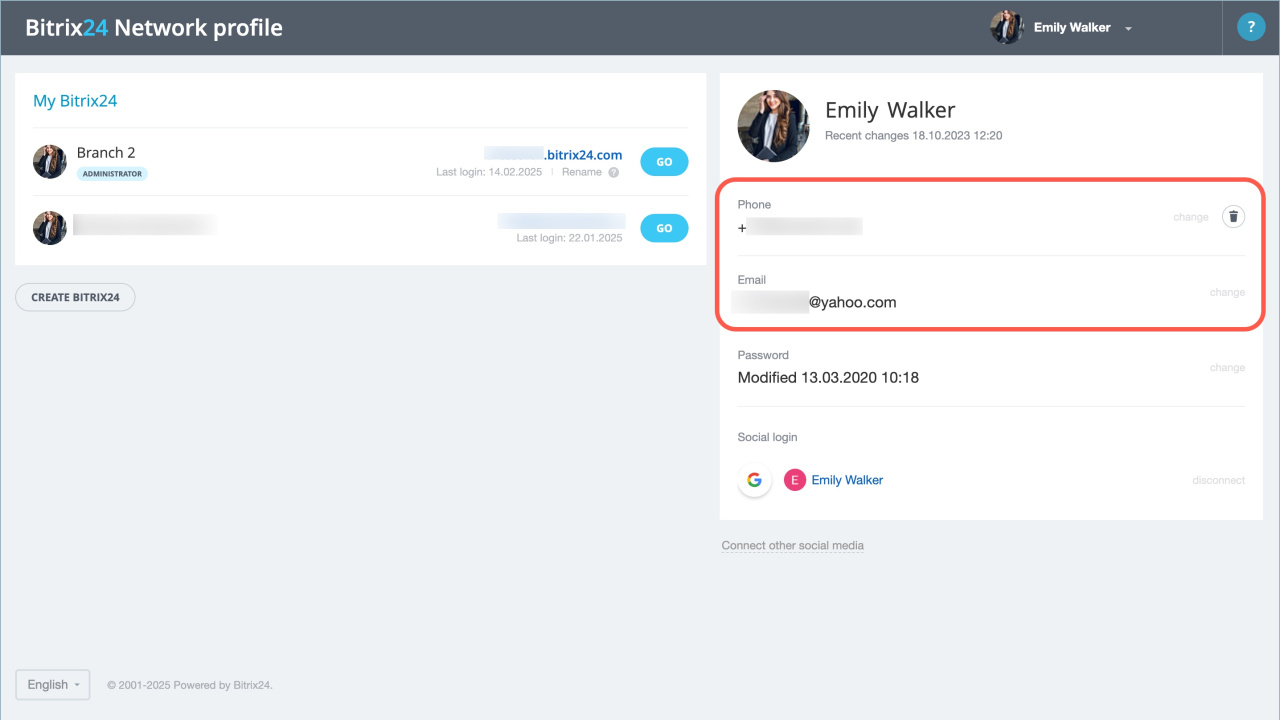
1. Check account details. Open the SSO settings page and verify the information. Make sure both the administrator and employees can access this page. Confirm that each user has a valid email address and phone number.
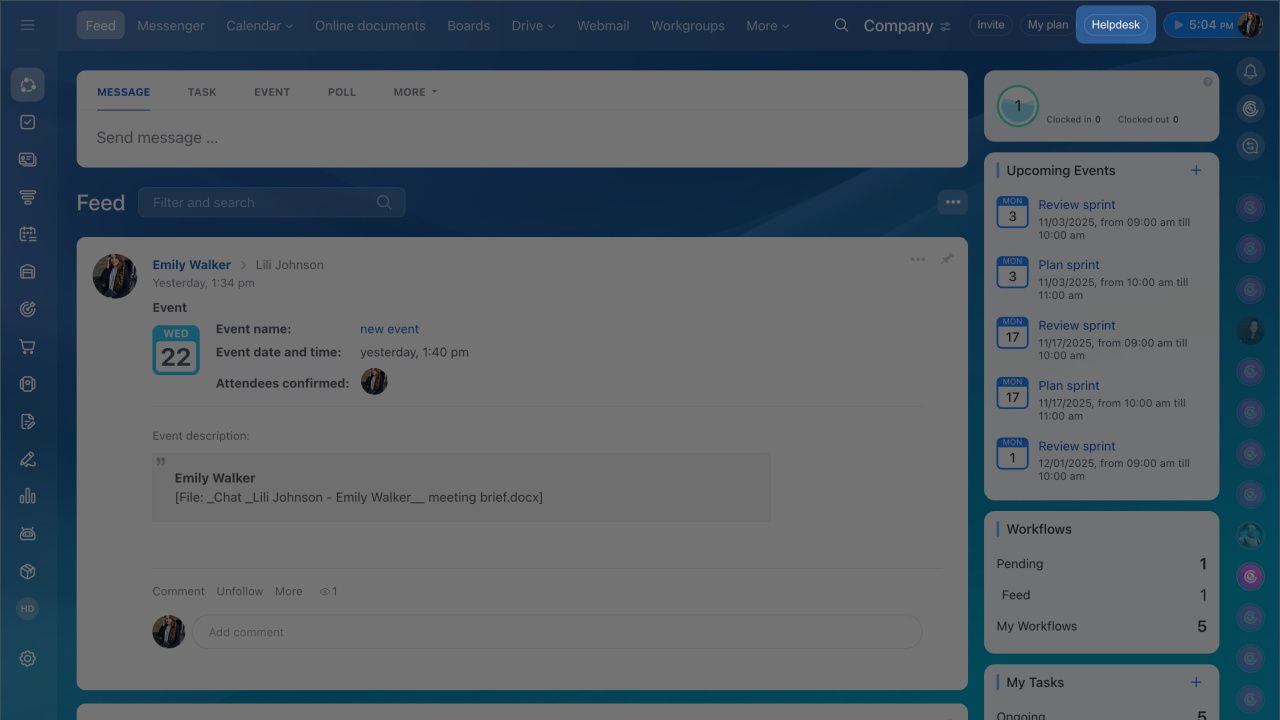
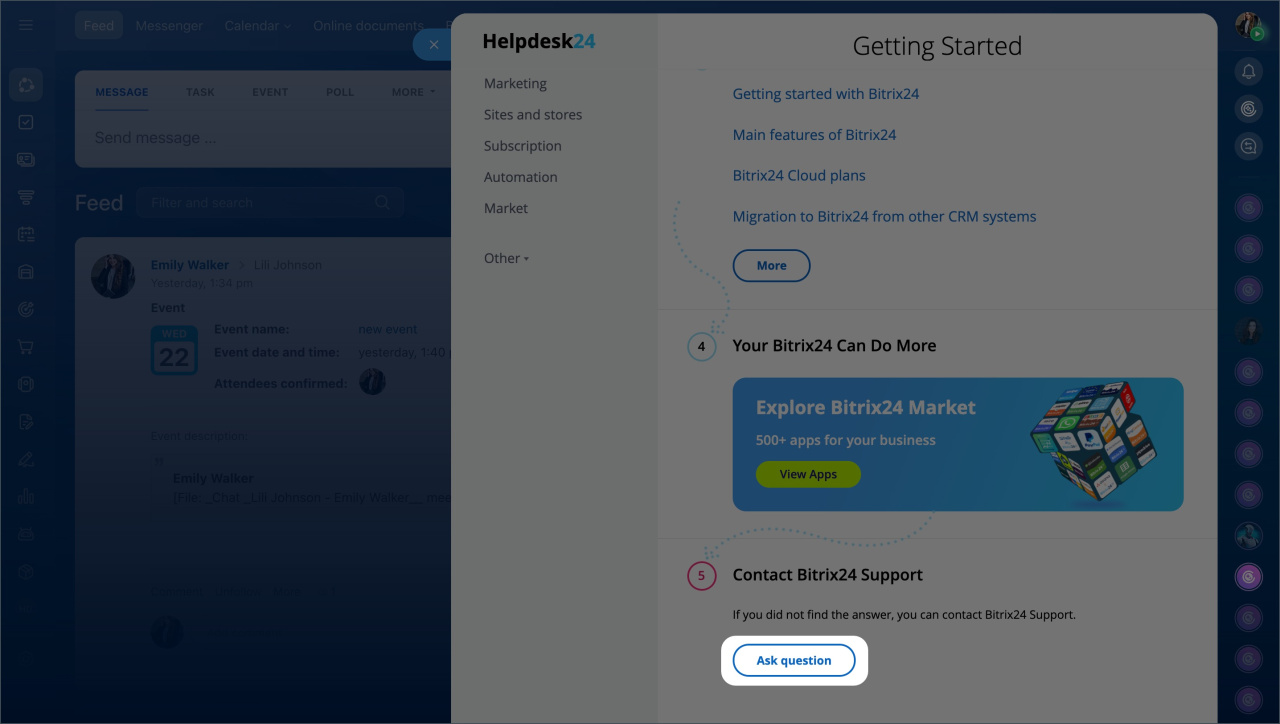
2. Contact Bitrix24 Support. Ask a support specialist to disable SSO.
- Click the Helpdesk button in the top-right corner.
- Click Start chat.
Pricing page
3. Log in to your account. After support disables SSO, your Bitrix24 account will no longer be connected to Microsoft Azure Active Directory.
Employees will receive a password reset link at the email address listed in their Bitrix24 Network profile.