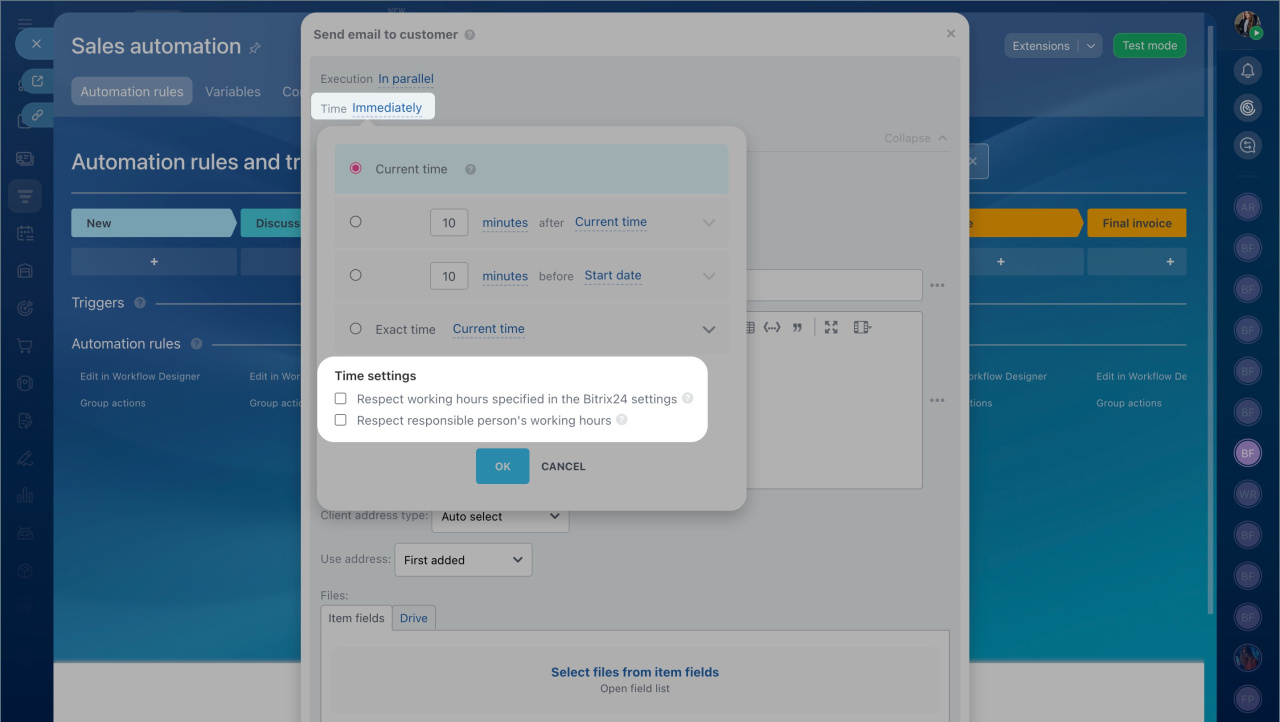
You can configure an automation rule to follow the working hours of the assigned employee. The rule will pause and resume when the employee starts their workday or returns from a break.
Use this option when timing matters. For example, if a rule sends a message or email after a few days, it’s better to wait until the responsible manager is available. This helps avoid delays in customer communication and reduces the risk of losing a deal.
This option is available only if:
- Worktime tracking is included in your plan.
- Worktime tracking is enabled in your account settings.
How it works
- Open the automation rule settings.
- Click Time.
- Select Respect responsible person’s working hours.
The rule uses the schedule of the employee assigned to the CRM item.
If worktime tracking is also enabled, the rule runs only when both conditions are met:
- The employee is within their working hours.
- The employee is actively working (based on time tracking).