
To provide uninterrupted services for your cloud account, you can take advantage of the automatic renewal option. Your credit or debit card or PayPal account will be charged at the end of each billing cycle (e.g., every 1 or 12 months). Upon a successful transaction, your commercial subscription will be renewed for the same period.
How to enable the Automatic renewal option
The automatic renewal option is enabled by default with the initial purchase of a commercial subscription for 1 or 12 months. Your Bitrix24 subscription will be automatically renewed at the end of each subscription term.
If you purchased your commercial subscription with a discount, the discount may be applicable for the first billing cycle only. Your subsequent subscription renewals will be charged at full price.
How to cancel the Automatic renewal option
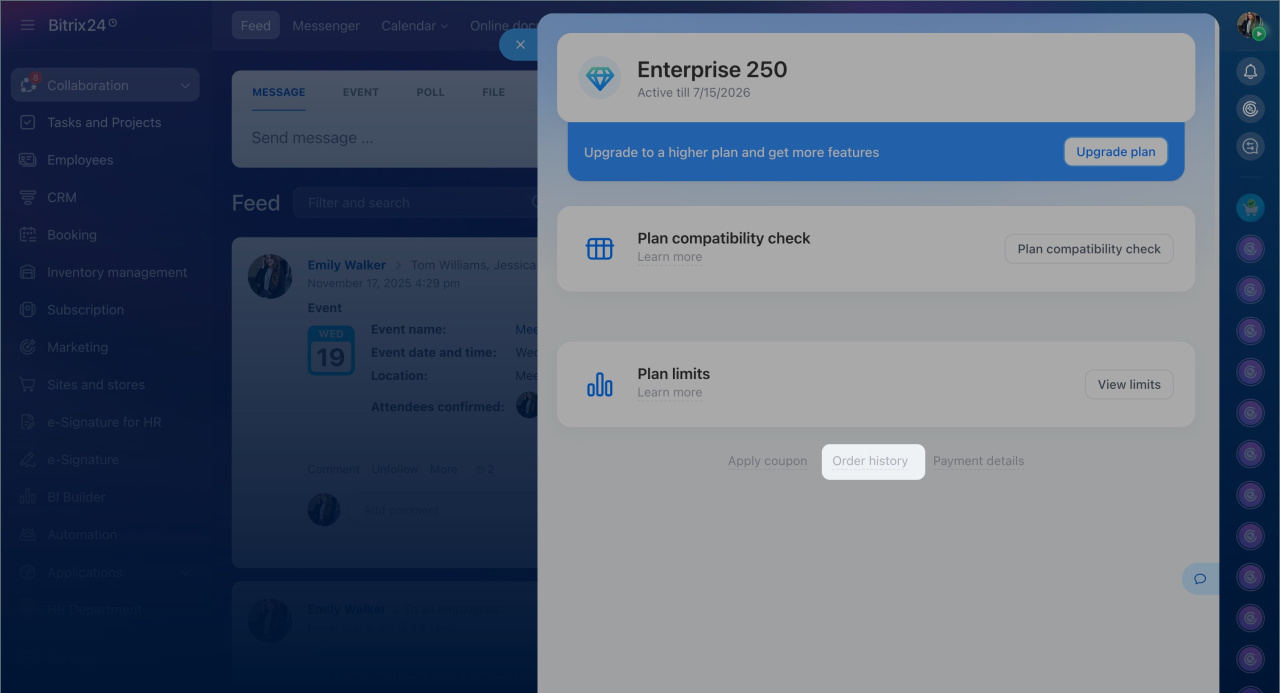
You can cancel the automatic subscription renewal option inside your Bitrix24 account. Go to Subscription > Order history > Cancel Subscription.
What to do if the automatic renewal didn't work
Such a situation may occur due to different reasons:
-
The subscription due date hasn't come yet.
-
The payment method associated with your subscription has become invalid for some reason.
-
There are insufficient funds in the account of your payment method, or its credit limit has been reached.
-
There is a disruption in the operation of your bank or payment system.
-
Your automatic subscription renewal has been canceled.
If the automatic renewal didn't work in your Bitrix24 account, check its status under Subscription > Order history.
-
Active: The due date hasn't come yet; no actions are required at the moment.
-
Past Due: Click the Retry Now button; this will notify our Sales team to attempt a manual recharge of your subscription. You will be notified about a result and further recommended actions, if needed, via email.
-
Cancelled: Most likely, the system has already made several unsuccessful subscription recharge attempts. At this point, you can make a new subscription purchase under Subscription > Upgrade.
