
The number of users in your Bitrix24 account depends on your subscription plan.
If you need more than 10,000 users, contact us at sales@bitrix24.com.
Most companies start with the Free plan. It includes all core Bitrix24 tools and supports an unlimited number of users. One of the main benefits of the Free plan is that you can invite as many users as you need.
Free plan features and limitations
What the maximum number of users means
For example, the Basic plan allows up to five users. If you invite 10 users to your Bitrix24 account, only the first five users can sign in. The remaining users will see a notification that the maximum number of users has been reached.
Bitrix24 remembers the first five active users. They keep access to the account until the user counter updates.
Until the counter updates, other invited users cannot sign in to Bitrix24. Account administrators will receive a notification and can:
- Remove employees who no longer use the account.
- Upgrade to a higher plan with more user slots.
How to check the number of users on your plan
To see how many users your current plan supports:
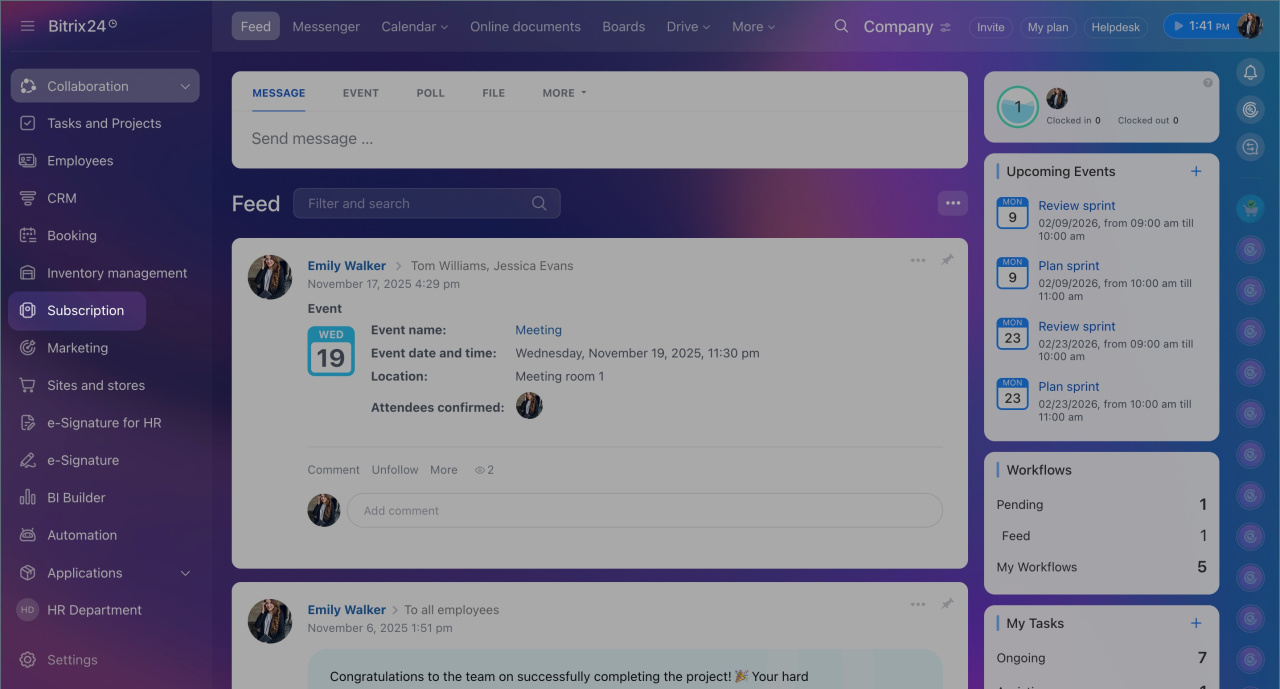
- Open Subscription.
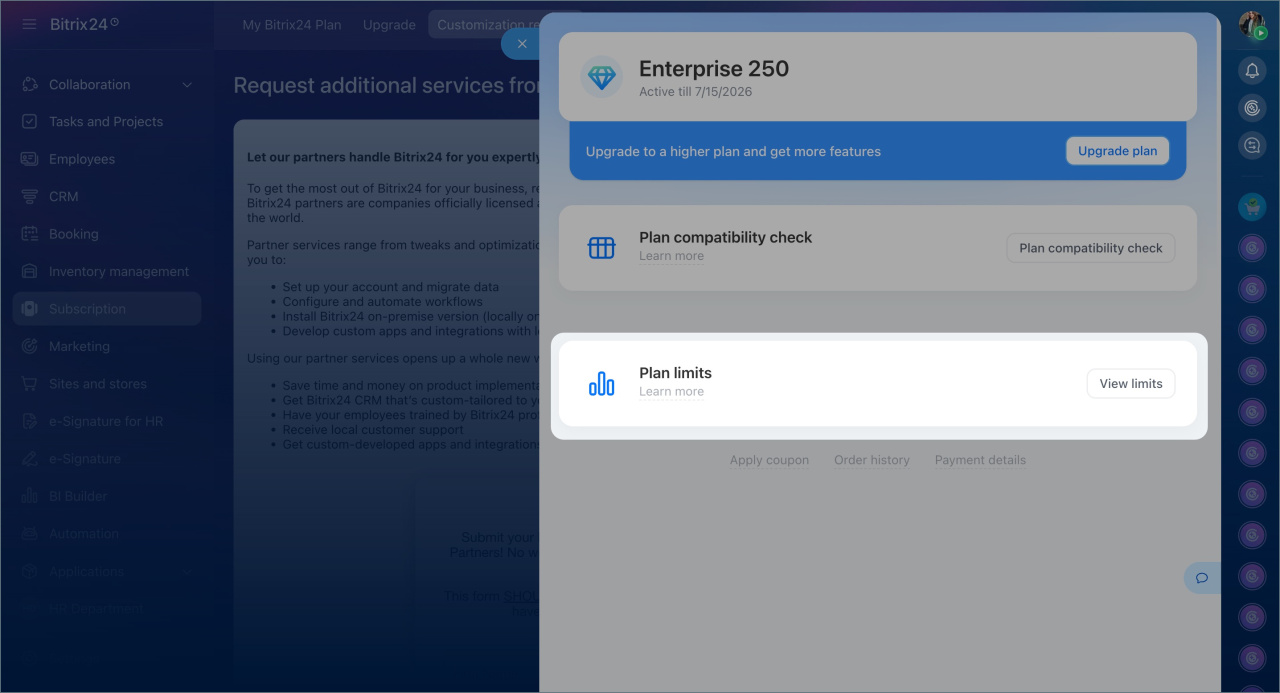
- Select View limits.
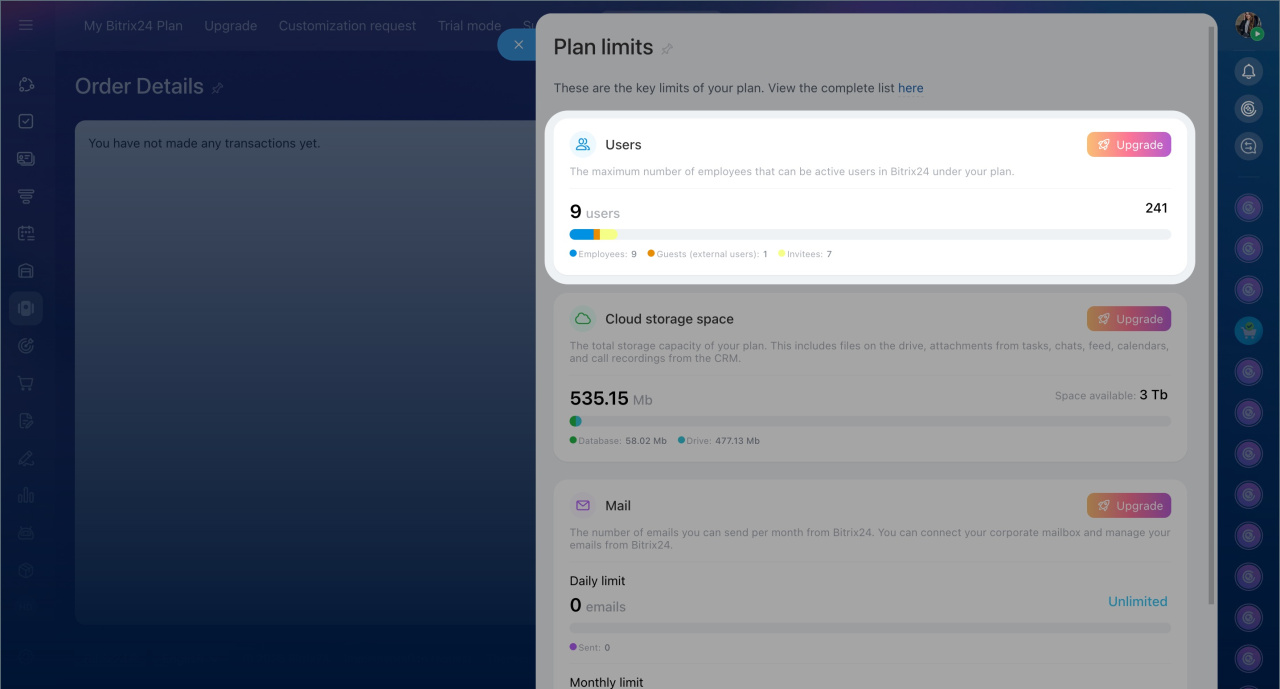
- Open the Users section.
In brief
- The number of users in your Bitrix24 account depends on your subscription plan.
- If you exceed the user limit on a commercial plan, some users will not be able to sign in.
- Employees and administrators receive a notification when the limit is reached.
- The allowed user counter updates every 30 days.
- Upgrade your plan to add more users and stay within the limit.