Read FAQ
NEW
Bitrix24 Support
Registration and Login
Bitrix24 Security
Plans and Payments
AI in Bitrix24
Alaio Vibecode
Employee Widget
Booking
Contact Center
Sales Center
Analytics
BI Builder
e-Signature
Knowledge base
Telephony
Bitrix24 Messenger
General questions
Past updates
Log In
Your Bitrix24
Authorize to enter
your company's Bitrix24.
Enter

Bitrix24 Helpdesk

Hidden recipient

You can add specific users, departments or workgroups/projects as Feed message recipients.

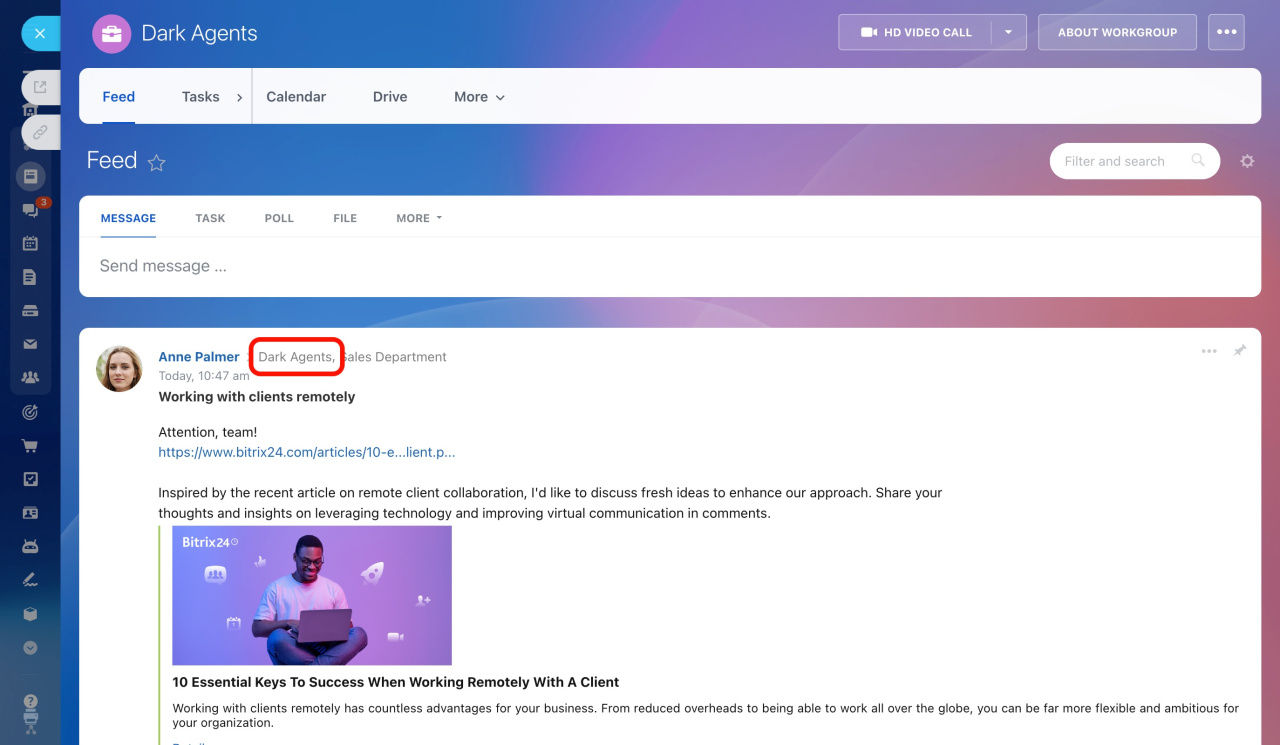
Suppose you add a private (not visible to non-members) workgroup to a Feed message recipient list. In this case, employees who are not members of this workgroup will see the Hidden recipient sign instead of the workgroup name.
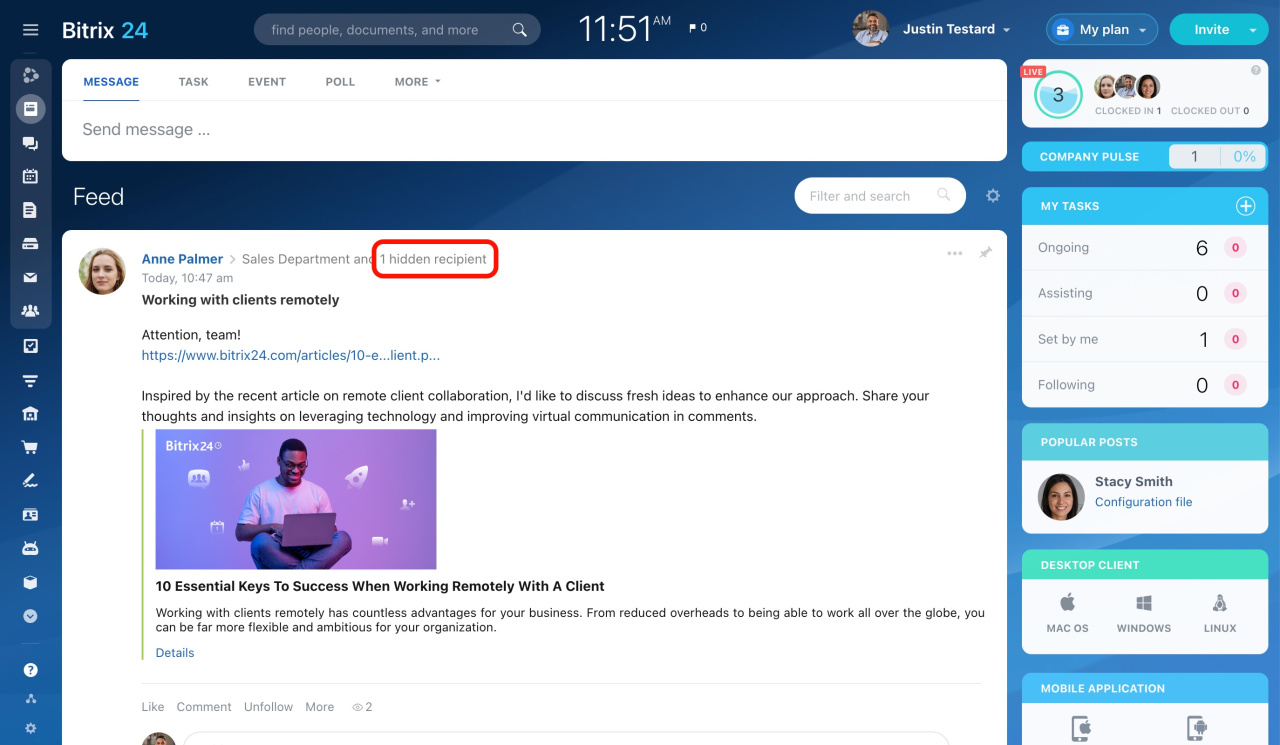
However, all the workgroup members and you, as an author, will see the actual workgroup name in the list of recipients.

The same logic applies to private projects.

Learn more about workgroups and projects

Was this information helpful?
Thank you for your feedback.
Get Implementation Help from a Partner
That's not what I'm looking for
Complicated and incomprehensible text
The information is outdated
It's too short. I need more information
I don't like the way this tool works
Get your Bitrix24 set up by local professionals
FIND BITRIX24 PARTNER NEAR ME
implementation_helper_man
Go to Bitrix24
Don't have an account? Create for free
Related articles
Create and share files in the Feed Polls in Feed Pin and add Feed posts to favorites
