
In Bitrix24 e-Signature for HR, you can create chats with employees directly from the document form. Employees who already received the document are added to the chat.
You can create separate chats for these document statuses:
- Document not yet signed by representative
- Signing in progress
- Refused to sign
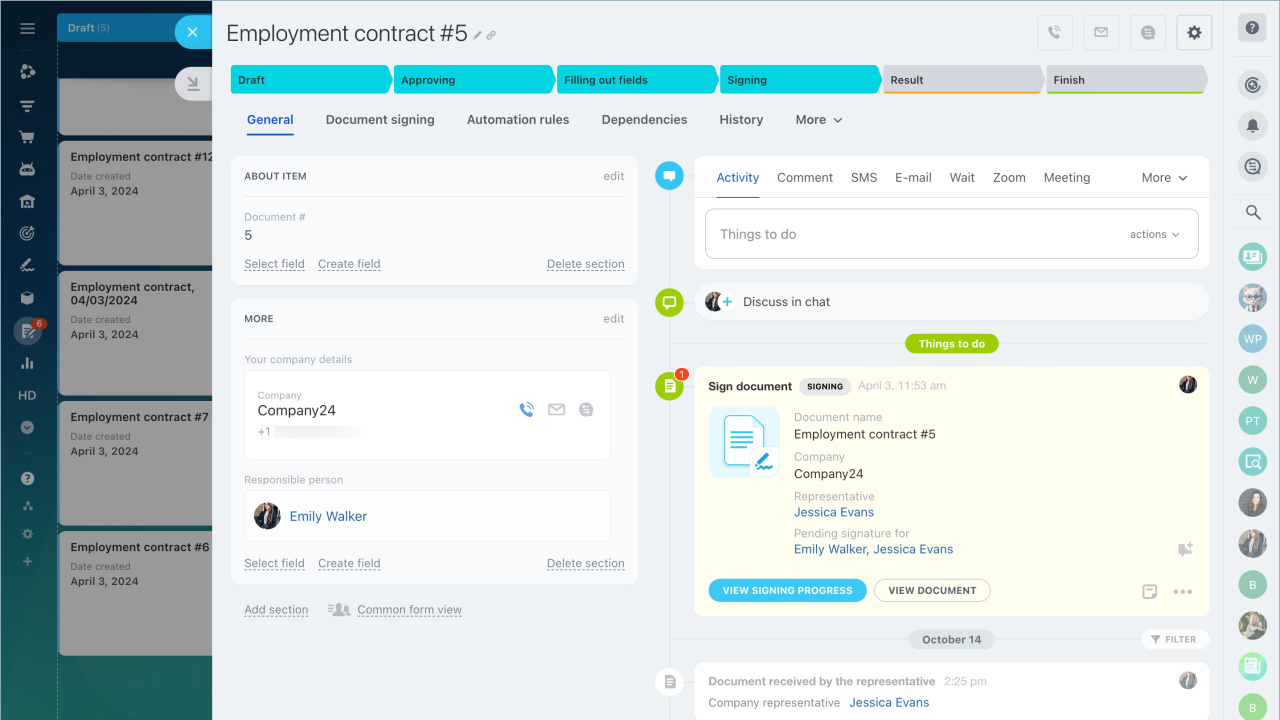
You can create a chat from the document kanban or from a specific document form. Do this at the Signing stage.
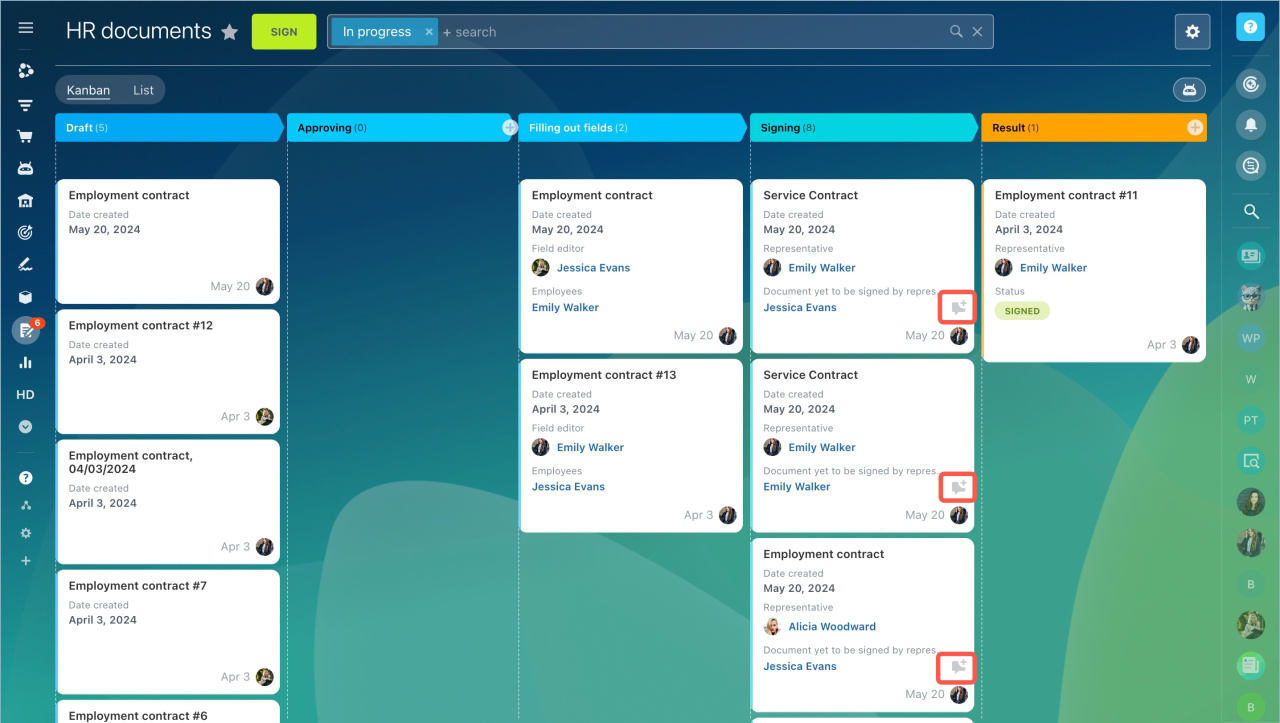
Create a chat from the kanban
Select the required form in the kanban and click Create chat.
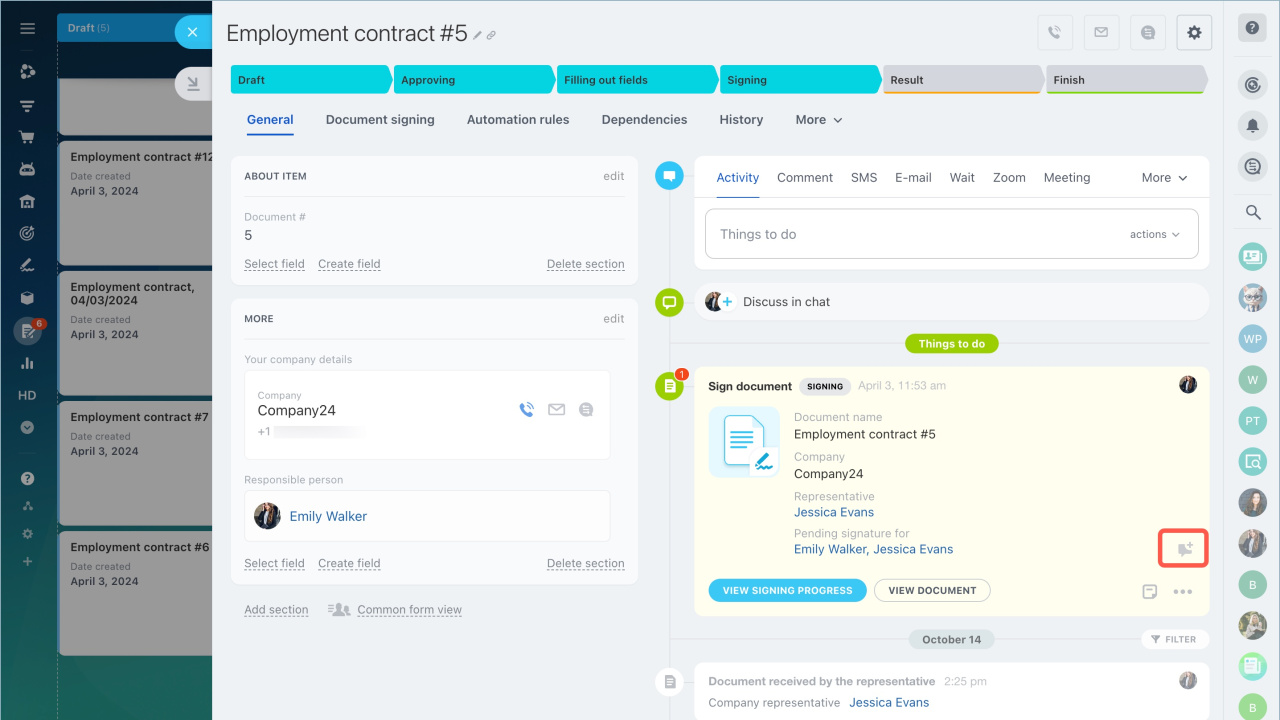
Create a chat from the document form
Open the form and click Create chat next to the required document status.
Chat features
Chat type
e-Signature for HR creates a private chat. Only participants can view its content.
Chat administrator
The employee who creates the chat becomes the administrator. They can manage the chat, change the avatar, and configure access permissions.
Create and configure Bitrix24 chat
Chat participants
Employees whose documents match the selected status at the time of chat creation are added automatically. You can also add participants later.
When an employee signs a document, they remain in the chat.
In brief:
- In Bitrix24 e-Signature for HR, you can create chats with employees directly from the document form. Employees who have already received the document are added to the chat.
- You can create separate chats for different document statuses.
- You can create a chat from the document kanban or from a specific document form at the Signing stage.
- e-Signature for HR creates a private chat. Only participants can view its content.
- Employees whose documents match the selected status at the time of chat creation are added automatically. You can also add them later.
- When an employee signs a document, they remain in the chat.