
The Bitrix24 Calendar is a tool designed to help individuals and teams organize their schedules, plan events, set reminders, and collaborate efficiently. It integrates seamlessly with other Bitrix24 features, making it a central hub for time management and productivity.
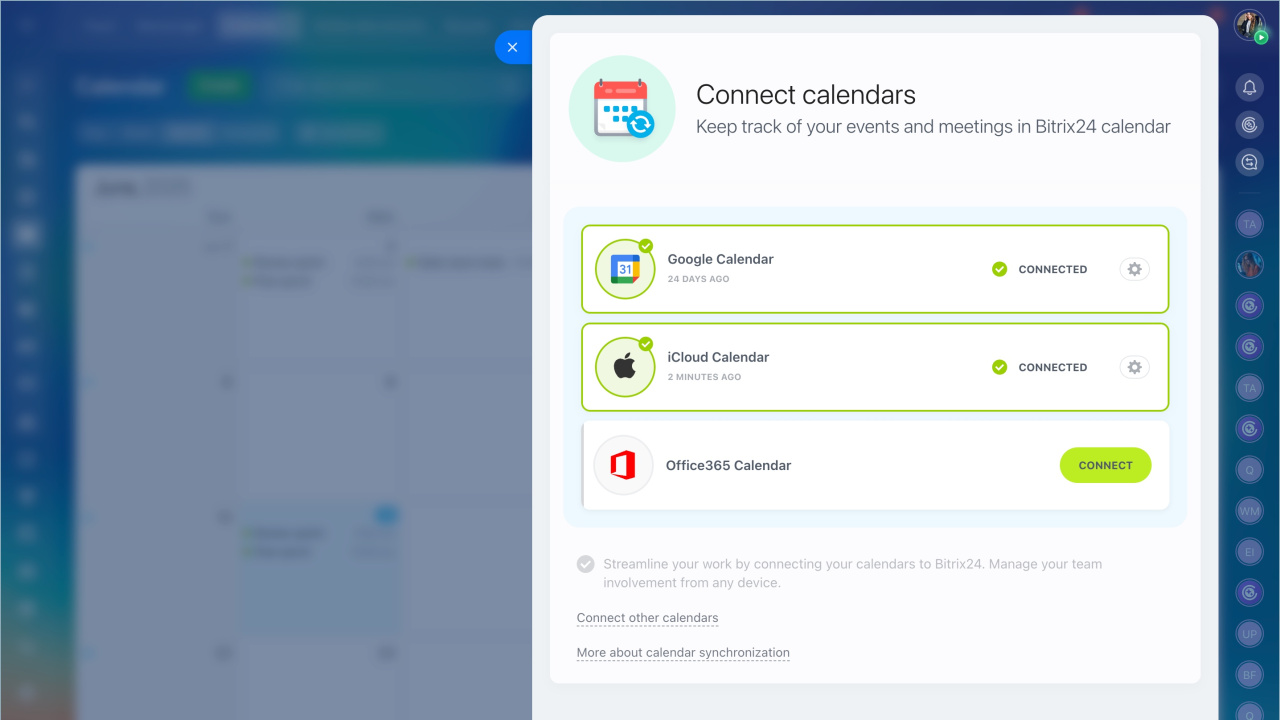
You can synchronize your Bitrix24 calendar with such services as Google, Microsoft or iCloud.
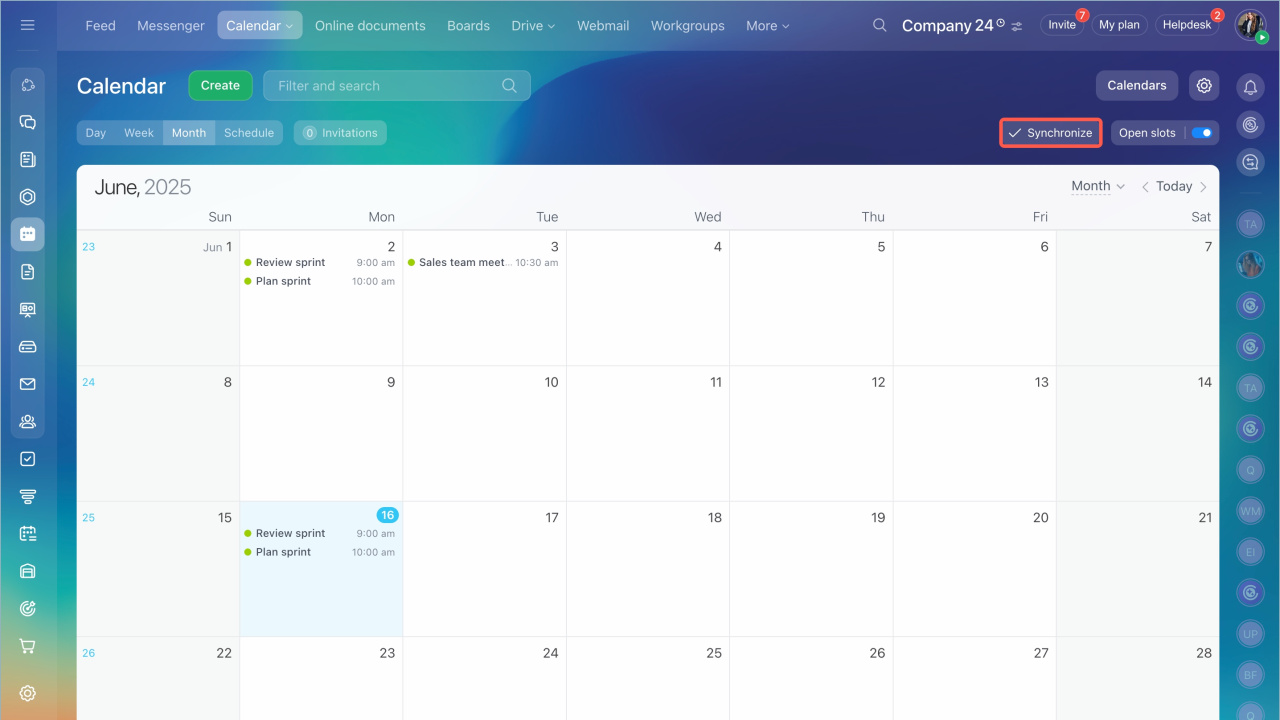
- Go to the Calendar section
- Click the Synchronize button
Connect the most popular calendars:
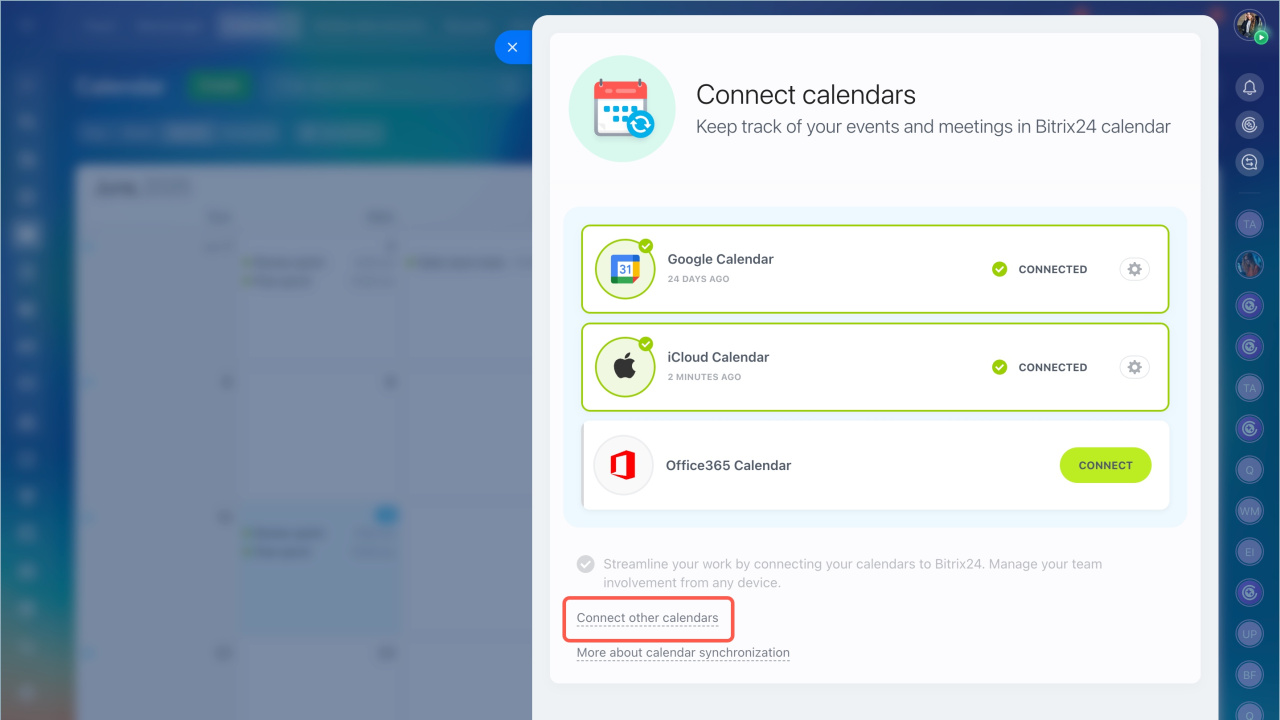
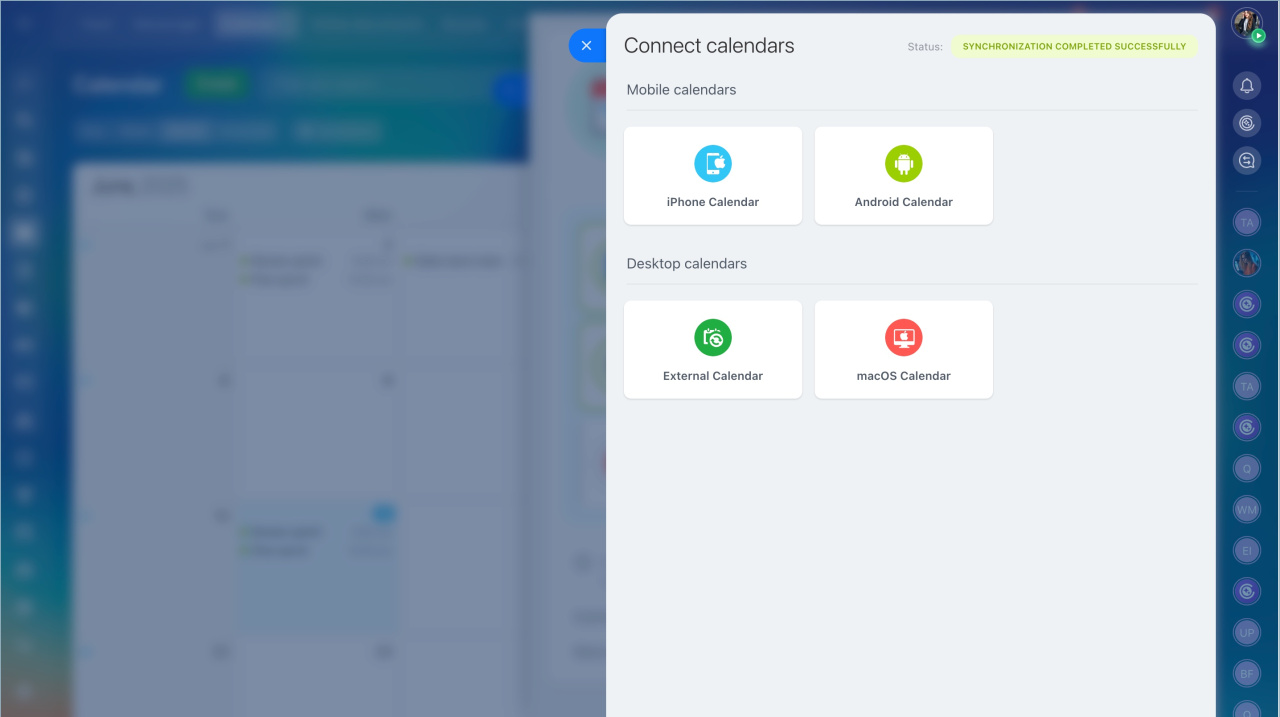
Mobile and desktop calendars are also available for synchronization. Click Connect other calendars.
In brief
- You can synchronize your Bitrix24 calendar with such services as Google, Microsoft or iCloud.
- Go to the Calendar section. Click the Synchronize button.
- Mobile and desktop calendars are also available for synchronization. Click Connect other calendars.