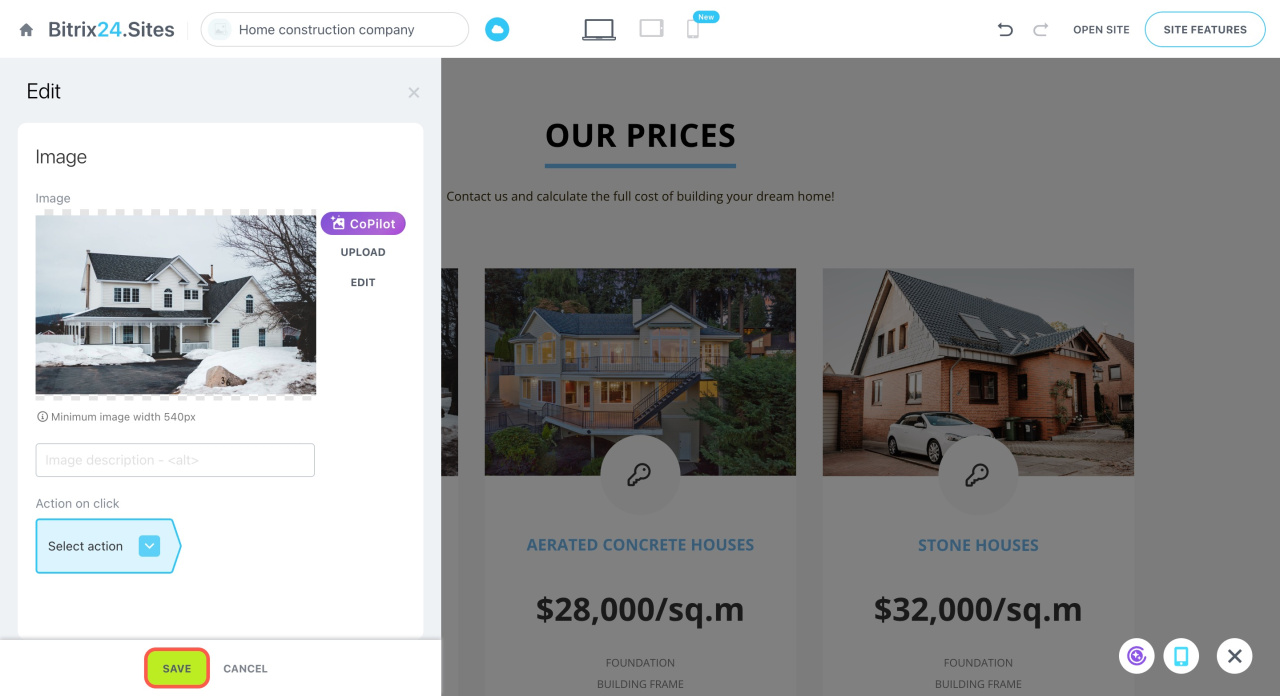
In Bitrix24 Sites, you can edit images using the built-in graphics editor. Use it to crop images, apply filters, and add effects.
To open the editor:
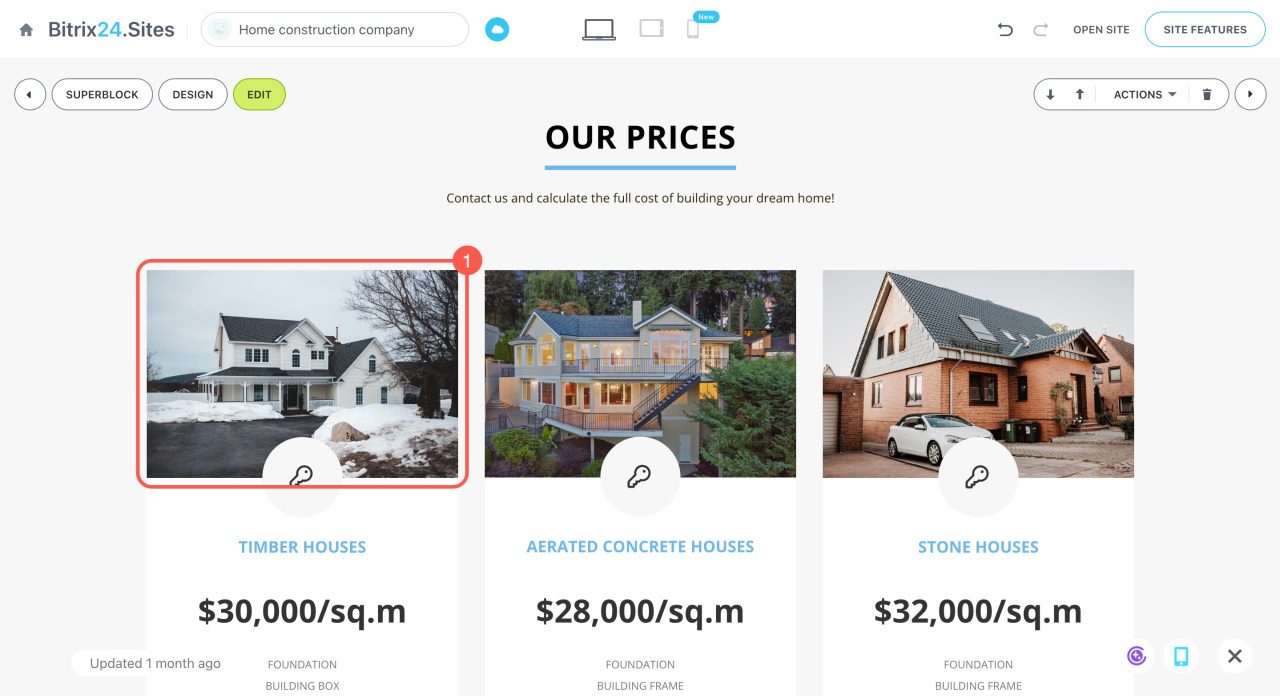
- Click the image in the block.
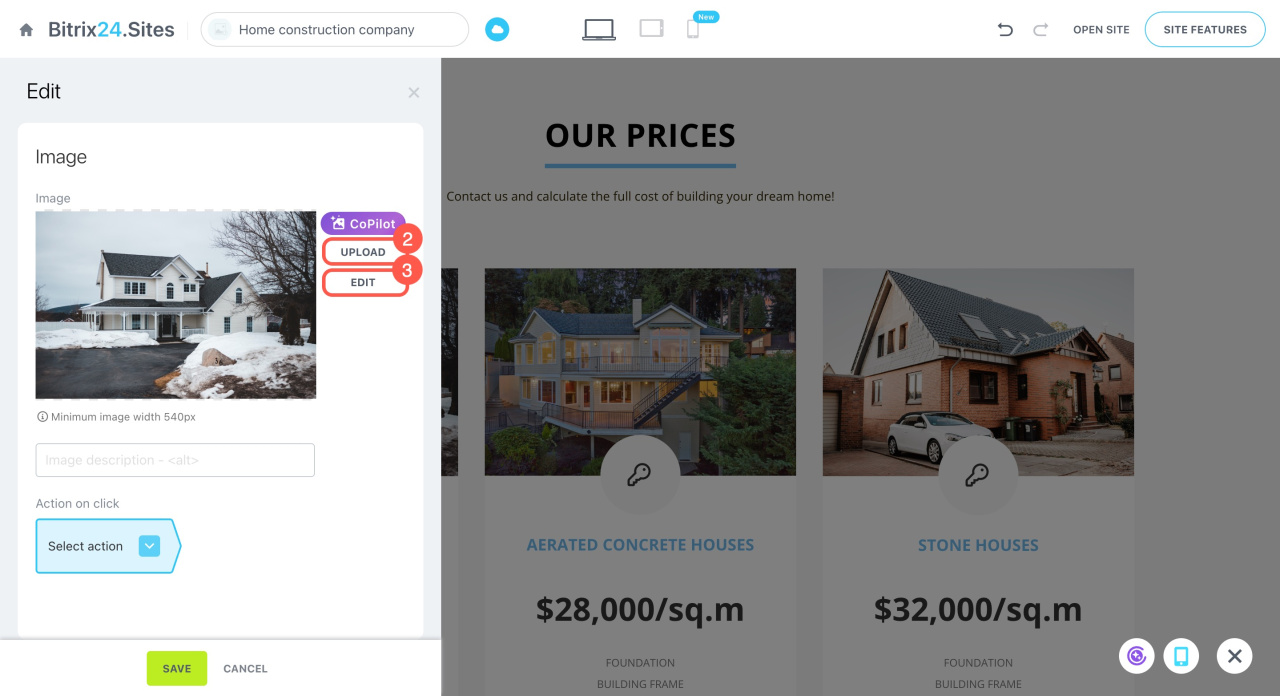
- Upload a new image if needed.
- Click Edit.
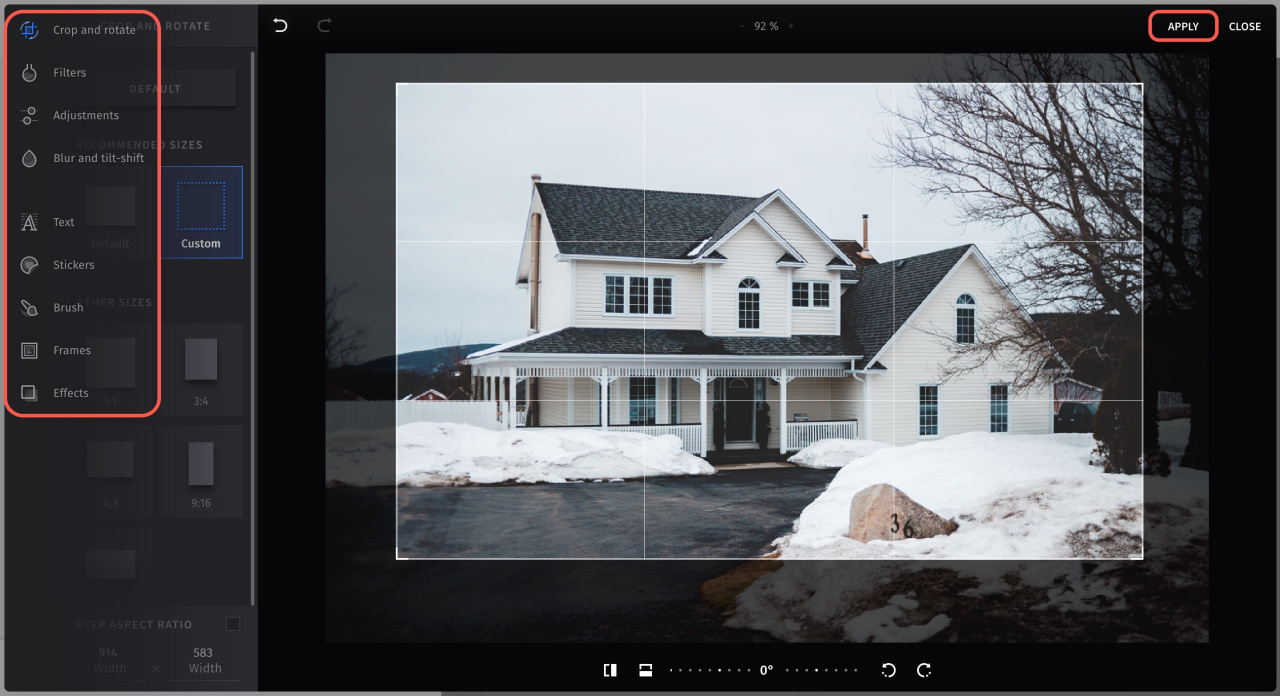
Use the menu on the left to adjust your image:
Crop and rotate. Change the image size or orientation. Use preset options or set custom values.
Filters. Apply a filter and adjust its intensity.
Adjustments. Change brightness, contrast, temperature, and other settings.
Blur and tilt-shift. Add blur or focus on specific areas.
Text. Add text. Customize font, size, and color.
Stickers. Add stickers to your image.
Brush. Draw on the image. Adjust brush size and color.
Frames. Add a frame around the image.
Effects. Apply visual effects to change the look of the image.
Click Apply at the top right corner to save the changes.
Save the block settings.