If you don’t have time to read a post in the Feed, you can pin it or add it to your favorites and come back to it later.
Pin posts in the Feed
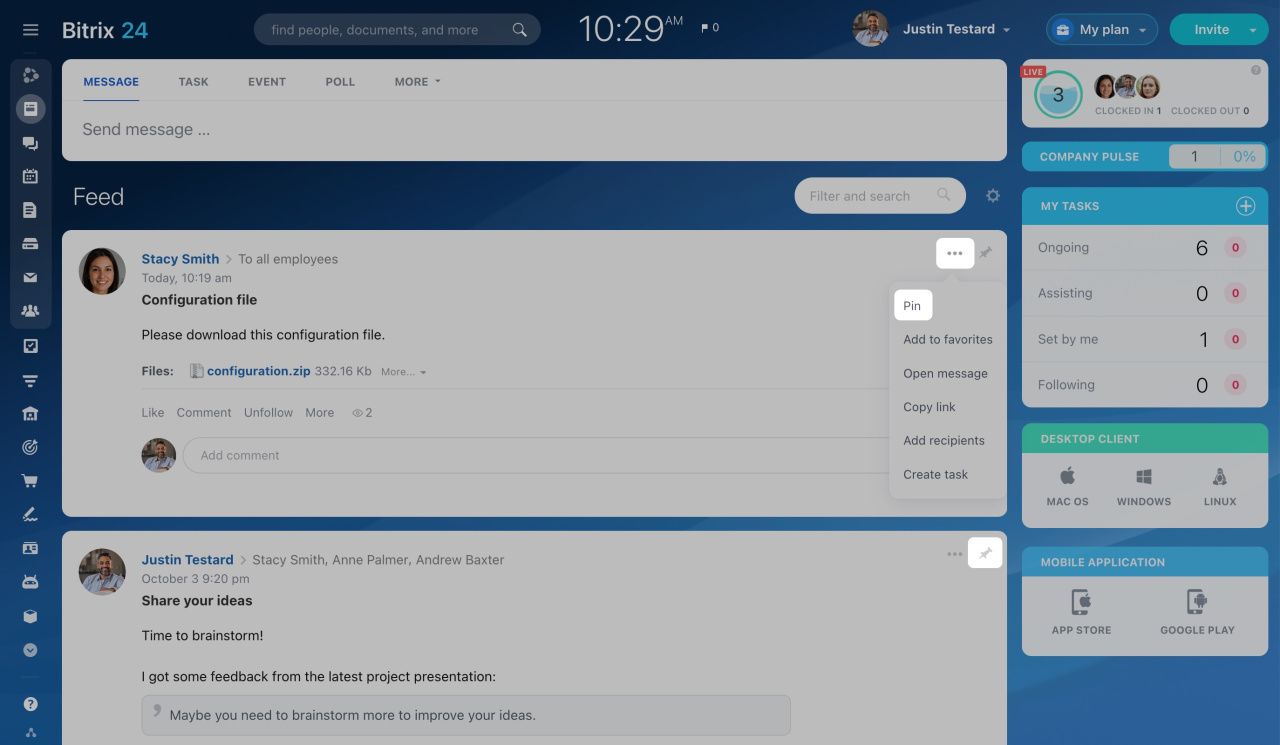
To pin a post, click Pin. You can also click the three dots (...) and select Pin.
Use the controls above the pinned section to expand or collapse pinned posts.
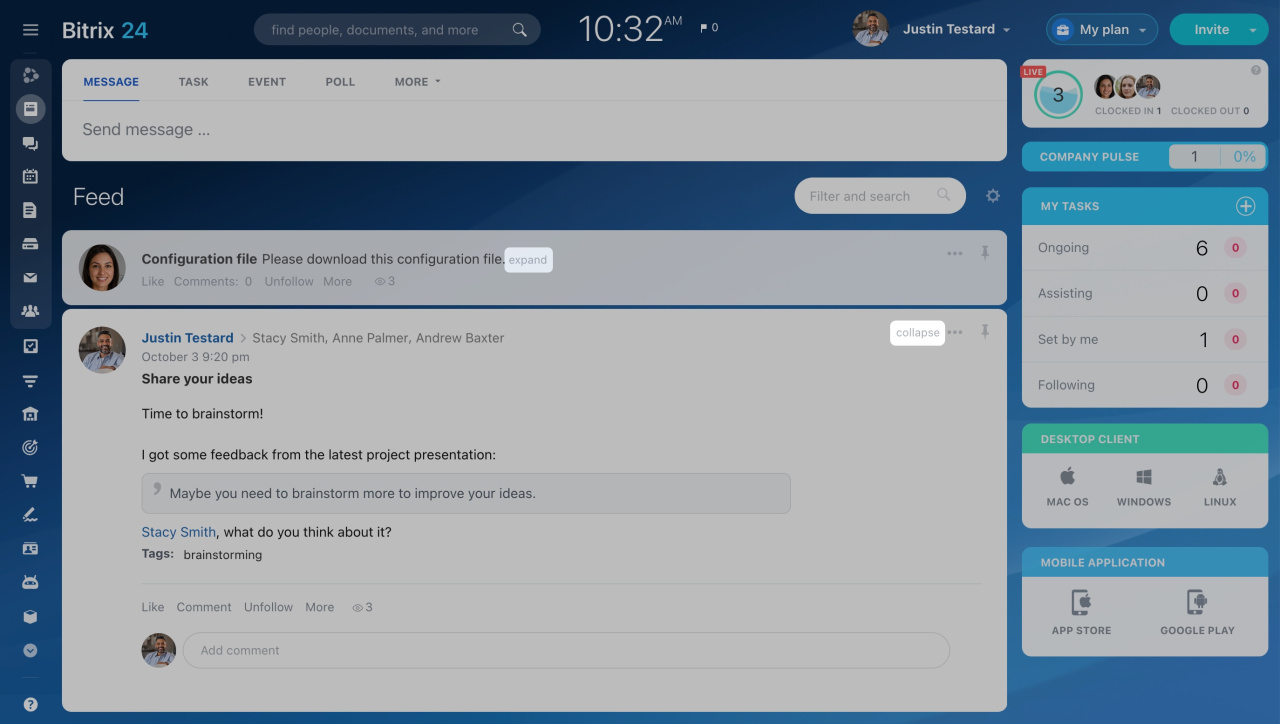
You can pin as many posts as you want. Posts appear in the order you pinned them.
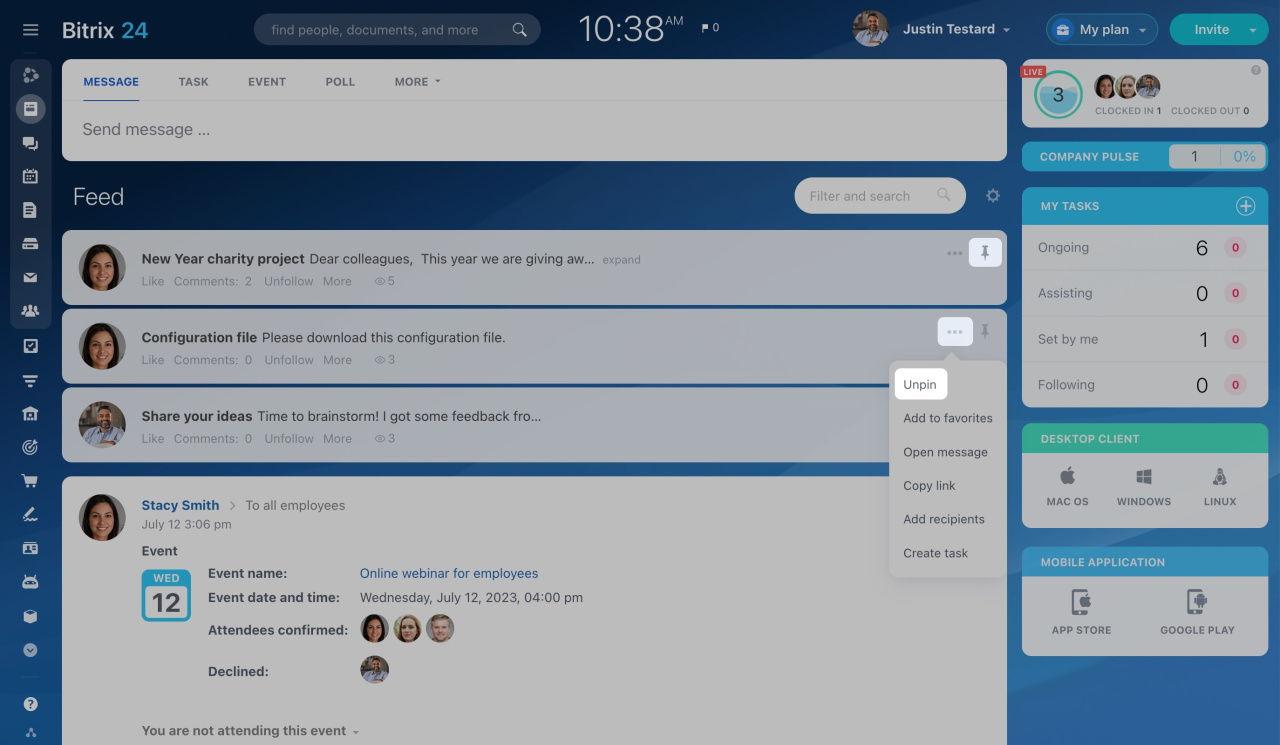
If you pin more than two posts, they automatically collapse into a single section to save space in the Feed.
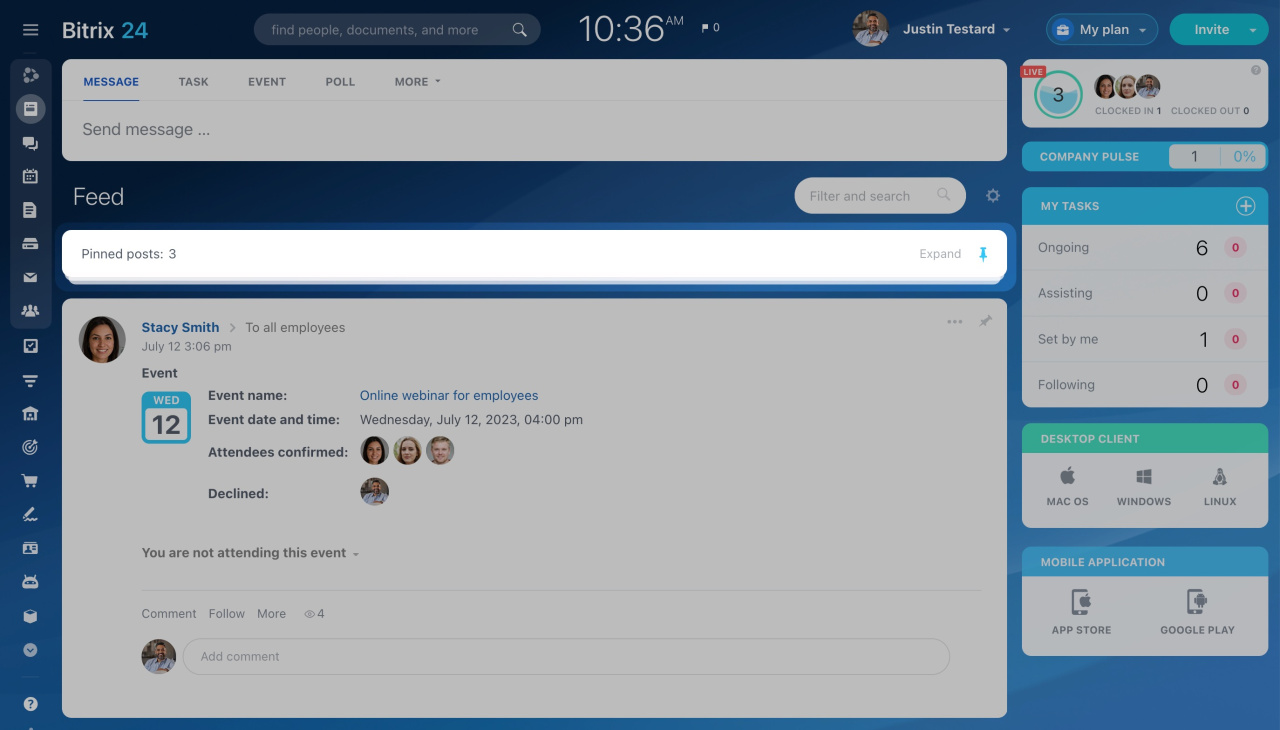
To remove a pinned post, click Pin again. Or click the three dots (...) and select Unpin.
Add posts to favorites
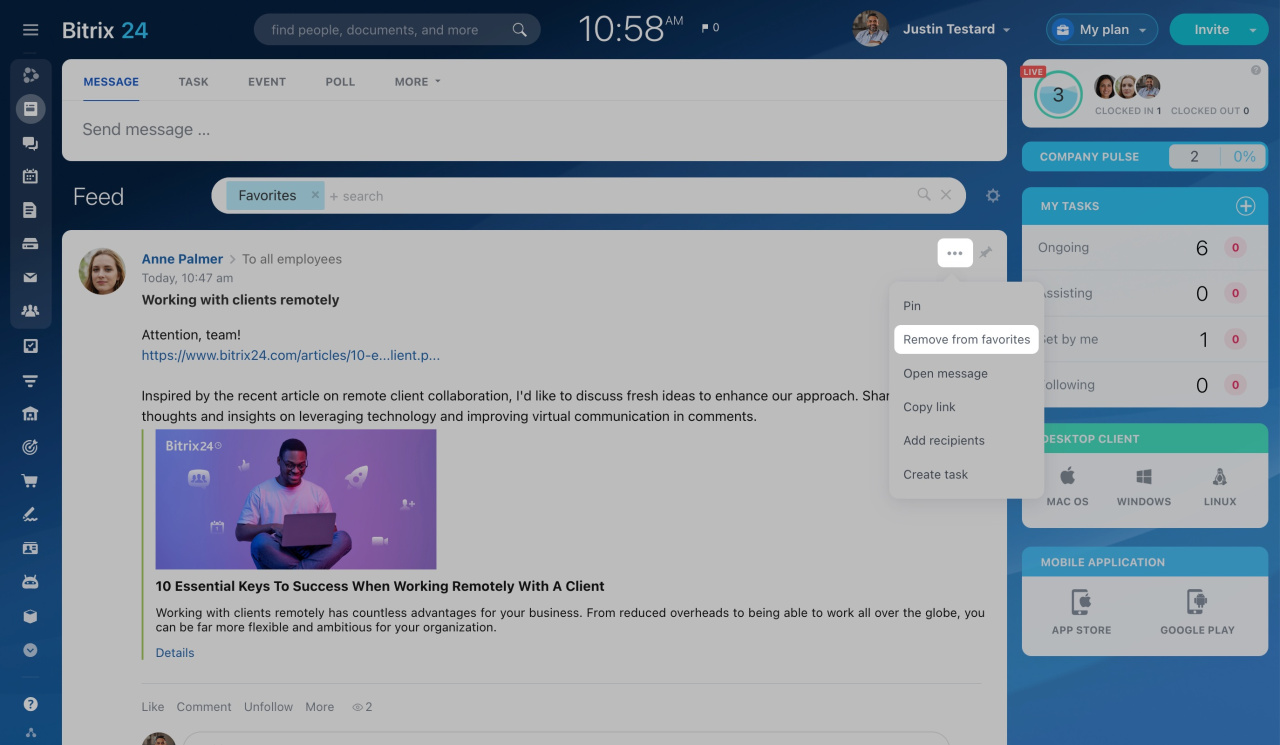
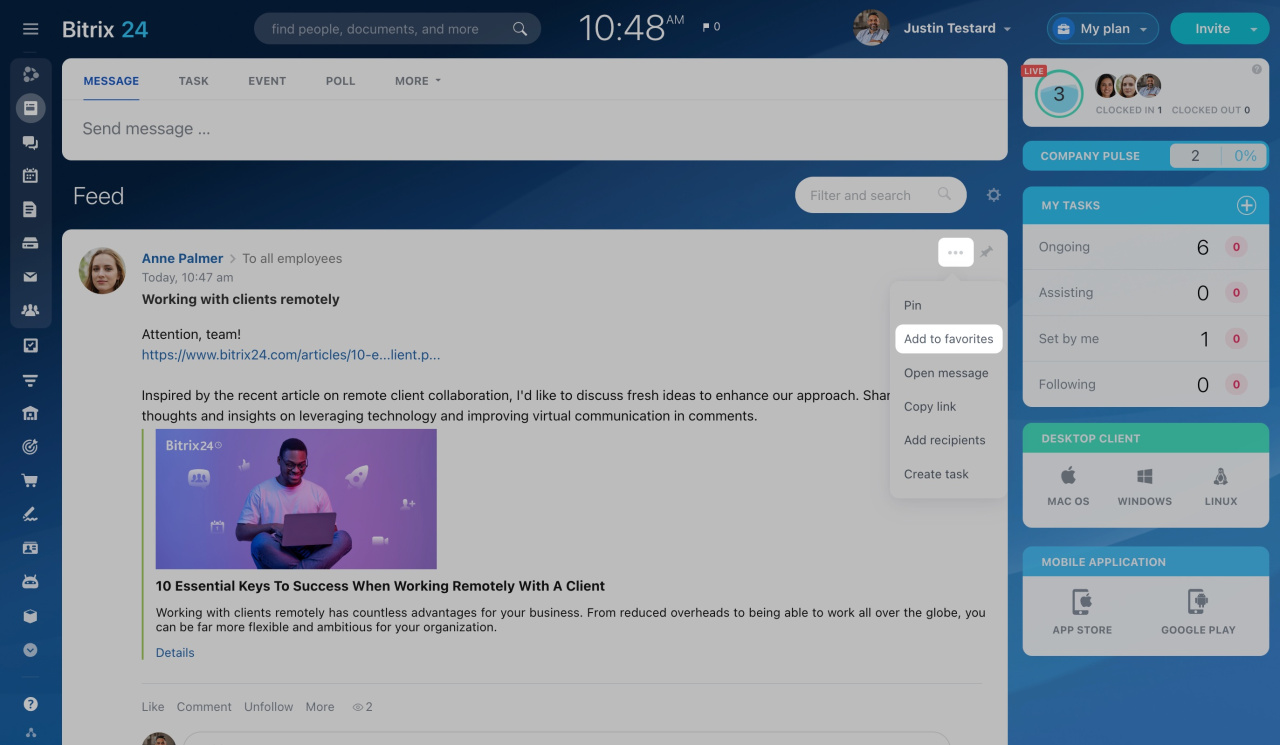
To save an important post, click the three dots (...) and select Add to favorites.
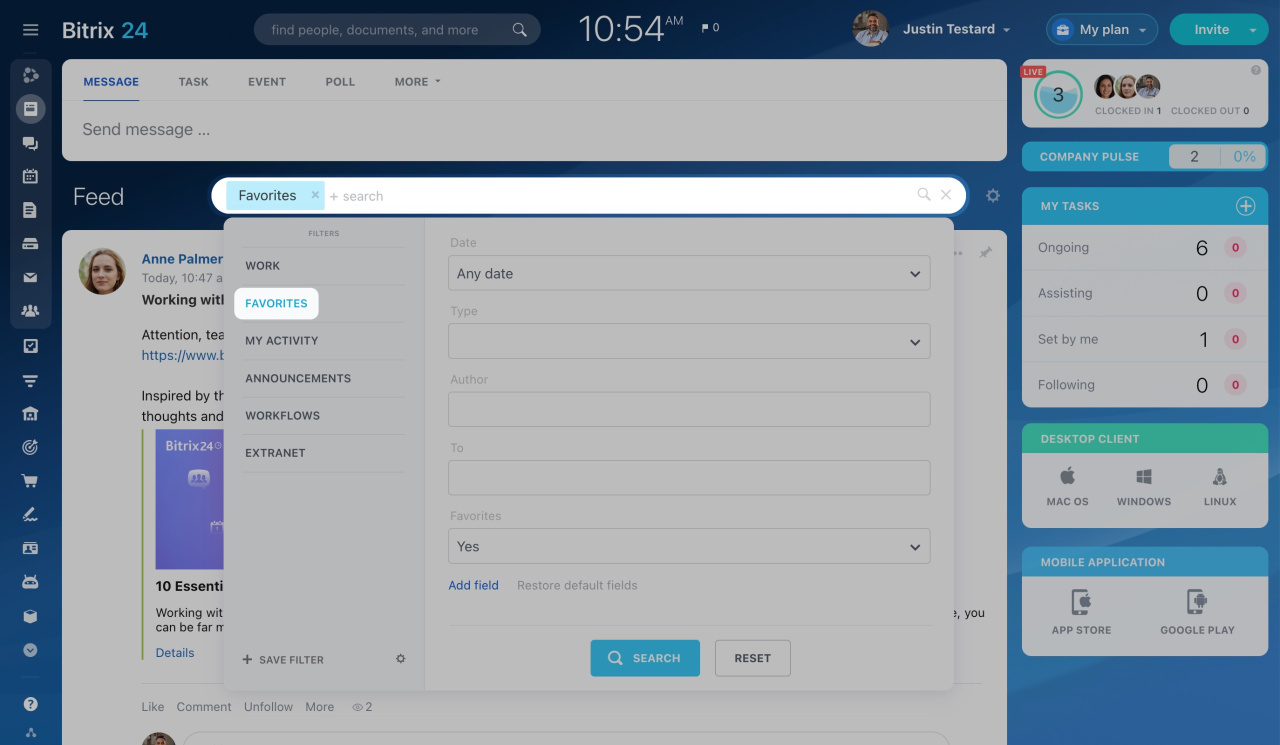
To view all favorite posts, apply the Favorites filter in the Feed.
To remove a post from favorites, click the three dots (...) and select Remove from favorites.