After you configure the list fields, you can add new items and sections.
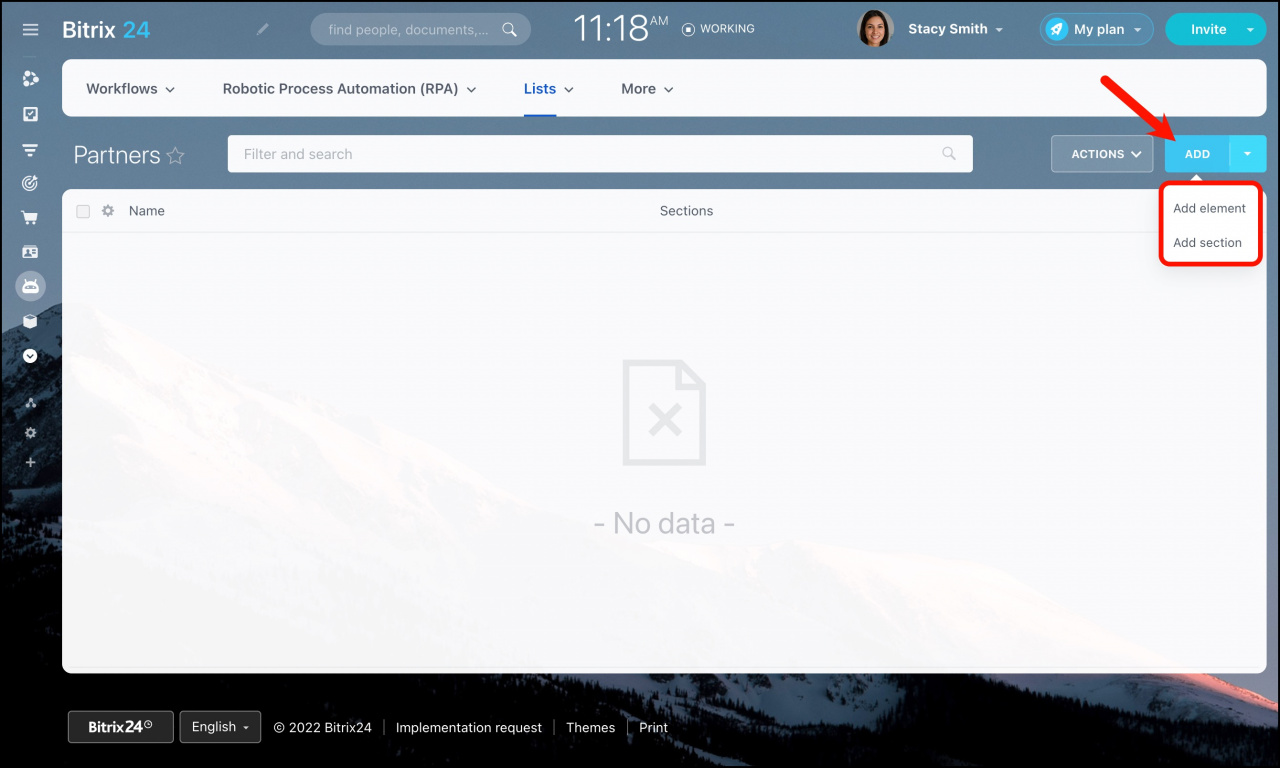
Open the list, click Add, and choose one of these options:
- Add element
- Add section
Add sections
Sections work like folders for list items.
To create a section:
- Click Add section.
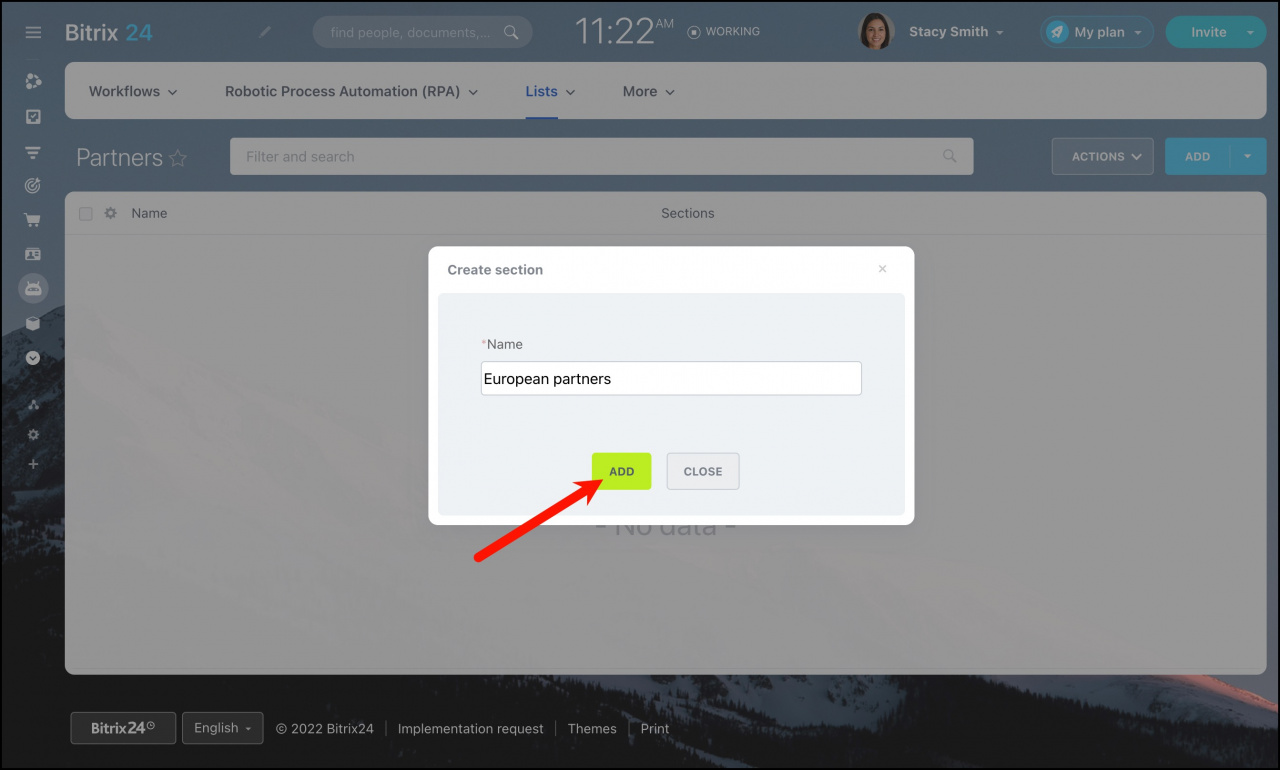
- Enter a section name.
- Click Add.
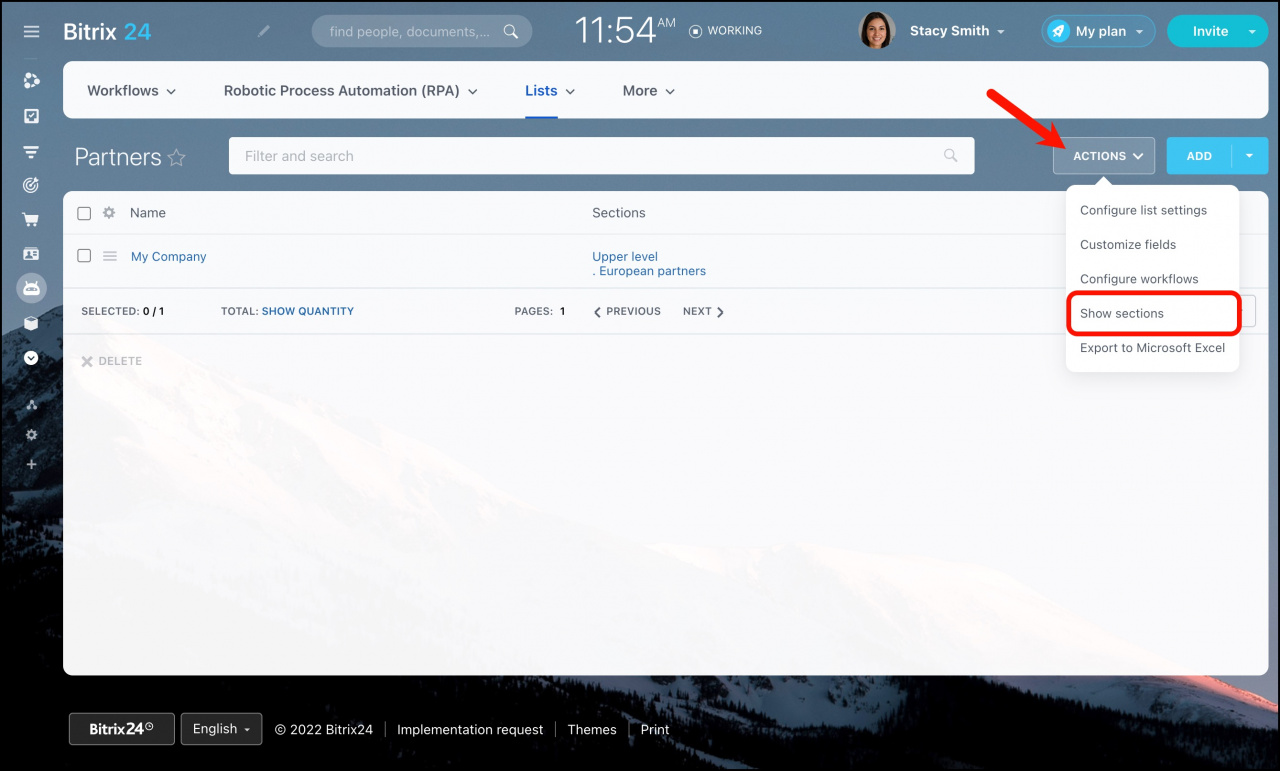
To group items by section, open the actions menu and enable Show sections.
Add elements
To create a new list item:
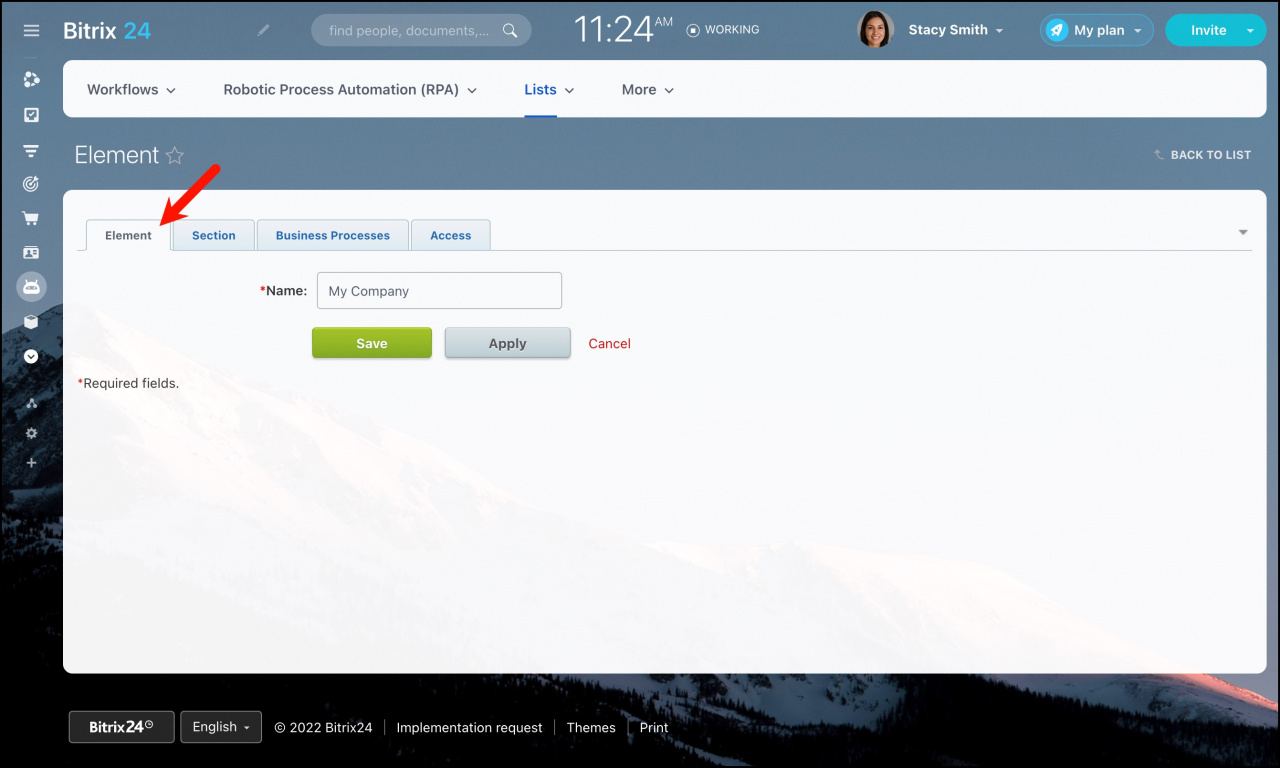
- Click Add element.
- Fill in the fields configured for the list.
For more information, see Customize list fields.
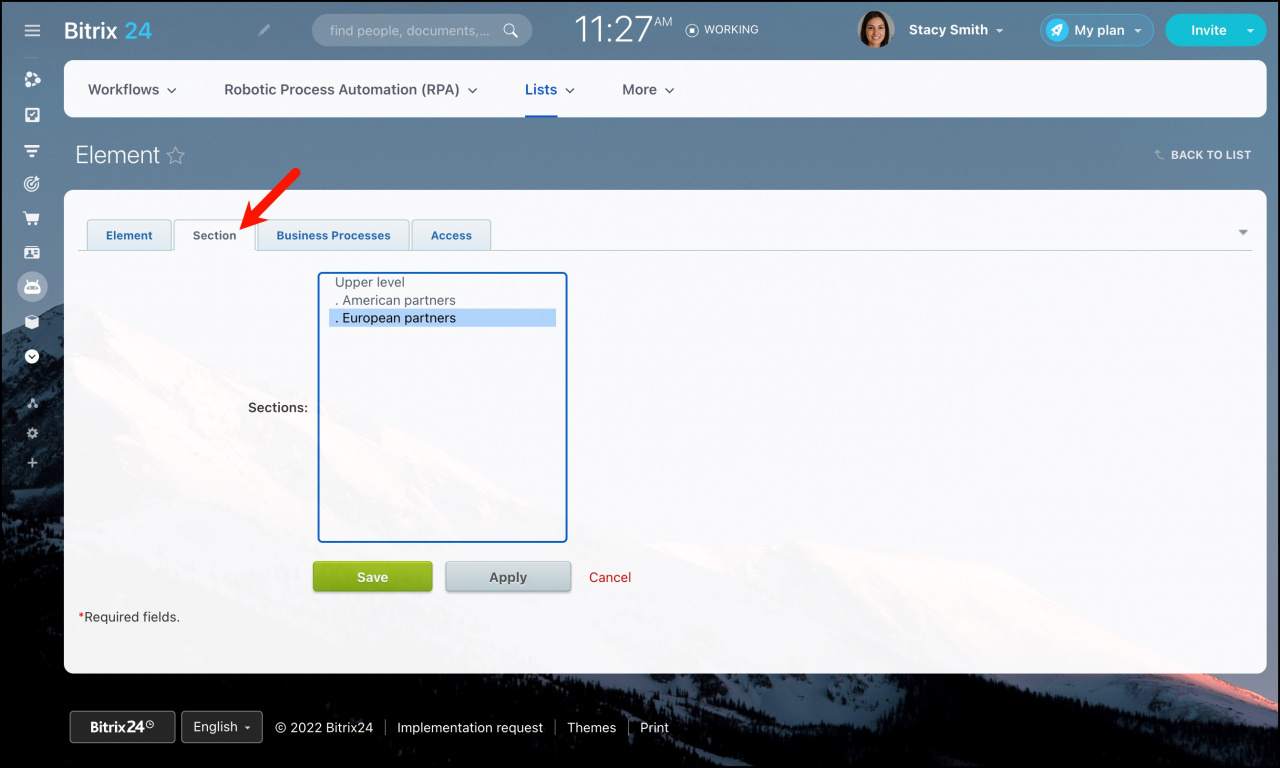
To place an item in a section, open the Sections tab and select the section you want.
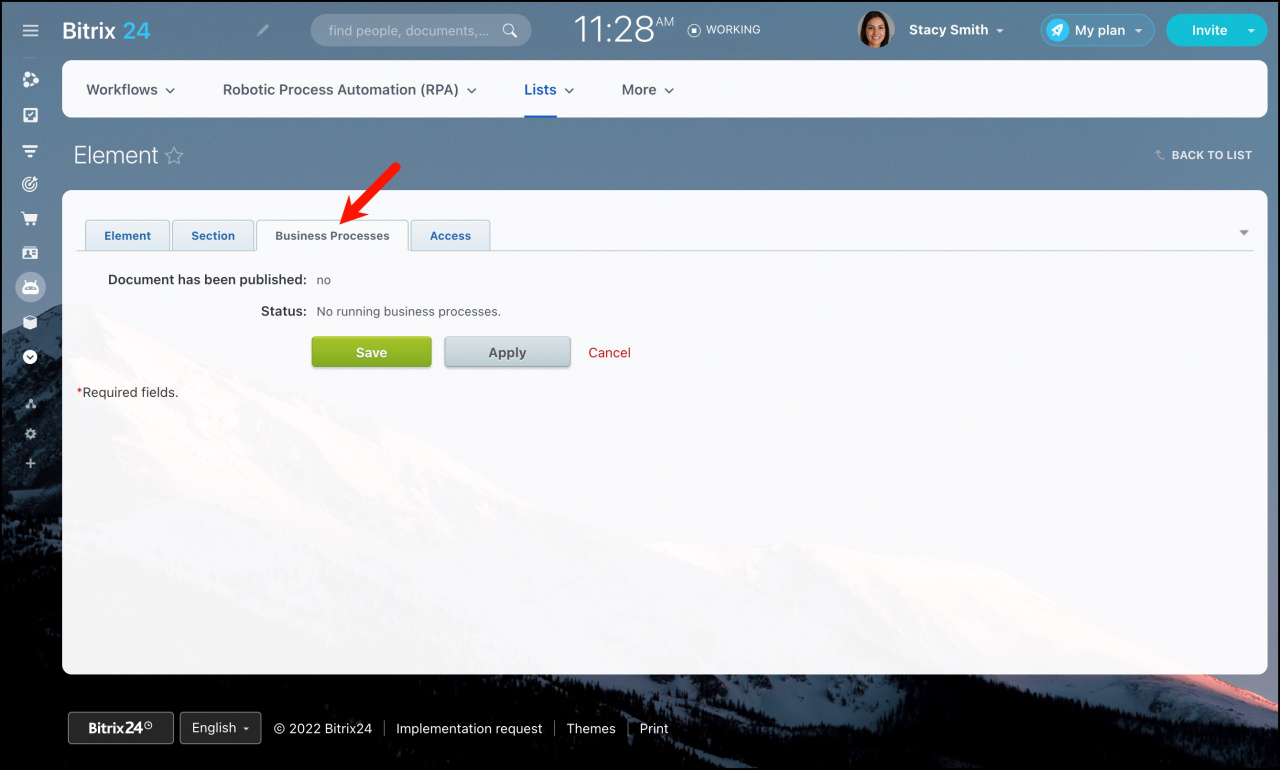
Open the Business processes tab to view workflows currently running for the item.
You cannot run more than two workflows for the same item at the same time. For more information, see Workflow initialization limit in CRM.
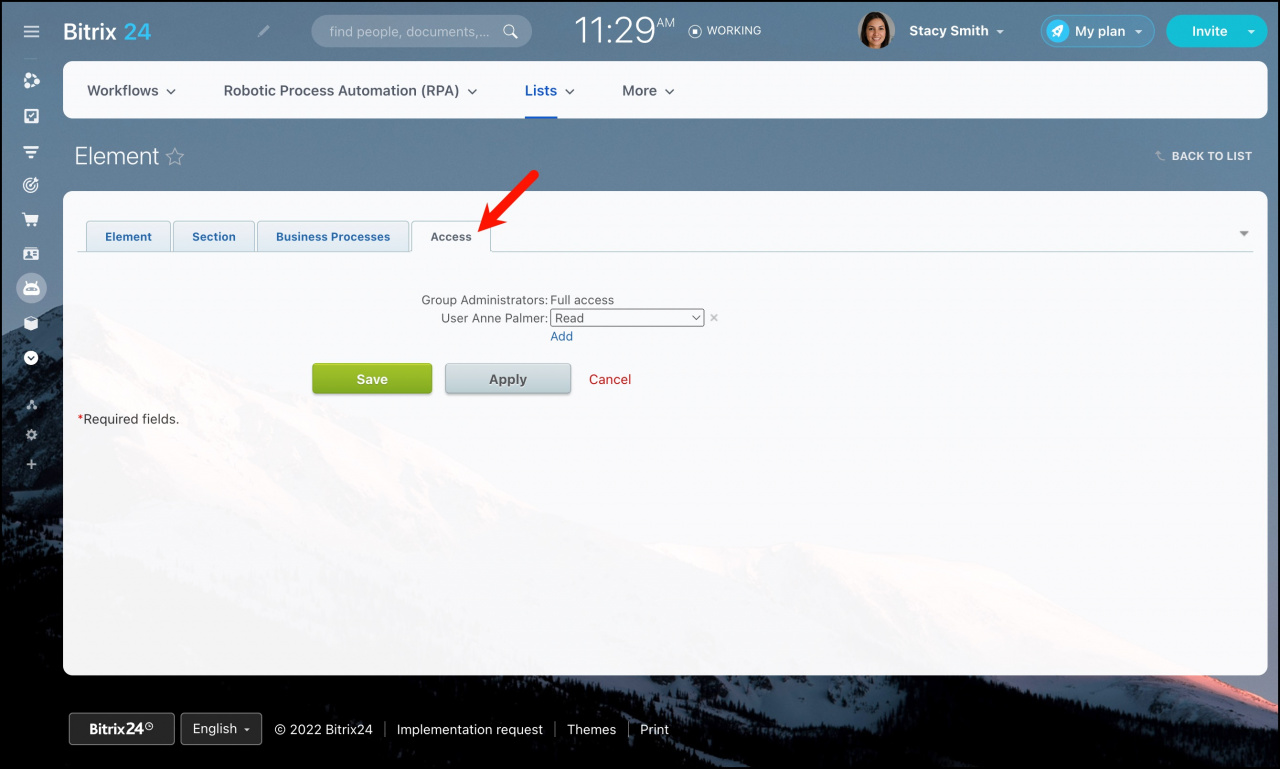
You can configure access permissions for each item individually.
By default, items inherit the same permissions as the list. You can also add extra permissions for specific users or groups.