
You can connect your online store to Sales Intelligence, even if you did not build it in Bitrix24. After you connect it, customer orders appear in the Customer journey field and in Bitrix24 reports.
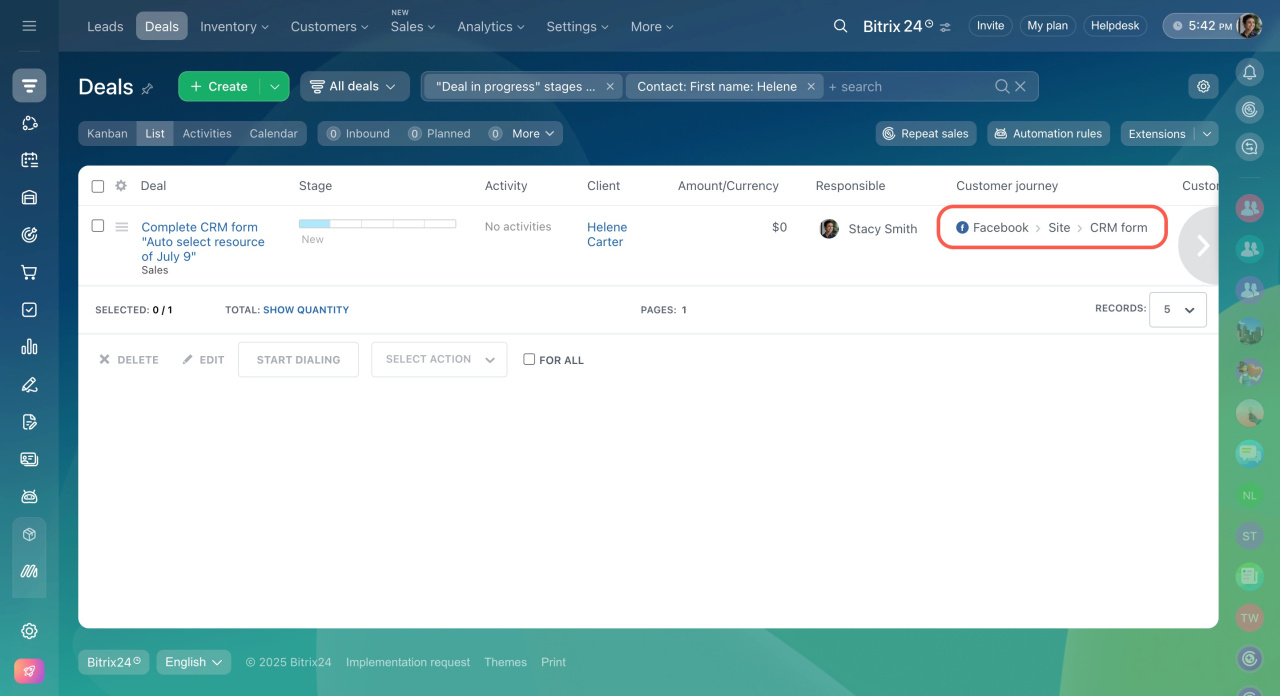
You can process online store orders in two ways:
-
Manual: Add order details to deals yourself.
-
Automatic: Send order data to deals using the REST API.
First, connect your online store to Bitrix24 in the Own site section.
Swap email addresses or phone numbers on the website
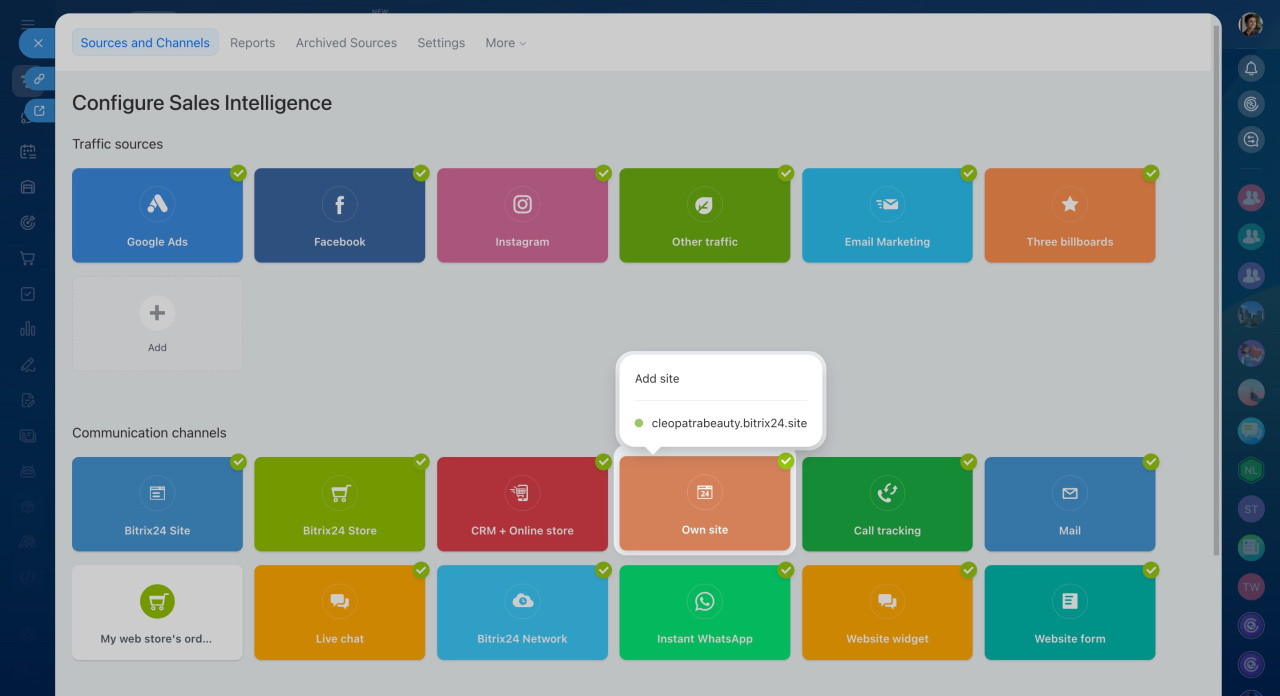
Then follow these steps:
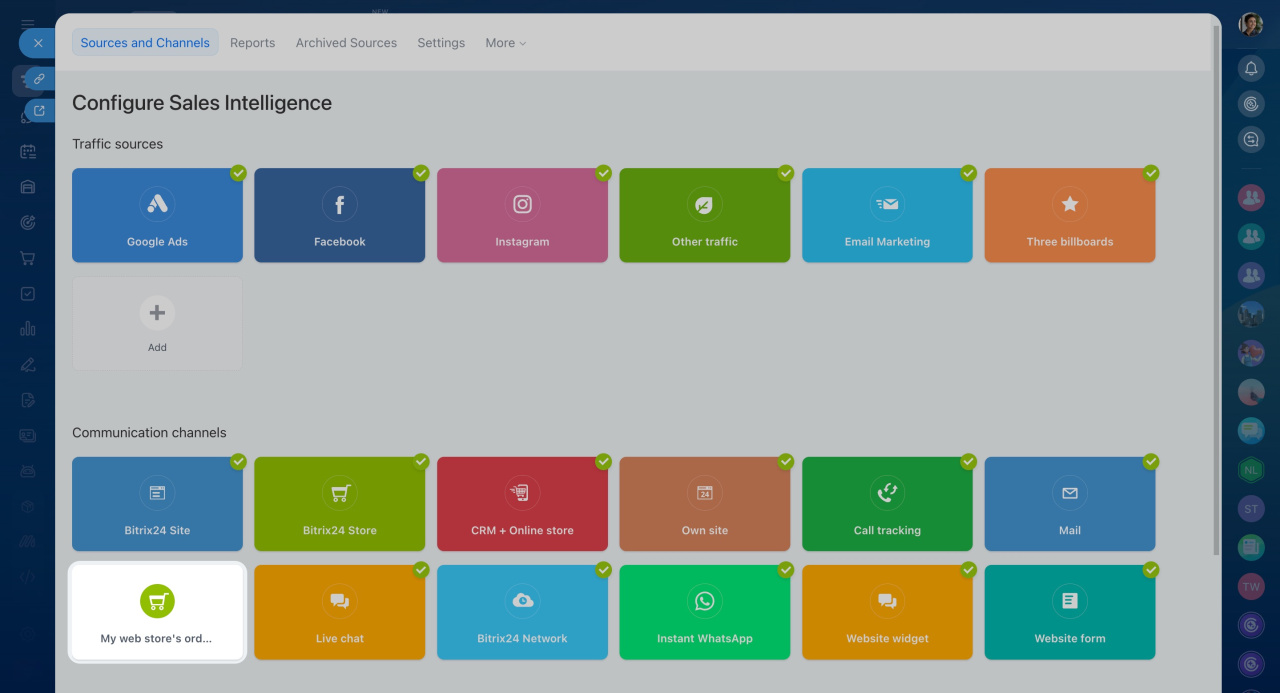
- Go to Sales Intelligence.
- Click My web store's orders.
- Select the deal field that stores the order ID.
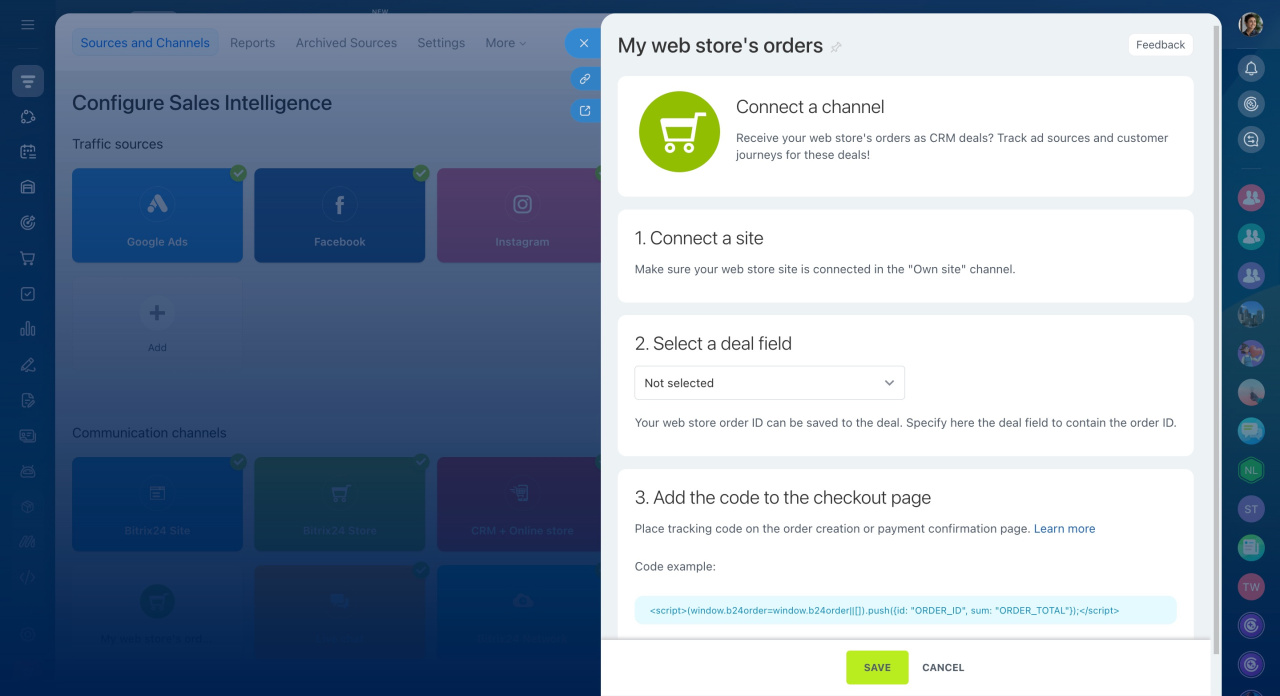
Add this code to your order creation or payment confirmation page:
<script>(window.b24order = window.b24order || []).push({
	id: "ORDER_ID",
	sum: "ORDER_TOTAL"
});</script>
Replace ORDER_ID and ORDER_TOTAL with dynamic values from your store.
In brief
-
Connect any online store to Sales Intelligence, even if it is external to Bitrix24.
-
Process orders manually or send them automatically through the REST API.
-
Make sure deals include an Order ID field and add the tracking code to your order pages.