
The first administrator is the user who created your Bitrix24 account. This user receives system emails about plan renewals, webinars, promotions, and other updates.
If the first administrator leaves your company, they must assign administrator permissions to another user.
Each user in your account has a unique ID. By default, the first administrator has ID 1. When you assign a new administrator, their ID stays the same.
The steps to change the first administrator depend on your plan.
Free plan
You can change the first administrator only on paid plans. If you are on the Free plan, upgrade to a paid plan first. After you make the change, you can switch back to the Free plan if needed.
Bitrix24 plans and pricing
Basic plan
This plan is not available in some regions.
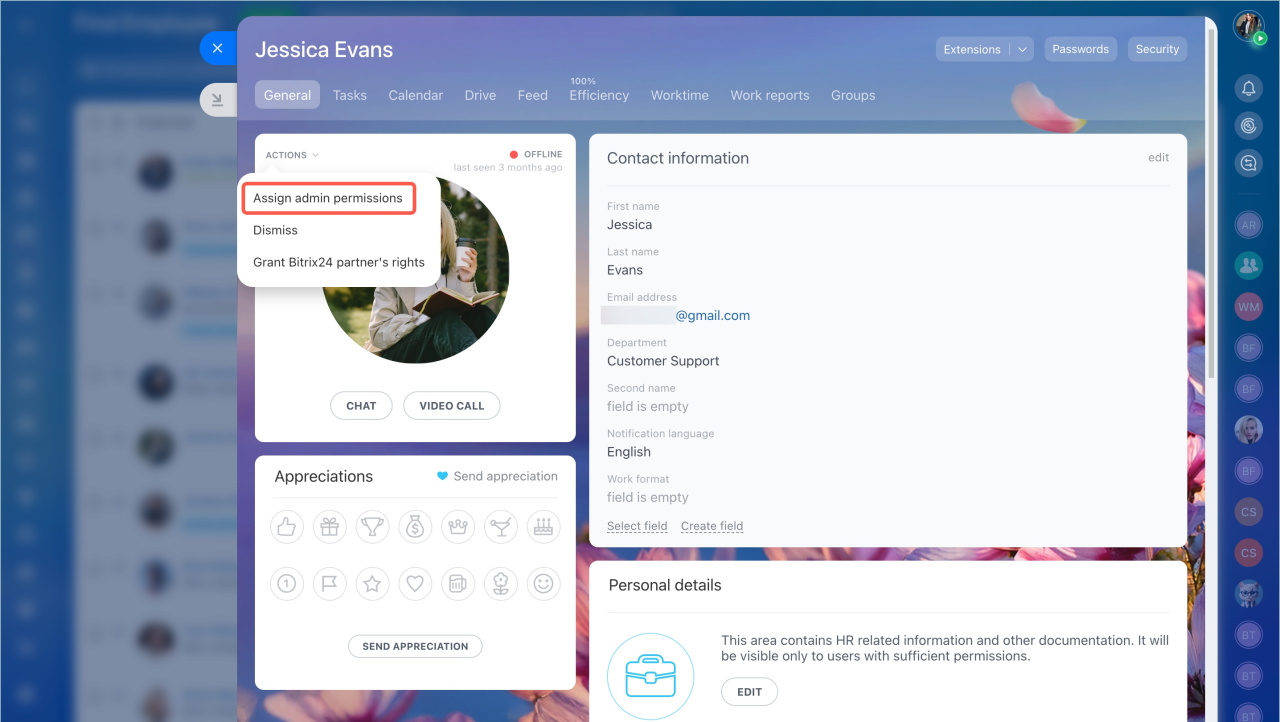
- Select the employee who will become an administrator.
- Open the user profile and click Actions > Assign admin permissions.
Standard, Professional, and Enterprise plans
On these plans, you can assign a second administrator. This user can later become the first administrator.
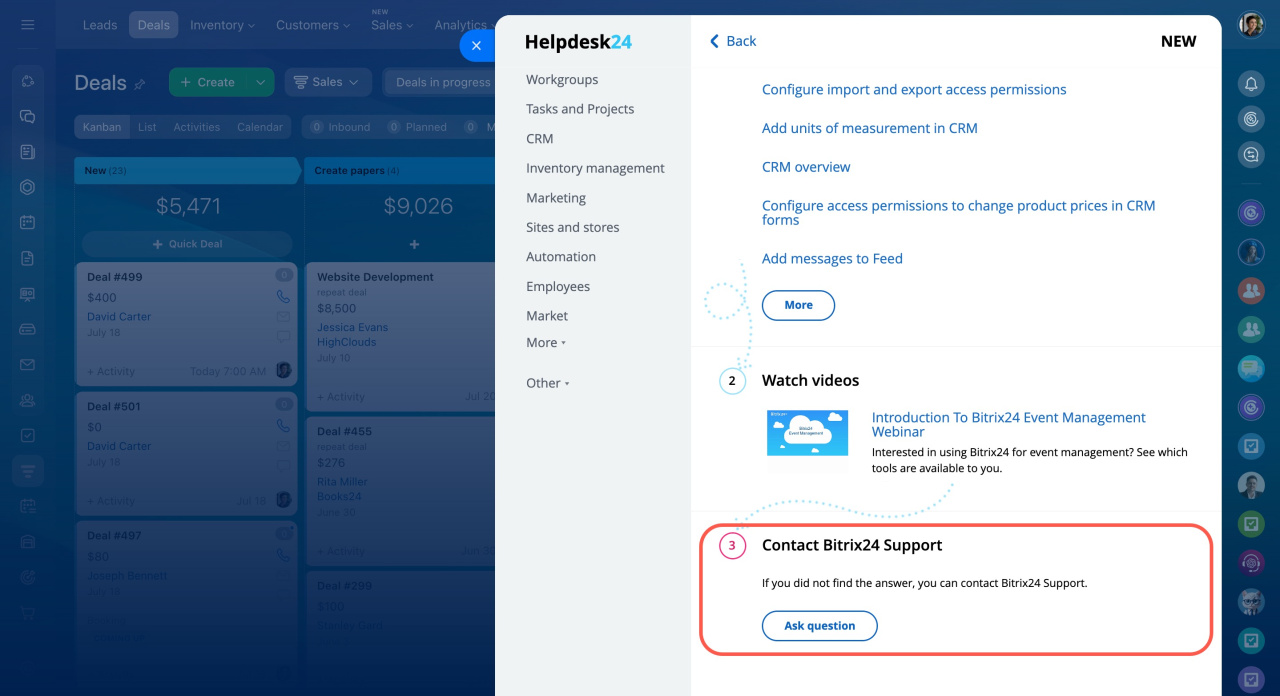
- Contact Bitrix24 Support as the current administrator.
- Provide the details of the user you want to assign as the second administrator.
After you assign administrator permissions, remove them from the original administrator and dismiss the employee if needed.
Dismiss users