
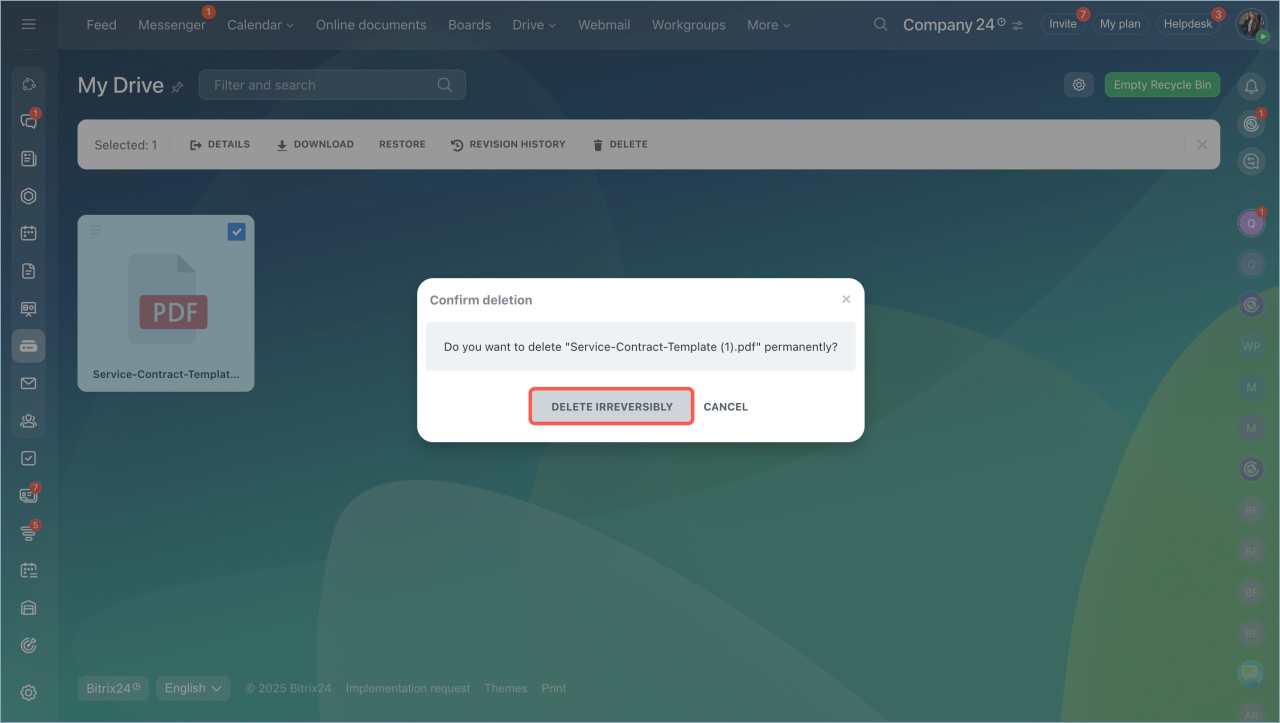
When you delete a file in Drive, you can either remove it permanently or move it to the Recycle Bin. Files in the Recycle Bin stay there for 30 days. You can restore them during this time.
Access and permissions
Each user has a personal Drive and access to the company Drive.
- You manage your personal Drive on your own.
- You can add, edit, and delete your own files in the company Drive.
- To delete files created by others, you need the right permissions.
Bitrix24 administrators set access permissions and can view both personal and company Drives.
Manage deleted files
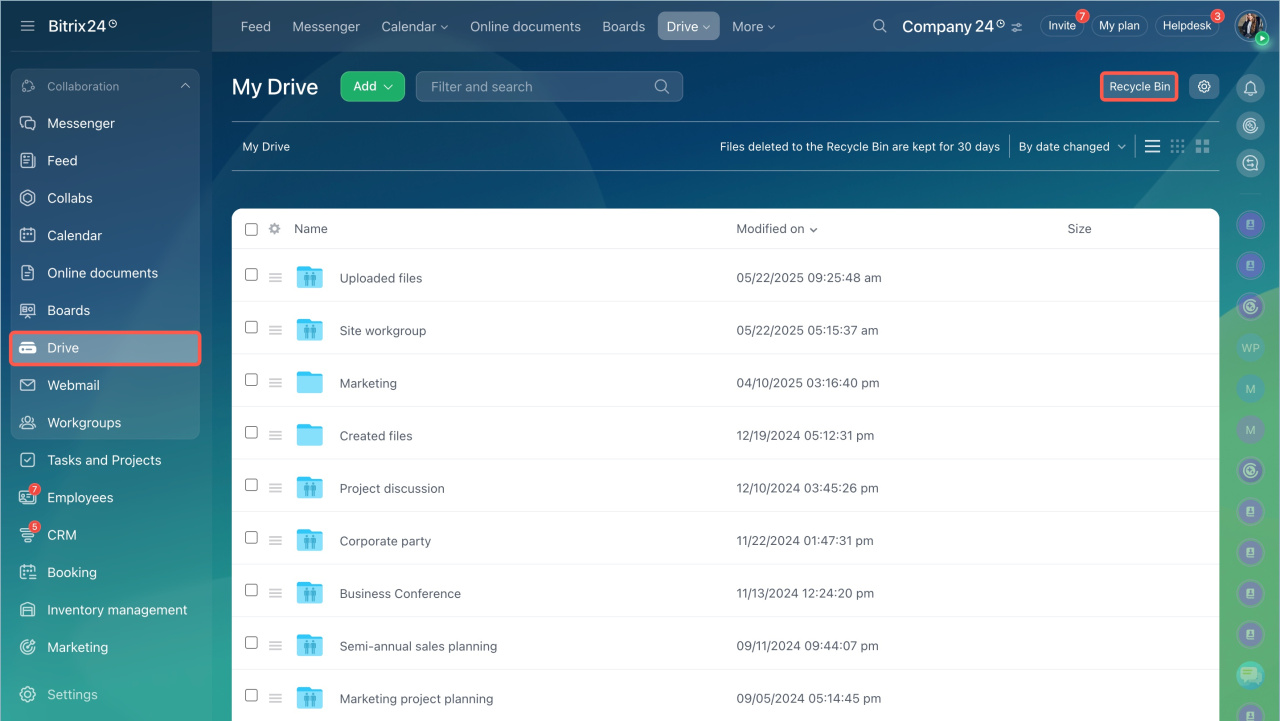
- Go to Drive > Recycle Bin.
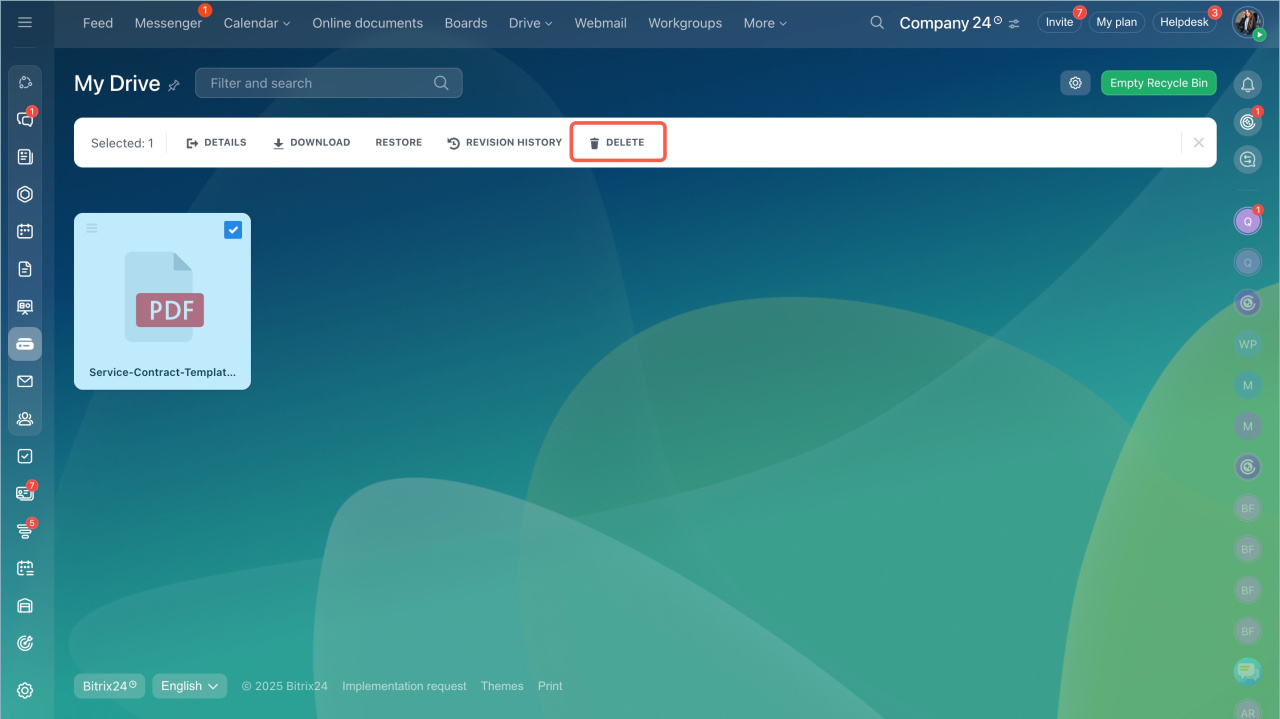
- Select a file.
- Check the box next to it to see available actions.
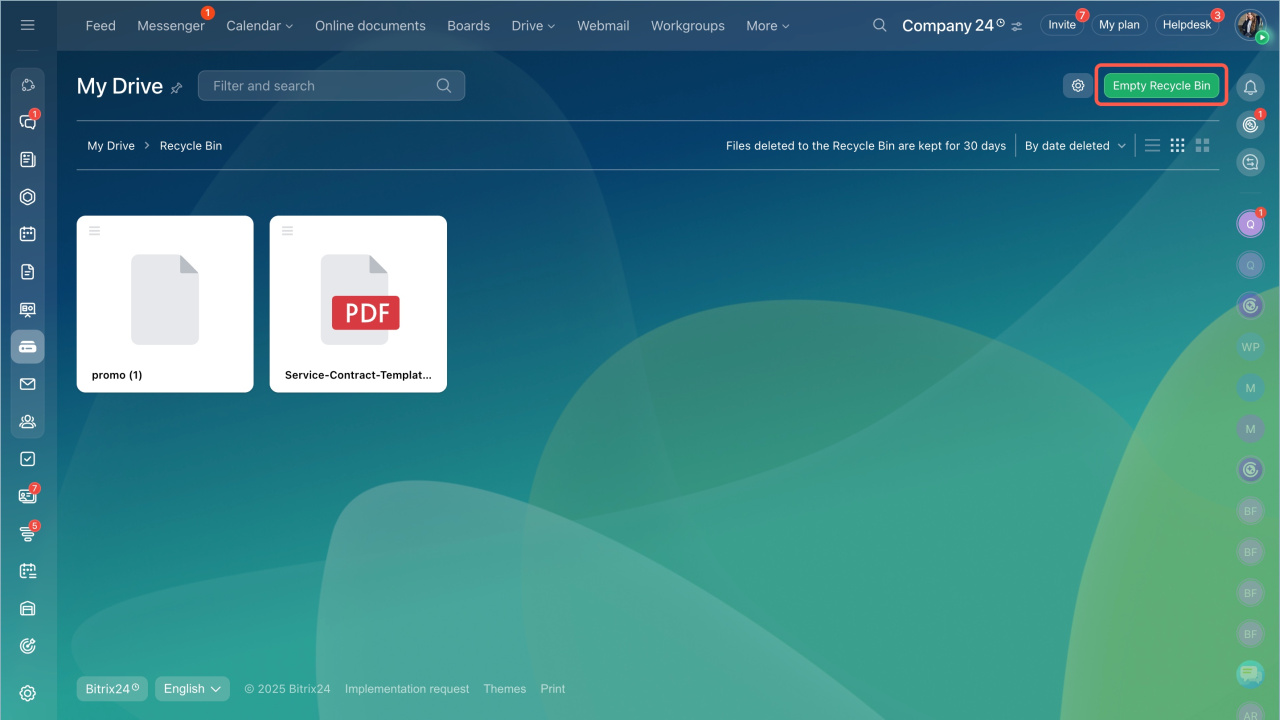
To permanently delete all files in the Recycle Bin, click Empty Recycle Bin.
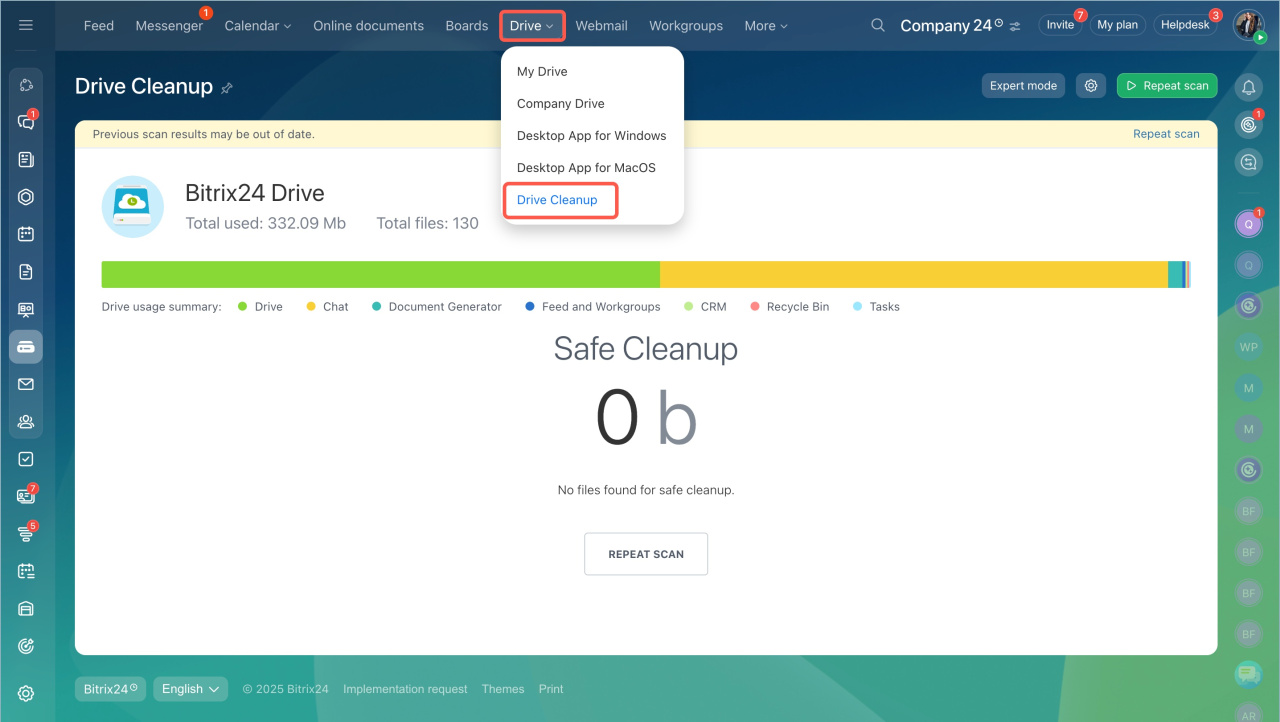
You can also remove files using the Drive Cleanup tool. It scans your Drive and suggests files you can safely delete.
Restore files
To restore a file or folder, select it and click Restore.

- When you delete a file, you can move it to the Recycle Bin or delete it permanently.
- Files stay in the Recycle Bin for 30 days and can be restored.
- You can manage your own files in the company Drive. To delete other files, you need permission from an administrator.