
An invoice is the final step when working with a client. At this point, all meetings are complete and all terms are agreed. In Bitrix24, an invoice is a CRM item. You usually create it from a deal or an estimate. Then you send it to the client as a document.
Invoices include standard CRM features such as custom fields, Kanban, history, timeline, and automation rules.
Create an invoice
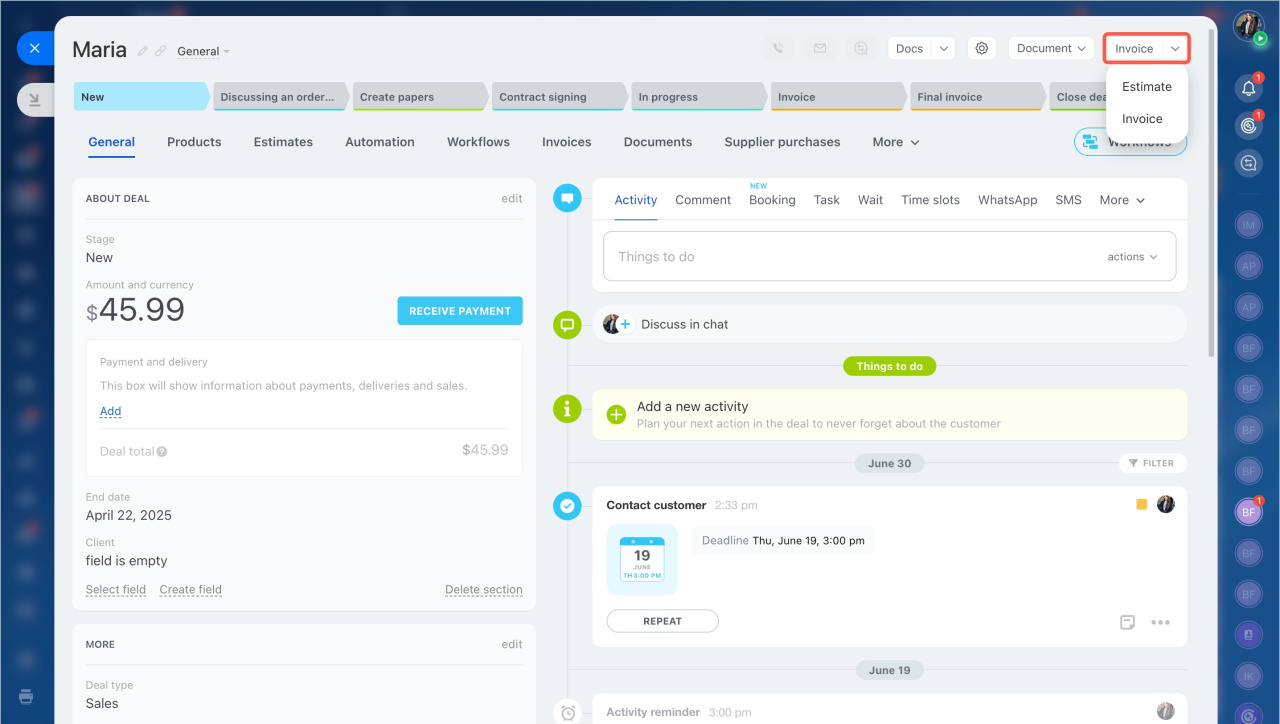
- Open the deal you want to use for the invoice.
- Select Invoice in the top-right corner.
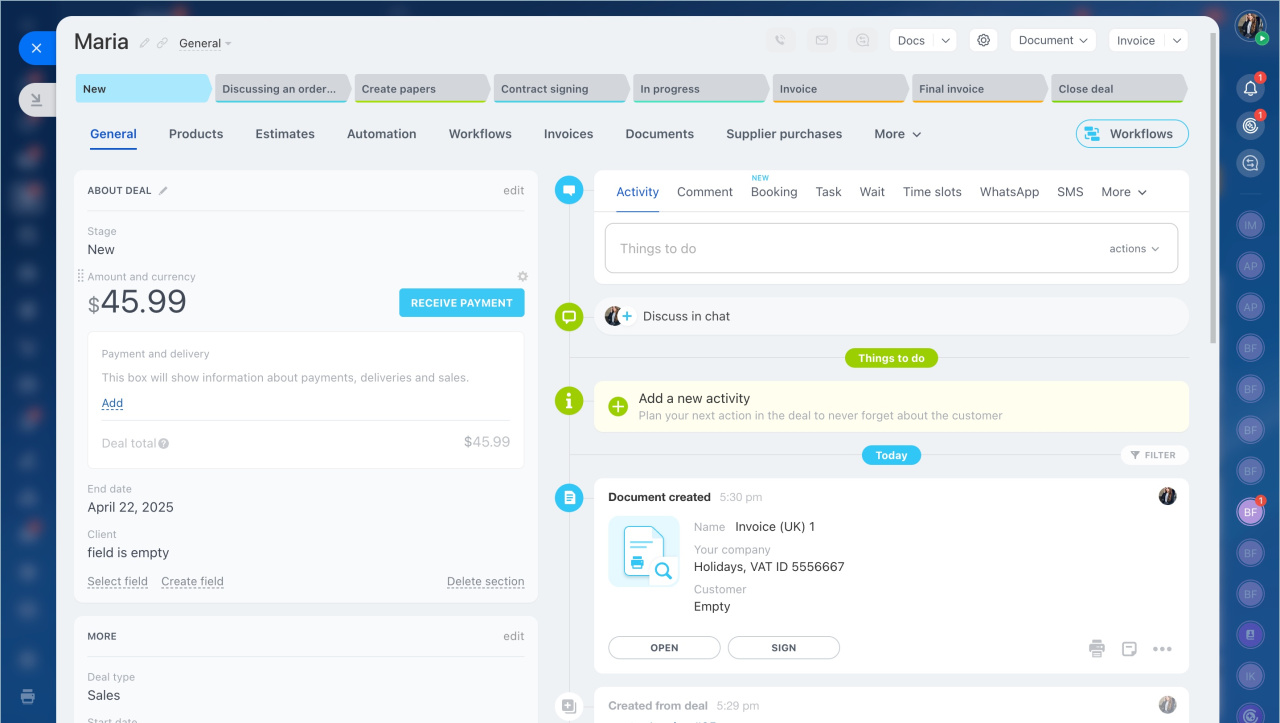
- Choose a template to create the customer document.
The system automatically adds all contact details to the invoice form.
Send an invoice to a customer
To create a document to send to a customer:
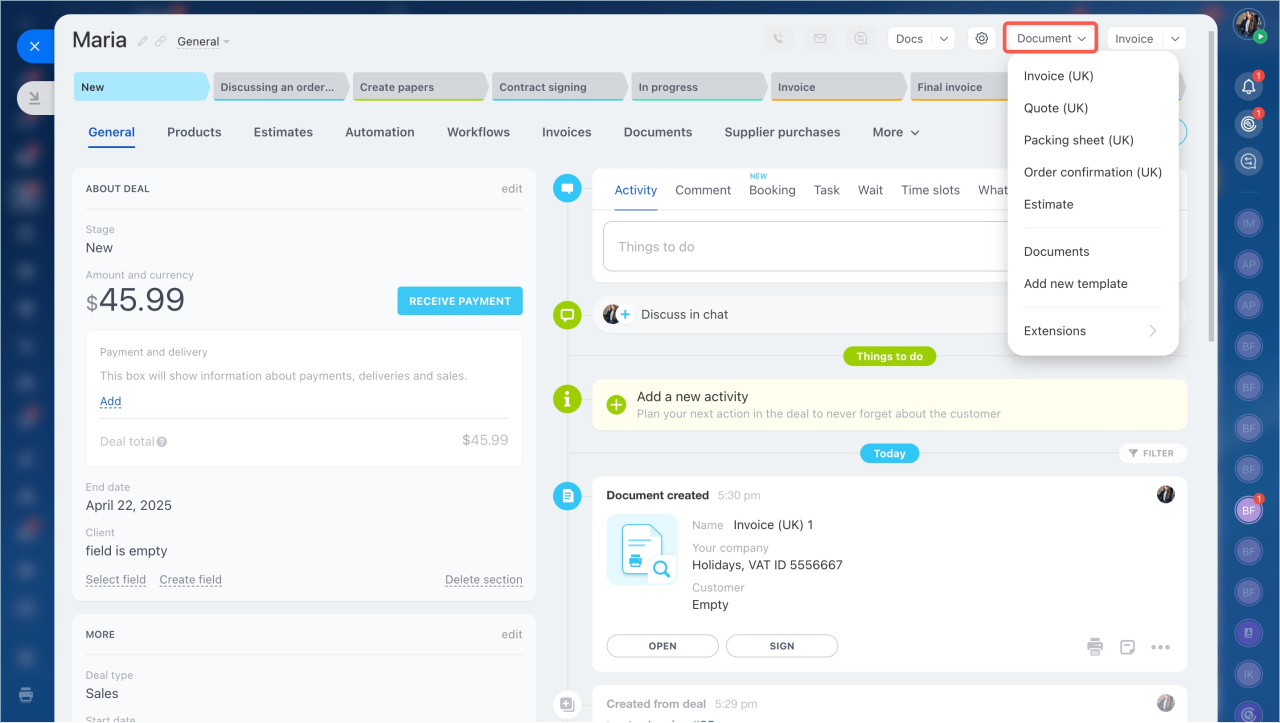
- Click Document in the top-right corner of the form.
- Select a template.
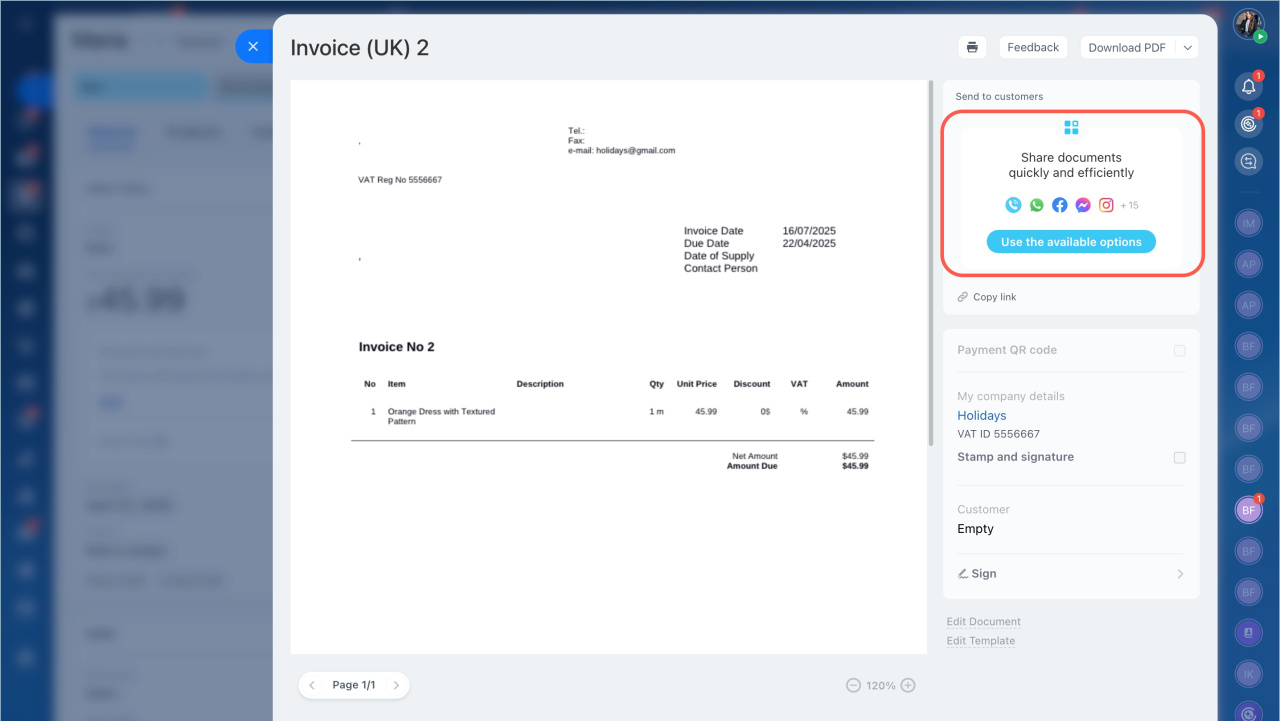
The document is available right away in DOCX format. It may take a few seconds to generate a PDF file.
You can:
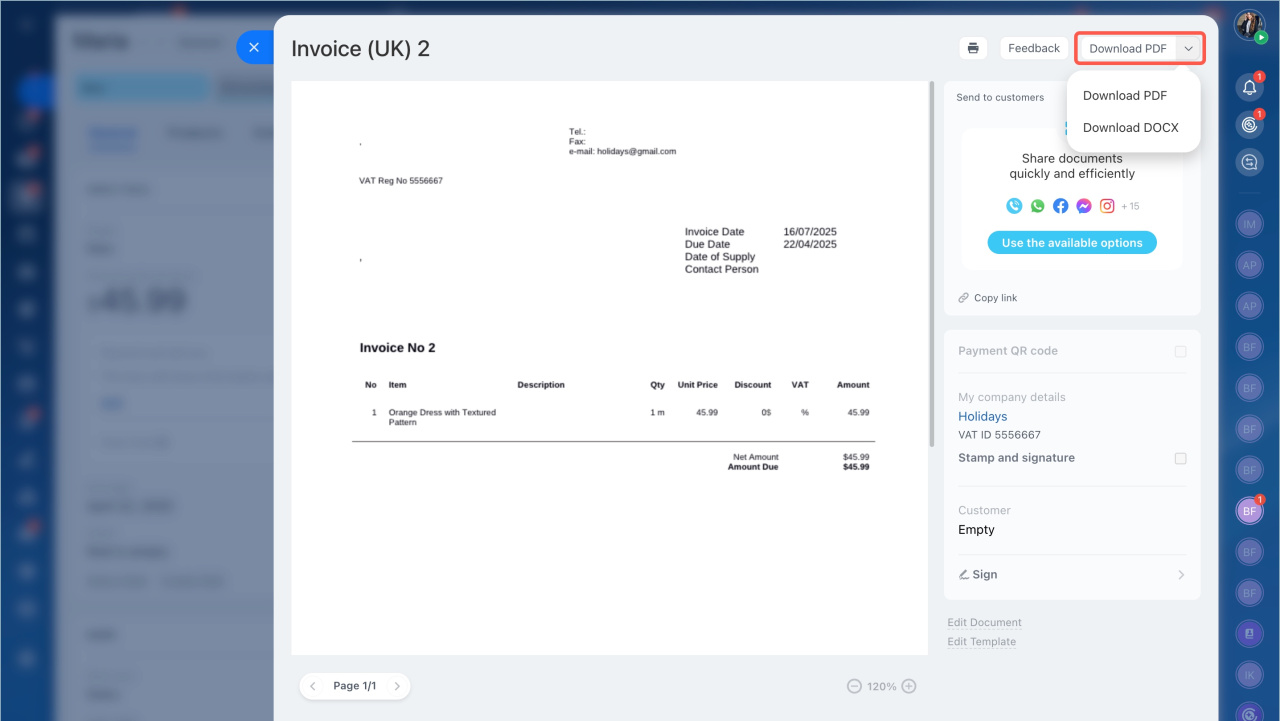
- Download the document in DOCX or PDF format.
- Share the document.
In brief
- An invoice is the final step after all meetings are complete and terms are agreed.
- In Bitrix24, it is a CRM item. You usually create it from a deal or an estimate and send it as a document.
- Invoices include standard CRM features such as custom fields, Kanban, history, timeline, and automation rules.
- Open the deal and select Invoice in the top-right corner.
- You can download or share the document.