Set up Sales Center in Bitrix24, choose a prebuilt page, and send it to a client.
Follow the steps:
-
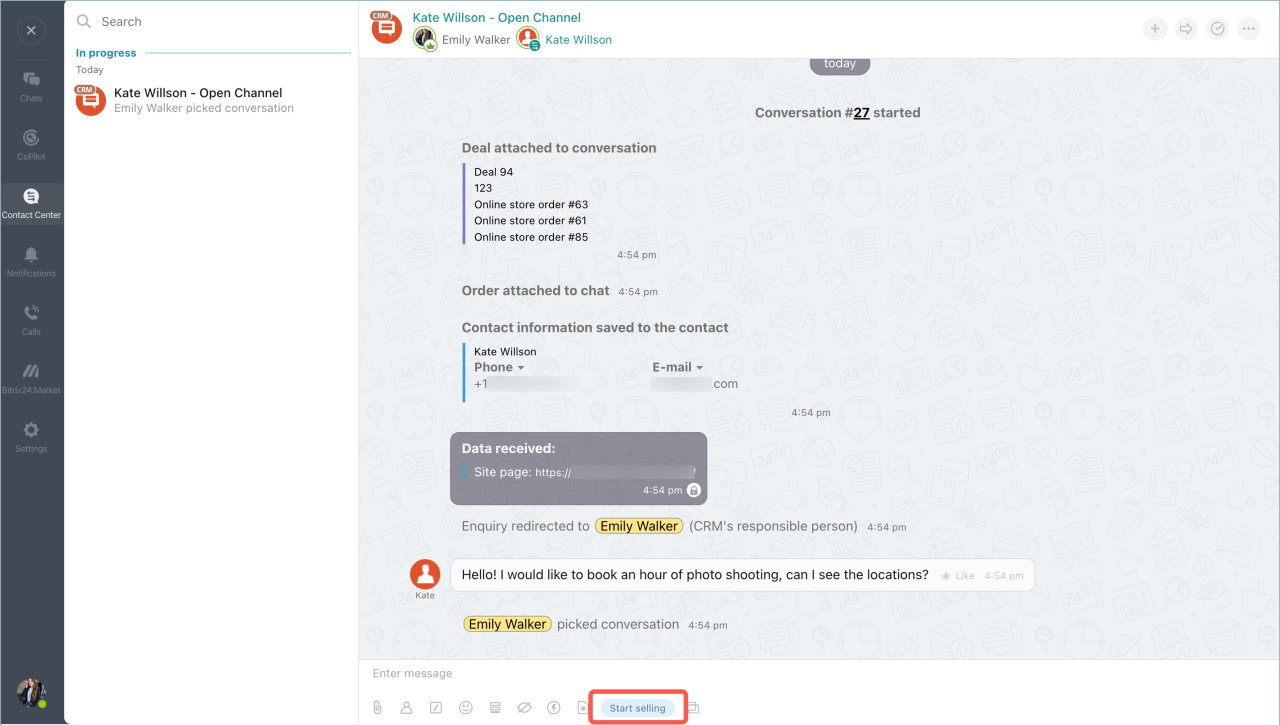
In the conversation with the client, click Start selling to open pages with ready-to-send information.
-
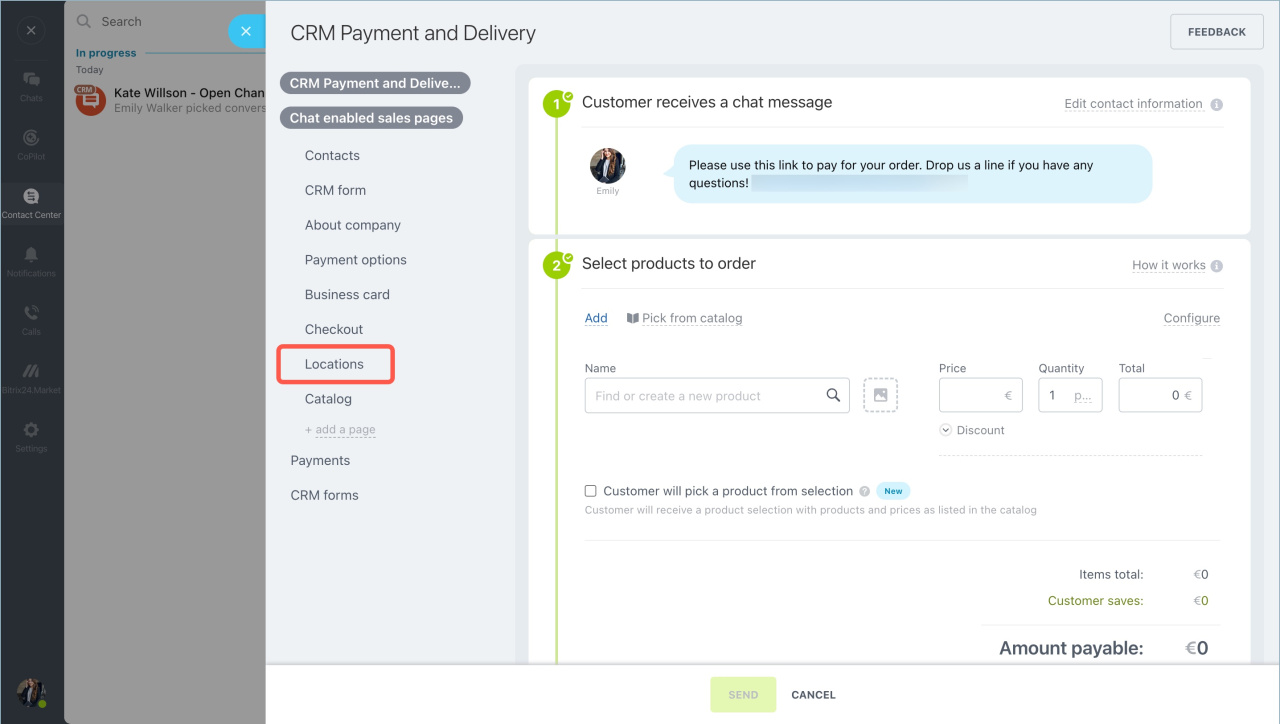
Click Chat enabled sales pages and select a page. In this example, we’ll use the Locations page. You can quickly edit the page before sending it.
-
Click Send. The client will receive a link to the webpage.
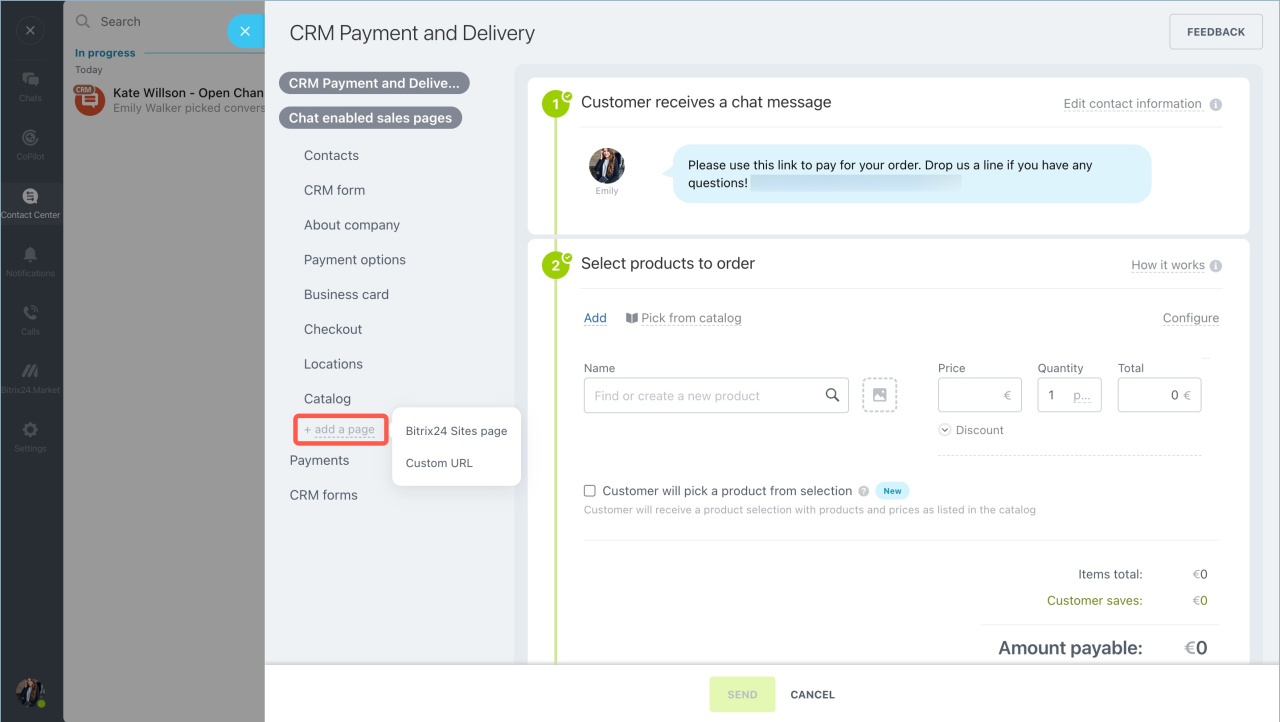
You can also create and send new information pages.