
Bitrix24 e-Signature is a tool for signing documents electronically with customers, vendors, and other contractors.
This article answers frequently asked questions about Bitrix24 e-Signature:
- Can I select a document template?
- Why is phone number verification required when sending a document?
Can I select a document template?
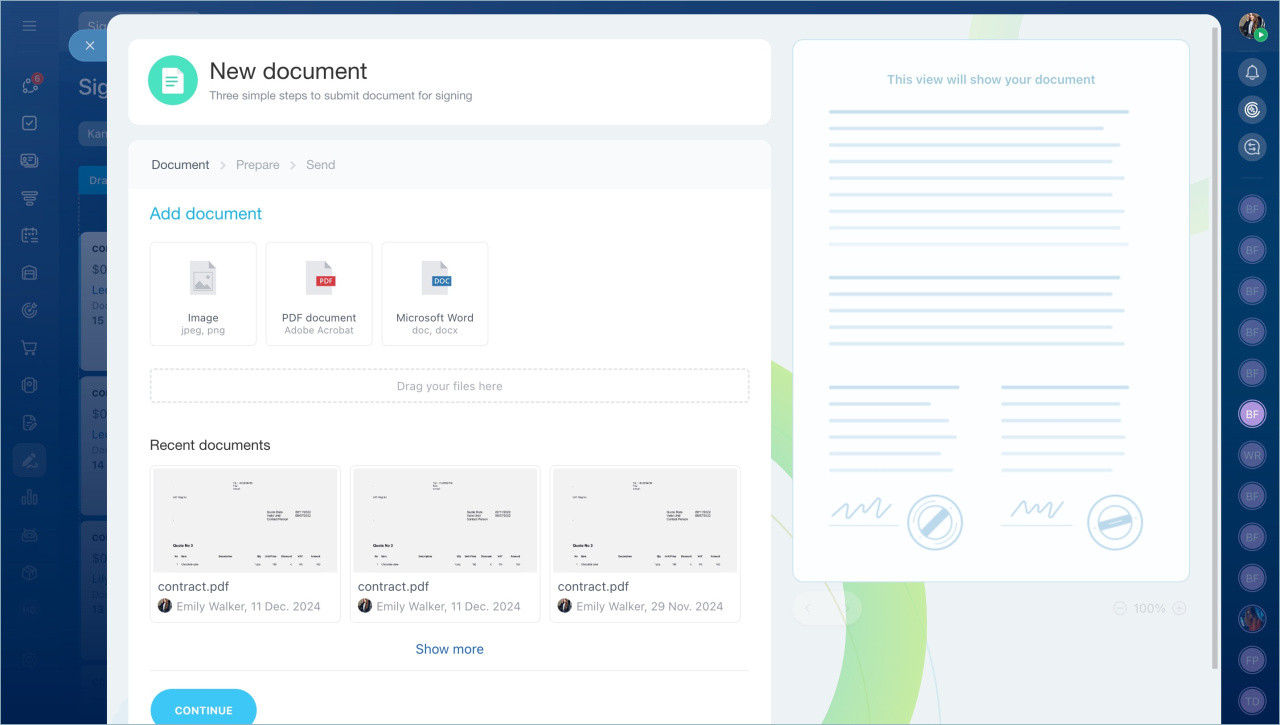
Bitrix24 e-Signature does not include document templates, but you can:
- Create a template yourself or generate a document using a template in the CRM section, then download and upload it as a new file to Bitrix24 e-Signature.
Document templates in CRM - Select a document from recently generated ones.
Create and send an electronic document for signing
Why is phone number verification required when sending a document?
In Trial and Free plans, you need to verify the phone number of the user creating documents in Bitrix24 before sending the third document. This protects your account by ensuring that your Bitrix24 is not used for spam.
When you prepare the third document for sending, a window will appear.
1. Enter your phone number and click Get SMS. A code will be sent to this number within ten minutes.
2. Enter the code and click Verify.
3. Wait for the verification to complete and click Finish.
After this, you can send the document to the contractor.
Why can’t I resend a document link via SMS?
Issue. You cannot resend an SMS with a document link if the contractor did not receive the first message or accidentally deleted it.
Reason. When signing a document, you can send no more than three SMS messages with the link to the same contractor. If this limit is reached, resending the SMS is not possible.
Solution. If you exceed the SMS sending limit for the current document, you cannot resend the link via SMS.
You can create a new document for the same contractor and choose a convenient sending method — via SMS or by email.
