We are pleased to present the new features of Bitrix24 Vibe release.
Mobile email
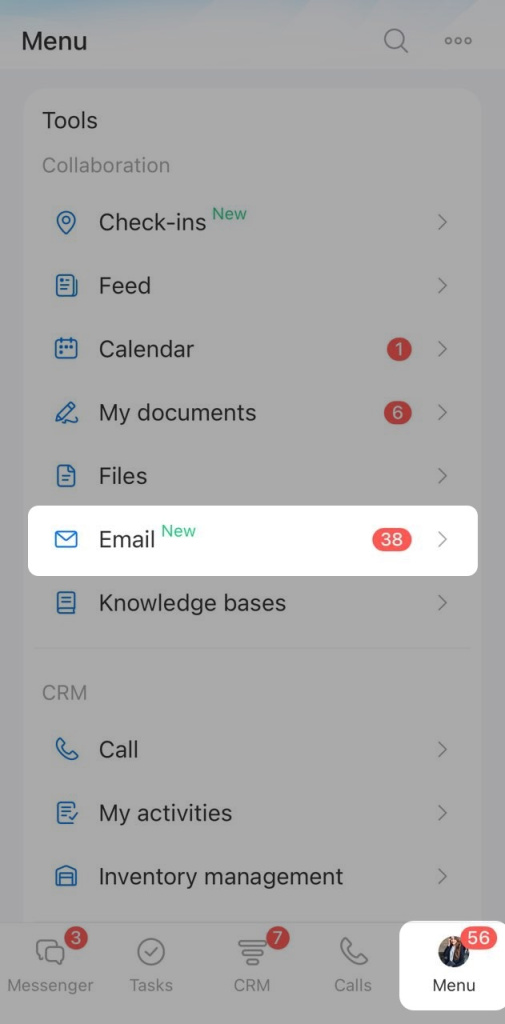
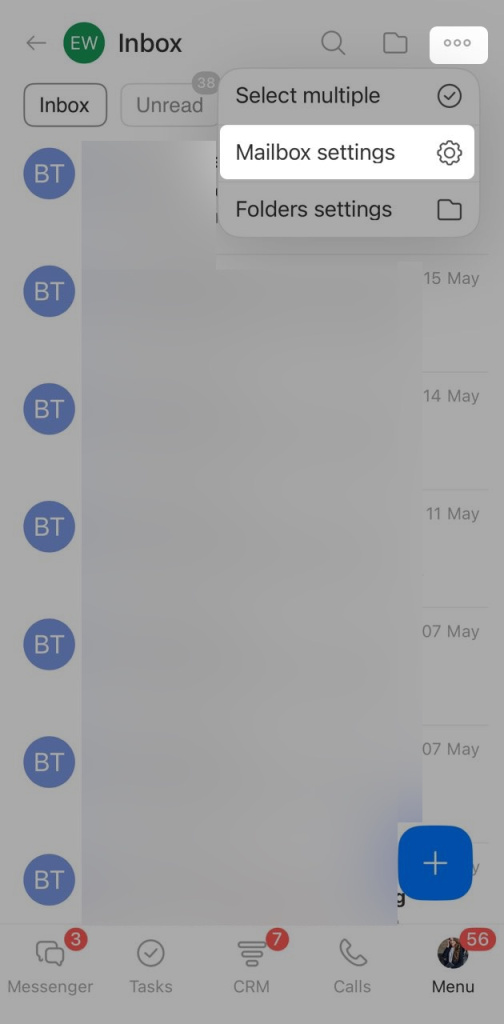
You can now set up email in the Bitrix24 mobile app. Turn on CRM integration, configure access for teammates, and choose how mailbox folders sync, all without using a computer.
Configure email in the Bitrix24 mobile app
Connect mailboxes
Messenger
Bitrix24 Messenger is a tool for team communication. It helps employees discuss work, share files, and create tasks and meetings from chats.
New features:
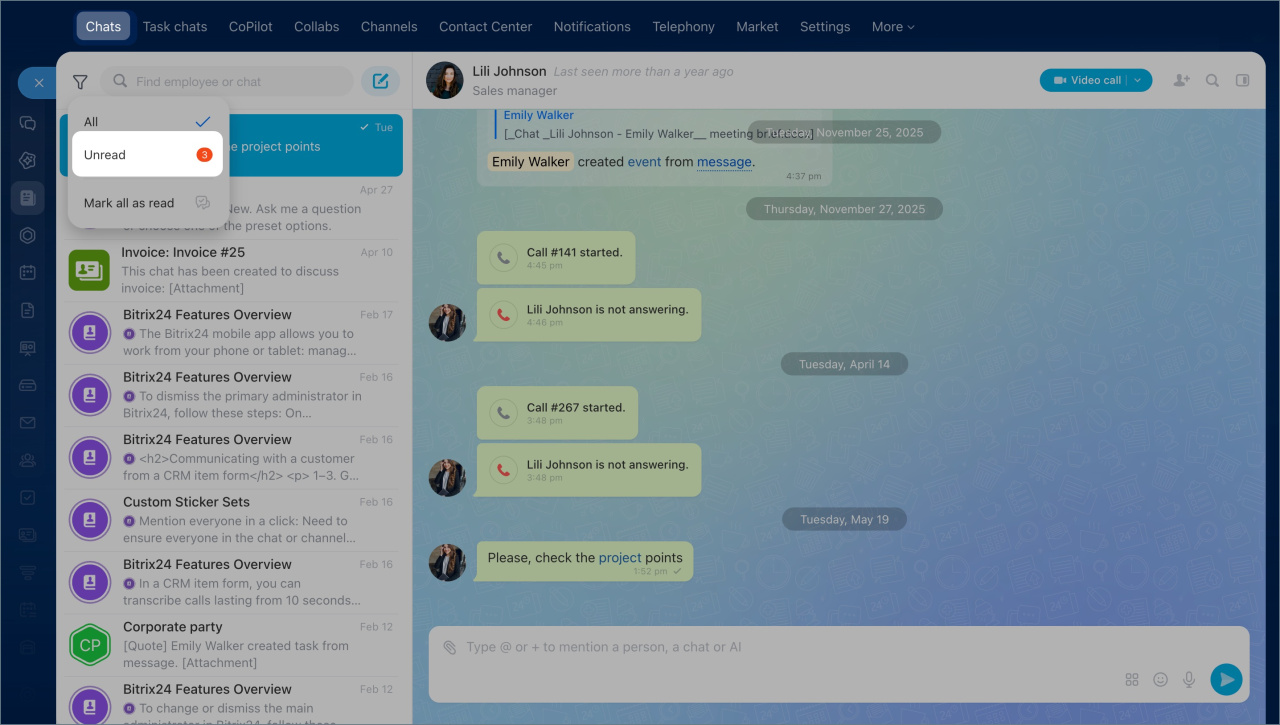
- Unread filter — shows only chats with new messages. You can also mark all unread messages as read at once.
- Mentions — press + or @ in the message field to mention an employee or a chat.
- Chat folders in the mobile app — organize chats into folders, such as separate folders for different projects. Use the tabs at the top of the chat list to switch between folders.
- Invite link for group chats — copy the link and send it to coworkers so they can join. To revoke access, click Change. Bitrix24 creates a new link, and the old one stops working.
Bitrix24 Chat: new interface and features
Login history in the mobile app
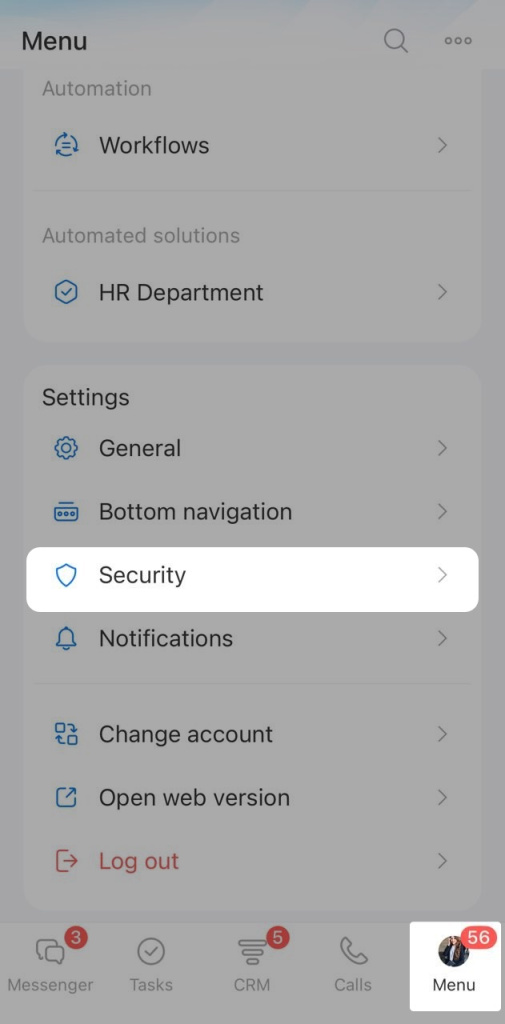
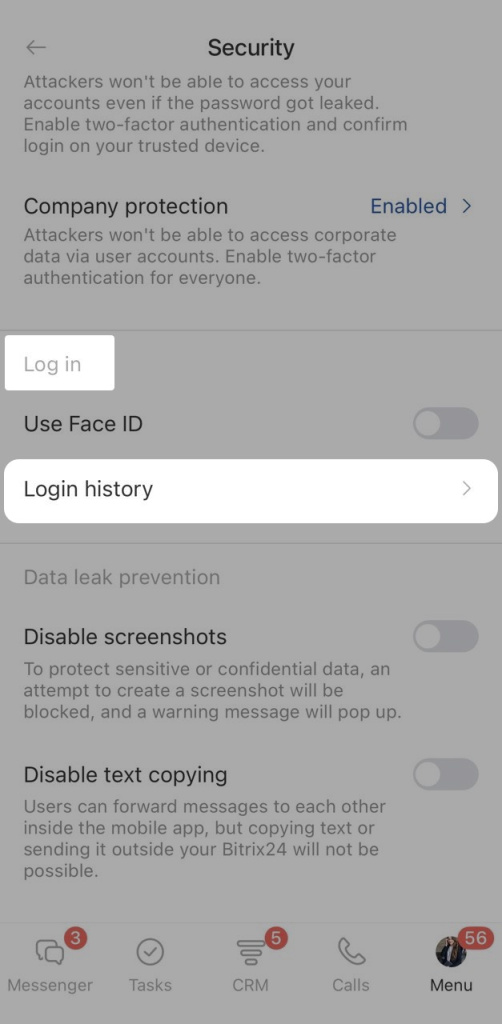
Login history helps you check whether someone else has signed in to your account from another device. It shows the devices and IP addresses used to access Bitrix24. This helps you detect suspicious activity early and protect your account.
Login history in the Bitrix24 mobile app
Document editor in e-Signature for HR
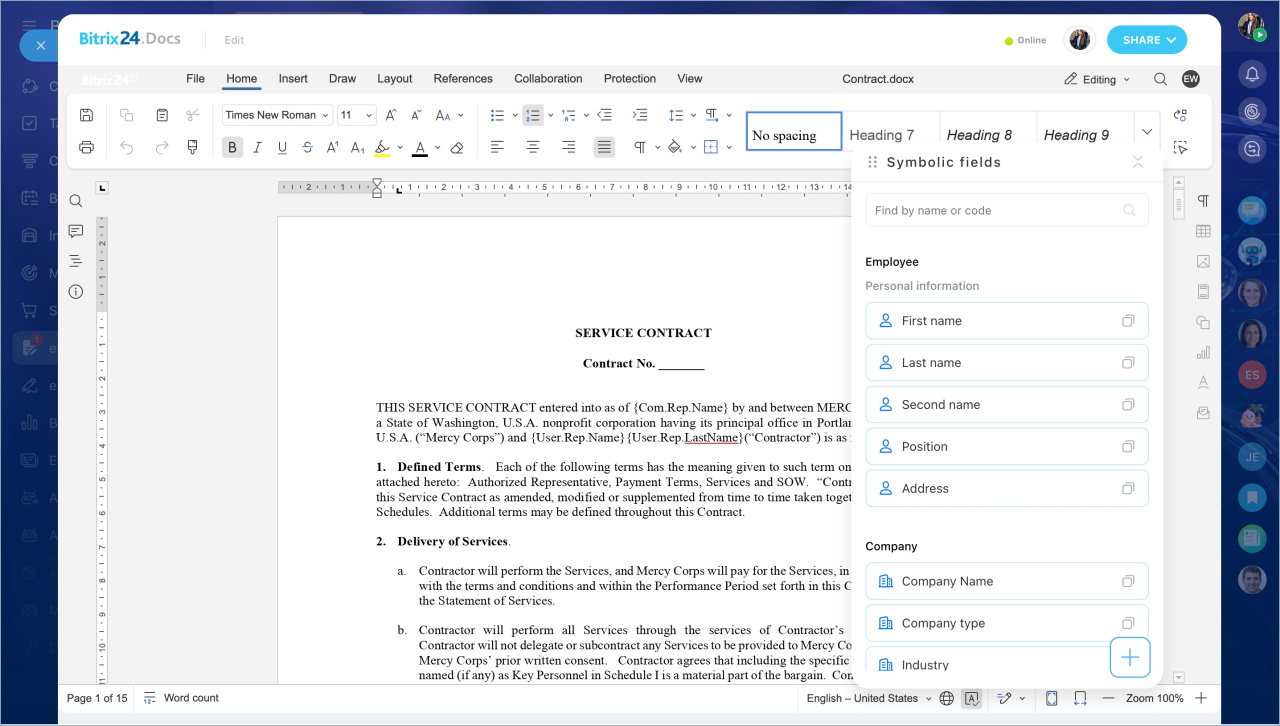
Bitrix24 e-Signature for HR now includes an online document editor. HR specialists can prepare a document for sending without leaving the module: edit text, add auto-fill codes, and send it for signing, all in one window. No need to download the file, make edits, and upload it again.
Online document editor in Bitrix24 e-Signature for HR
Bitrix24 Boards
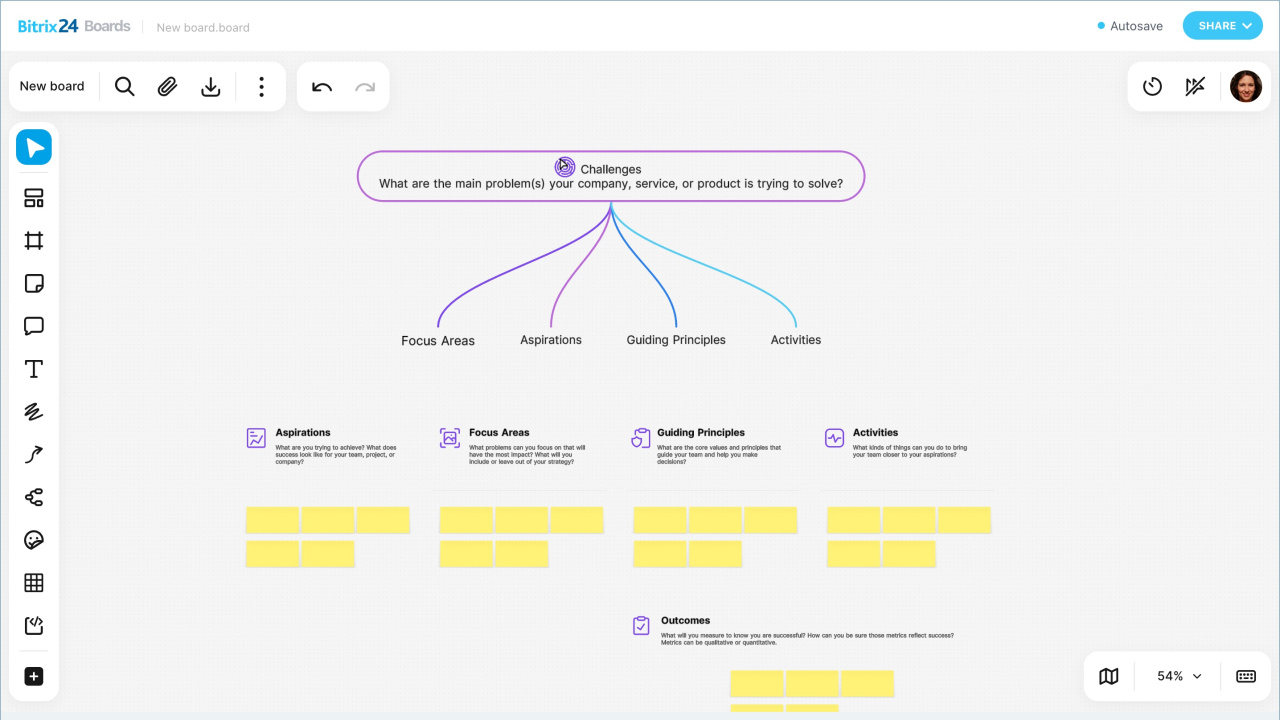
Bitrix24 Boards is a space for collaborative work. Teams can gather ideas, review mockups, plan presentations, and visualize processes on a single board, without switching to third-party tools.
This release brings an updated board design with improved panels and button grouping. New features include:
- Table export and import.
- Emojis and stickers for quick reactions on the board.
- New elements — a code block and a virtual dice.
- A minimap to help navigate large boards.
- New shapes and the ability to place them on arrows, which makes it easy to build flowcharts.
- Create a task from a board — quickly move an idea into action.
- Copy a board — useful when you need to save a template or reuse a structure for a new task.
Bitrix24 Boards: Interface and Features
Bitrix24 Boards
BI Builder
BI Builder now includes a new dashboard form and the ability to share it via link.
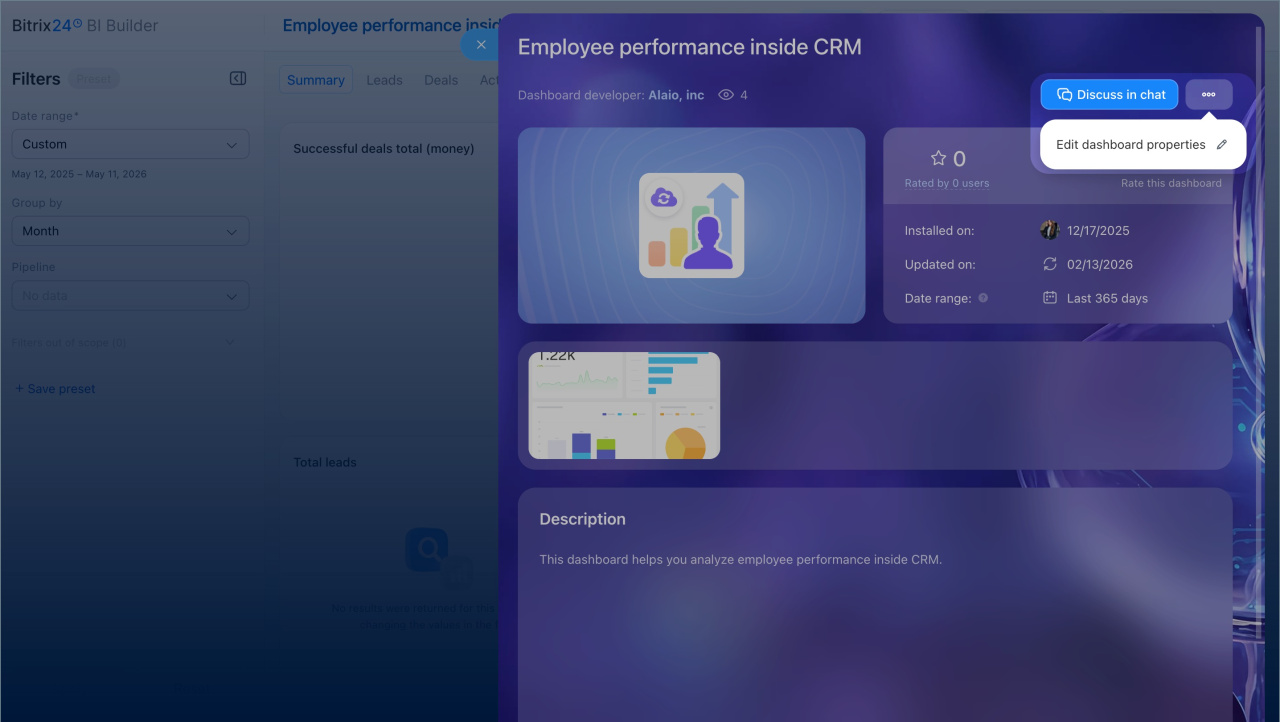
Dashboard form. Helps employees understand what data a report shows and how to work with it. It contains key information: a description, images, the report author, the selected period, and a link to discuss it with colleagues.
BI Builder: Dashboard form settings page
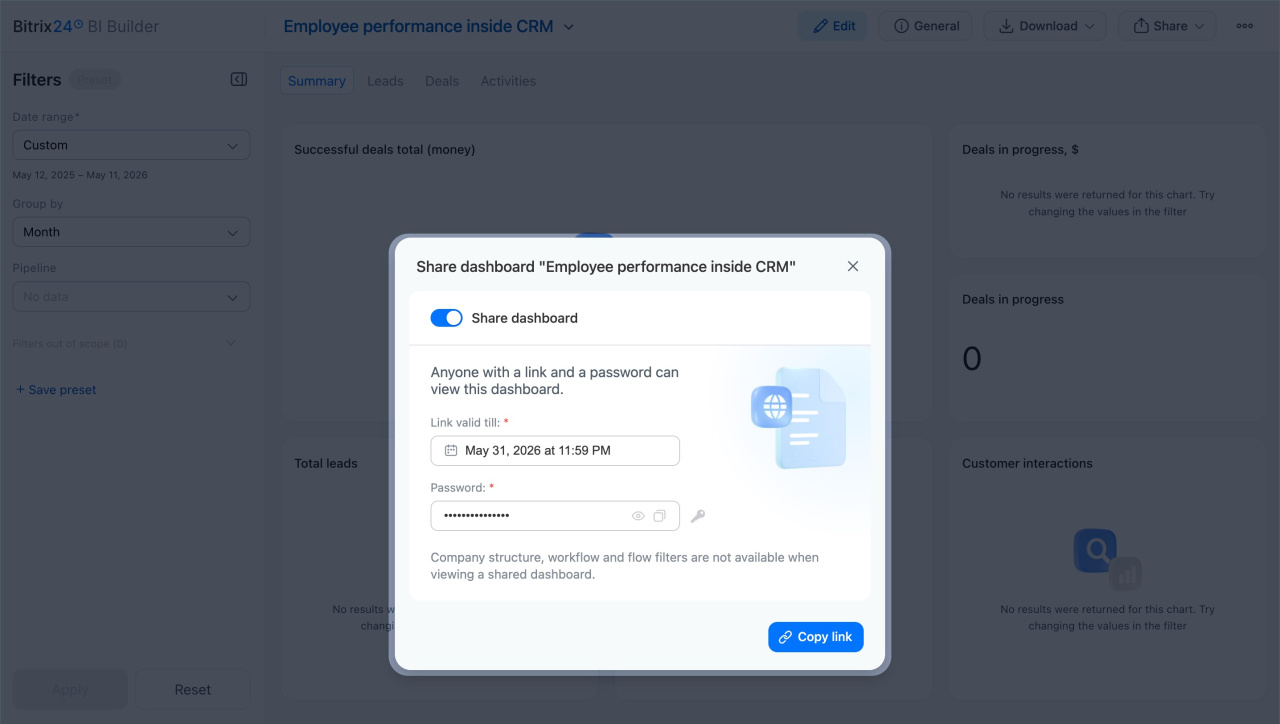
Public link. Lets you share a report with an external user. This is convenient when you need to show data quickly without exporting files. Create a link, set an expiration date, add a password, and send it to the recipient.
BI Builder: share a dashboard with an external user
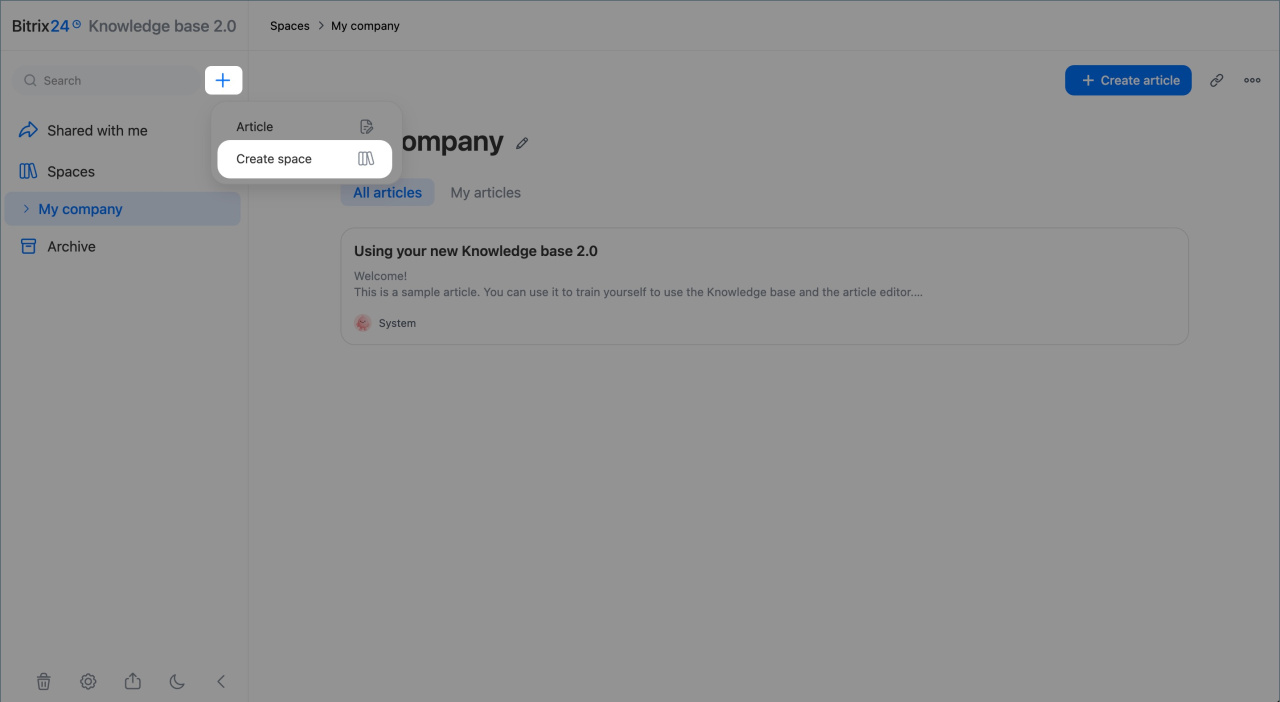
Bitrix24 Knowledge Bases 2.0
It helps you create knowledge bases for instructions, guidelines, and other useful materials.
You can:
- Create an unlimited number of knowledge bases for each department or business area
- Organize content with sections, subsections, and documents
- Set access permissions for each knowledge base and document separately
- Collaborate with coworkers on documents
- Add files, photos, videos, spreadsheets, and links.
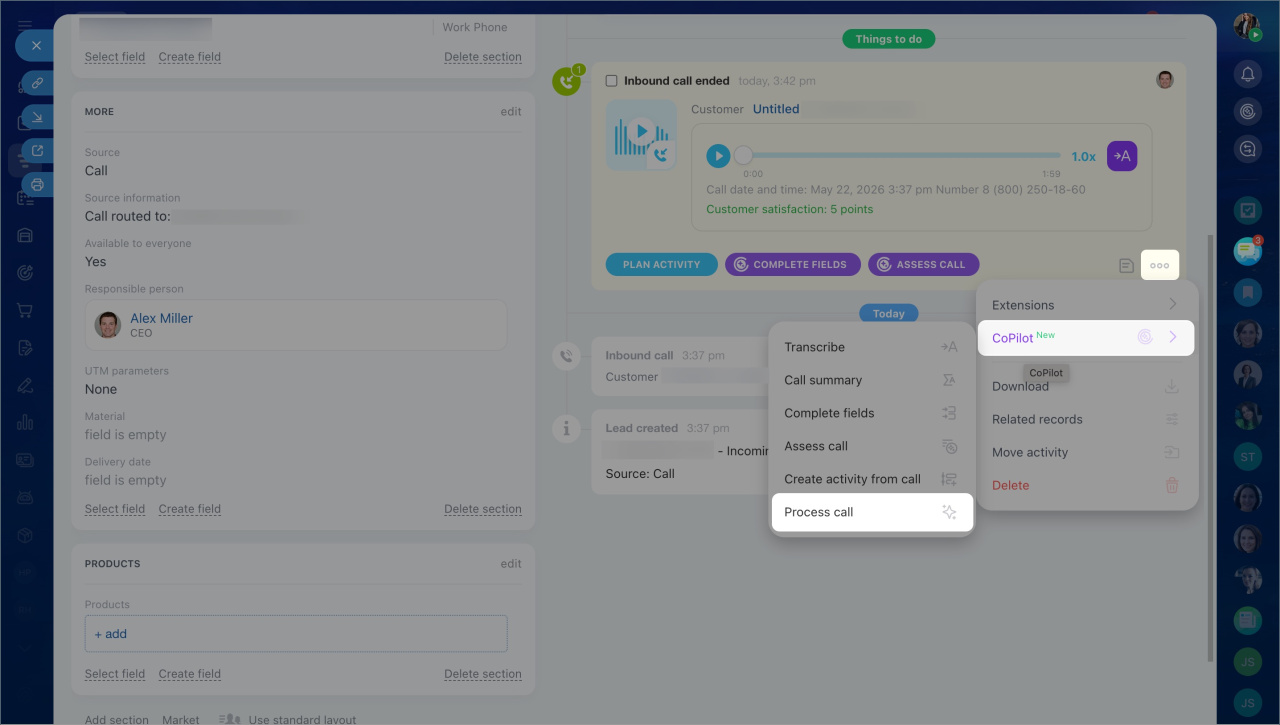
CoPilot in CRM
CoPilot can create an activity based on the call. It automatically transcribes the recording, creates a summary, fills in the form fields, and creates an activity.
Other updates
Open Channels
- Canned responses in Open Channels: message templates for frequently asked customer questions.
- The new Open Channel chat: updated interface, audio and video messages, and stickers.
Canned responses in Open Channel chats
Use chats in Open Channels
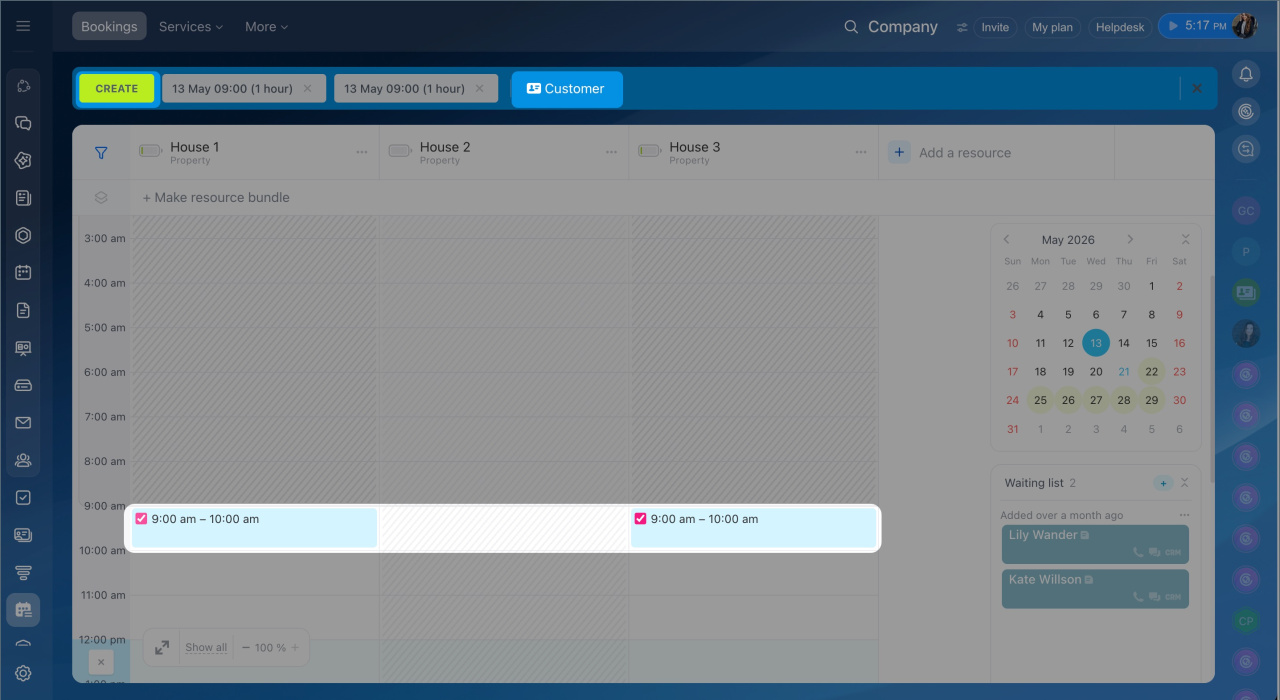
Online booking. You can create an entry for one day or for several days.