
Inventory management in Bitrix24 helps you track products in your warehouse. It records all product operations, including receipts, sales, transfers, and write-offs. It also shows current stock levels in real time.
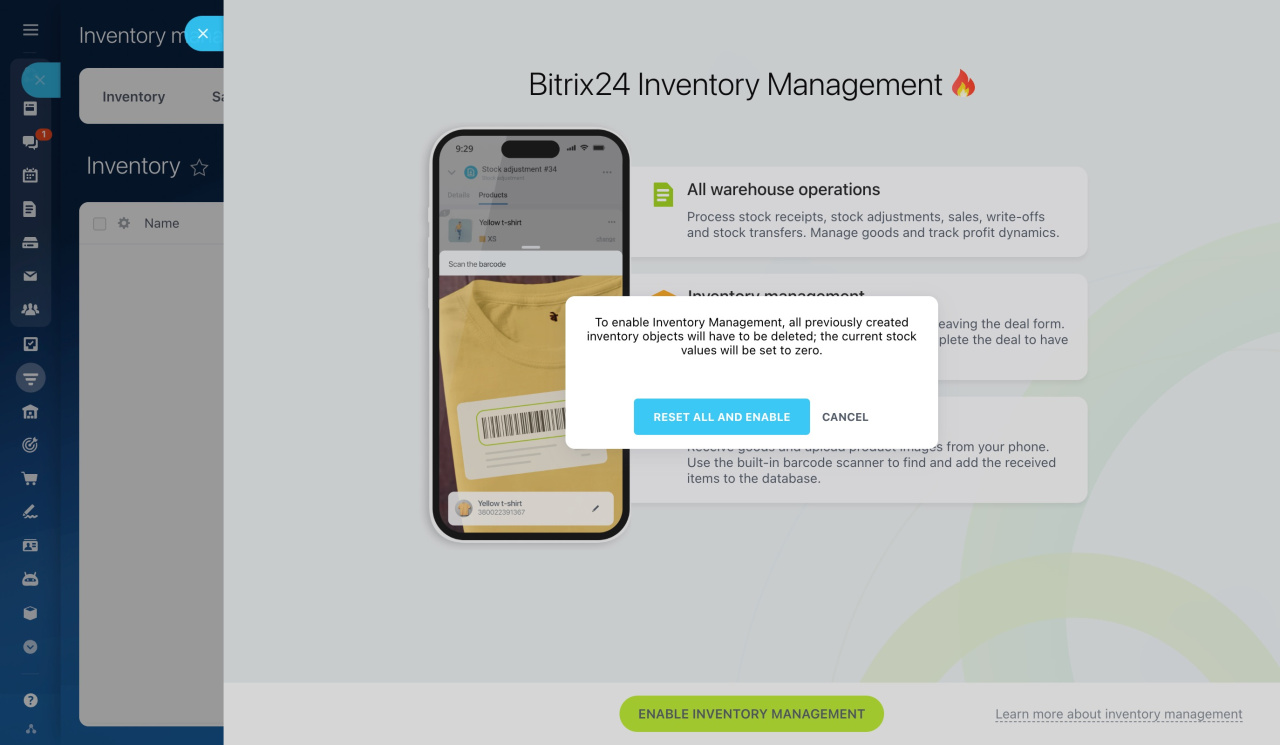
If your Bitrix24 account already had products with stock quantities before you turned on Inventory management, Bitrix24 will ask you to reset those quantities to zero. You must complete this step before you can enable Inventory management.
This reset prevents incorrect data from carrying over. For example, you may have sold products through CRM without warehouse documents or you may have entered values manually in the Available stock field in the catalog. In both cases, Bitrix24 cannot determine the actual quantity in stock. After the reset, all stock quantities are set to zero, but the products stay in the catalog.
Bitrix24 plans and pricing
In this article:
Reset stock to zero
The reset happens automatically during the final step of enabling Inventory management.
1. Go to CRM > Inventory > Inventory management.
2. Select the operating mode and click Select. 3. Choose the costing method and click Enable Inventory management.
Costing methods and gross profit report
3. In the Stock will be reset to zero dialog, click Continue. Bitrix24 resets stock quantities to zero and saves document drafts.
After that, inventory management is enabled, and all product stock quantities are set to zero.
Enter actual stock quantities
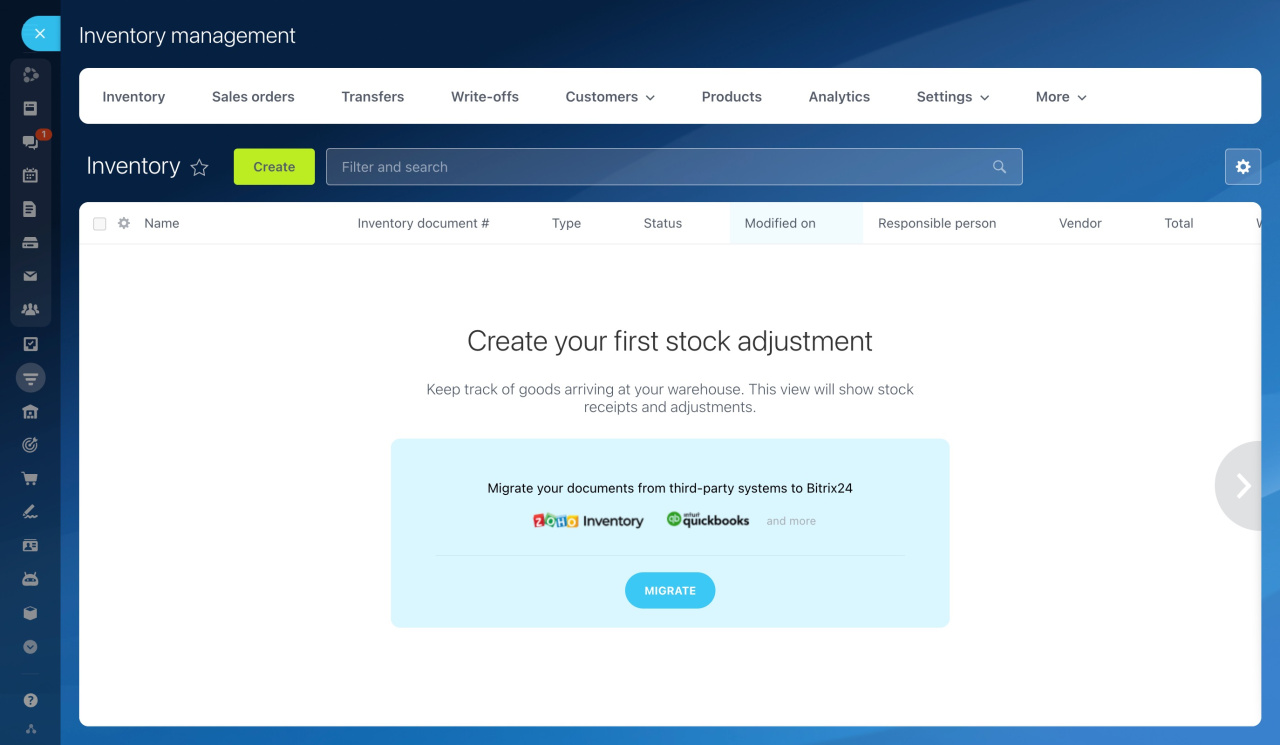
To make inventory management show accurate product quantities, create a stock adjustment document.
After you enable inventory management, the Inventory section opens with a prompt to add your first stock adjustment.
1. Click Create.
2. In the document, enter the products, quantity, purchase price, and warehouse.
3. Click Save and process.
After you process the document, the products appear in the warehouse with current stock quantities. They also become available for use in CRM.
Create a stock adjustment
In brief
- Resetting stock to zero is required. You cannot enable inventory management without it.
- The reset happens automatically when you enable inventory management. Products stay in the catalog, but their stock quantities are set to zero.
- After you enable inventory management, enter your actual stock quantities in a stock adjustment document so inventory management shows accurate data.