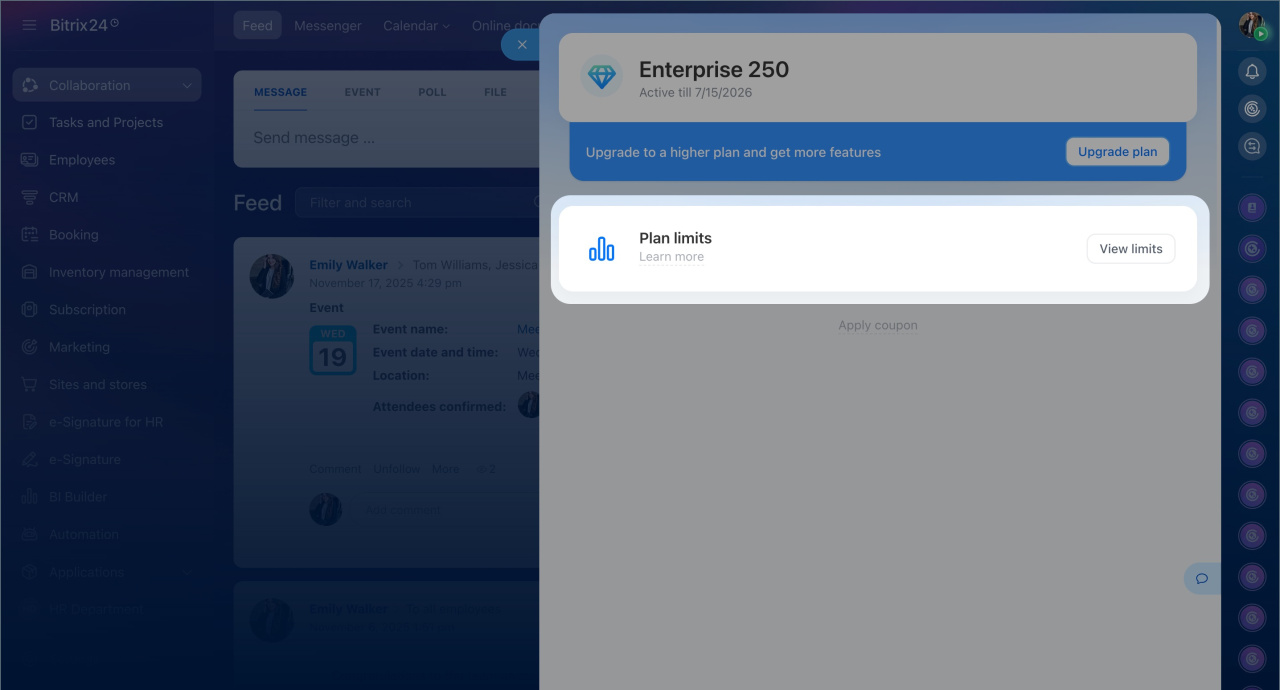
The Subscription section in Bitrix24 has been updated. Here you can:
- Check the plan's expiration date and limits.
- Renew or upgrade the plan.
- View installed apps and integrations.
- Activate the trial mode.
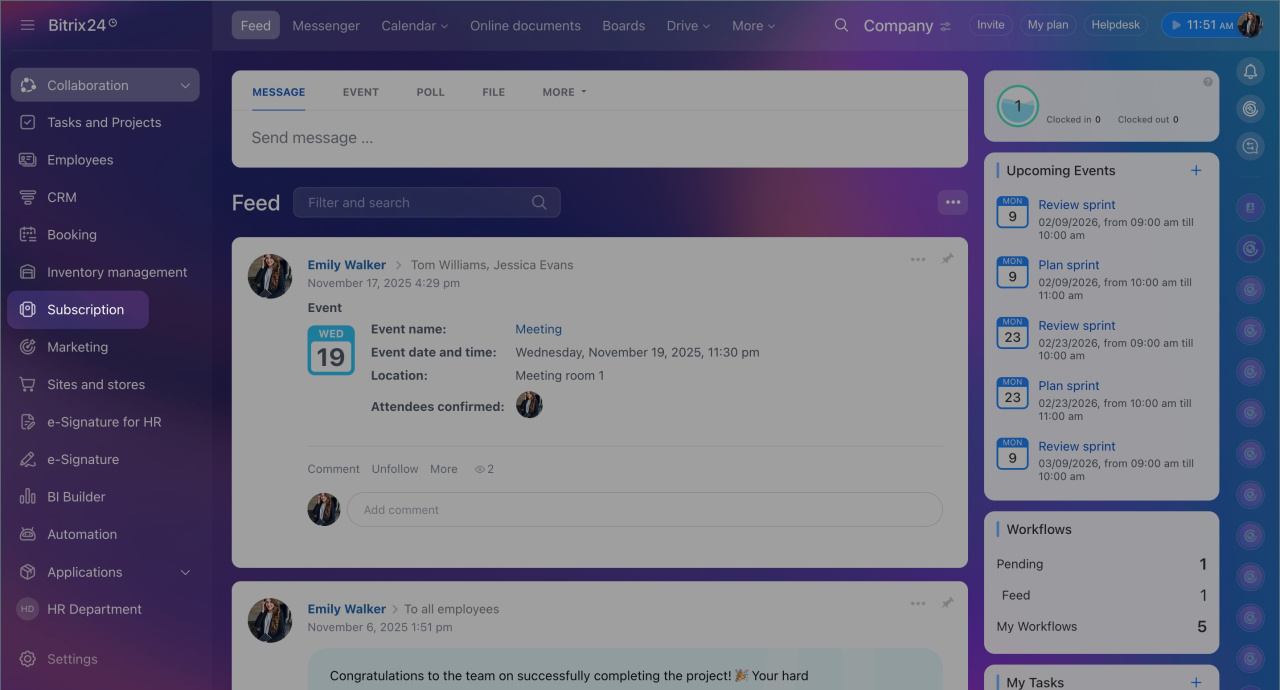
To access the section, click Subscription in the main Bitrix24 menu.
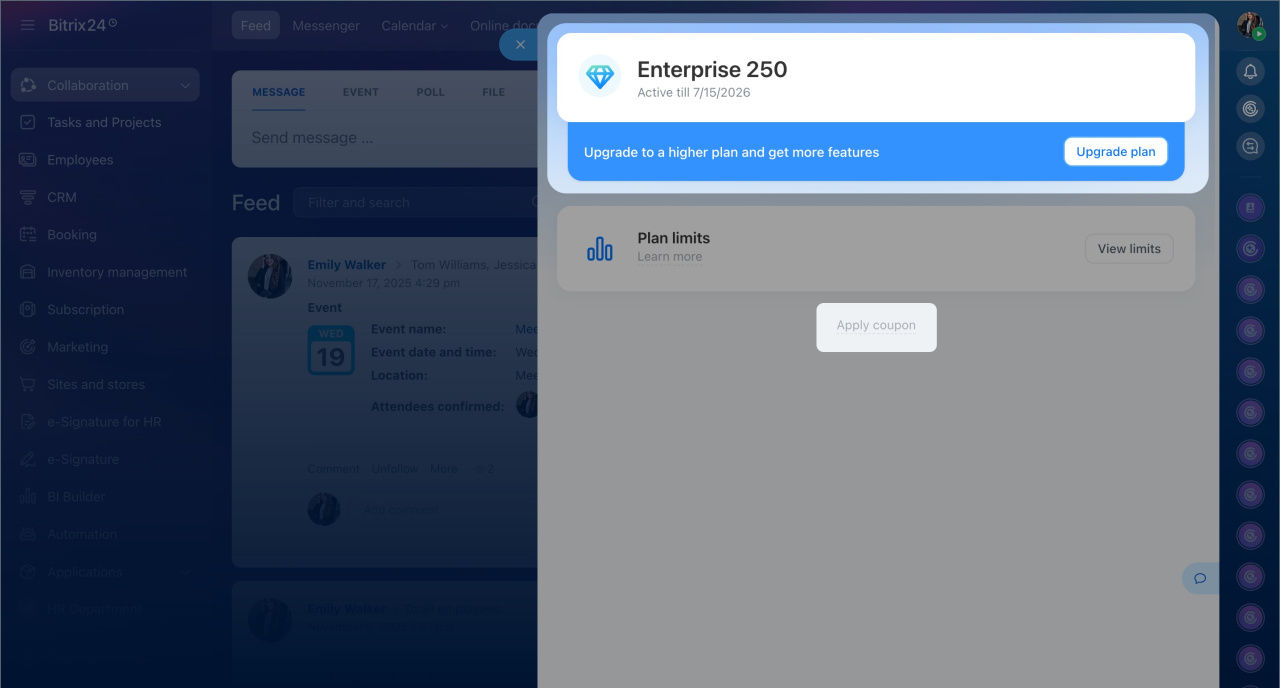
Plan. This block contains information about your current plan, including its name, expiration date, and remaining days. For example, Professional until 02/08/2026 (19 days left).
You can renew it or upgrade to a higher plan. The exact expiration date of the new plan can be calculated using the calculator in your Bitrix24.
Bitrix24 plans and pricing
Apply coupon. Click this option to apply a coupon for connecting, renewing, or switching plans.
Trial mode. Activate 15 days of access to the Professional plan features and explore Bitrix24 tools before purchasing a plan.
Free 15-day trial
Note: The trial mode is available on Free, Basic, and Standard plans and can only be activated once.
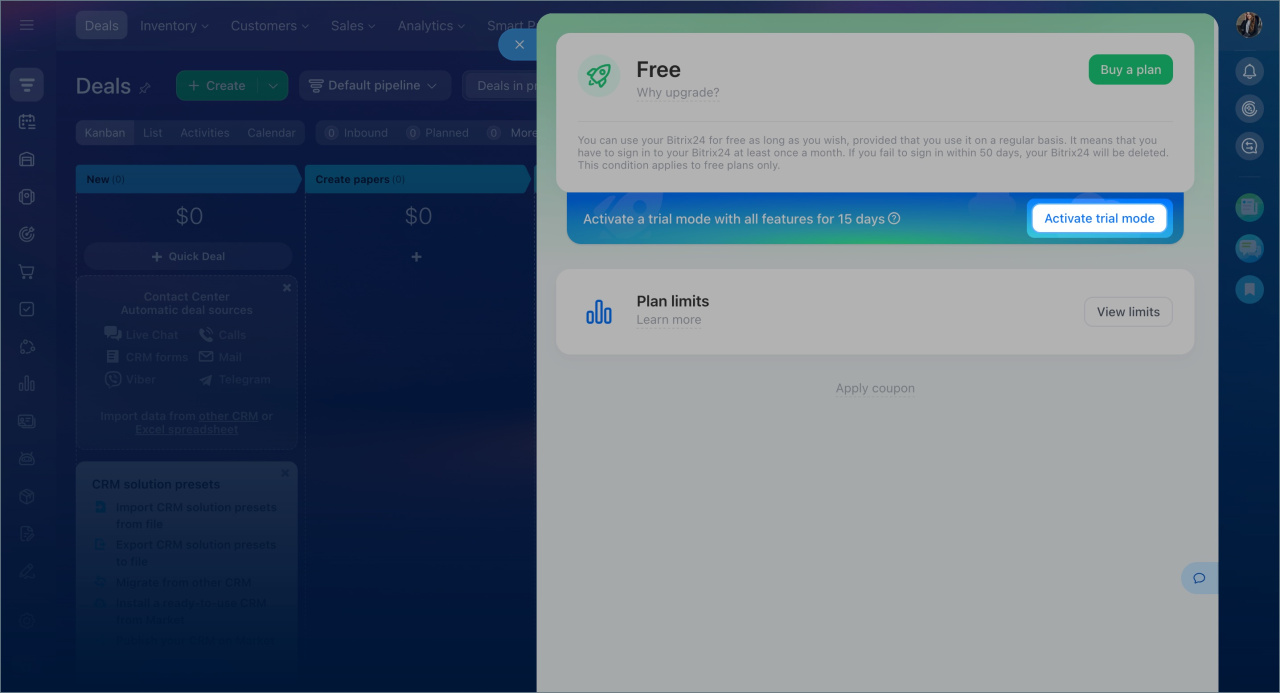
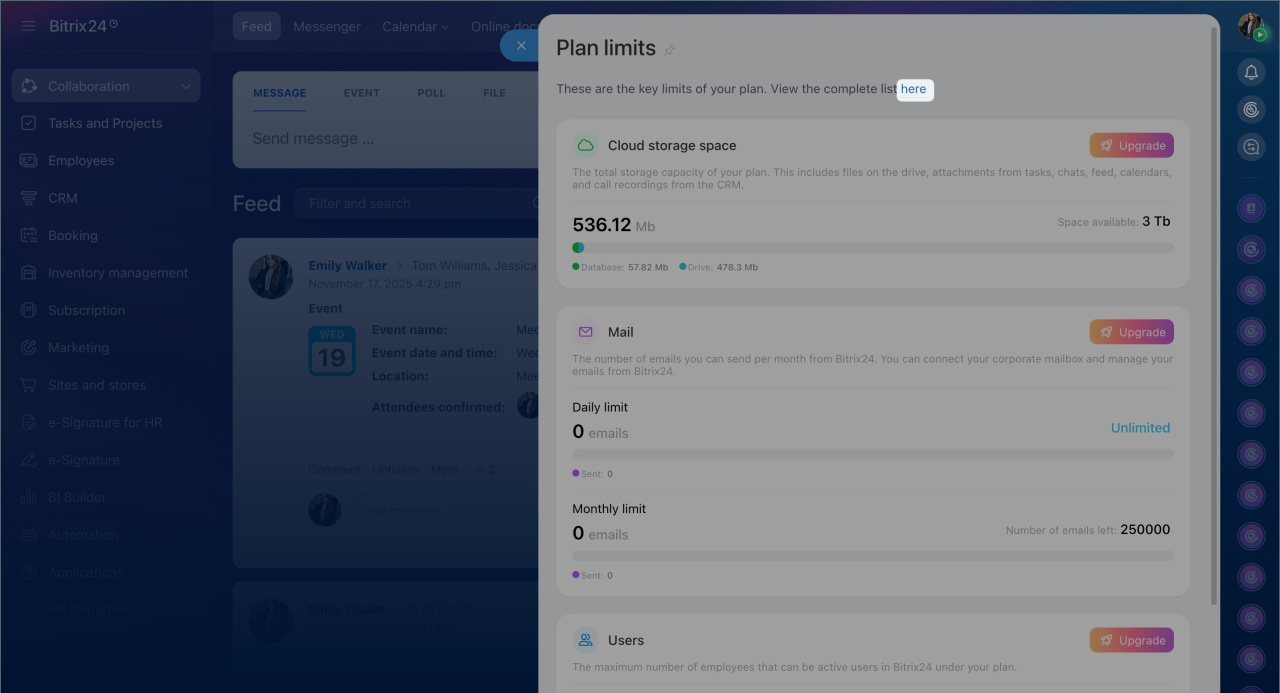
Limits. Here you can find the information about your plan's restrictions.
- Cloud storage — shows total storage, used, and available storage.
Cloud storage - Emails — the number of emails you can send monthly through connected email services.
Bitrix24 Mail: features and plan options - Users — the number of employees and external users allowed by your plan and the number of registered users in your Bitrix24.
Number of users on Bitrix24 Cloud plans
Click View limits to see all restrictions. Click here to open the Plan compatibility check.
Plan compatibility check