
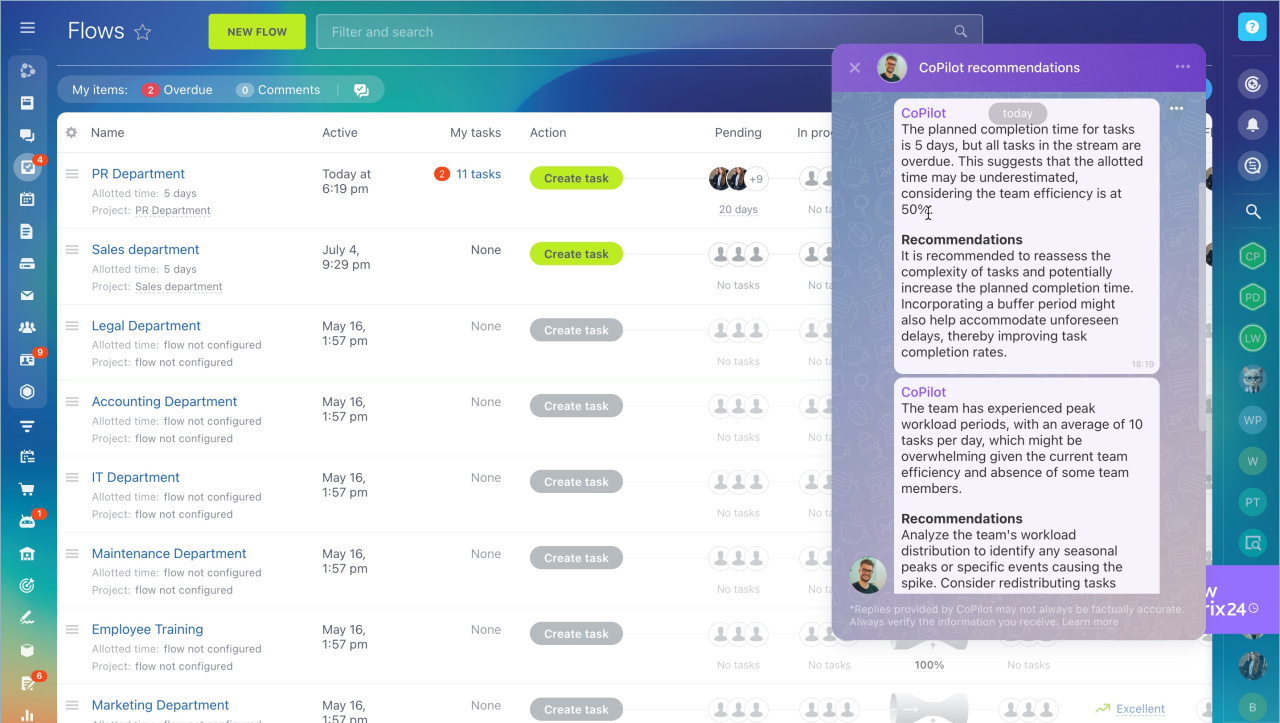
Bitrix24 Flows include an AI assistant called CoPilot. It analyzes your flow, finds issues that affect efficiency, and suggests ways to improve the process.
CoPilot provides recommendations when flow efficiency drops below 80%. For example, it may suggest adding more details to a task template or redistributing workload between employees. If efficiency is high, CoPilot highlights what helped your team achieve these results.
To use CoPilot, an administrator must enable the CoPilot in Flows option in the account settings.
Bitrix24 Settings: new single section
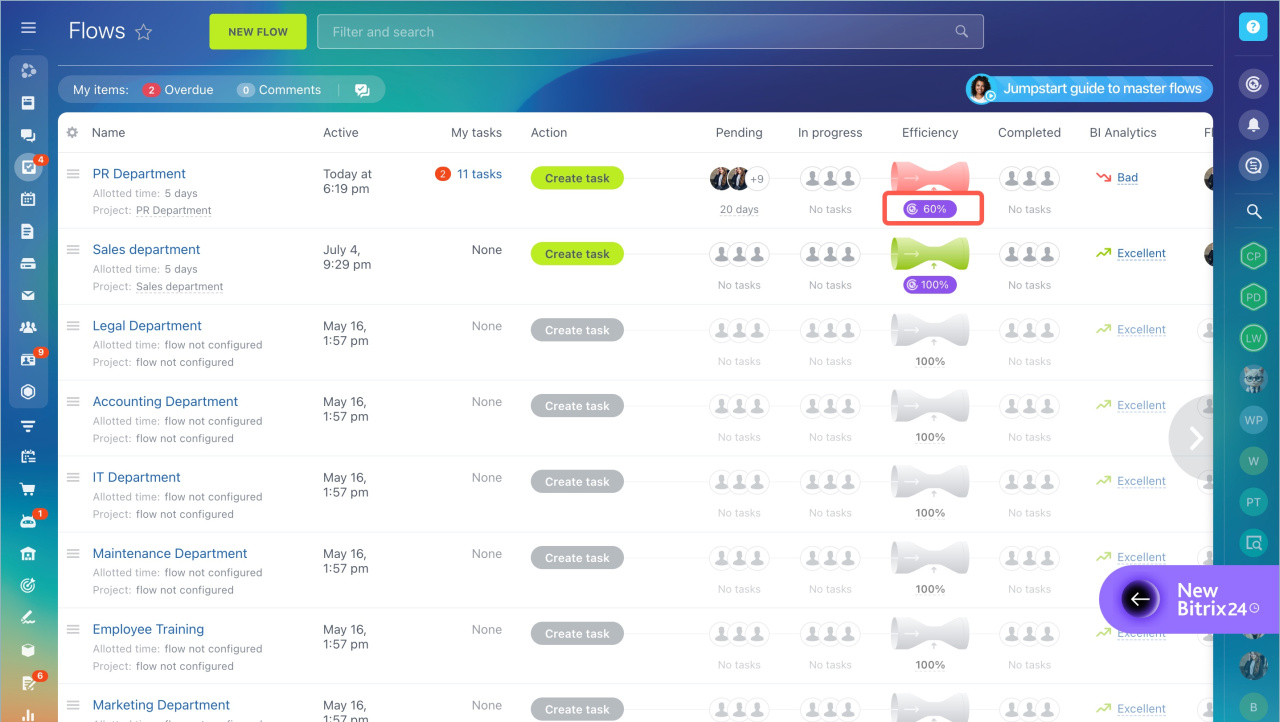
Click the CoPilot button next to the flow efficiency indicator to open recommendations.
CoPilot shows recommendations only if the flow has at least 10 tasks in any status. If there are fewer tasks, you will see sample recommendations.
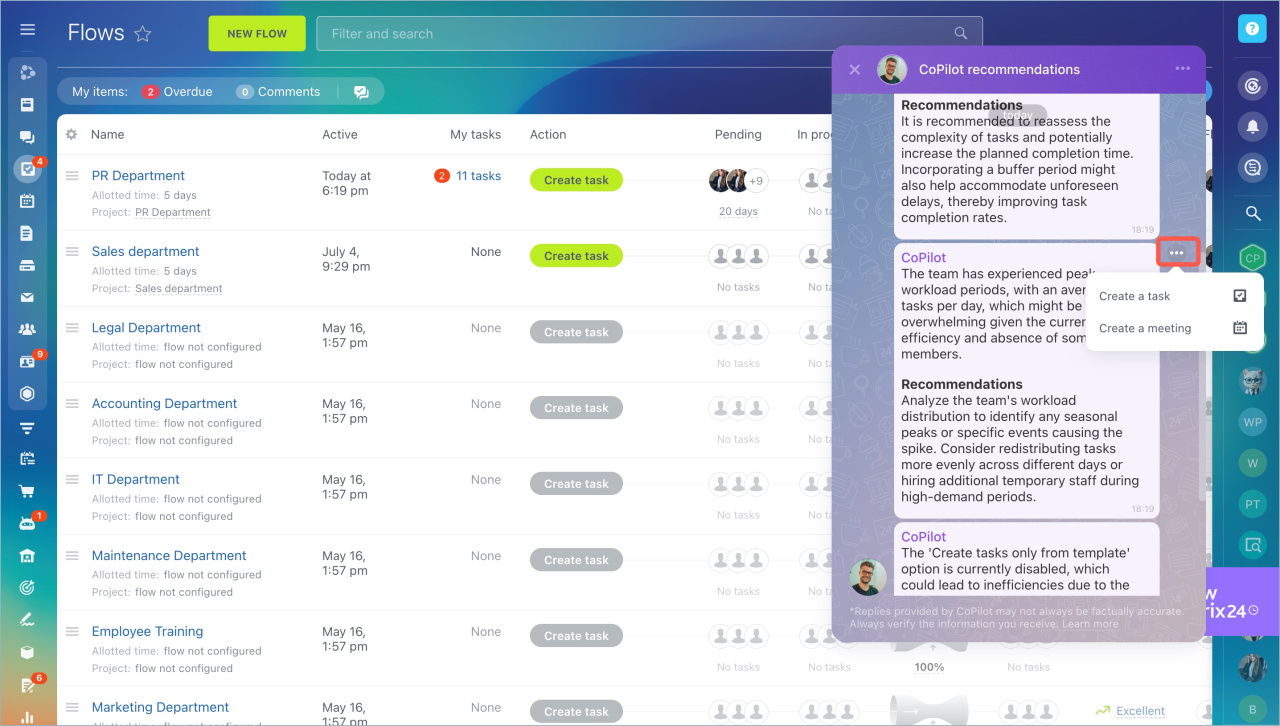
You can turn any recommendation into a task or a meeting. Open the message menu and choose an action to start working on the suggestion.
In brief
- CoPilot analyzes flows and suggests improvements.
- Recommendations appear when efficiency is below 80%.
- CoPilot requires at least 10 tasks in the flow.
- You can create tasks or meetings based on recommendations.