
The Invoice Link tab in Bitrix24 CRM lets you accept payments online. Send the invoice link to your client so they can pay securely.
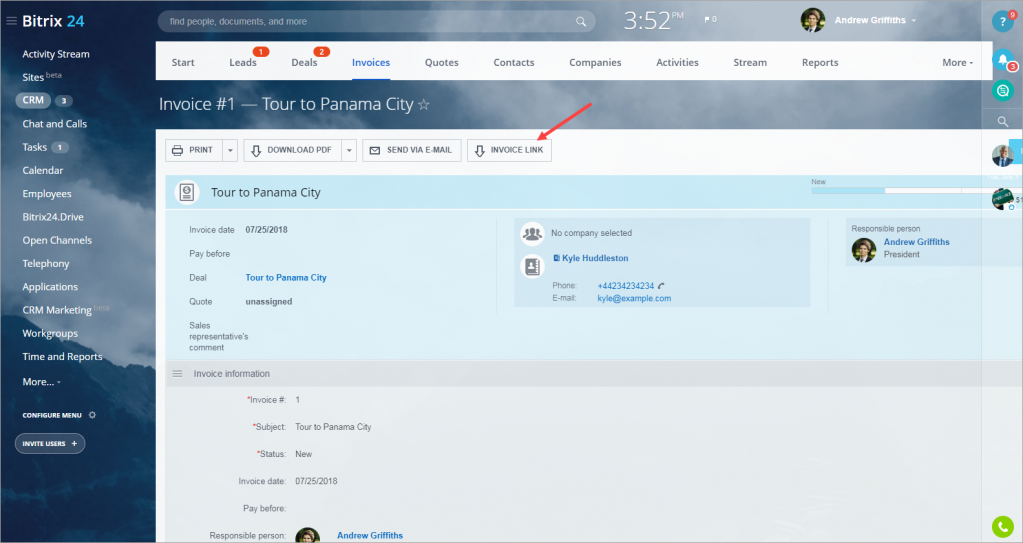
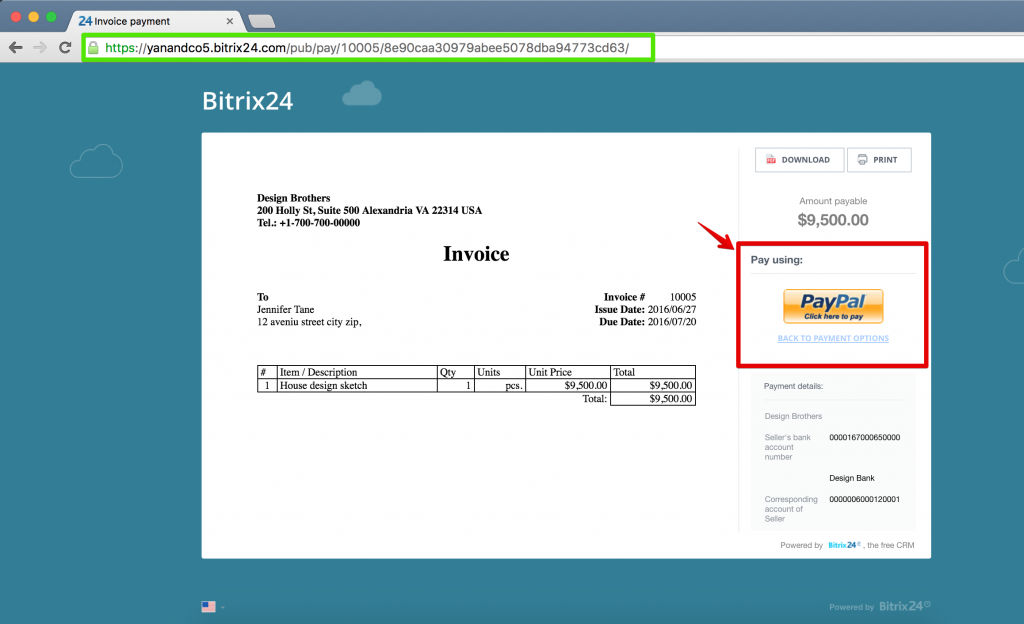
When a client opens the link, they see a secure invoice page with:
- Full invoice details
- Available payment methods
- A clear and simple layout that helps them complete the payment quickly
Speed up payments with Bitrix24 forms
You can also collect payments using Bitrix24 web forms.
- Create a form in Bitrix24.
- Add the form to your website or share the public link with clients.
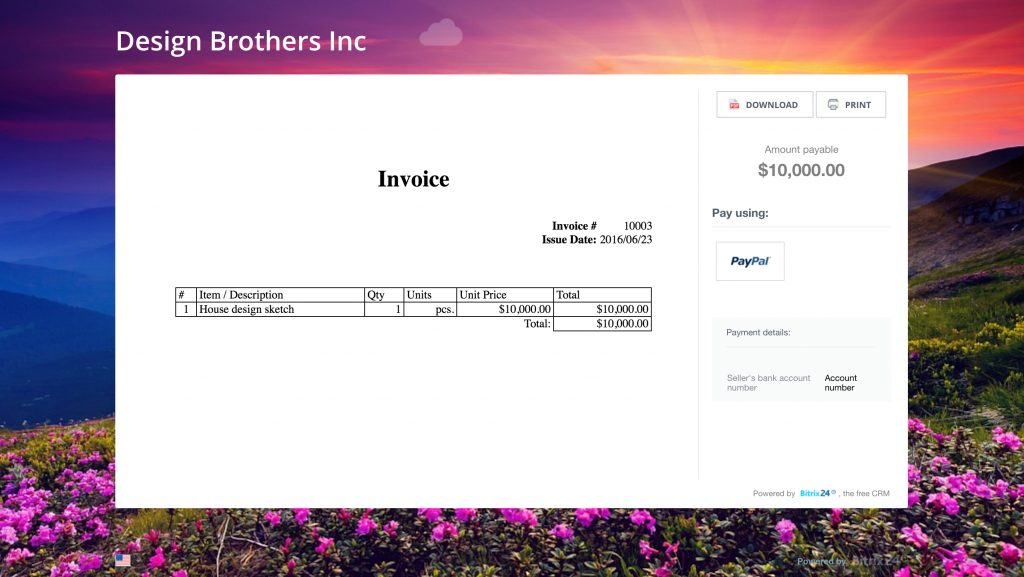
- After the client submits the form, they see the final invoice with online payment options.
- The client is redirected to the selected payment provider (for example, PayPal) to complete the payment securely.
After the payment is completed, Bitrix24 automatically updates the customer record.
Clients can pay anytime, even outside business hours. This helps your team close deals faster and reduces manual work with Bitrix24 sales automation tools.