
Mobile CRM includes counters just like the web version. Counters show how many activities need your attention.
This article is part of a CRM counters series:
- Counters in CRM
- How counters work in CRM
- Counter modes in CRM
- Counters in the mobile CRM
- Notification center: How to get activity reminders
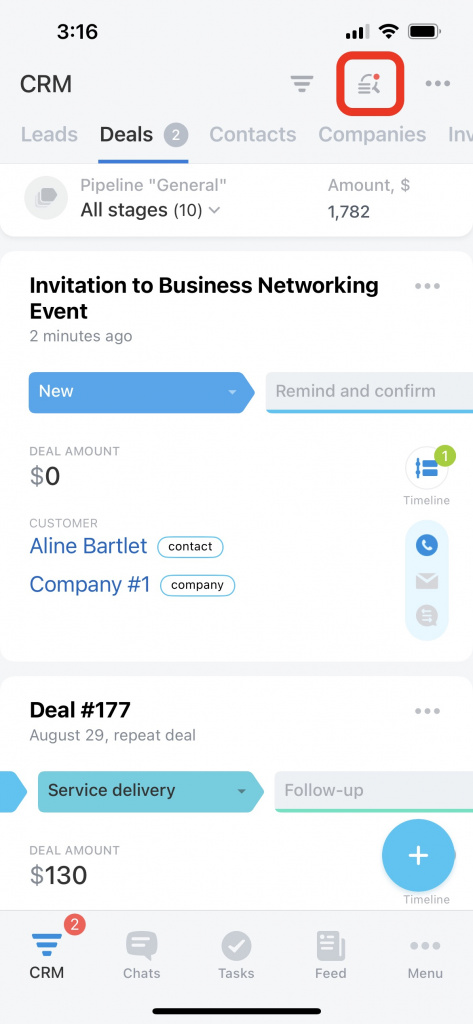
To filter CRM items by counters, tap the search icon.
Mobile CRM includes three main counter types:
- Inbound
- Planned
- For today
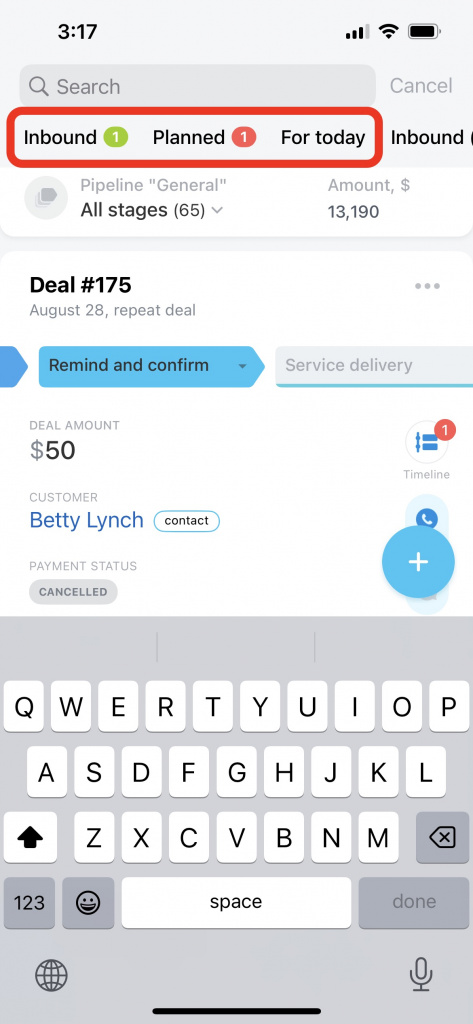
Counters use different colors to show different activity types.
What CRM counter colors mean
Inbound counter
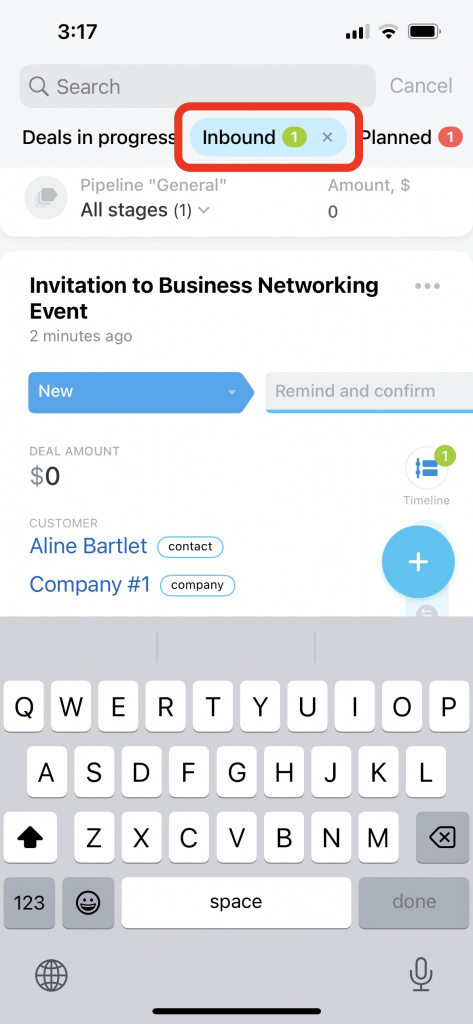
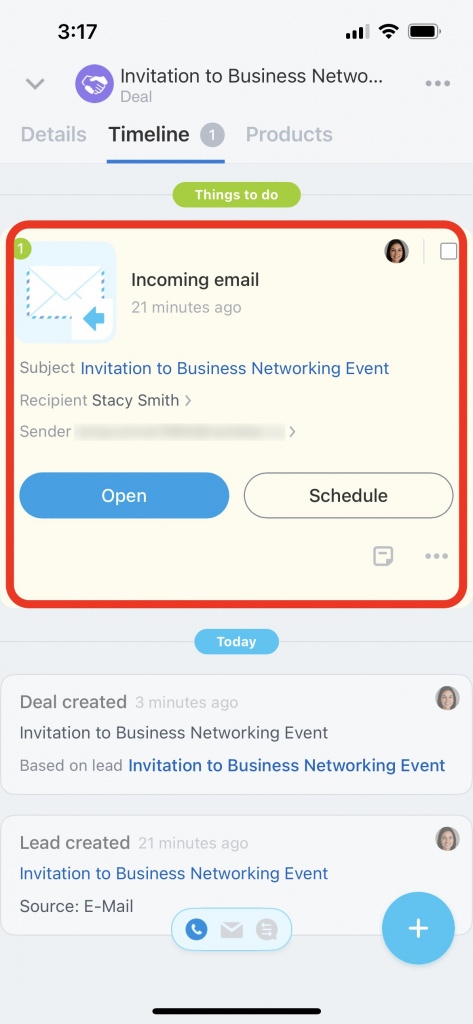
The Inbound counter shows unprocessed incoming activities, such as:
- Incoming or missed calls
- Emails
- Client chat messages
- Order payments
- New comments in linked tasks when you are the assignee or the task is linked to your CRM item
Inbound activities do not have deadlines. The counter stays active until you complete the activity.
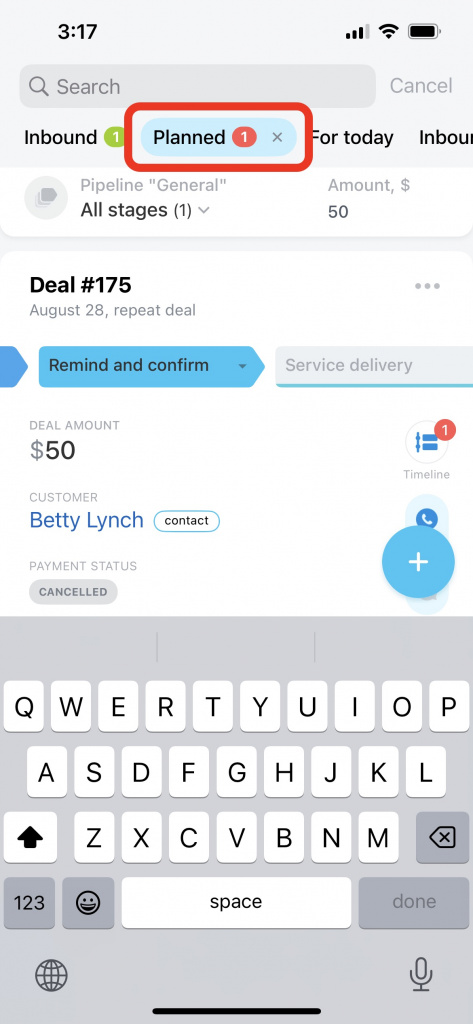
Planned counter
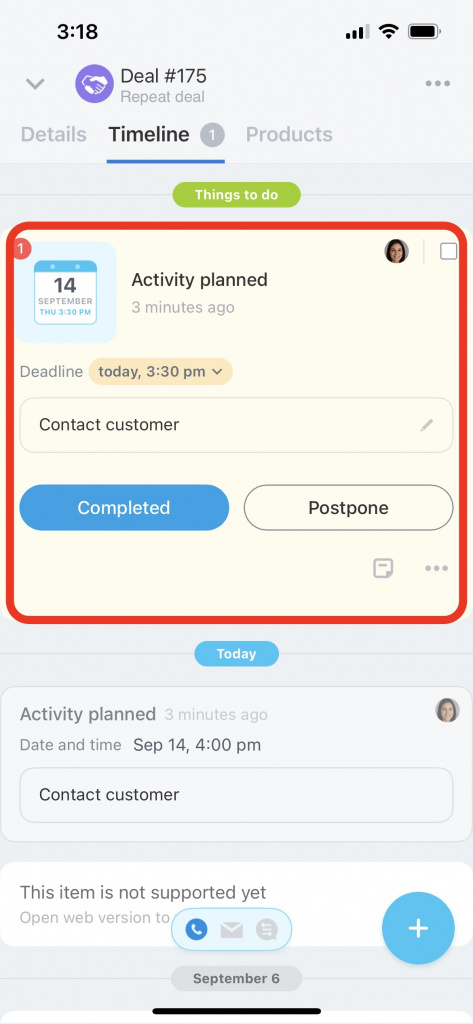
The Planned counter shows CRM items with:
- Overdue activities
- Activities due within the next 15 minutes
You can change the reminder time in CRM settings.
Personalize activity reminders in CRM
For today counter
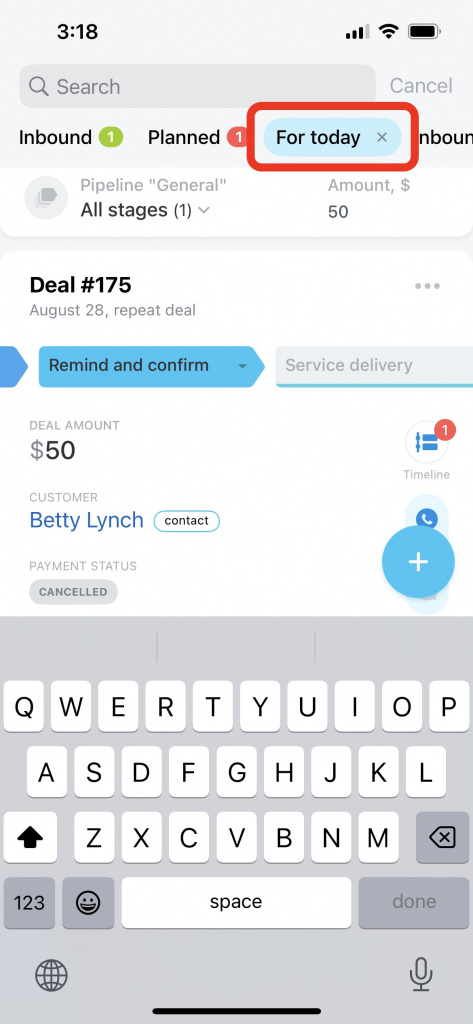
The For today counter shows:
- Incoming activities
- Overdue activities with a deadline today
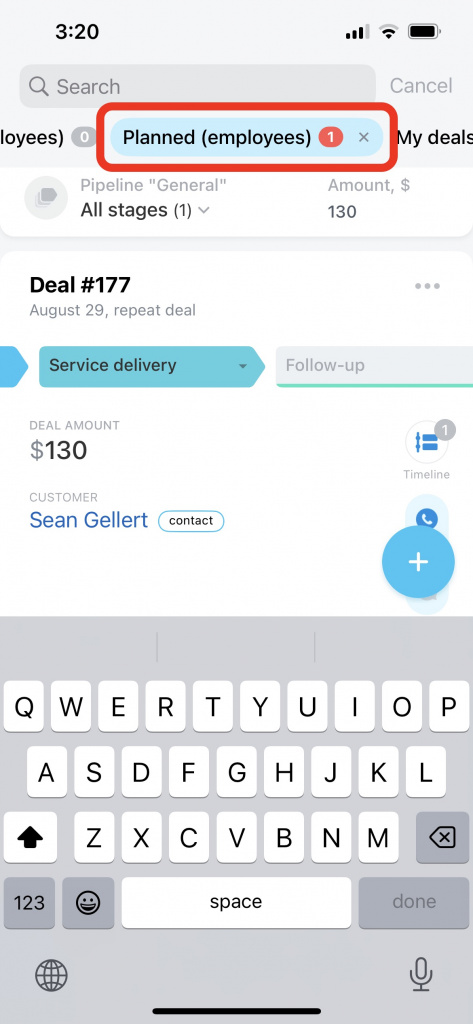
Employee counters
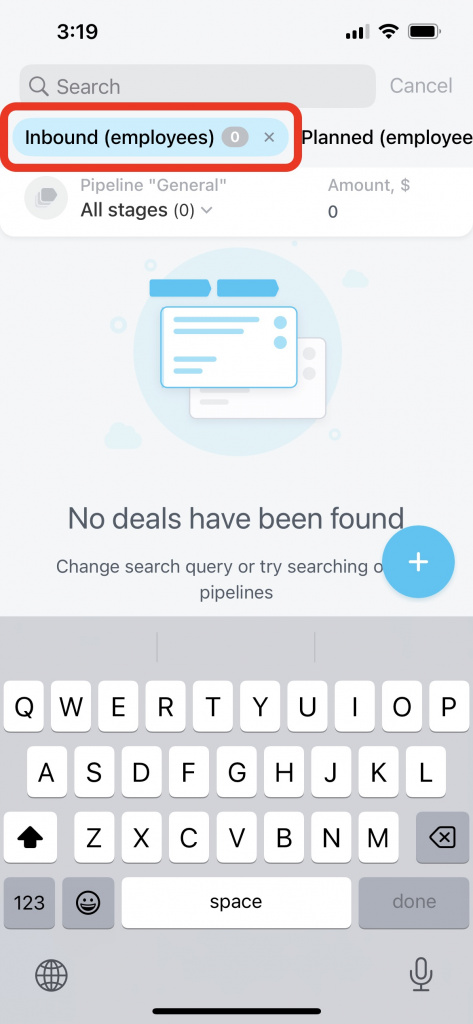
The following counters show employee activities:
- Inbound (employees)
- Planned (employees)
These counters are available only to users who can access other employees’ CRM items.
Access permissions in CRM
Counter modes
CRM supports two counter modes.
- CRM item responsible person: You see counters for CRM items assigned to you, even if the activities belong to other users.
- Activity responsible person: You see counters only for activities assigned to you, regardless of who owns the CRM item.
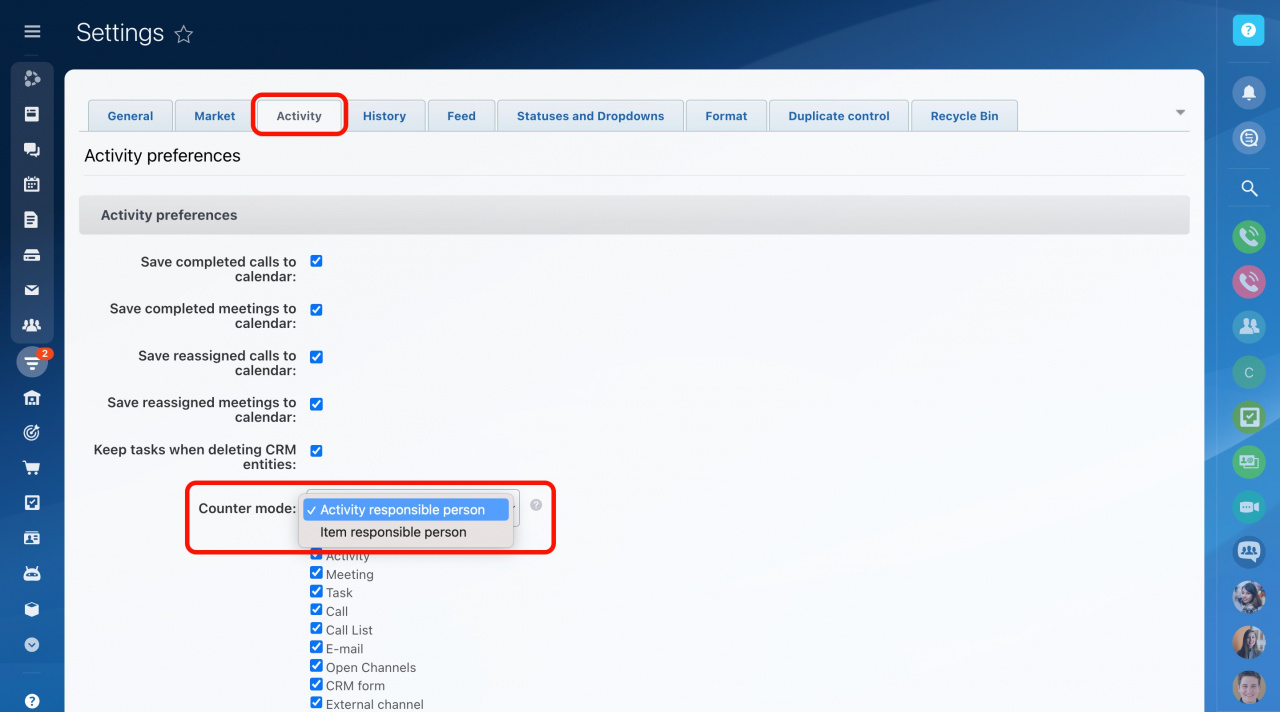
You can change the counter mode in the web version of Bitrix24.
Choose a counter mode
In brief
- Mobile CRM supports the same counters as the web version.
- Counters show activities that need attention.
- Mobile CRM includes three main counters:
- Inbound — Shows unprocessed incoming activities.
- Planned — Shows overdue and urgent activities.
- For today — Shows activities scheduled for today.
