
Universal activity is a single form you can use to manage any customer-related task.
What you can do
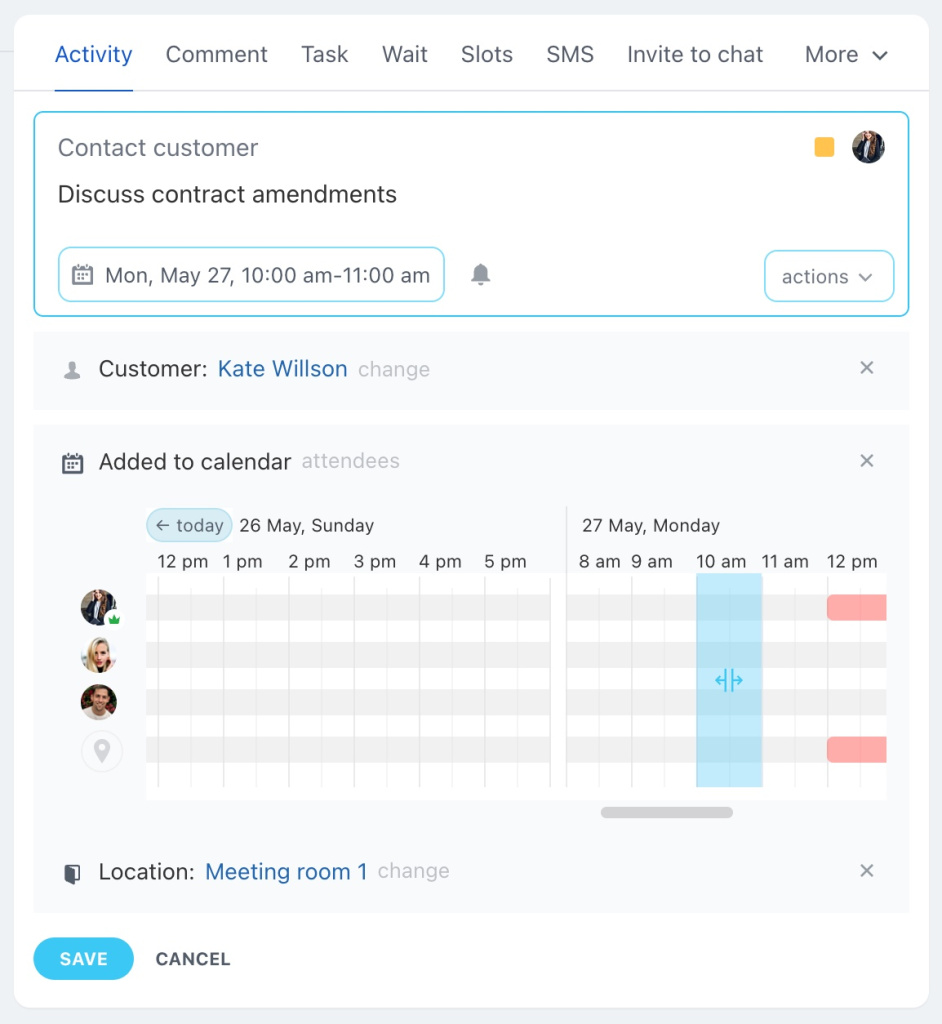
Use the activity form to:
- Set a location
- Select customers from CRM records
- Sync with your calendar
- Add team members
- Book a meeting room
- Use colors to organize activities
Common use cases
Calls from the office
- Enter a title.
- Add a description.
- Add the activity to your calendar.
- Choose a color to distinguish it from other events.
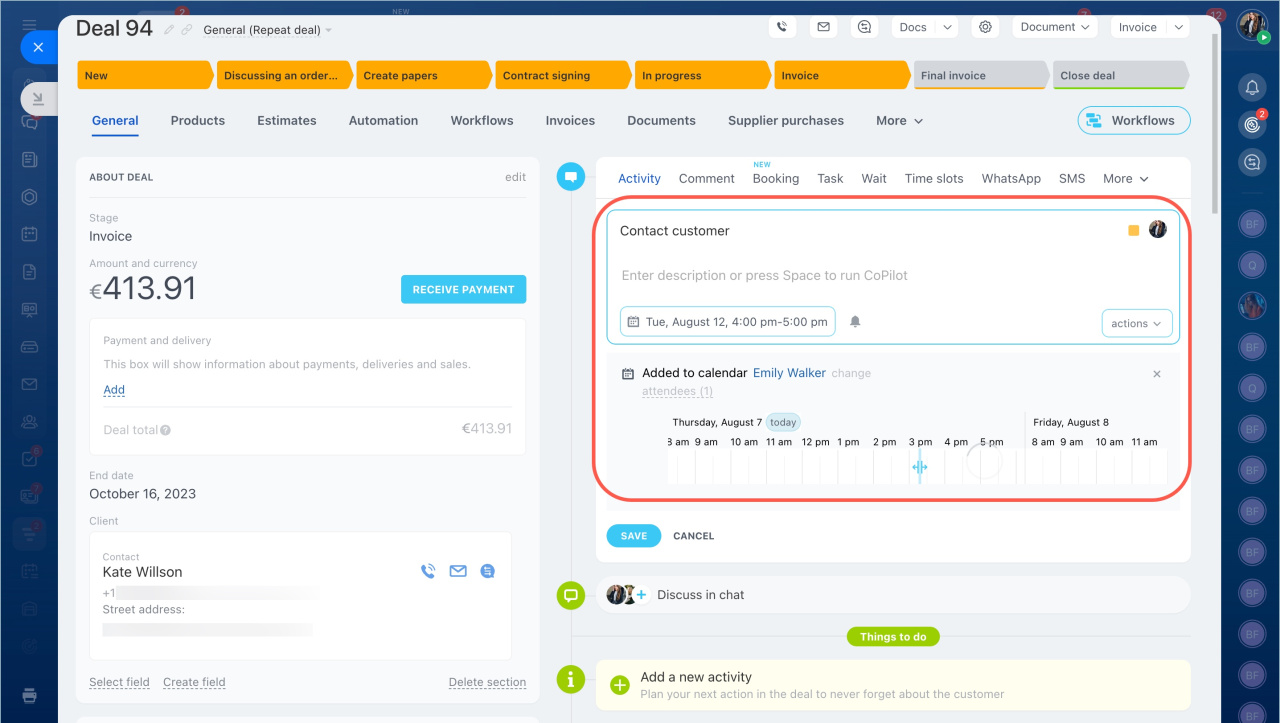
Work outside the office
- Enter the meeting address.
- If the deal includes multiple clients, select the specific contact for the meeting.
- Add the activity to your calendar.
Customers do not receive notifications for these activities.
If you need notifications, schedule the meeting using CRM slots.
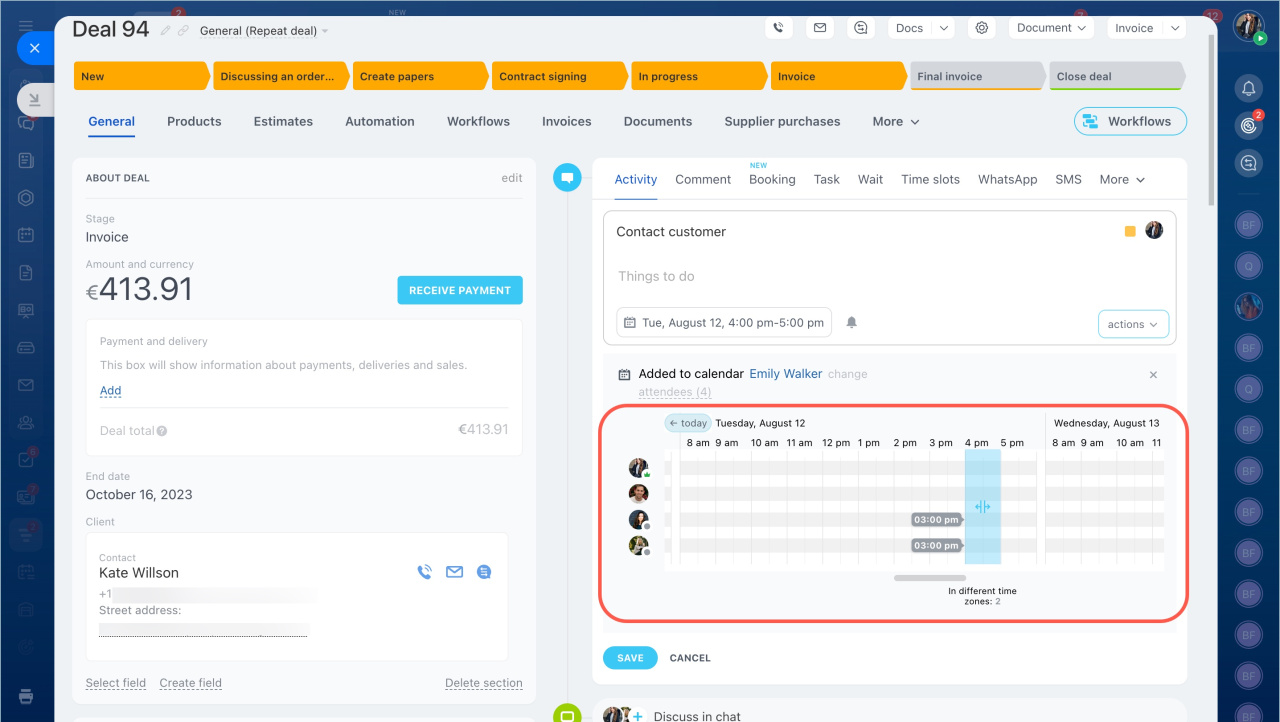
Meetings in the office
- Book a meeting room.
- Invite colleagues if needed.
- Add the meeting to your calendar.
Create an activity
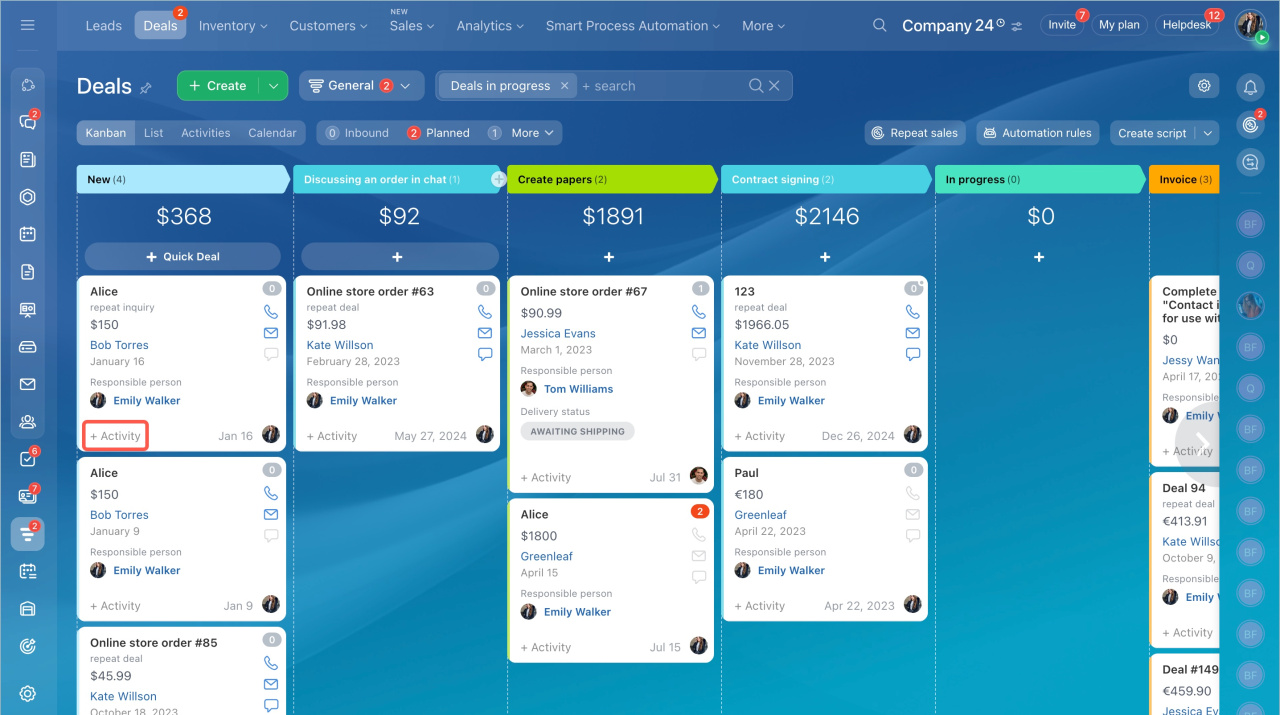
You can create activities in:
- Kanban view
- List view
- Activities view
- CRM entity form
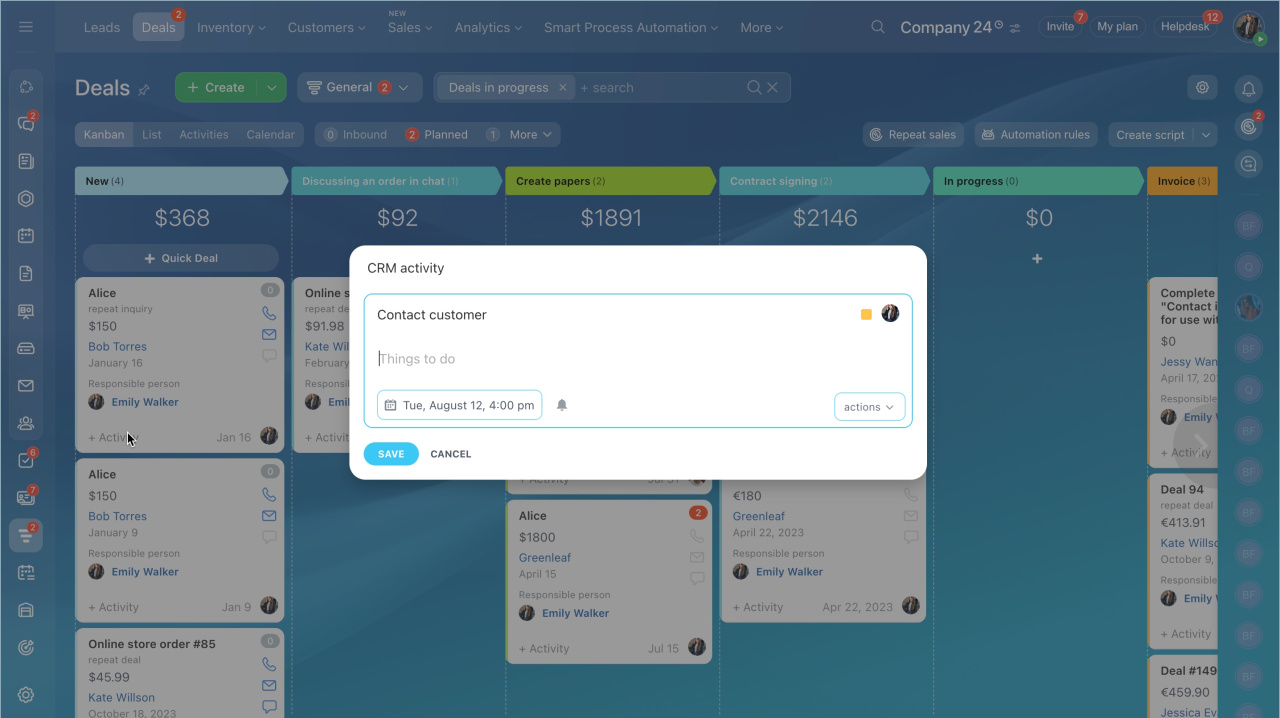
Set up the activity
Title
By default, the title is Contact Customer. You can change it.
Description
Enter details or use CoPilot to generate text.
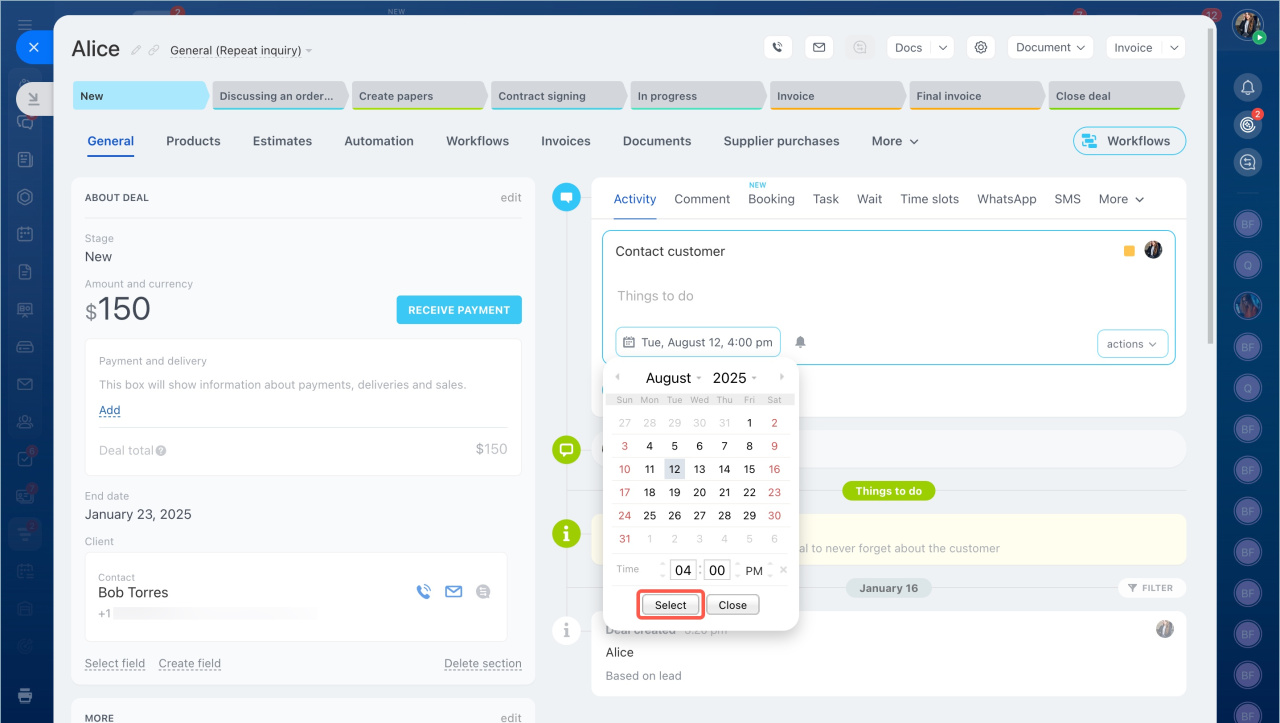
Deadline
The system sets a deadline automatically (3 days after creation). You can change it.
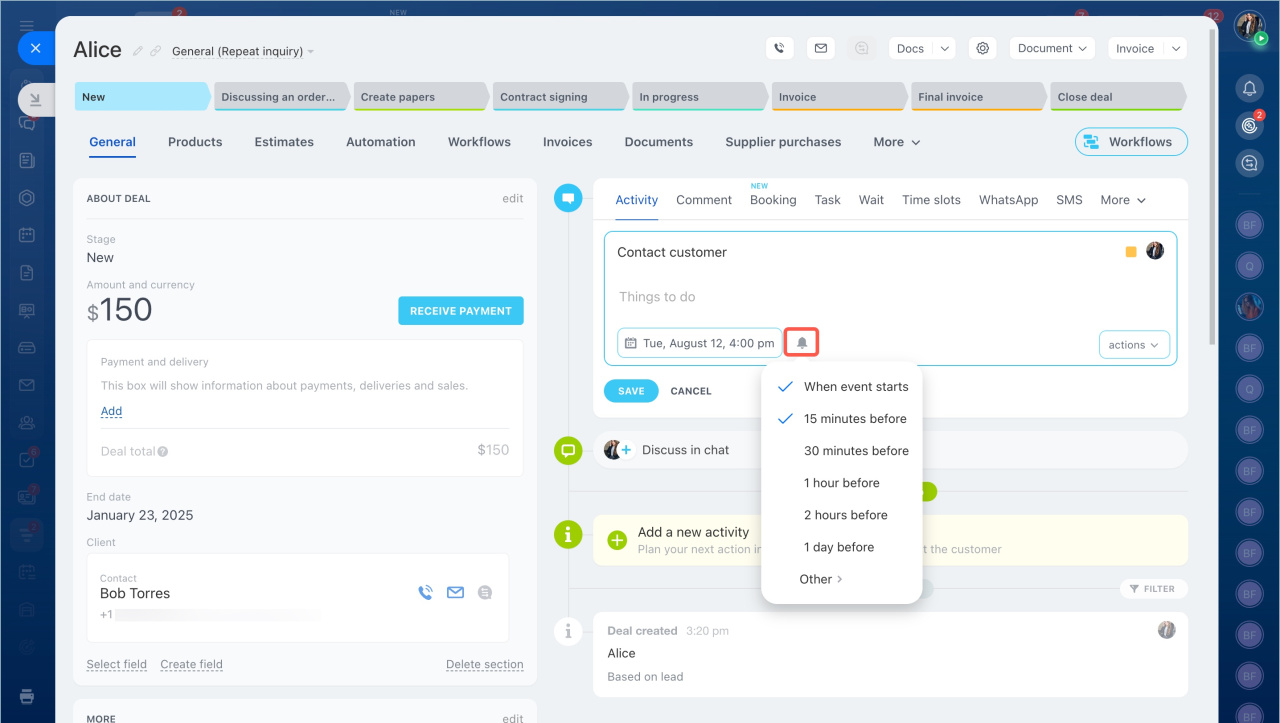
Reminders
- Click the bell icon.
- Select one or more reminders.
- To set a custom time, select Other and choose a date and time.
Example:
If the deadline is August 9 at 6:00 PM and you want a reminder 6 hours earlier, set it to August 9 at 12:00 PM.
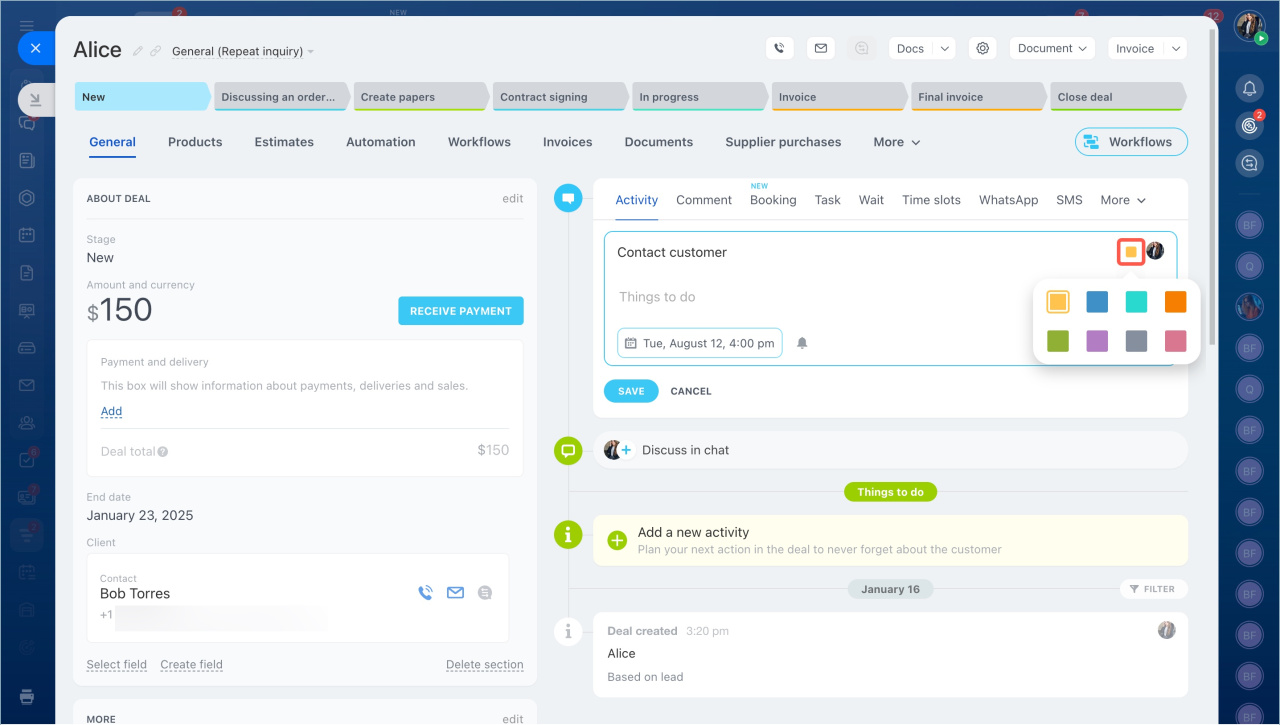
Activity color
Choose a color to organize activities (for example, yellow for calls, green for meetings).
If the activity is added to a calendar, the same color appears there.
Available actions
You can enable one or more of these options:
- Add to calendar — adds the activity to a selected calendar. If your personal calendar is synced, the activity appears there too.
- Select customer — choose one or more contacts from the CRM. Customers do not receive notifications.
- Invite users — add colleagues to collaborate.
- Enter address — specify a location for offsite meetings.
- Select location — book a meeting room.
- Attach link — add a link to a Bitrix24 video call.
- Attach file — upload documents or other files.
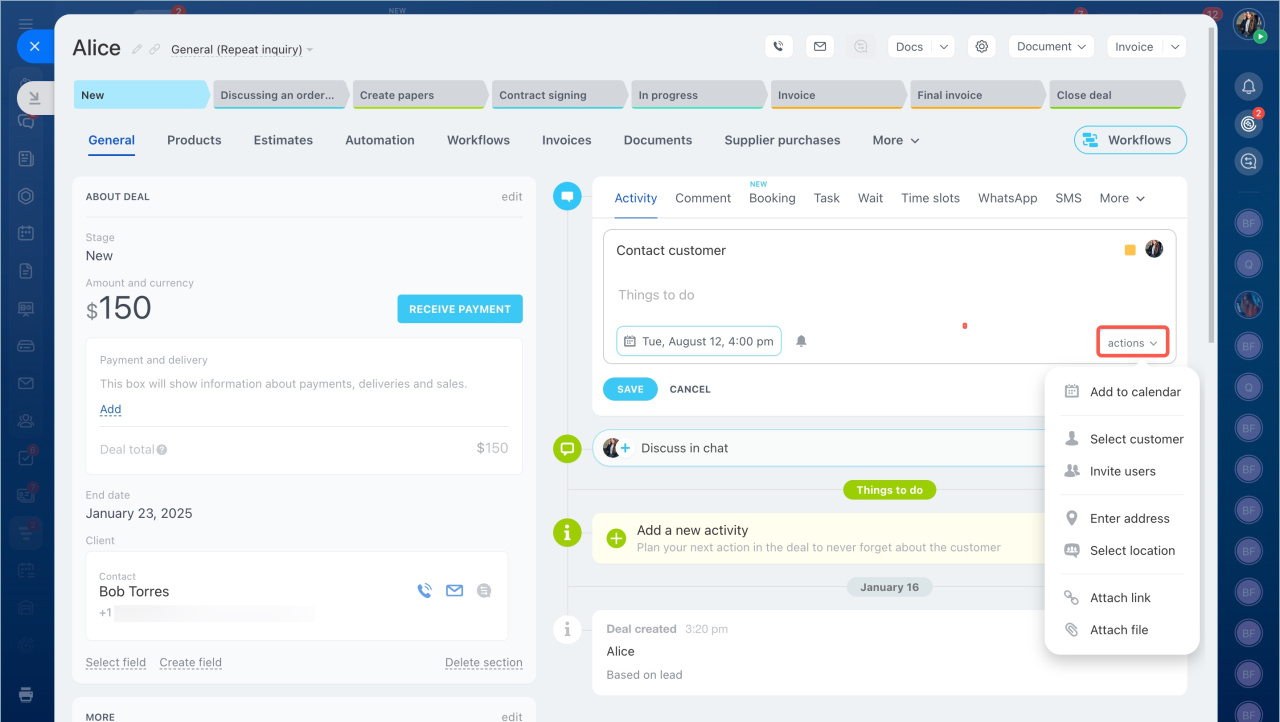
Activities in CRM are universal, use them to plan your work with customers.
In brief
- Use universal activities to track any customer-related work.
- You can sync activities with calendars, assign users, set locations, and organize them with colors.
- Create activities from multiple CRM views or directly in a record.