
In Bitrix24, an employee can send an administrator a request to connect a mailbox. This helps when the employee does not have the access permissions or does not know the mailbox settings.
The administrator connects the mailbox directly, so the employee does not need to set anything up.
In this article:
Send a request as an employee
You can send a mailbox connection request from Bitrix24 on the web or in the mobile app.
If you cannot connect a mailbox yourself, send a request to an administrator. The administrator will set up the mailbox with the correct settings.
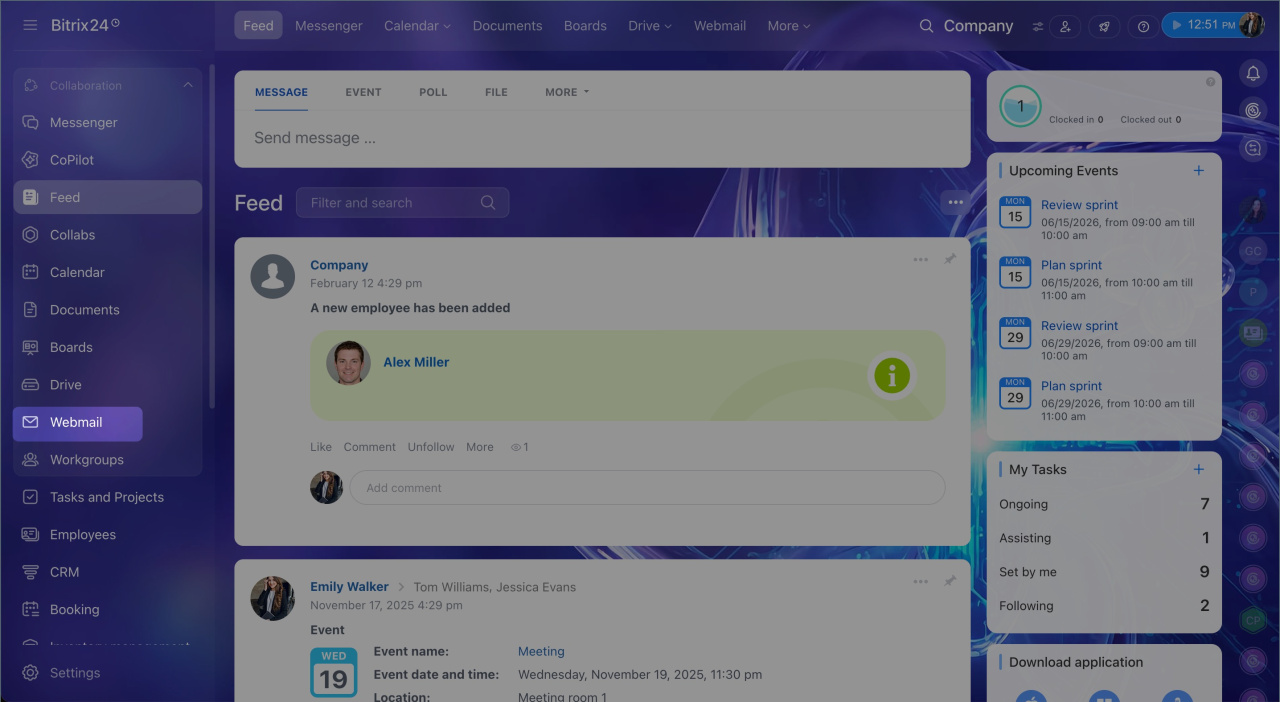
1. Open the Webmail section in the left menu.
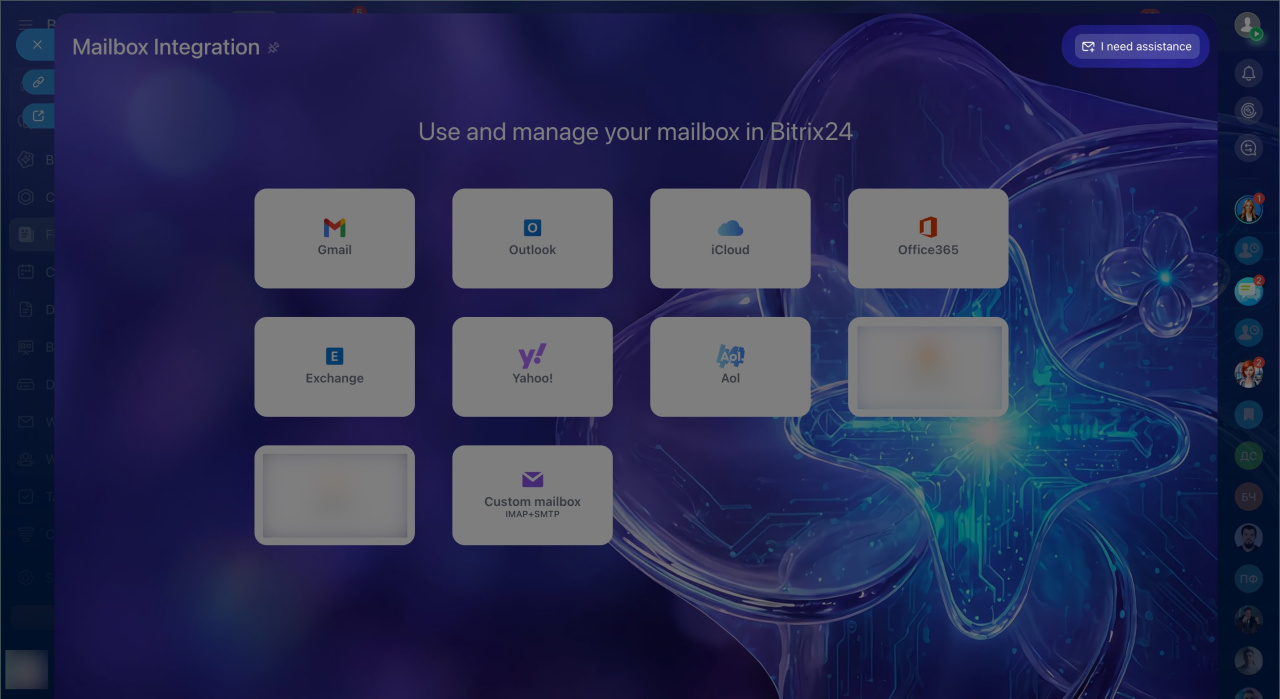
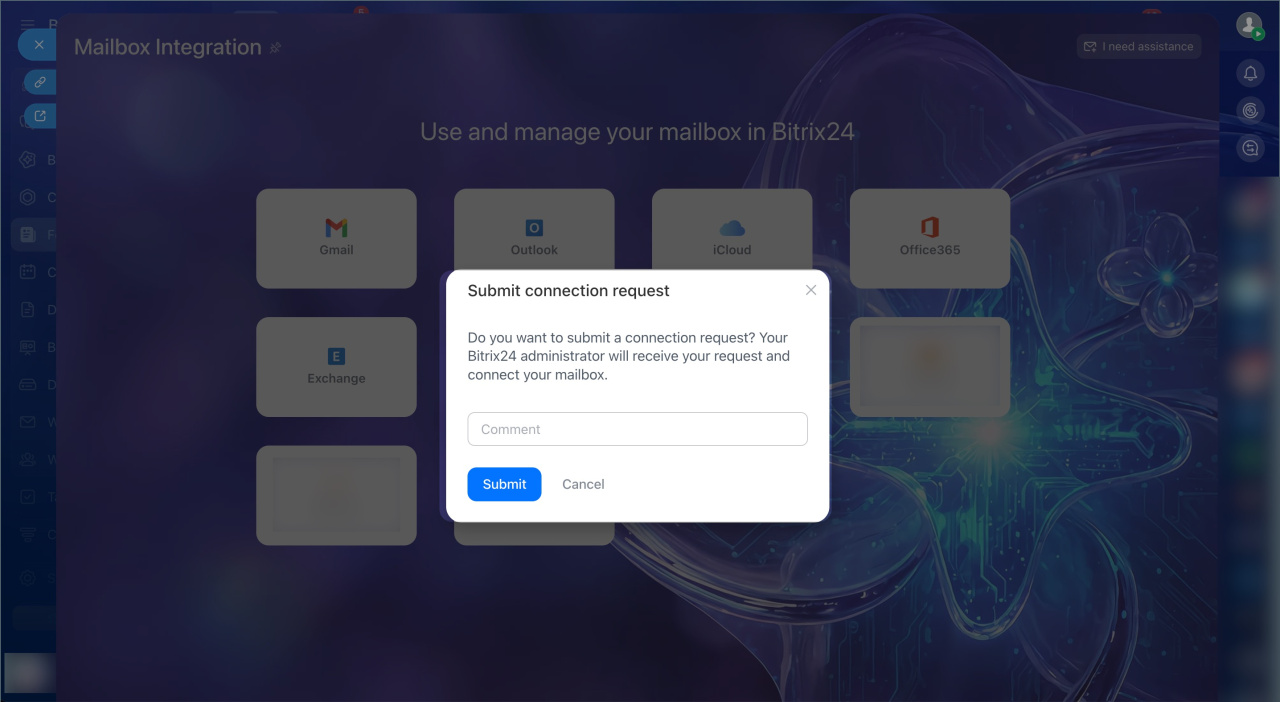
2. Click I need assistance in the top right.
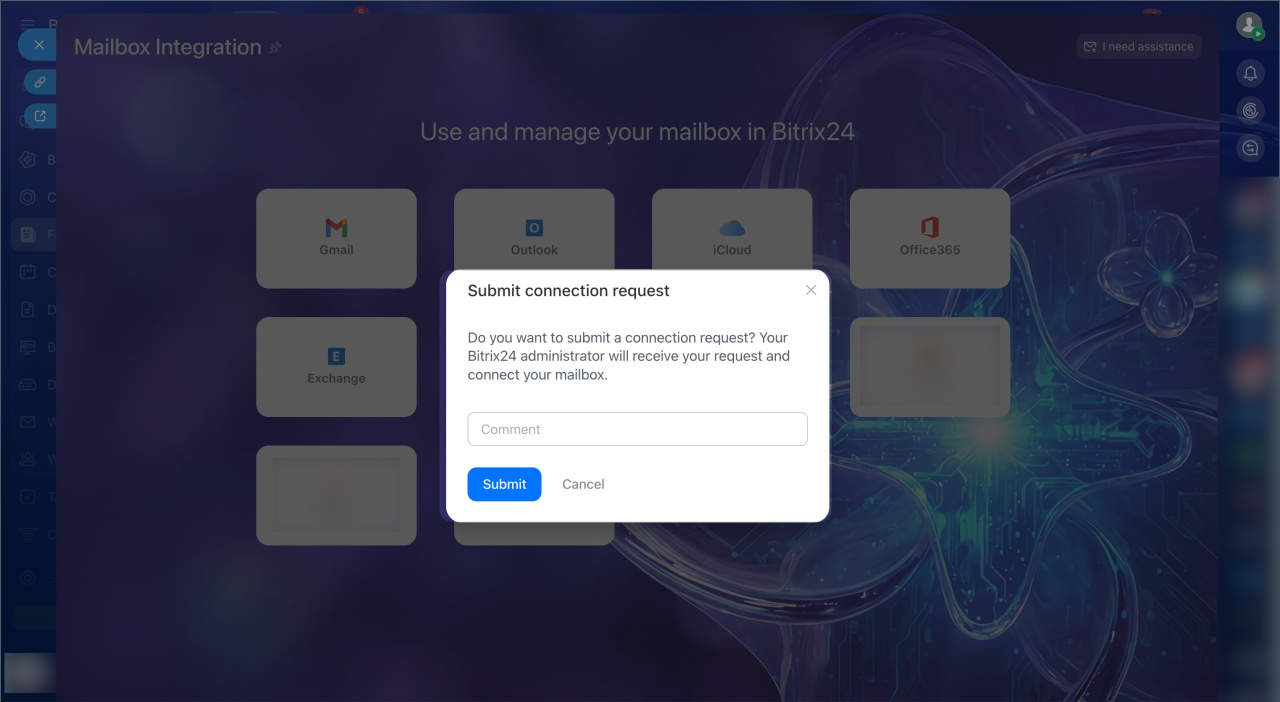
3. Add a comment for the administrator if needed. For example, include the mailbox name and other connection details.
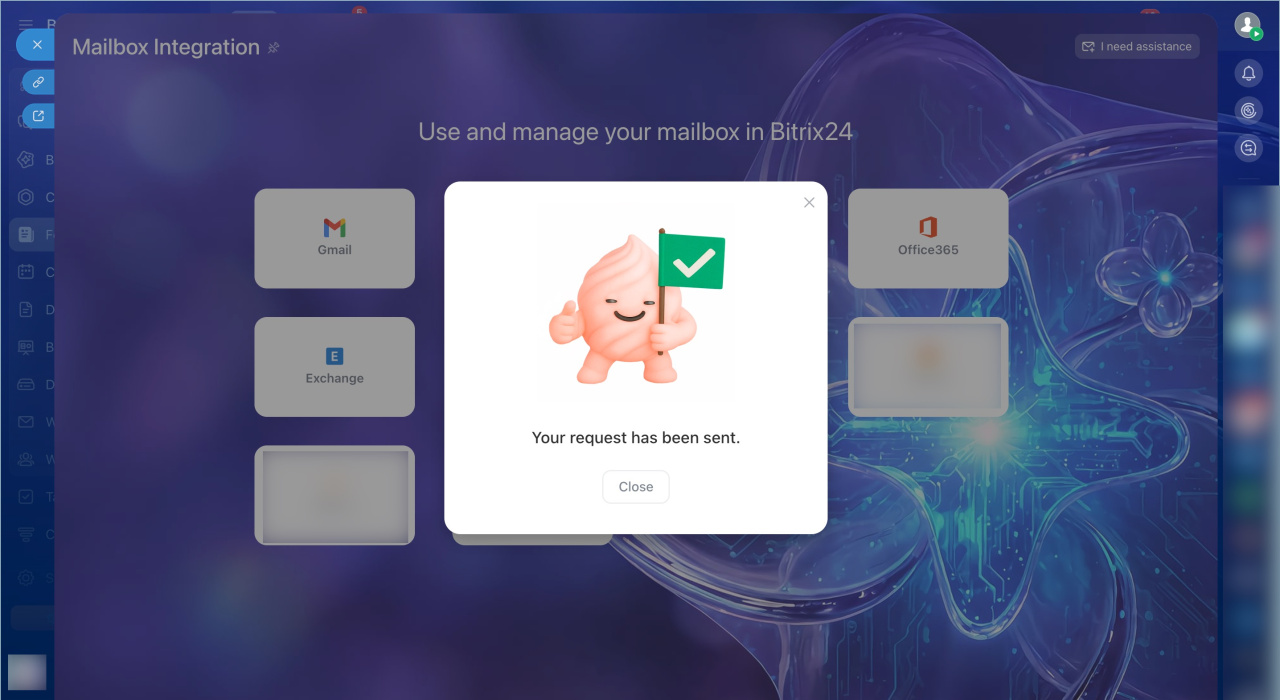
4. Click Submit.
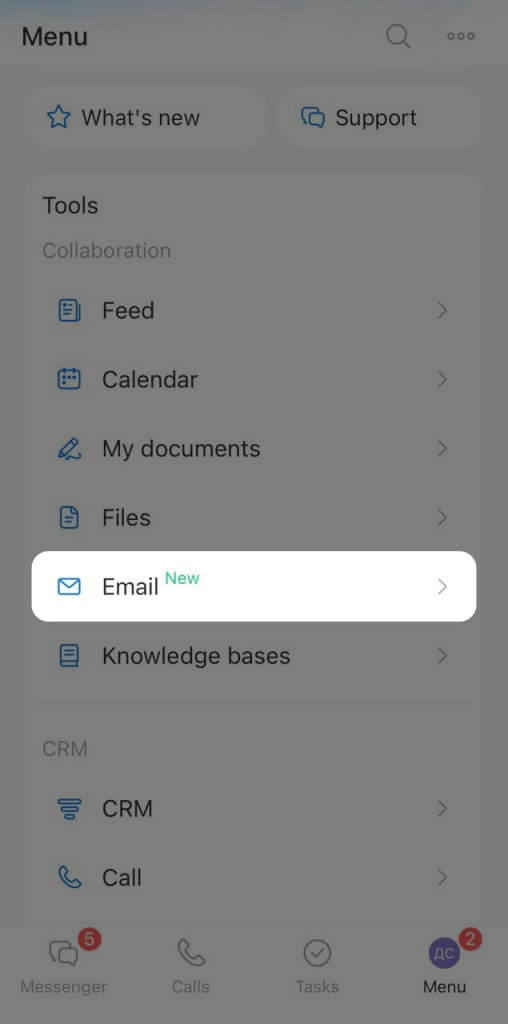
1. Tap Menu in the lower-right corner.
2. Select Email.
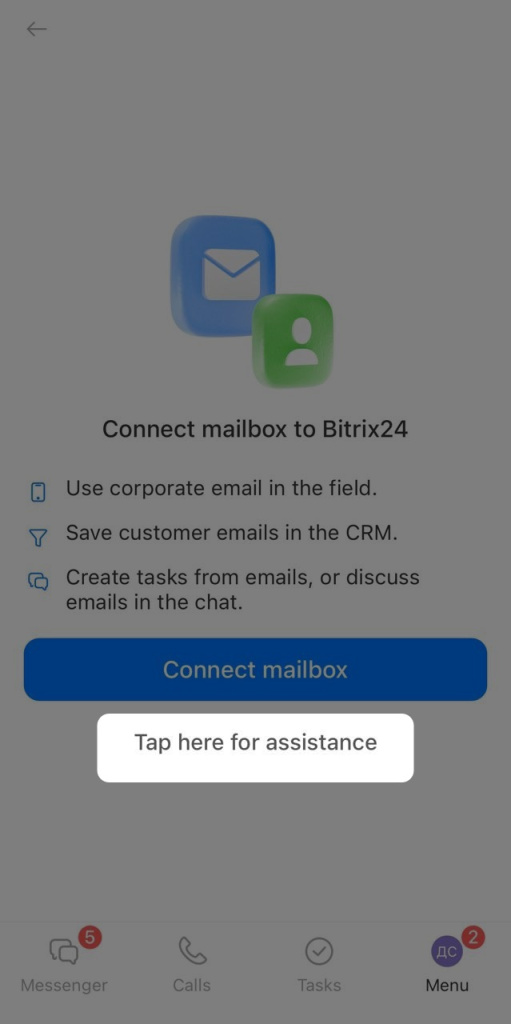
3. Tap Assistance.
4. Add a comment for the administrator if needed. For example, include the mailbox name and other connection details.
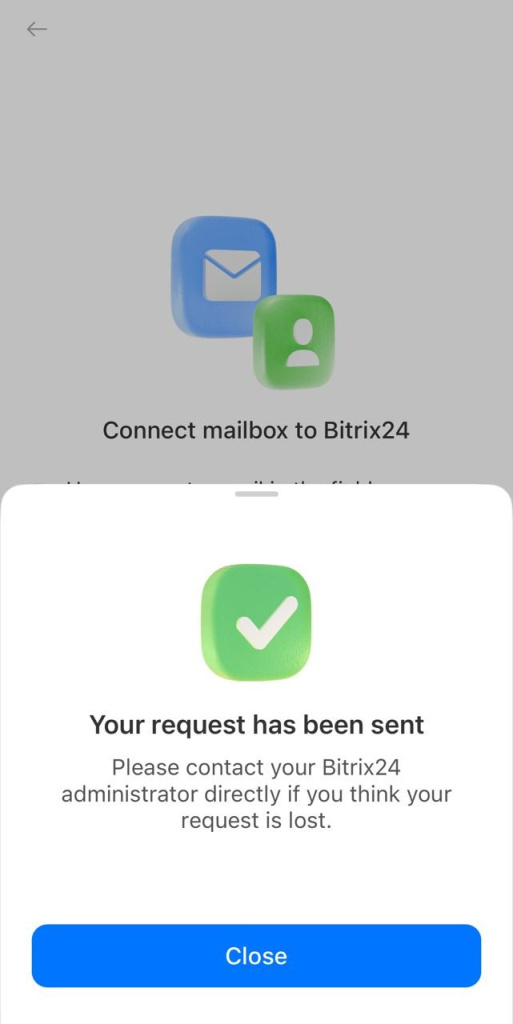
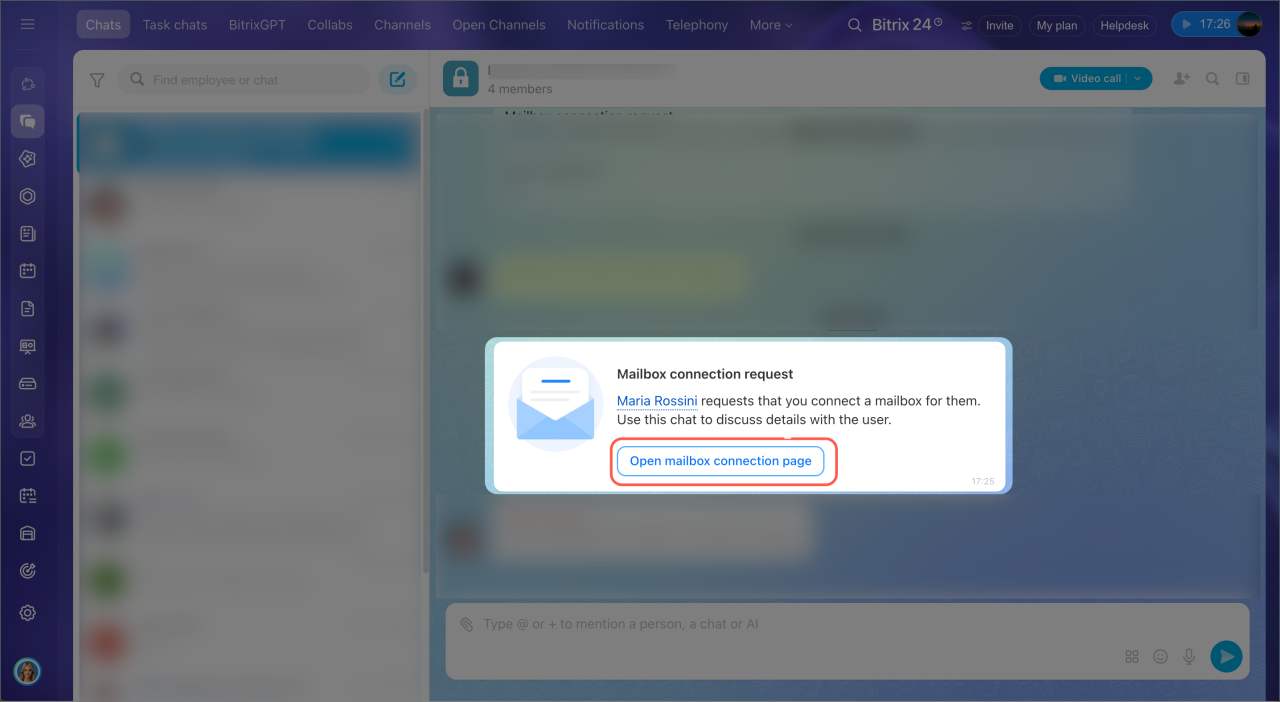
When an employee sends a request, Bitrix24 creates a chat to discuss the details.
- If there is one administrator, the chat includes that administrator.
- If there are several administrators, the chat includes all administrators and the employee.
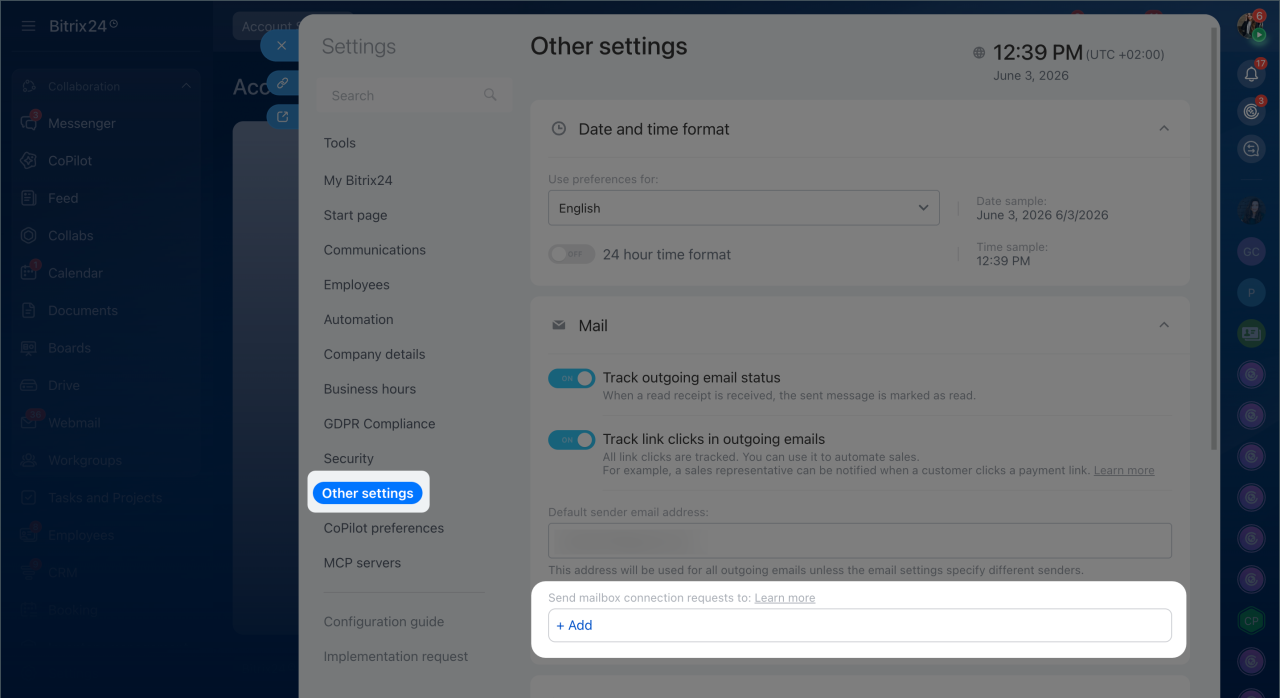
If only one administrator should receive requests, set this up in Bitrix24 Settings > Other settings > Mail > Send mailbox connection requests to.
Connect a mailbox as an administrator
To connect a mailbox:
1. In the connection request message, click Open mailbox connection page. The list of email connections opens.
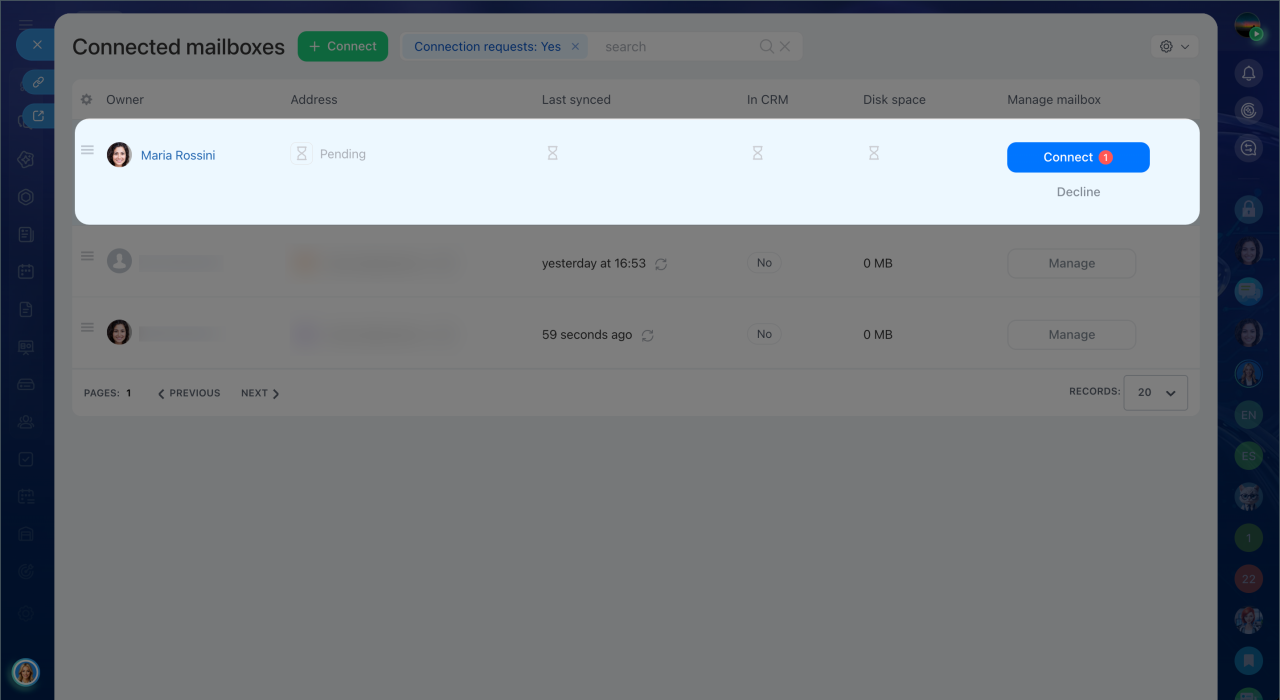
2. Find the employee's request by name and click Connect in the Connected mailboxes column. Employee requests appear at the top of the list.
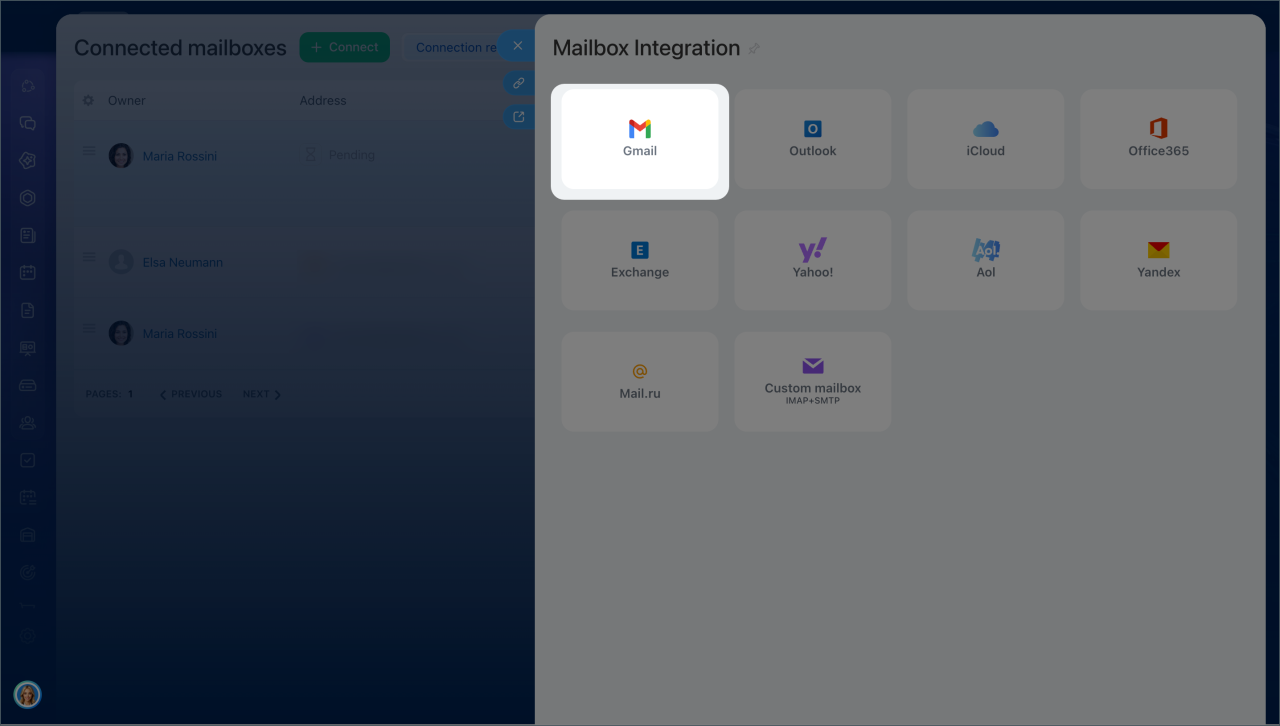
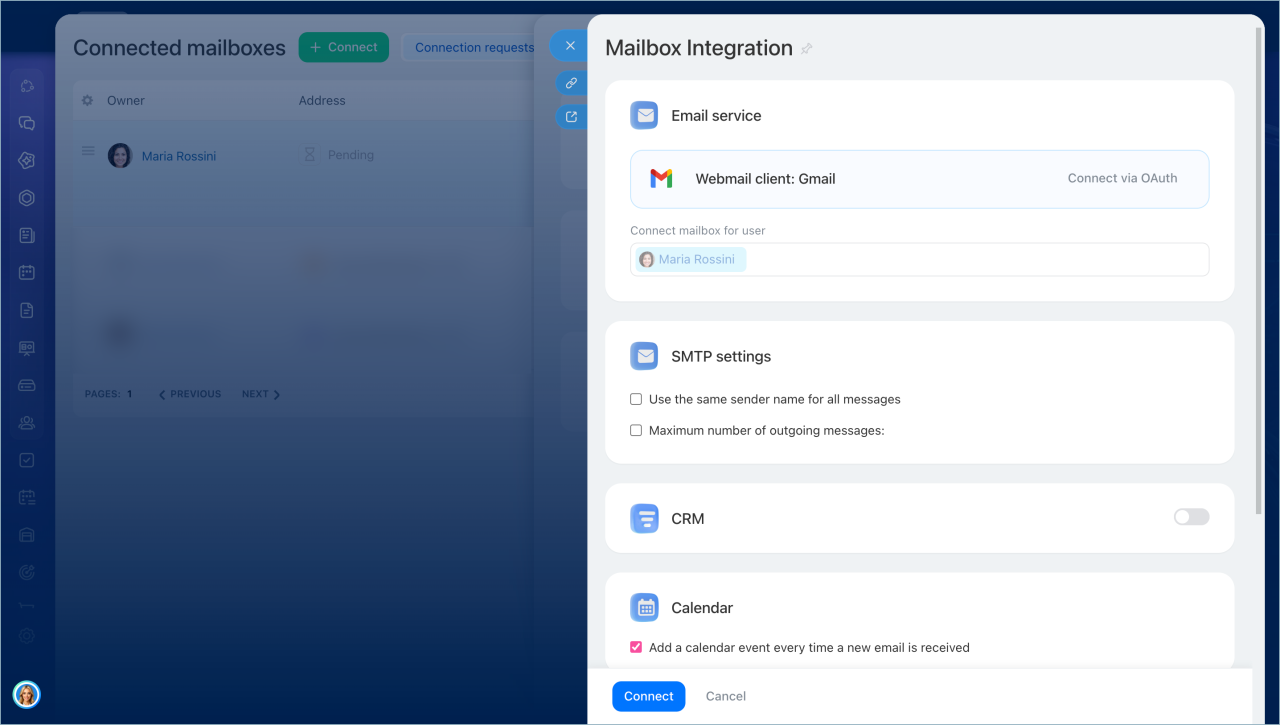
3. Select the email service.
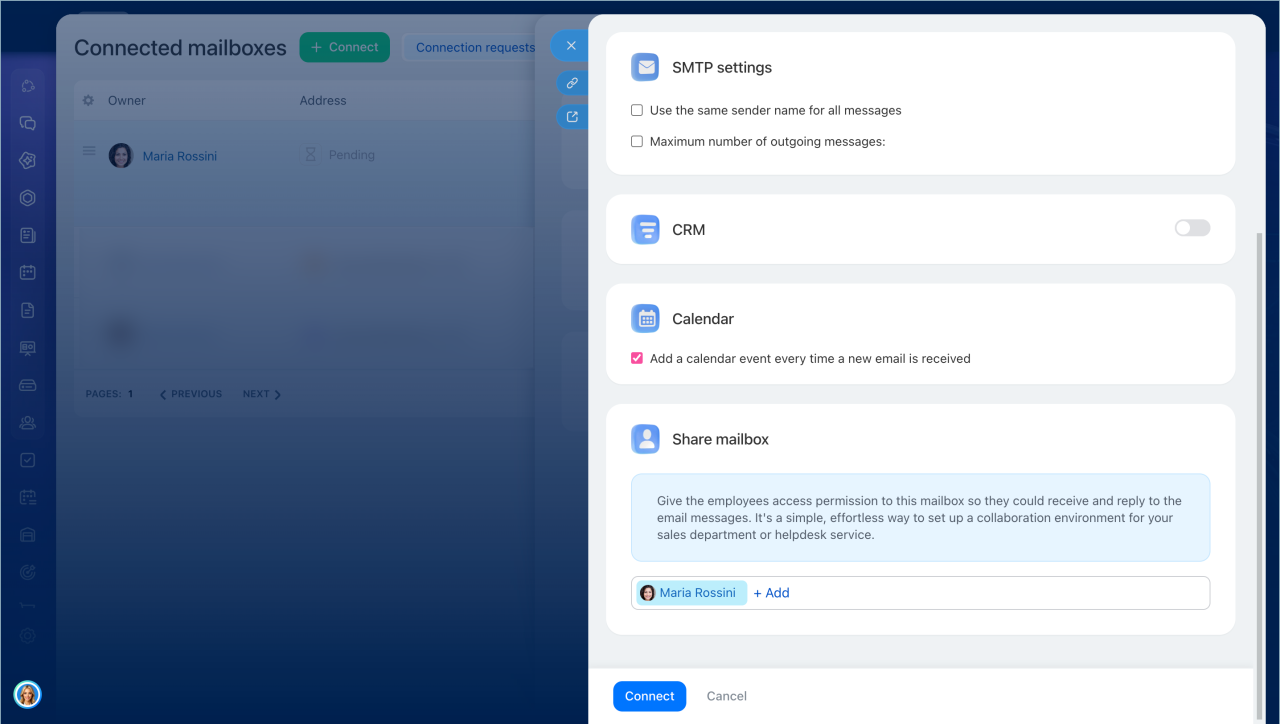
4. Configure the outgoing mail settings.
5. Enable CRM and Calendar integration.
Mailbox settings
6. In the Connect mailbox for user section, select the user name.
7. Click Connect.
If you missed the request in the chat, you can still connect and set up the mailbox in Email > Manage employee mailboxes.
Manage employee mailboxes in Bitrix24
In brief
- In Bitrix24, an employee can send an administrator a request to connect a mailbox from the web version or the mobile app.
- When the user sends the request, Bitrix24 creates a chat with the administrator to discuss the details.
- From the chat, the administrator opens Manage employee mailboxes and connect the mailbox.