
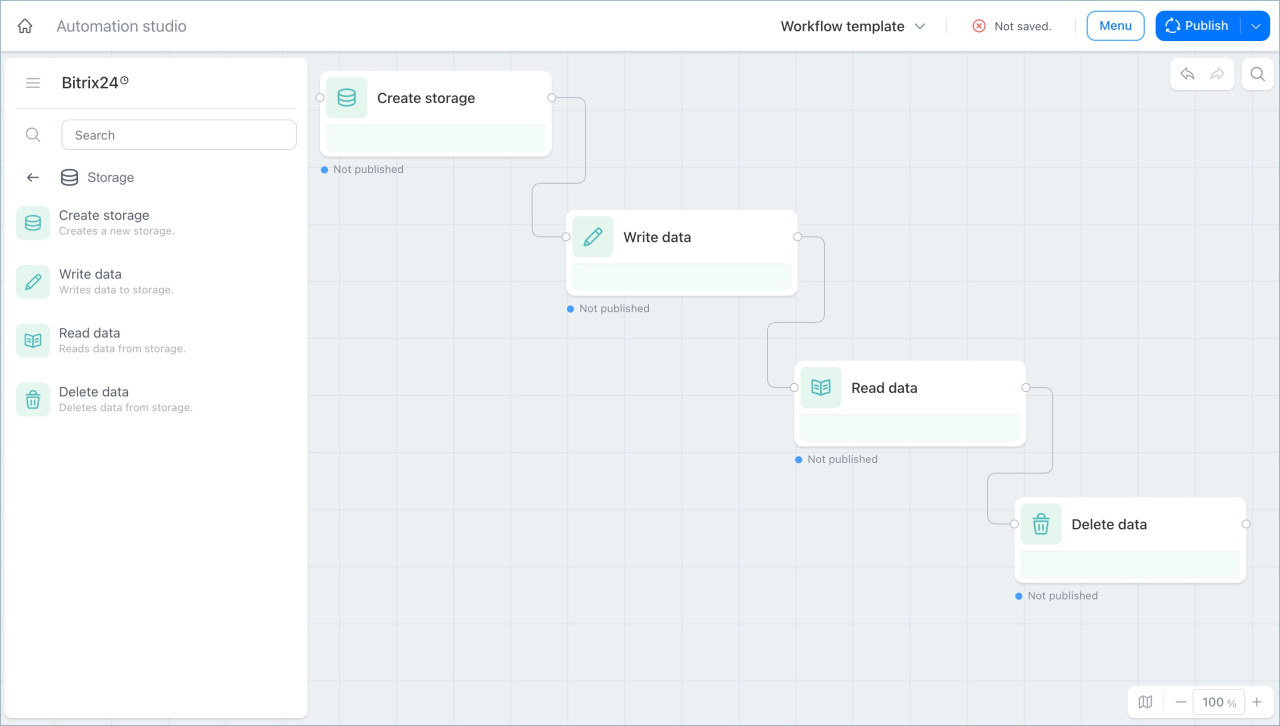
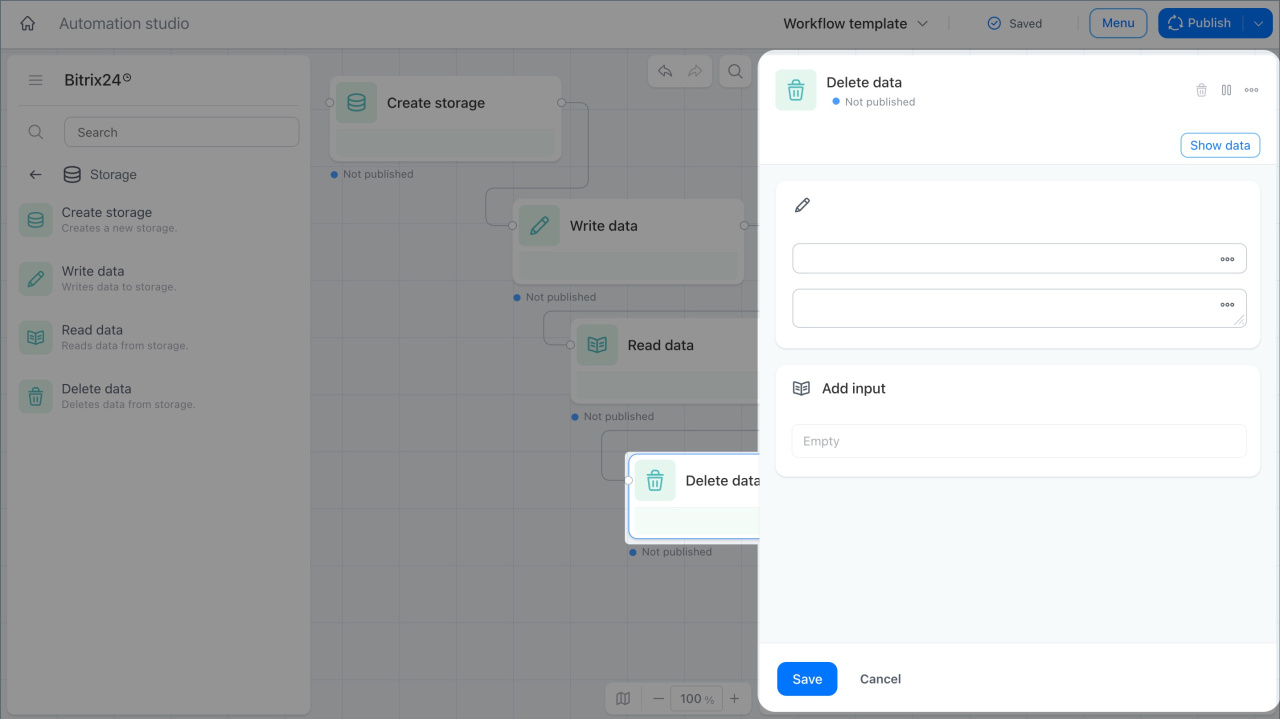
The Storage group includes actions for working with data storages in your processes. Use these actions to create storages, save data, read data, and delete data when needed.
Storages help you keep data inside a process. For example, you can save results from AI agents or track changes to the responsible person in deals. This data is global, so you do not need to create a separate storage for each branch or process.
In this article:
Create storage
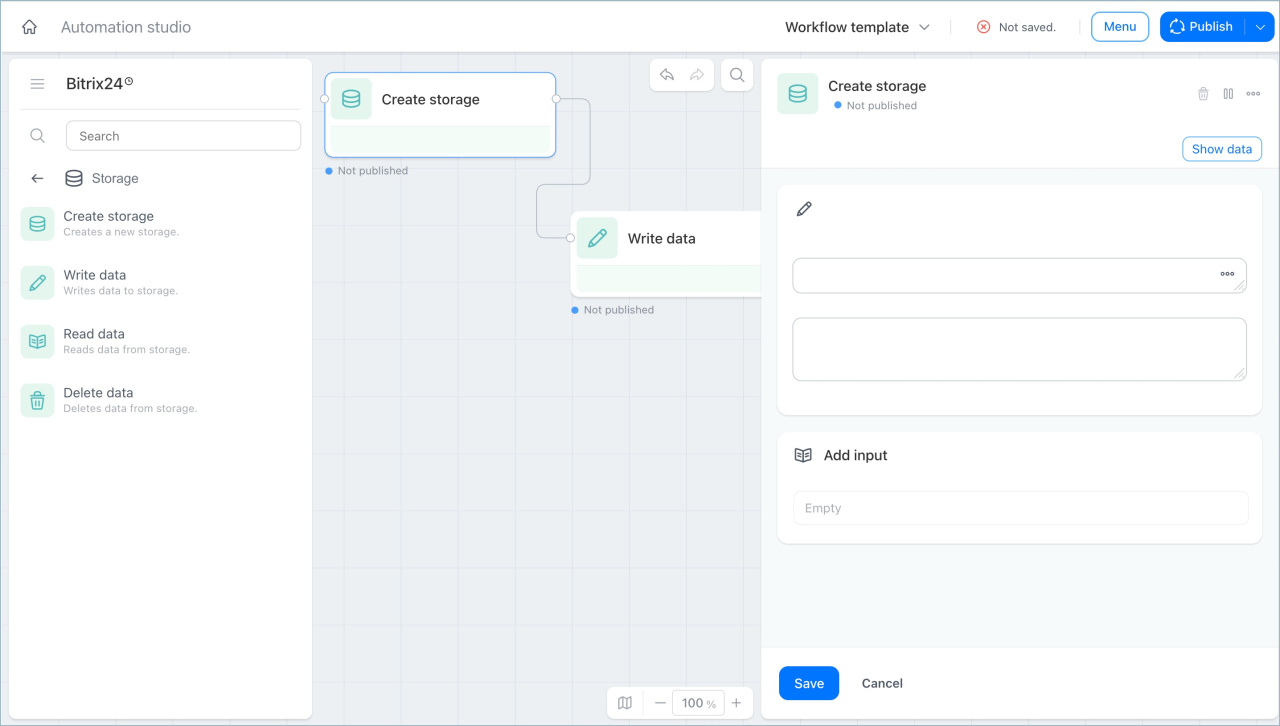
This action creates a storage, which is a table for saving data in a process.
For example, when you launch an AI agent to answer knowledge base questions, this action creates a table with system data, such as who started the agent and which chat it works in. The agent uses this data to know where to send replies.
Write data
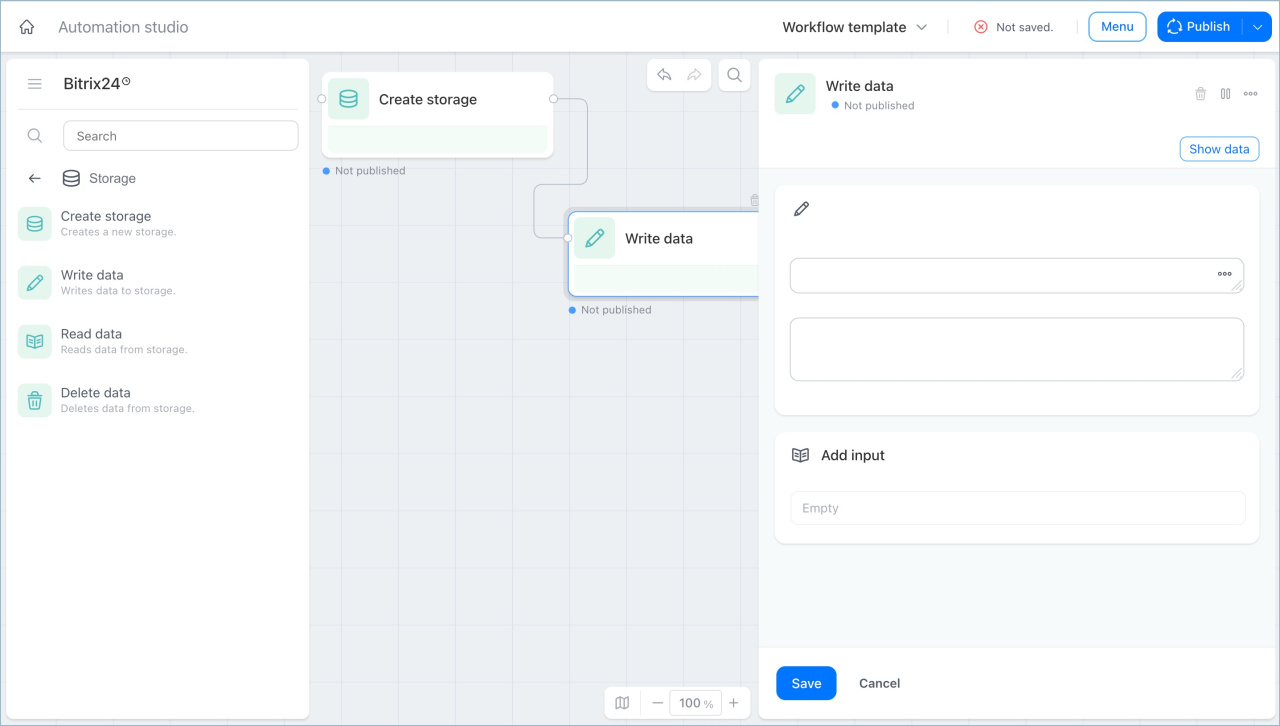
This action adds data to a storage. You can create a new record, add data to an existing record, or replace it.
For example, when the responsible person changes in a deal, this action adds a record to the storage. You can then use this data to create a monthly summary that shows which employees worked on the deal and how much time they spent.
Read data
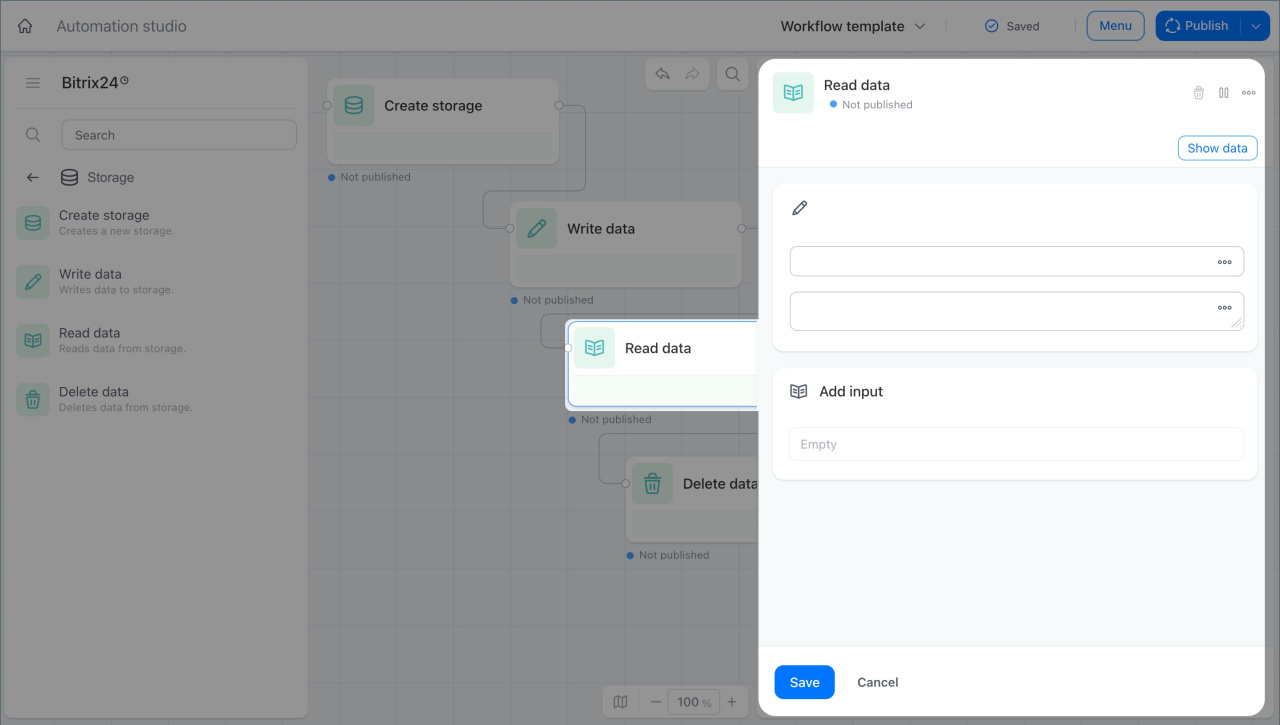
This action gets data from a storage and sends it to the next steps in the process.
For example, in the AI agent for employee testing process, this action gets data about when employees took a test and how many correct answers they gave. The next action uses this data, and the supervisor gets a summary in chat.
Delete data
This action deletes data from a storage. You can delete selected records by filter or remove all data at once.
For example, an AI agent for onboarding helps new employees learn internal policies and checks their knowledge. The test results are saved in a storage. After an employee finishes the probation period, this action deletes their results from the storage.
In brief
- The Storage group includes actions for working with data storages in processes.
- Create a storage, which is a table for saving data.
- Write data adds data to a storage.
- Read data gets data from a storage and sends it to the next steps of the process.
- Delete data removes data from a storage by filter or deletes all data.
- Storages are available across all branches and processes.