
The Other operations node group includes actions for Drive, absence management, Calendar, and codes.
You can use these nodes to:
- Keep Drive organized. For example, upload files, create folders, and delete items you no longer need.
- Add events to the Calendar and the absence chart.
- Generate discount coupons and QR codes for customers.
In this article:
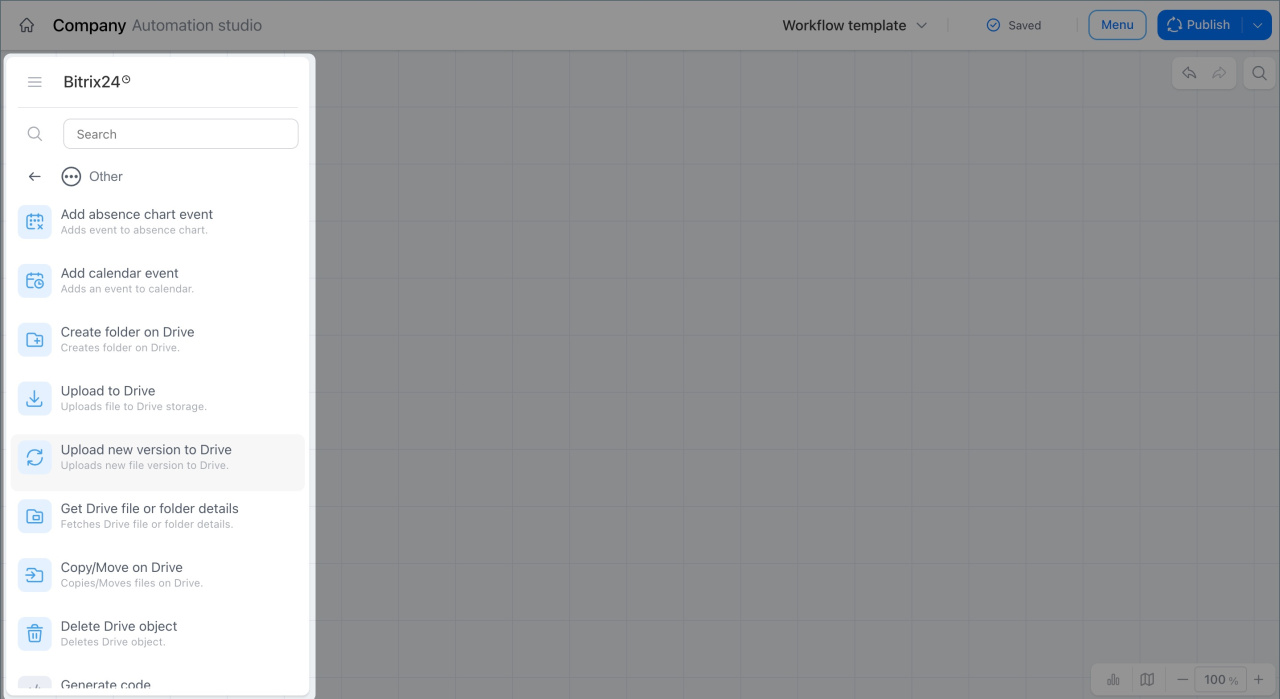
Add absence chart event
This node adds different event types to the absence chart, such as vacation, business trips, sick leave, time off, and more.
For example, in a Vacation approval workflow, a manager approves the request first, and then an accountant processes it. After that, the node adds an event to the chart with the employee name, the Annual vacation type, and the start and end dates.
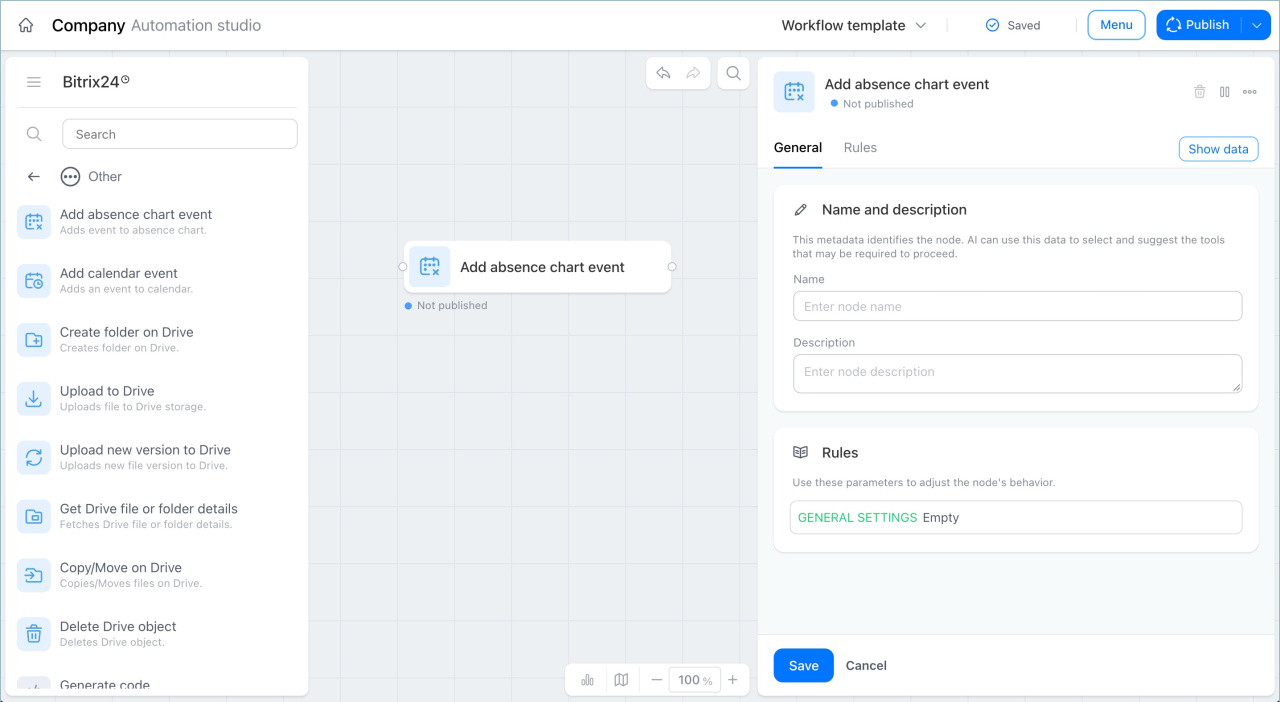
Get Drive file or folder details
This node gets detailed information about a Drive item, such as a file or folder. You can retrieve the ID, name, size, view link, and other details.
For example, in a Contract approval workflow, a lawyer uploads a contract file to Drive. The node then gets the file name and view link. The workflow sends the manager a notification with a link to the document.
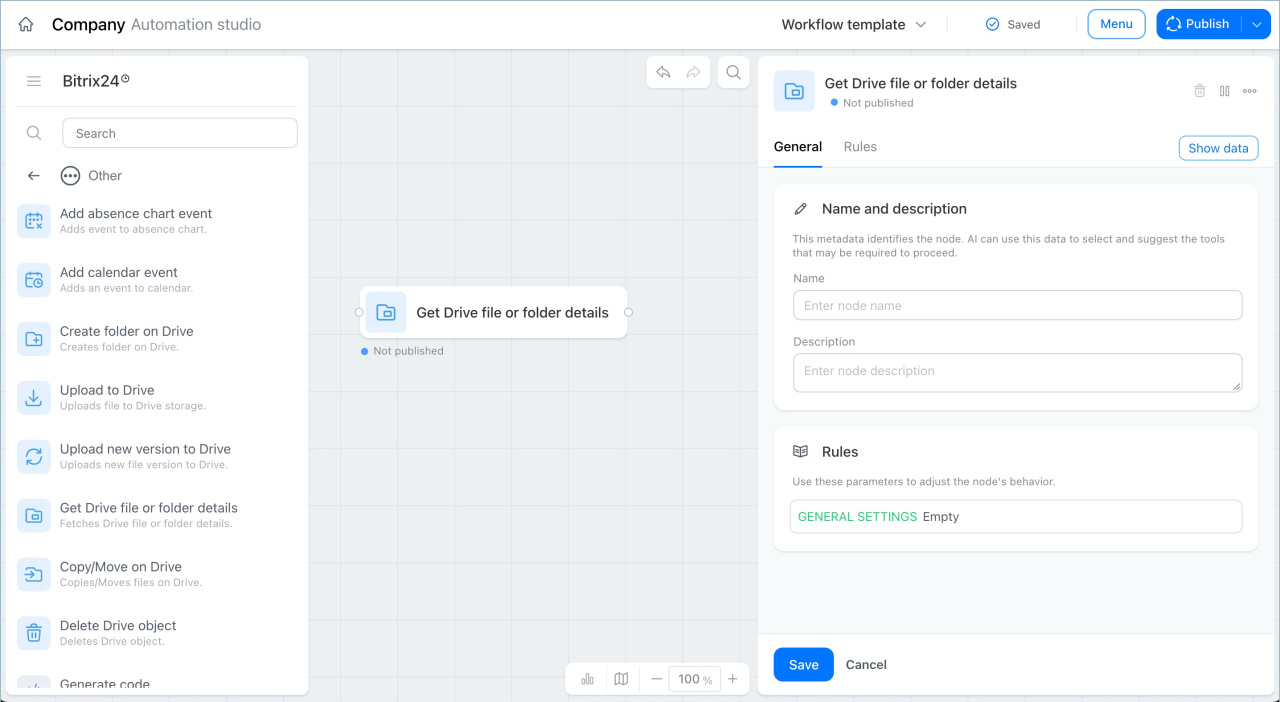
Upload to Drive
This node uploads a file to the selected Drive storage: a user Drive, workgroup Drive, shared Drive, or folder.
For example, in a Purchase approval workflow, a manager uploads a vendor invoice to a task. The node automatically saves the file to an accounting folder in Drive, where the team can find it later during reconciliation or an audit.
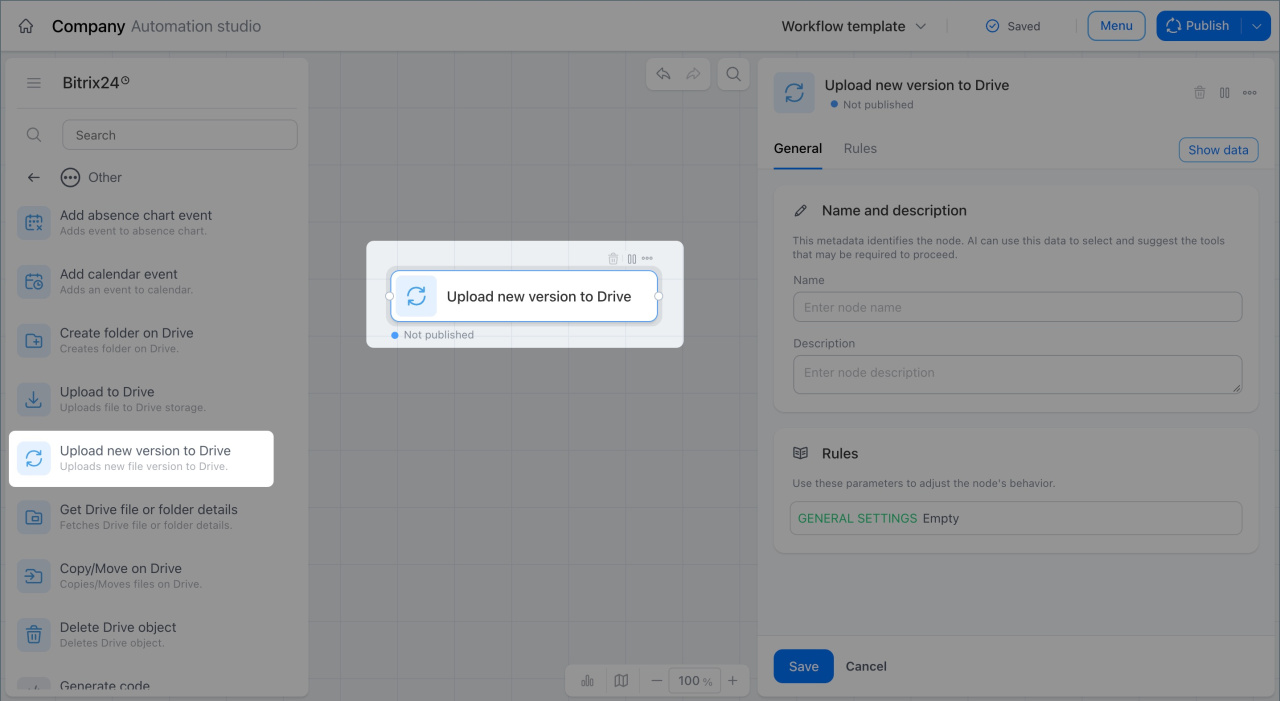
Upload new version to Drive
This node uploads a new version of a file to Drive. The new file replaces the previous version.
For example, in a Contract signing workflow, a lawyer uploads a scanned contract to Drive and sends it for signature. When both parties sign the document, the node replaces the original file with the signed scan.
Outbound Webhook
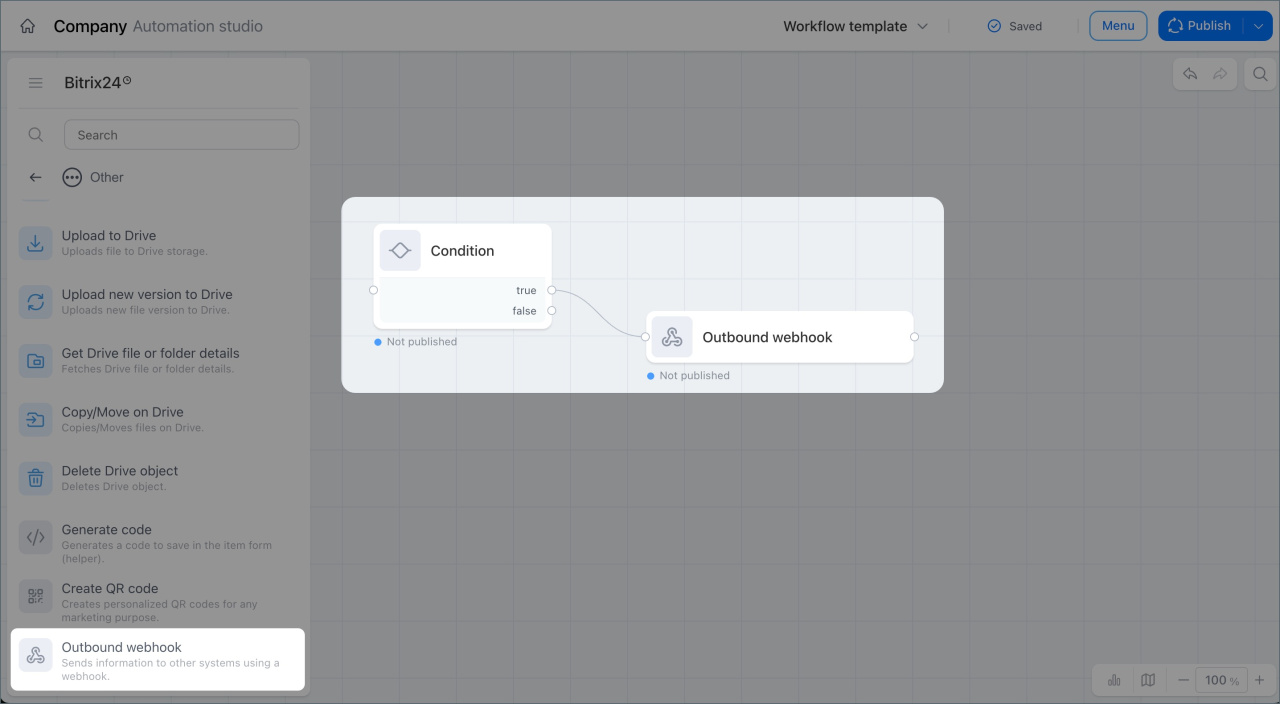
This node sends data to external systems through a webhook.
For example, in a Purchase approval workflow, a manager approves the request, and the node sends order data to an external warehouse system. The required quantity is then reserved automatically.
Copy or move in Drive
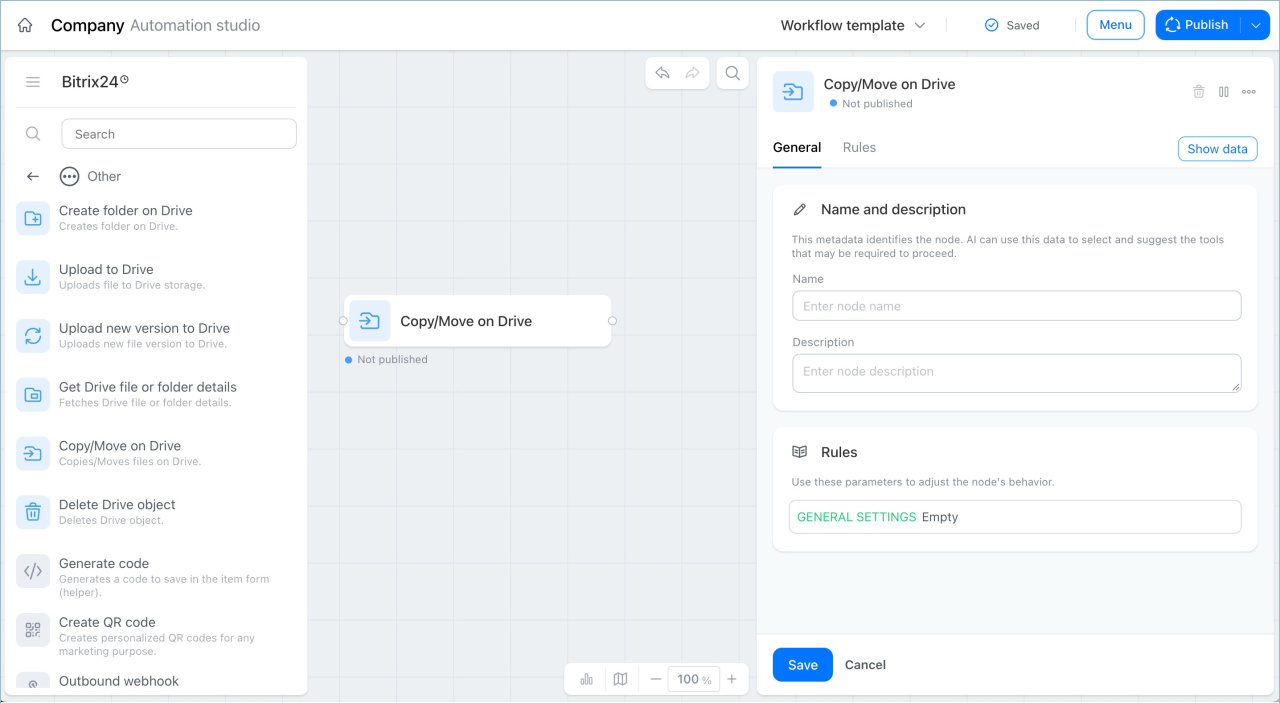
This node copies or moves Drive items, including files and folders. You can copy or move an item to a user Drive, workgroup Drive, shared Drive, or folder.
For example, in a Contract signing workflow, after both parties sign the document, the node moves the file from the In progress folder to the Archive folder.
Generate code
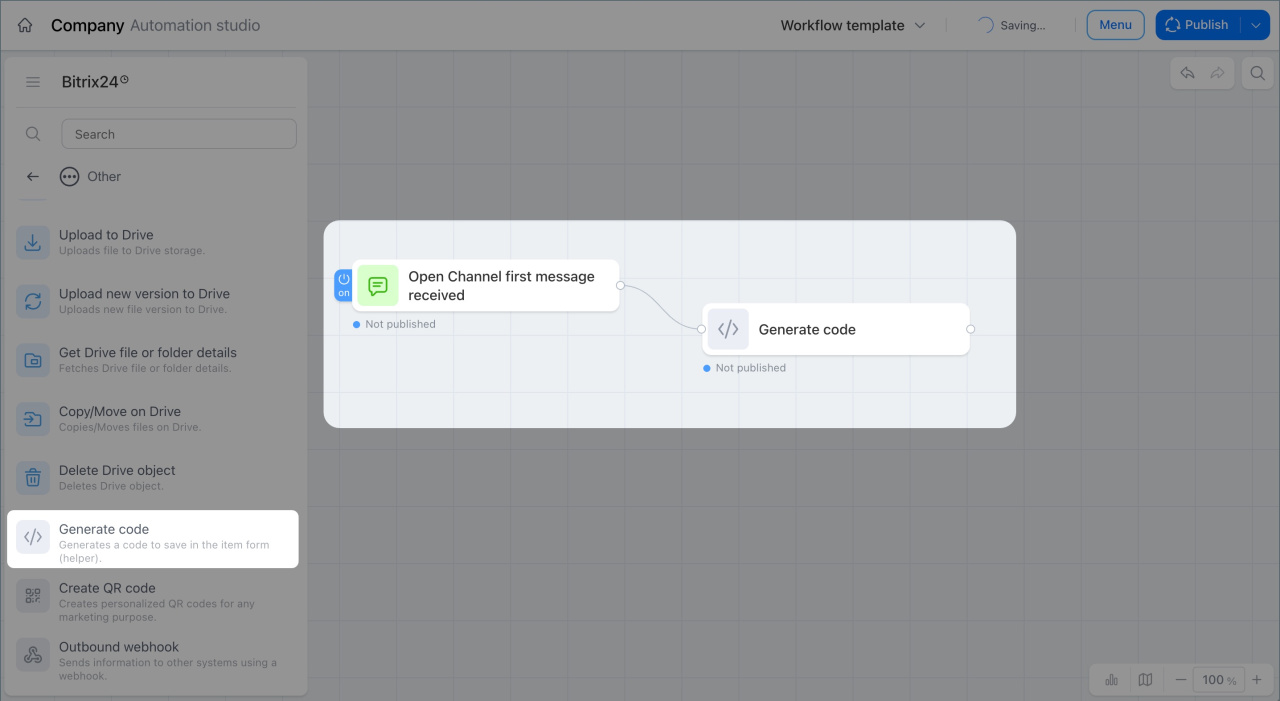
This node generates a code with the length and format you choose. The code can include numbers, special characters, lowercase letters, and uppercase letters.
For example, when a customer messages an Open Channel chatbot, the node generates a discount coupon code. The workflow then sends a reply with an offer to use the coupon.
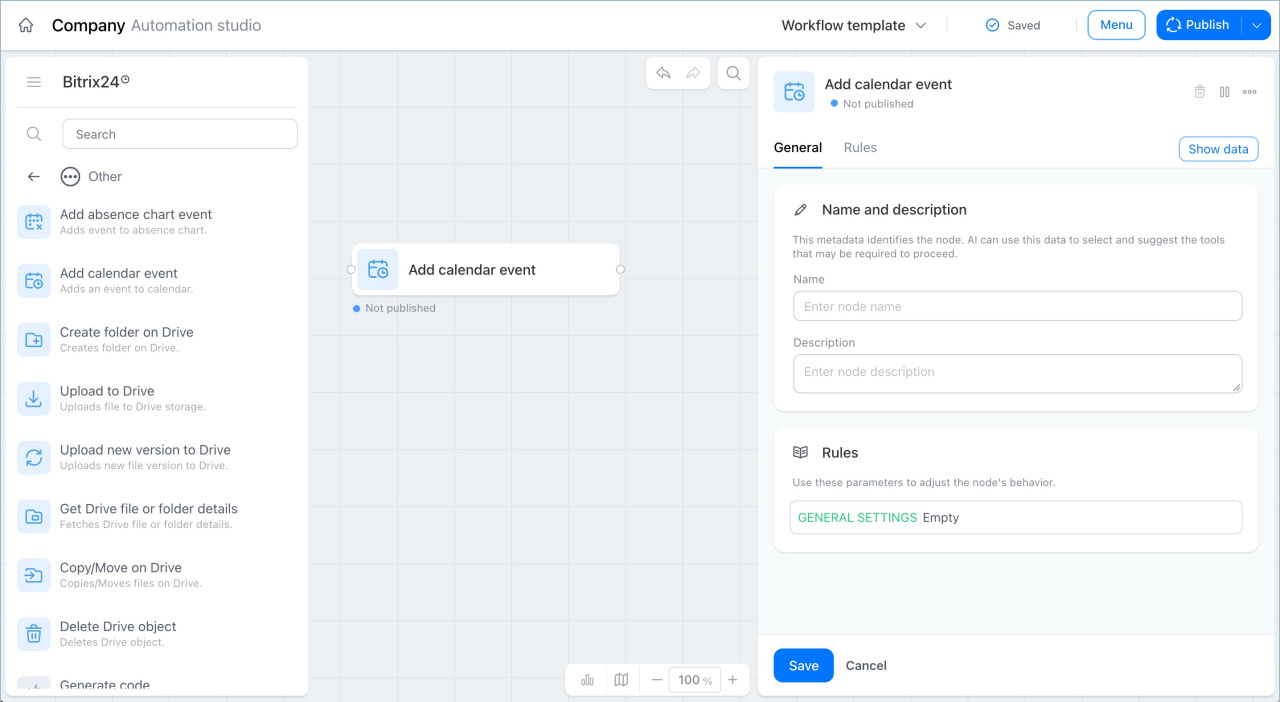
Calendar event
This node adds an event to a calendar, such as a workgroup calendar, company calendar, or personal calendar.
For example, in an Annual planning workflow, department heads upload and align development plans with the director one by one. When the last plan is approved, the node creates a Year planning discussion meeting in the company calendar.
Create QR code
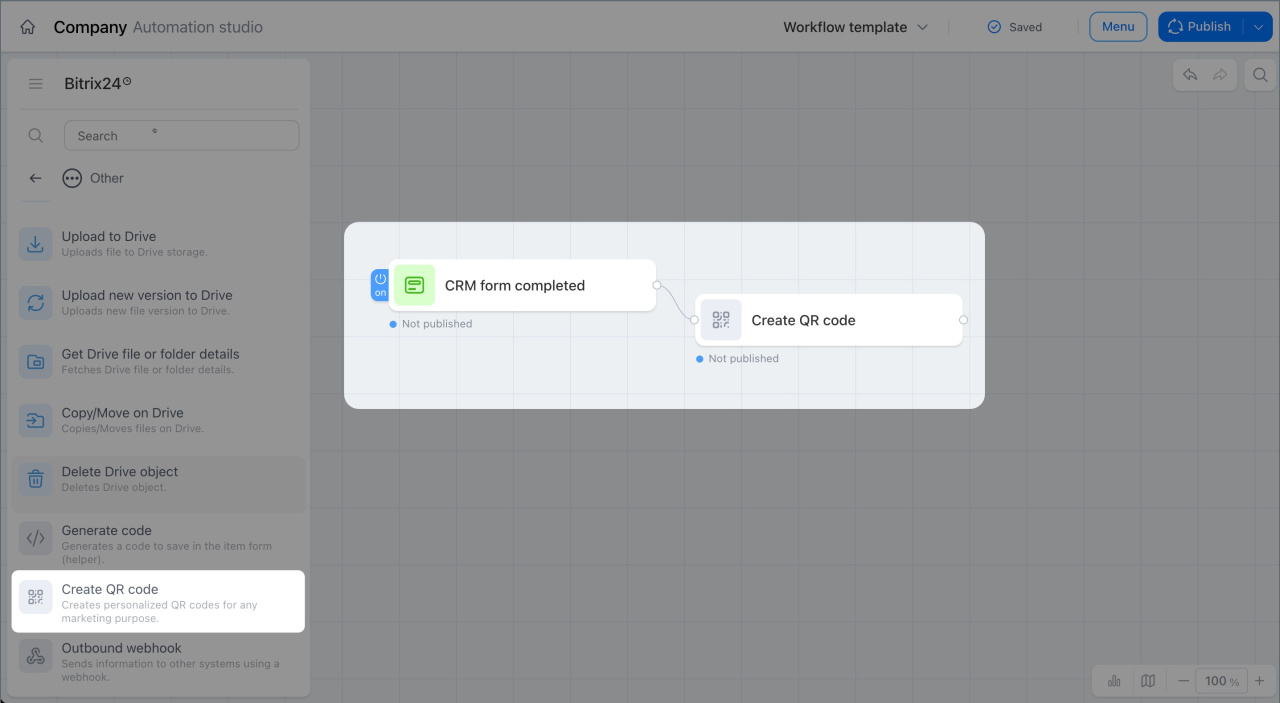
This node creates QR codes for marketing tasks. You can pass the QR code to the next workflow step as a page link, an HTML image, or another format.
For example, a customer fills out a form to register for an event, and the node generates a personal QR code for entry. The workflow then sends the customer an email with the QR code as an image.
Create folder in Drive
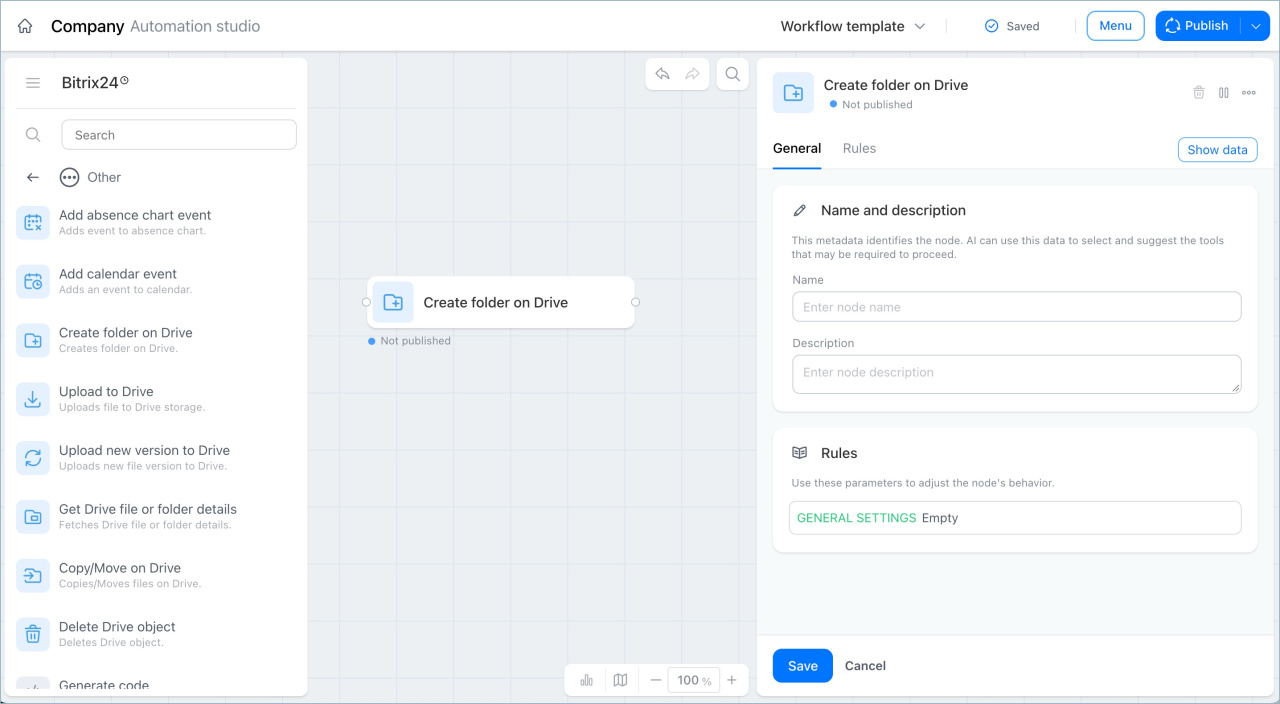
This node creates a folder in the selected Drive: a user Drive, workgroup Drive, shared Drive, or another folder.
For example, in a Project management workflow, the node automatically creates a folder in the project Drive where team members can upload materials.
Delete Drive object
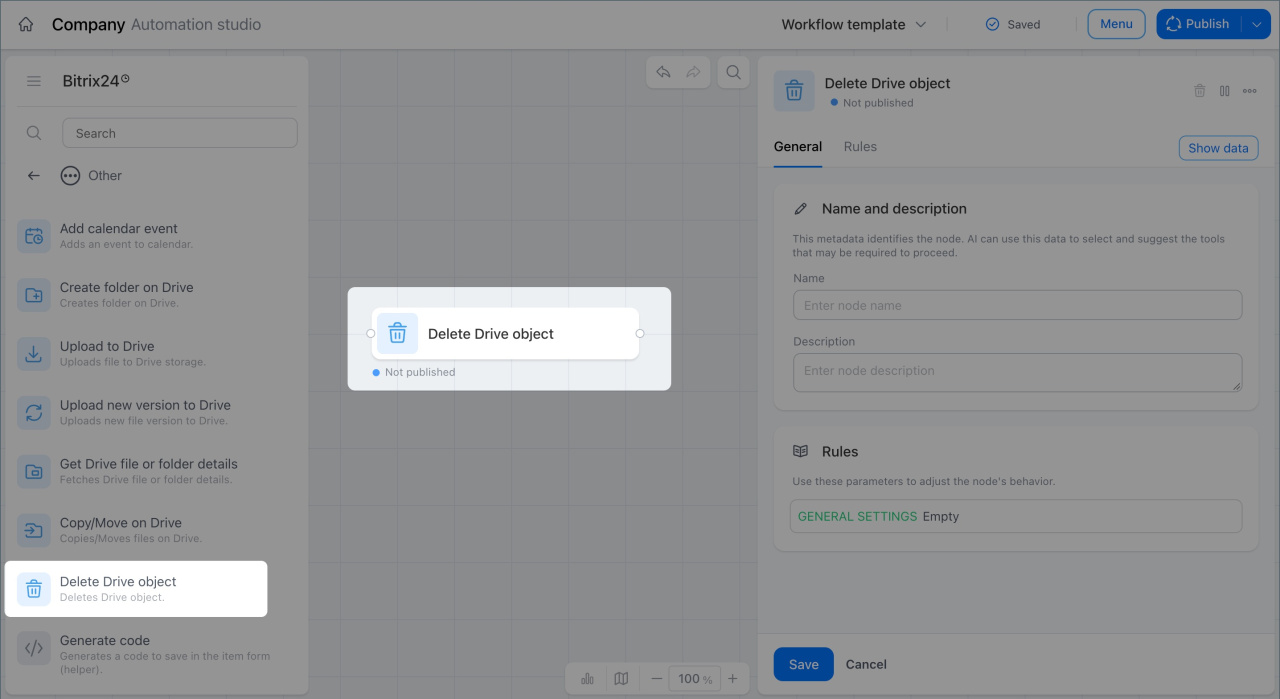
This node deletes a Drive item, such as a file or folder.
For example, in an Onboarding and orientation workflow, a folder with assignments is created in a new employee's Drive. When the employee completes the probation period, the node deletes the folder.
In brief
- The Other operations node group includes actions for Drive, absence management, Calendar, and codes.
- The Add absence chart event node adds vacation, business trips, sick leave, time off, and other events to the absence chart.
- The Get Drive file or folder details node gets detailed information about a file or folder in Drive.
- The Upload to Drive node uploads a file to Drive storage.
- The Upload new version to Drive node uploads a new version of a file to Drive.
- The Outbound Webhook node sends data to external systems through a webhook.
- The Copy or move in Drive node copies or moves files and folders in Drive.
- The Generate code node generates a code with the length and format you choose.
- The Calendar event node adds an event to a calendar.
- The Create QR code node creates QR codes for marketing tasks.
- The Create folder in Drive node creates a folder in the selected Drive.
- The Delete Drive object node deletes files and folders from Drive.