
All Bitrix24 updates are released gradually to users. Please wait. Everything will appear soon.
The Project management node group includes actions for working with projects in a process. These nodes let you add a chat bot to a project chat and get project details.
In this article:
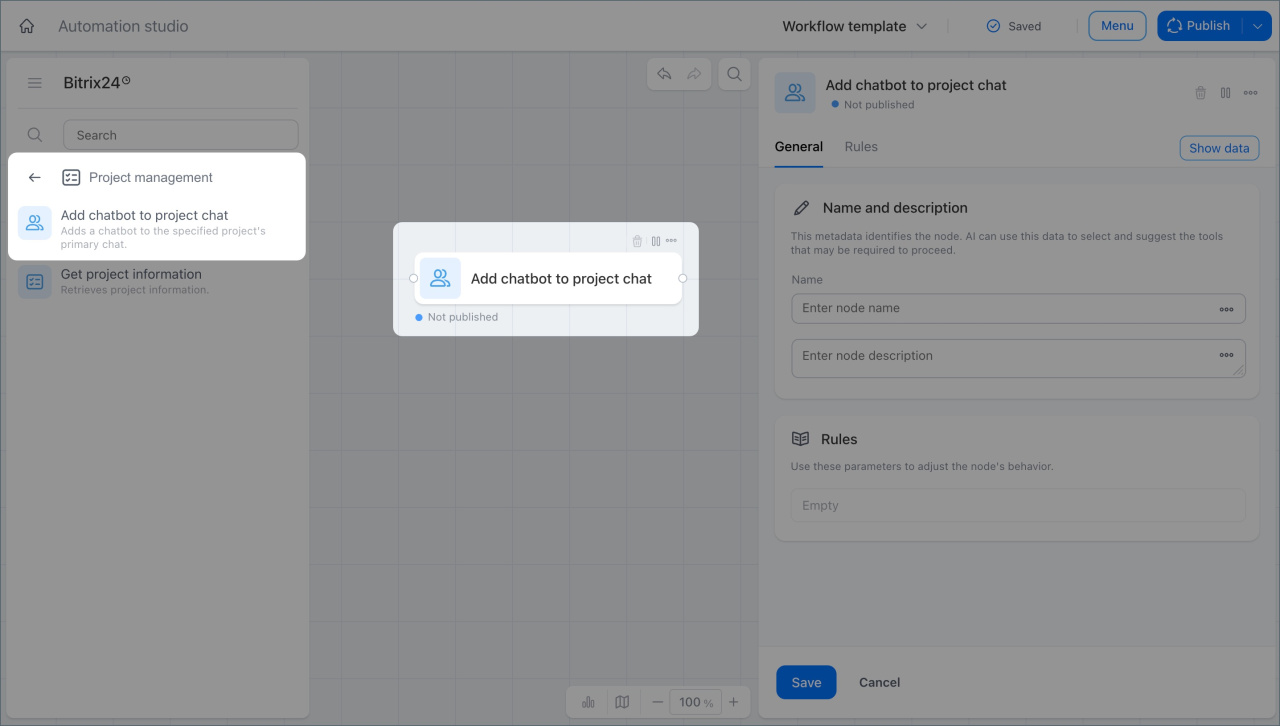
Add a chat bot to a project chat
This node adds a chat bot to the chat for a selected project.
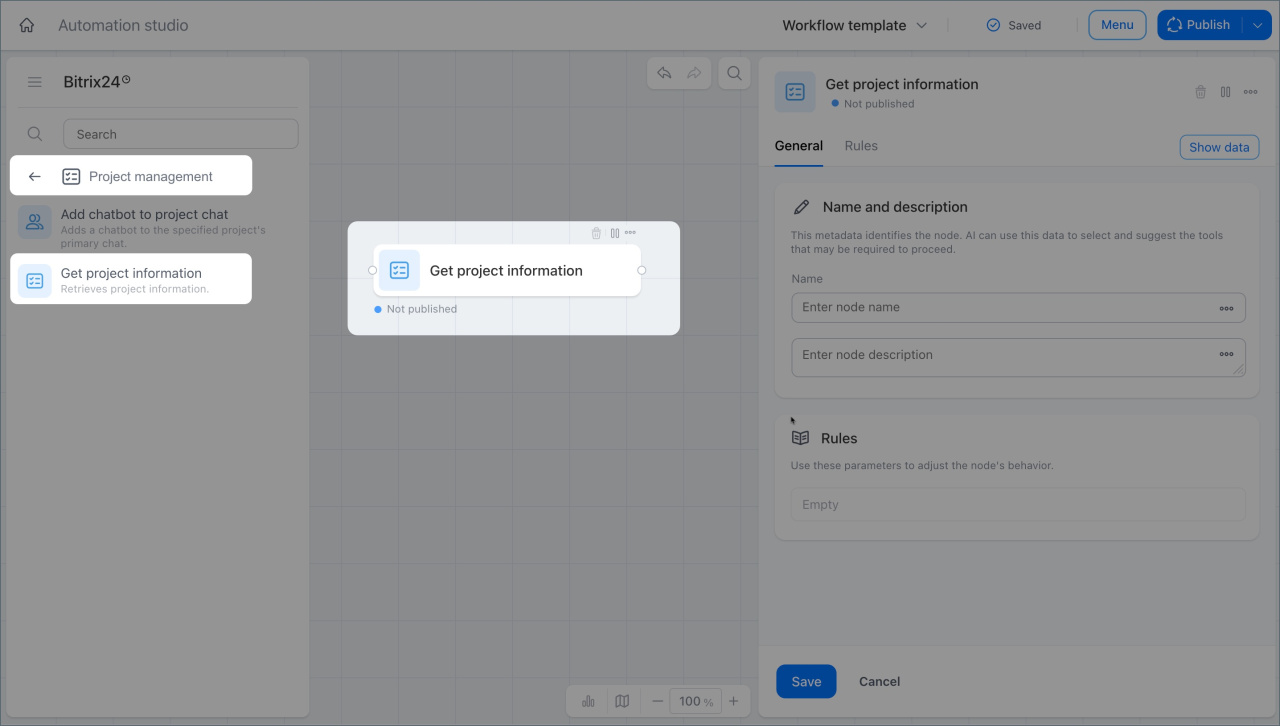
Project information
This node gets project details, including the project name, group chat ID, and task visibility settings. It then passes this data to the next nodes.
For example, an employee asks the chat bot a question in a project. The node gets the project data and sends it to the next nodes.
In brief
- The Project management node group includes actions for working with projects in a process.
- The Add chat bot to project chat node adds a chat bot to the chat for a selected project.
- The Project information node gets project data and passes it to the next nodes.