
Automated solutions are workspaces in Bitrix24 for smart process automations that are not linked to CRM. You can use them to automate work in any department, such as HR, accounting, IT, and more. Each automated solution includes smart processes with their own forms, stages, and settings.
Automated solutions: automate work of company departments
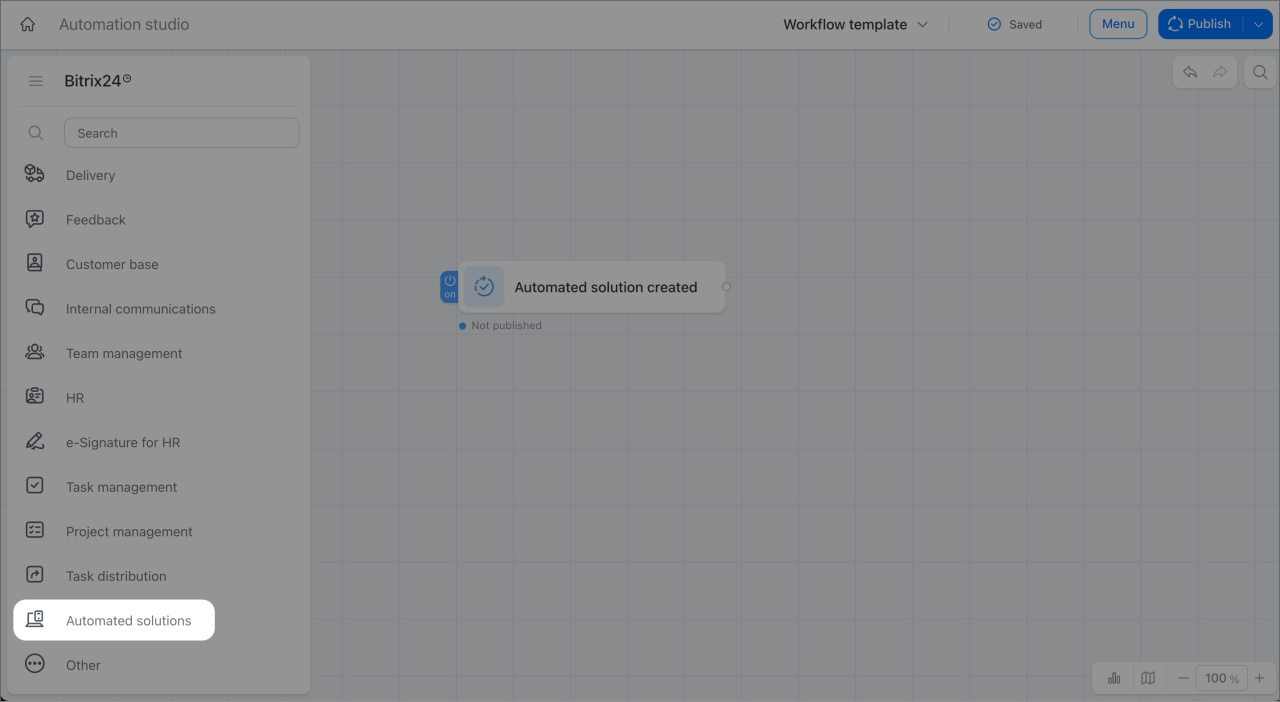
The Automated solutions trigger group lets you start workflows manually from an item or automatically when a new form is created or a field value changes.
In this article:
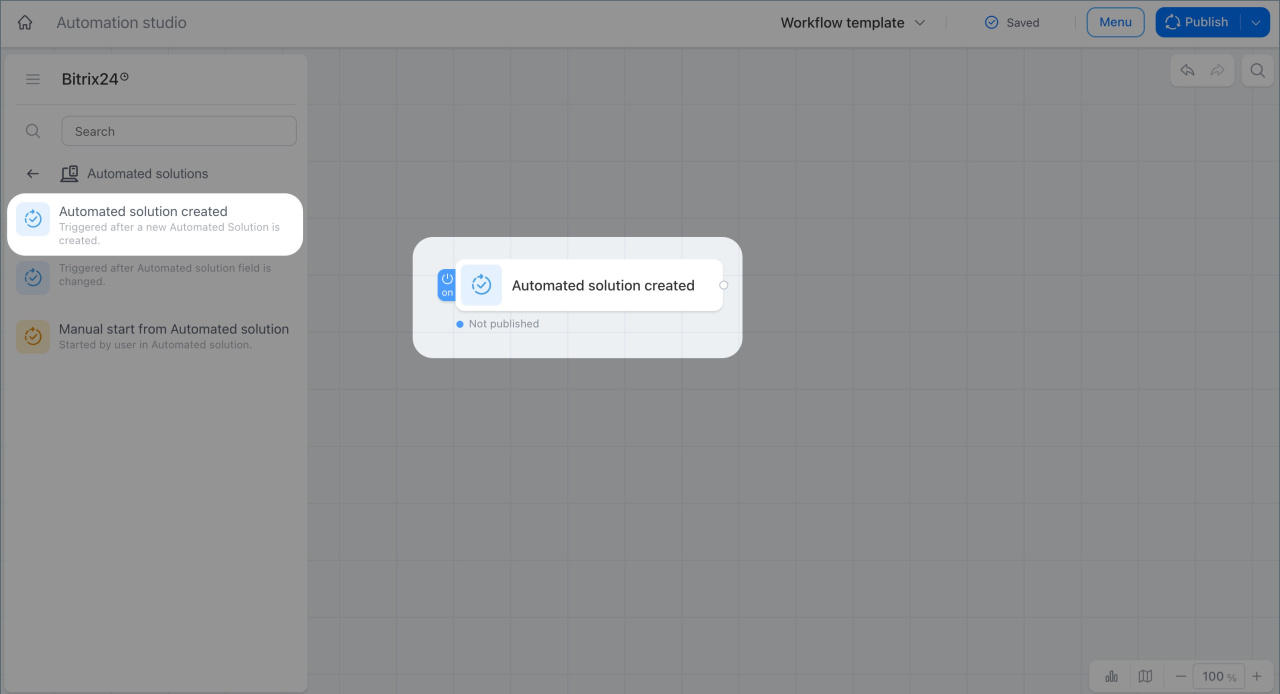
Automated solution created
This trigger starts a workflow when a new item is created in a smart process inside an automated solution.
A transport company buys a new vehicle. An employee creates a form with the vehicle details, and the trigger starts the workflow. Bitrix24 automatically creates tasks for vehicle registration and insurance. This helps the company prepare the required documents faster and put the vehicle into service right away.
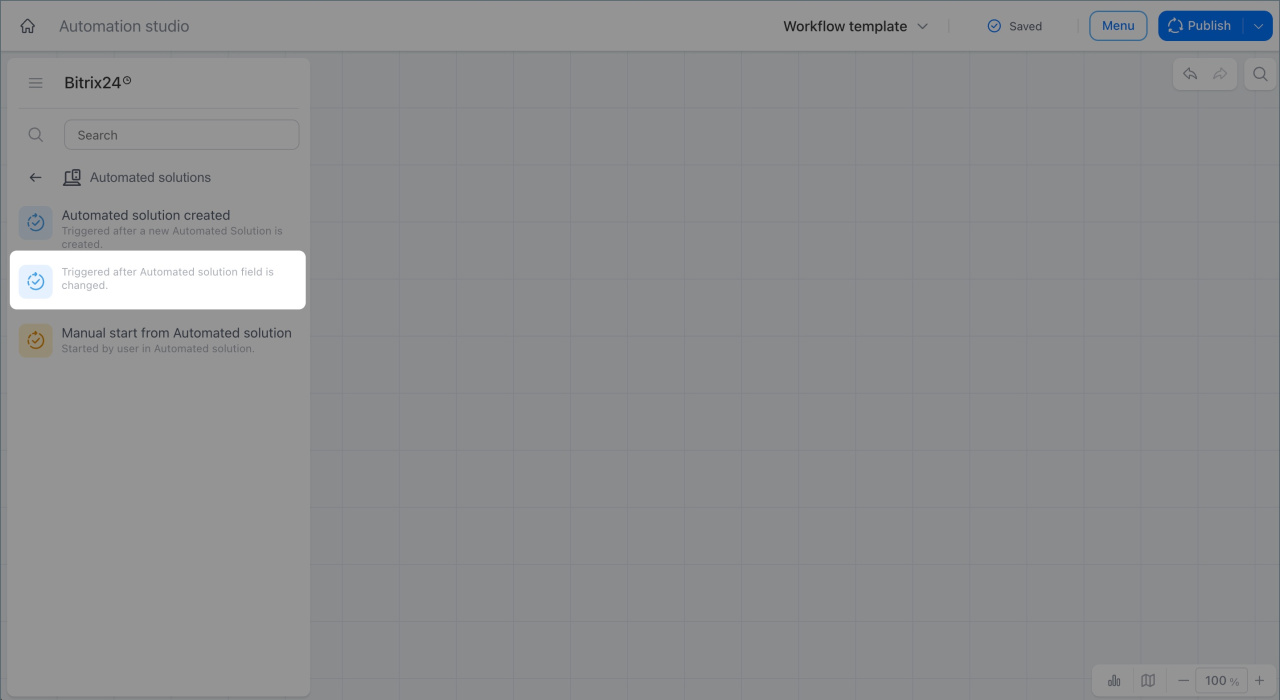
Automated solution field changed
This trigger starts a workflow when a field value changes in an item form. It reacts to a specific change, so you do not need to track updates manually.
A company uses an automated solution for hiring. A recruiter uploads a completed test assignment to a candidate form. The trigger detects the field change and starts the workflow. Bitrix24 automatically sends the manager a notification with a link to the item for review. The assignment does not get lost, and the hiring process moves faster.
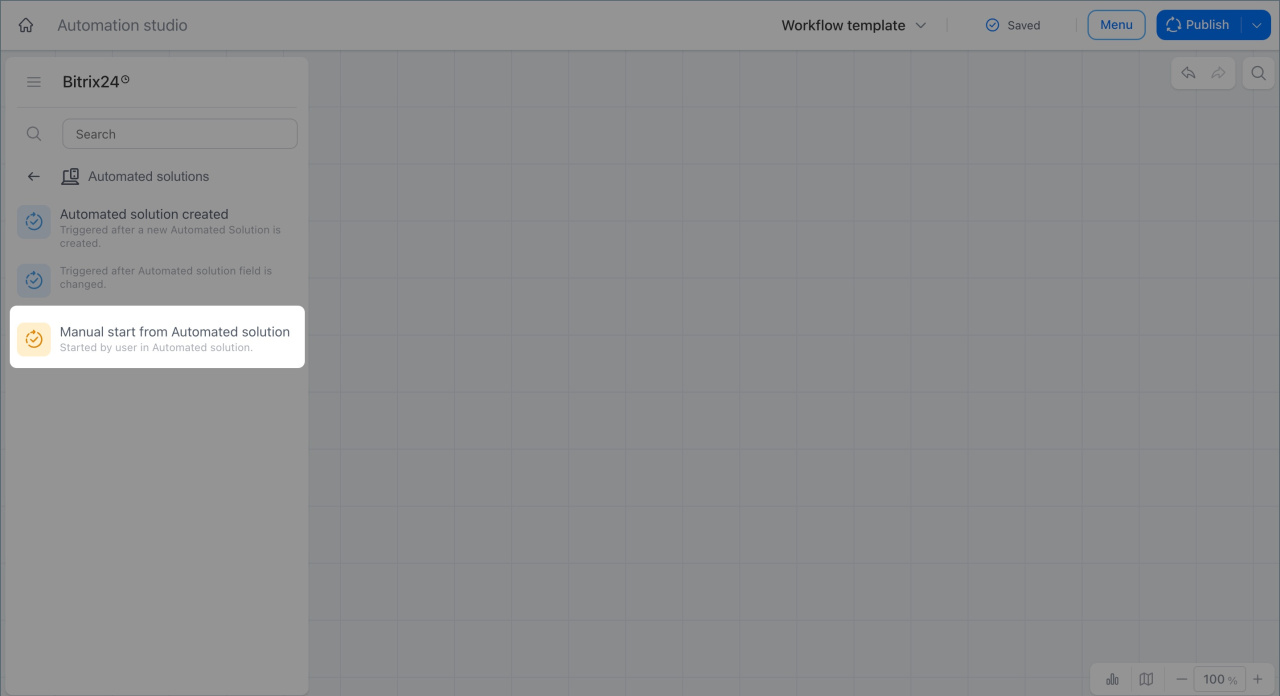
Manual start from an automated solution
This trigger lets you start a workflow from an item form. The employee clicks the Workflow automation in CRM button and selects the required scenario.
A support specialist cannot resolve a client issue alone. They open the request form and start the workflow manually. Bitrix24 automatically adds a senior specialist as an observer and sends a notification that help is needed.
In brief
- The Automated solutions trigger group lets you respond automatically to events in smart processes or start scenarios manually from an item form.
- The Automated solution created trigger starts a workflow when a new item is added to a smart process.
- The Automated solution field changed trigger reacts to a change in a specific field in a form and starts a workflow automatically.
- The Manual start from an automated solution trigger lets you start a workflow from an item form. The employee clicks the Workflow automation in CRM button and selects the needed scenario.