
In Bitrix24, you can automate document signing with employees. The e-Signature for HR node group in the BI Builder workflow starts the required actions automatically. This happens when a document moves to approval or signing, when filling begins, or when all signatures are collected.
Triggers and activities help you tailor automation to your company's needs. You can add a node for each event or step that does not require employee involvement.
The e-Signature for HR nodes include four triggers and one activity. Triggers start a process when a specific event happens, such as when a document moves to signing. The activity completes a specific step in the process. For example, it can send a document to an employee for signing.
In this article:
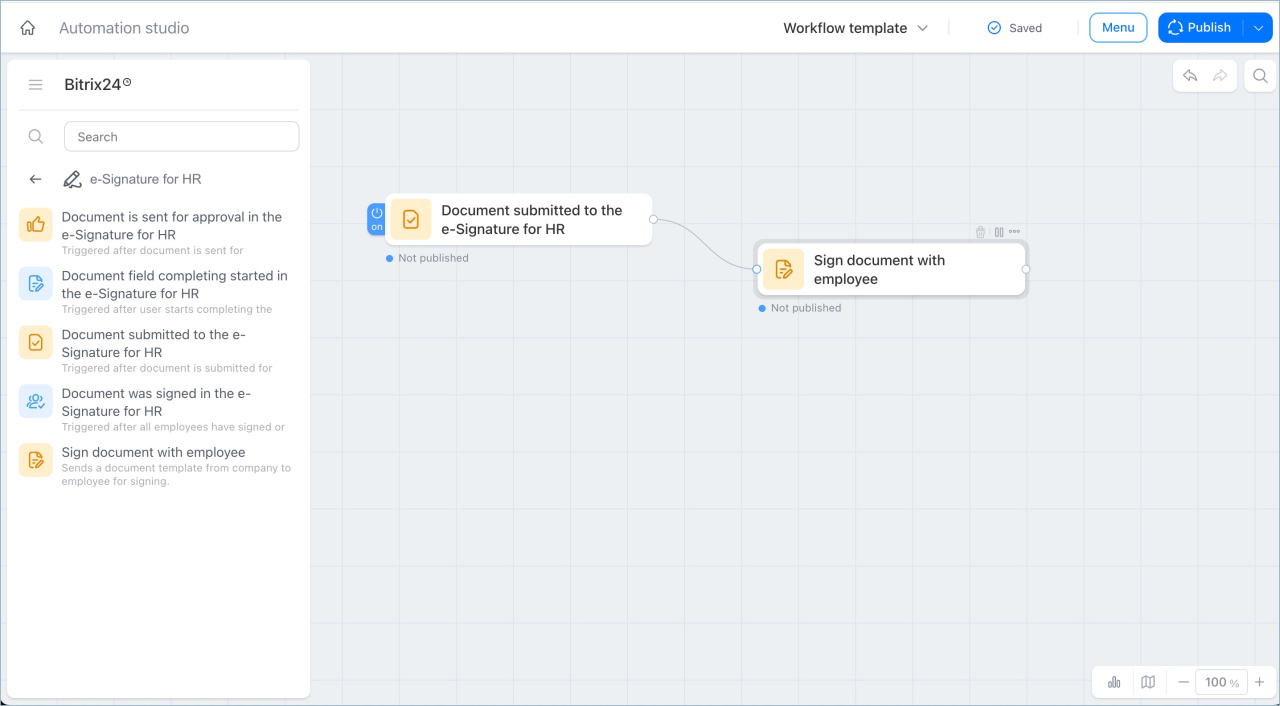
Track document approval
The Document is send for approval trigger starts a process when a document moves to approval. You can automatically notify the people or prepare the next step.
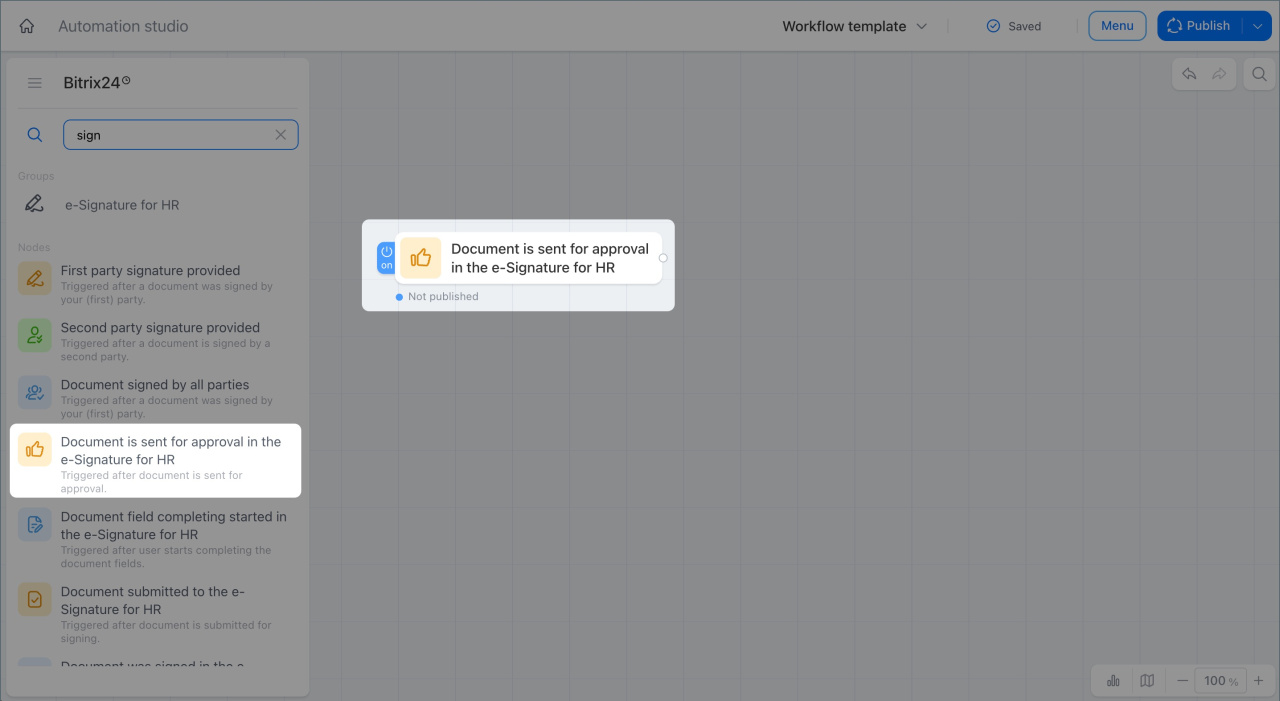
Track document filling
The Document field completing started trigger starts a process when document filling begins. You can involve the right employees early in the document workflow.
For example, a legal department intern opens an employment contract to enter an employee's personal data. Bitrix24 notifies the chief legal officer that work with personal data has started and should be reviewed for accuracy.
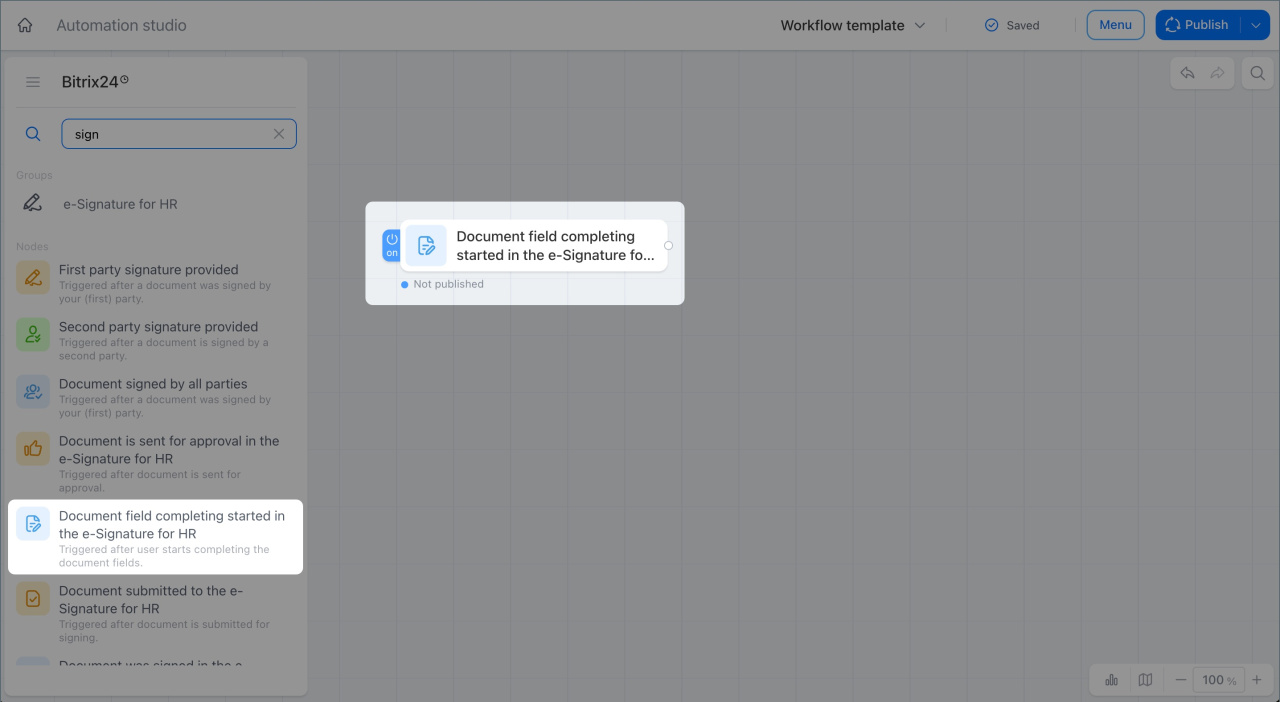
Track document move to signing
The Document submittedtrigger starts a process when a document moves to signing by an employee or company representative. This helps you monitor every stage of the signing process.
For example, when the company director signs the weekend work policy and the document is sent to employees, Bitrix24 creates a task for the HR manager to track which employees have signed it.
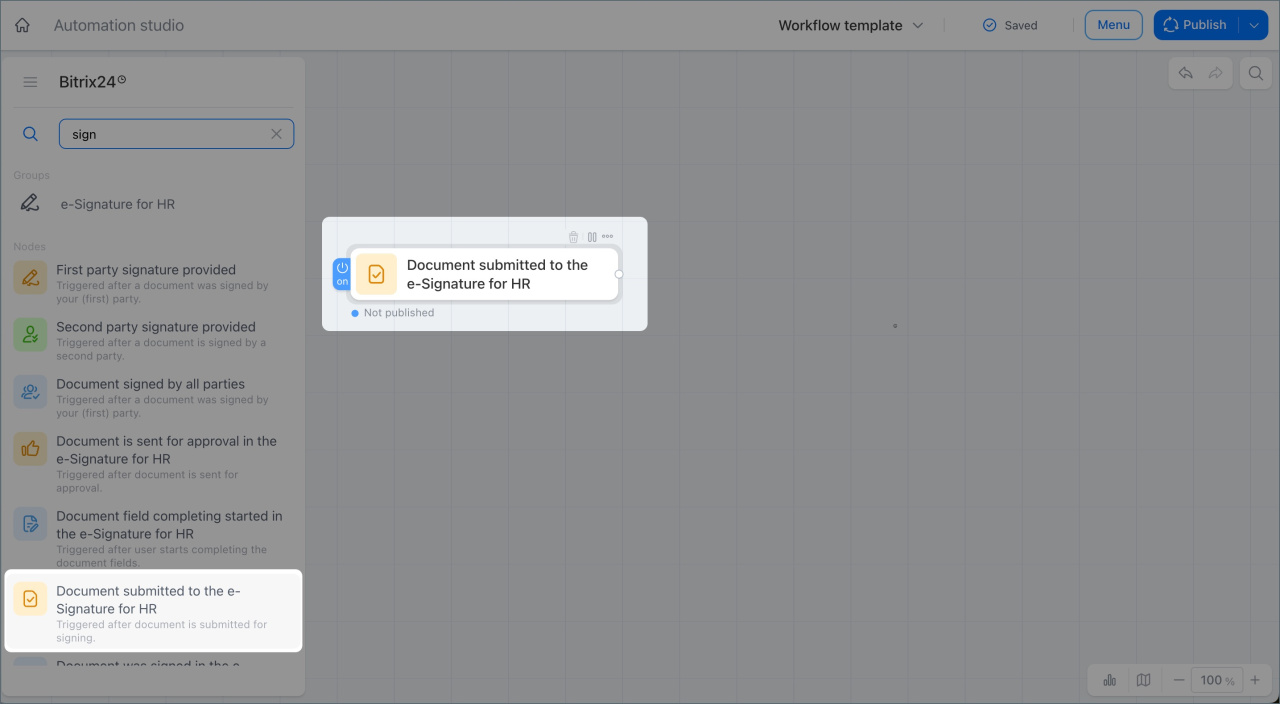
Track signing completion
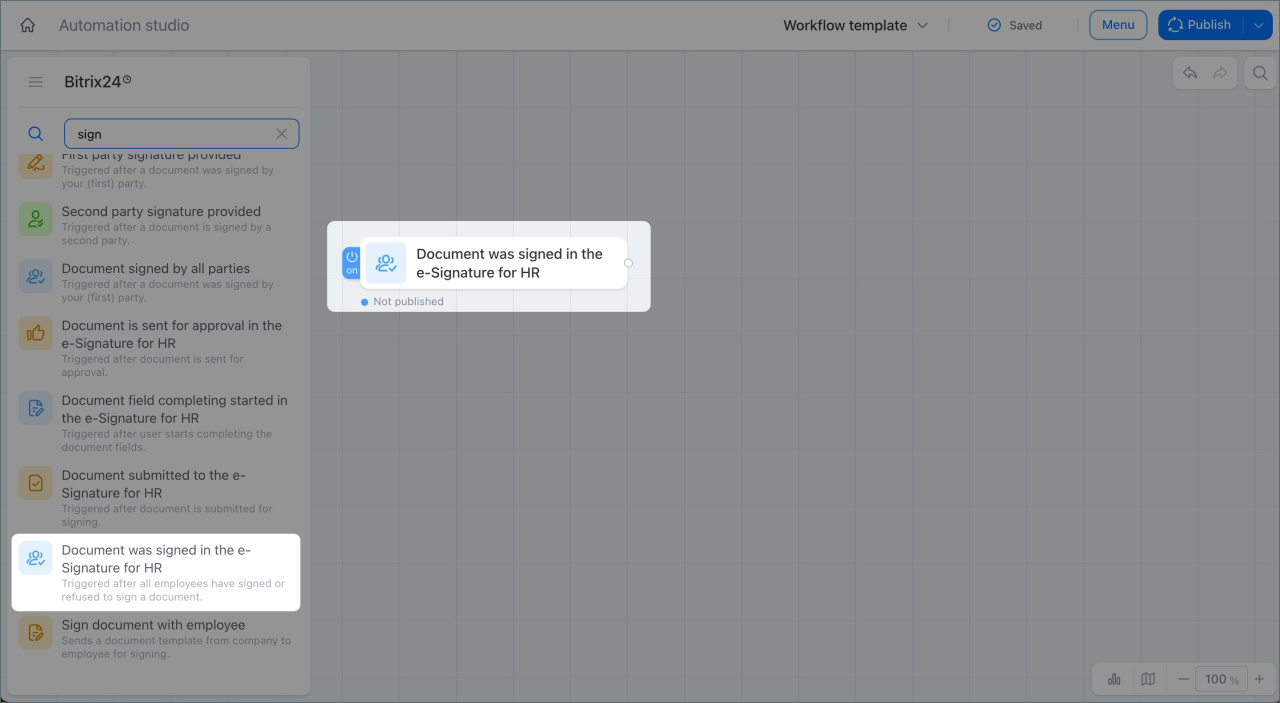
The Document was signed trigger starts a process when all employees have signed a document or declined to sign it.
For example, when all employees finish working with the document, Bitrix24 notifies the HR manager. If everyone signed, the process is complete. If someone declined, the HR manager gets a task to find out why.
Sign a document with an employee
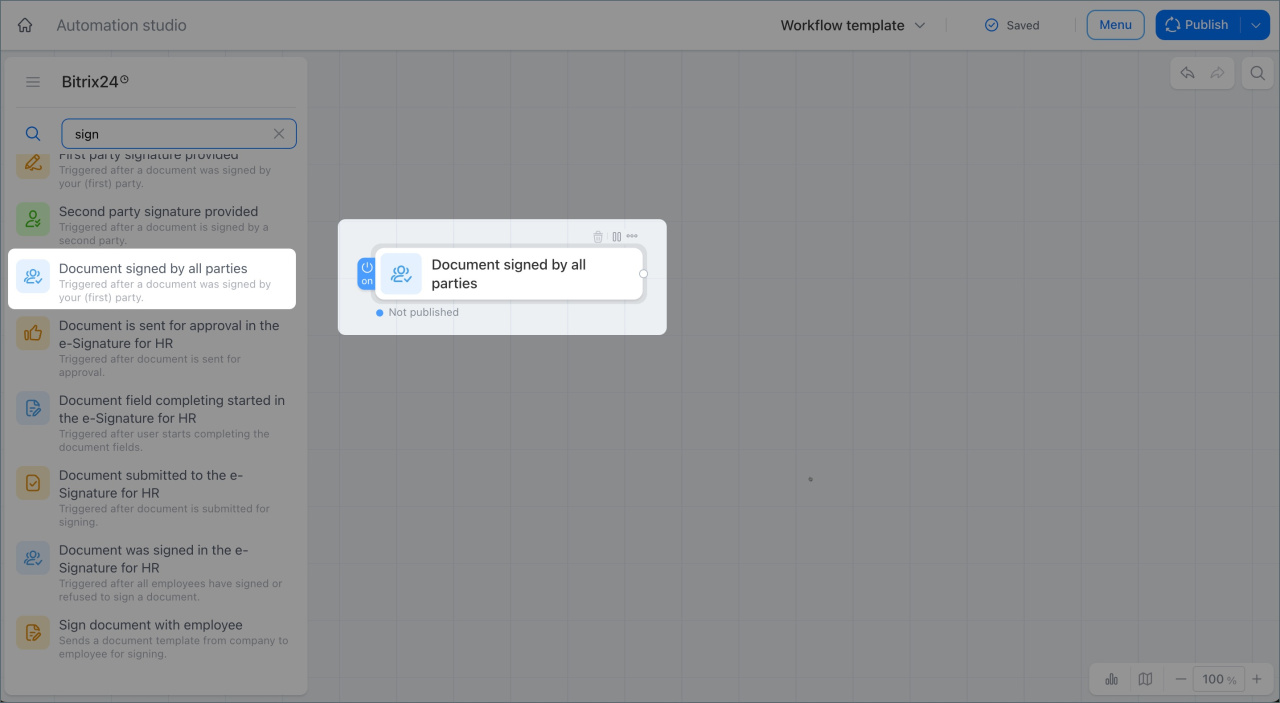
The Document signed by all parties trigger sends a document template from the company to an employee for signing. The document is sent automatically at the right time, so there is no need to send it manually at each stage.
For example, when an employee fills out and submits a consent form for personal data processing, Bitrix24 automatically sends the employment contract for signing.
In brief
- The e-Signature for HR node group includes four triggers and one activity to automate HR document workflows.
- The Document is send for approval trigger starts a process when a document moves to approval.
- The Document field completing started trigger starts a process when document filling begins.
- The Document submitted trigger starts a process when a document is sent to an employee or company representative for signing.
- The Document was signed trigger starts a process when all employees have signed the document or declined to sign it.
- The Document signed by all parties trigger automatically sends a document template to an employee for signing.