
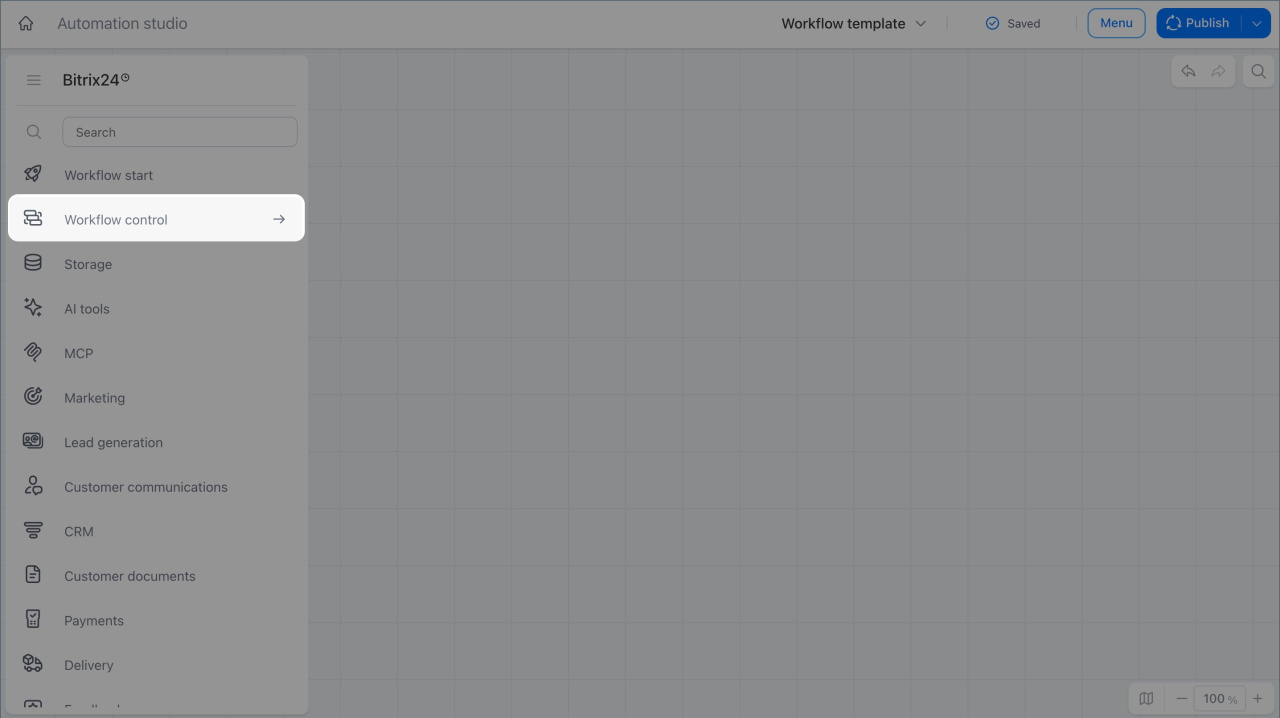
The Workflow control group includes activities and triggers that control workflow logic and flow. You can use these nodes to start a process on a schedule, set conditions for activities, and merge parallel branches. This helps you build different automation scenarios, from simple flows to complex loops and branching logic.
In this article:
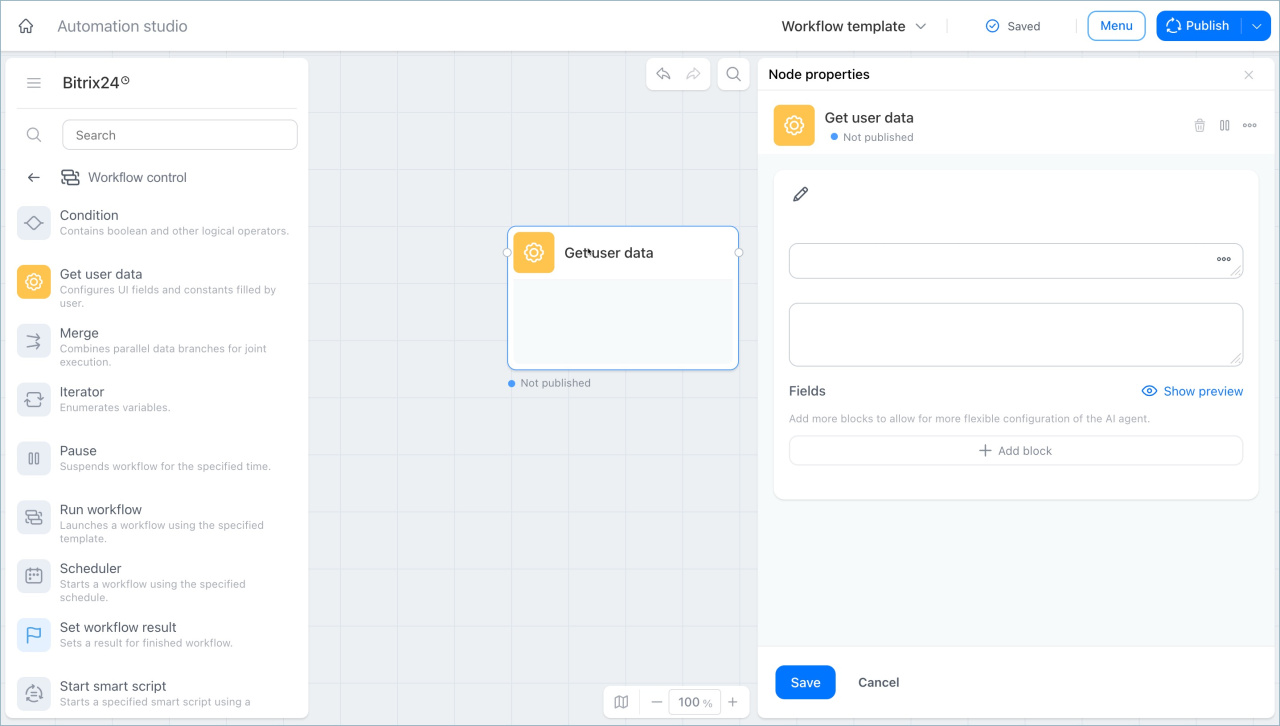
Get user data
This node lets you set up constants and configure the form layout where users enter them. Employees and supervisors can enter starting process data without opening the workflow builder.
For example, in the AI agent for knowledge base Q&A process, this node creates a launch form with constants such as the agent name, role, communication rules, knowledge base, and chat.
Merge
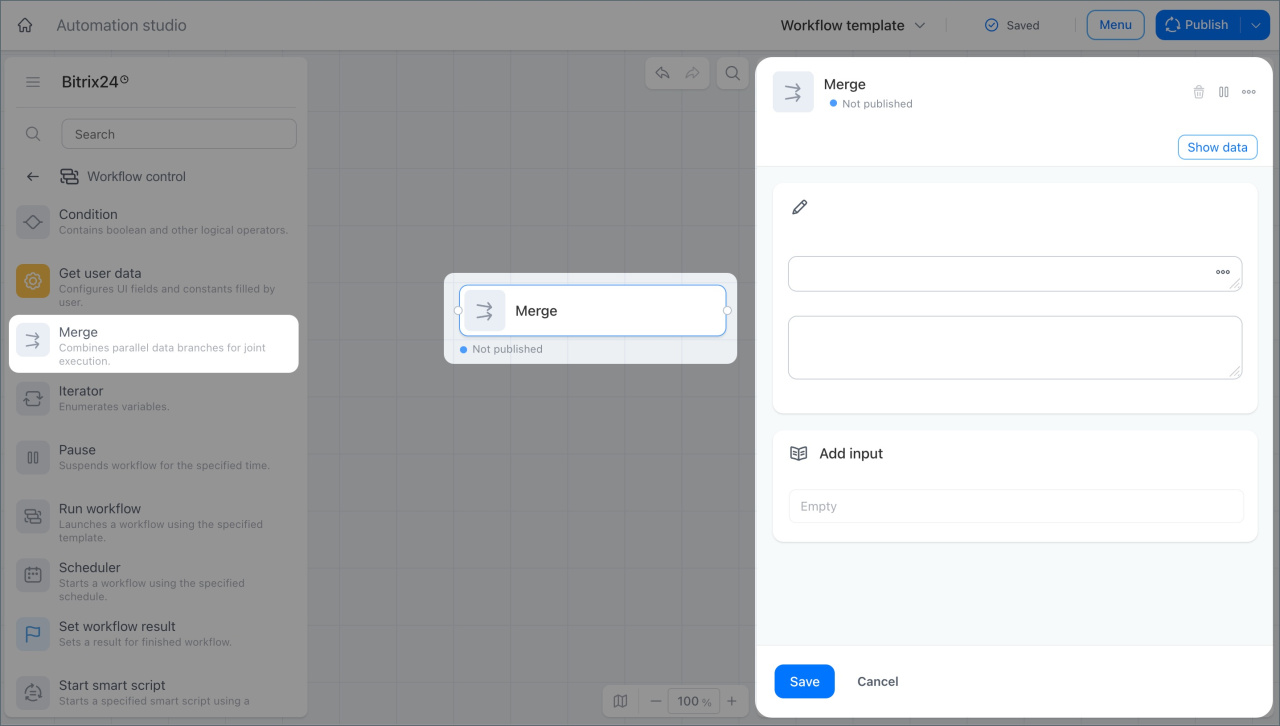
This node merges two parallel process branches. The process continues only after both branches are complete.
For example, in the Contract signing process, a document goes to two parties for signing. This node merges the branches, and the process continues only after both parties sign the document.
Condition
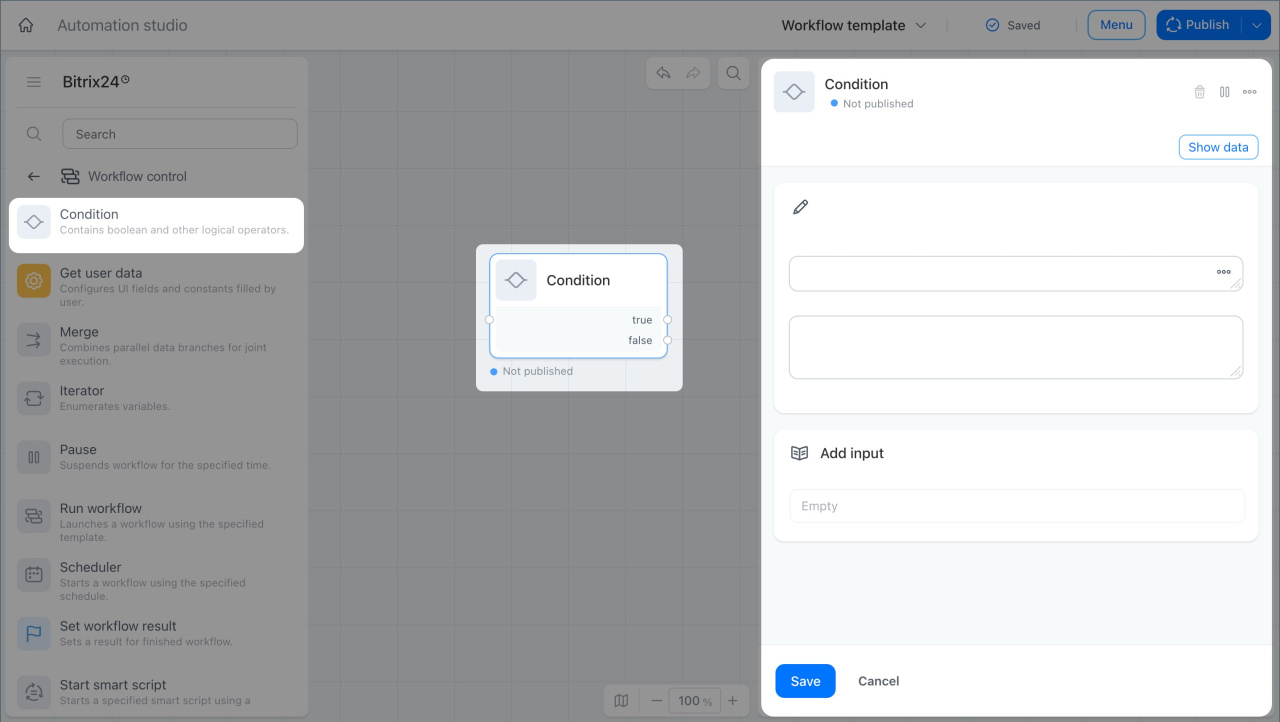
This node checks a condition and sends the process down the true or false branch based on the result.
For example, in the Contract approval process, a document goes to a lawyer for review. If the document passes review, the node sends it to the supervisor for approval. If it does not, the node sends it back for revision.
Schedule-based launch
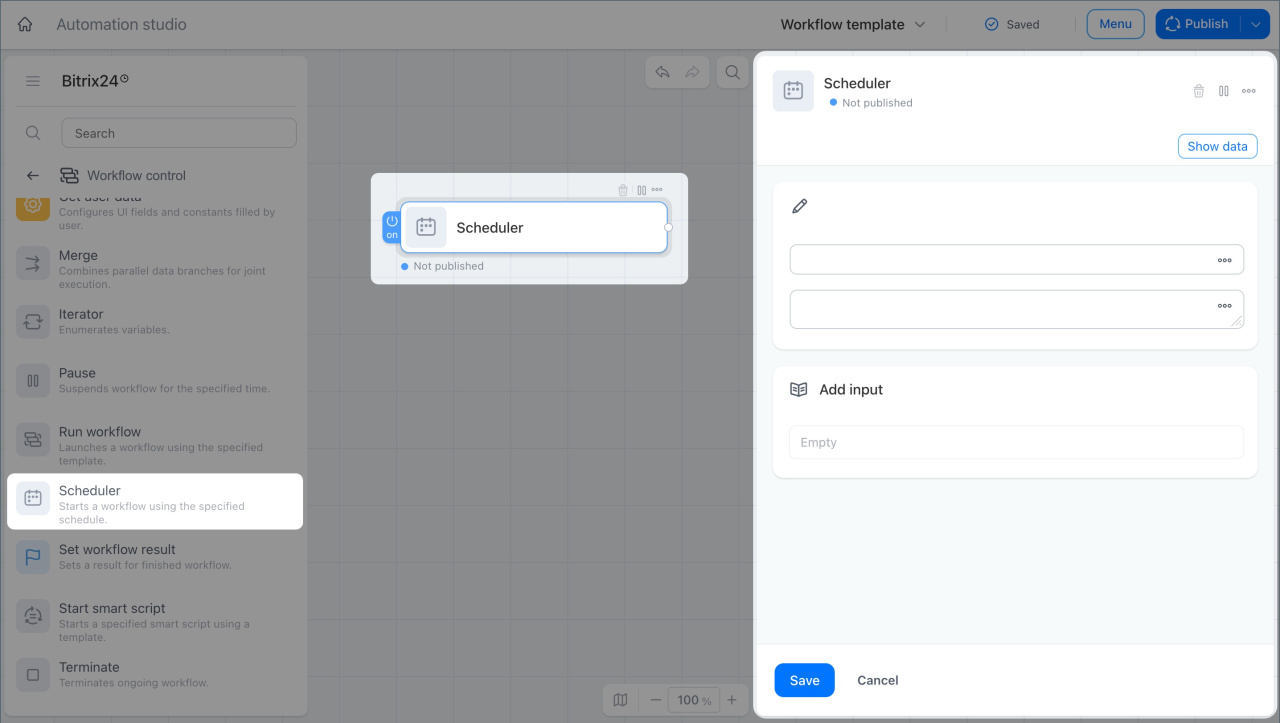
This trigger starts a process on a set schedule. You can choose the start time and frequency: every hour, day, week, month, or year.
For example, this trigger can start the Weekly report process every Friday. When it runs, the process gathers meeting and task data for employees in subdepartments, and the supervisor gets a short weekly summary.
Start smart script
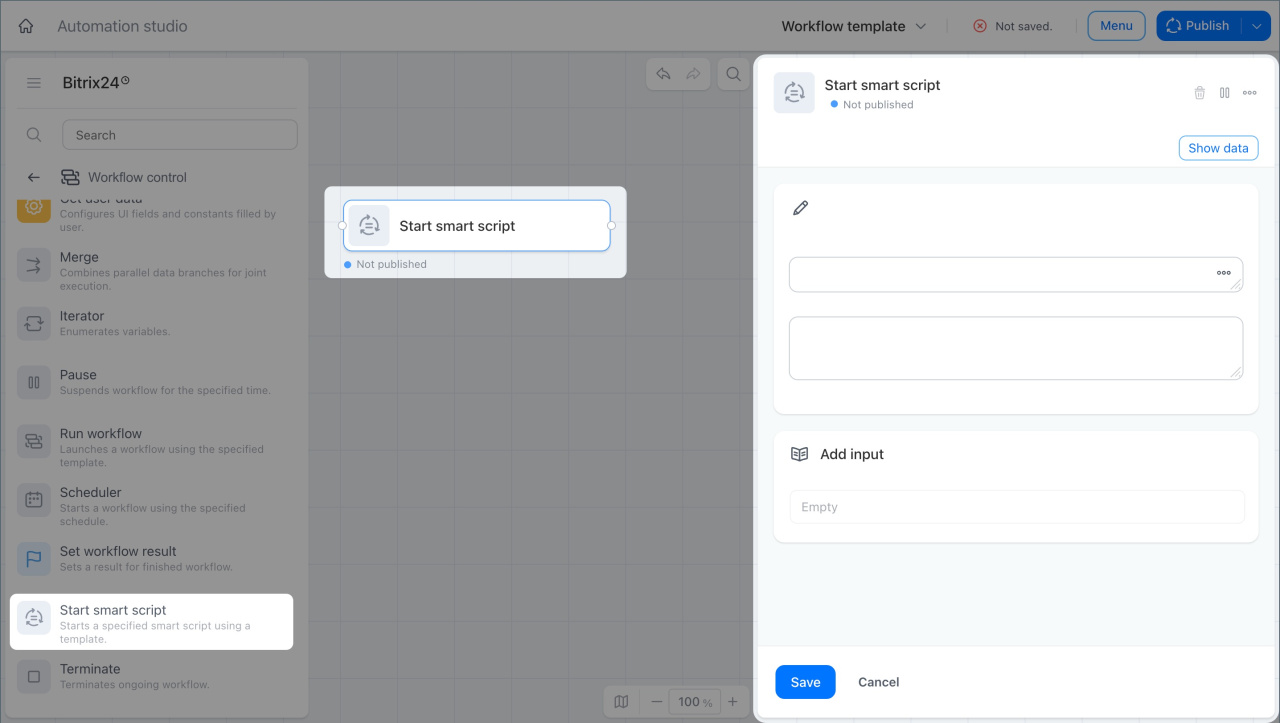
This node starts a smart script inside a process. A smart script is a sequence of automation rules that handles routine CRM actions.
Smart scripts in CRM
For example, if a deal amount is higher than a set threshold, the node starts a smart script for large clients. The script can schedule a meeting, create a contract, and send a notification to the supervisor.
Run workflow
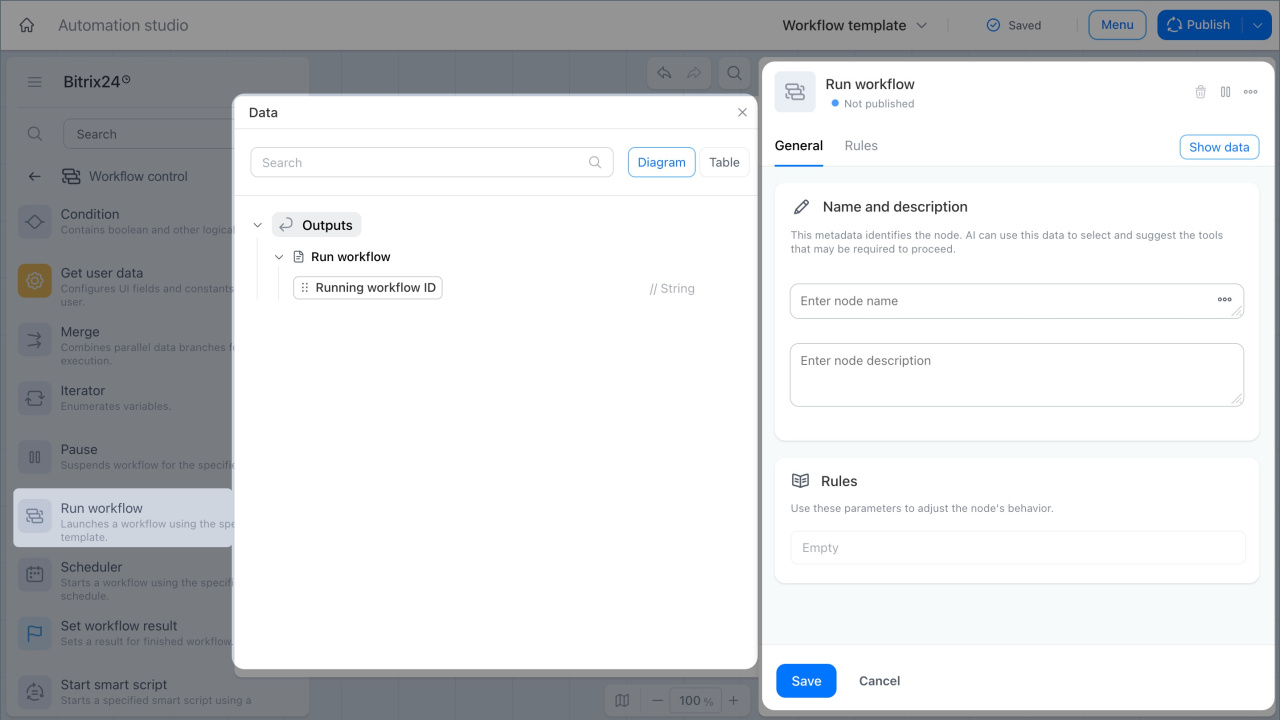
This node starts another workflow at a specific stage of the current process. In the settings, you can turn on waiting. In that case, the current process continues only after the other workflow ends.
For example, when a deal moves to the Document preparation stage, the node starts the Document approval workflow. After approval is complete, the main process continues.
Iterator
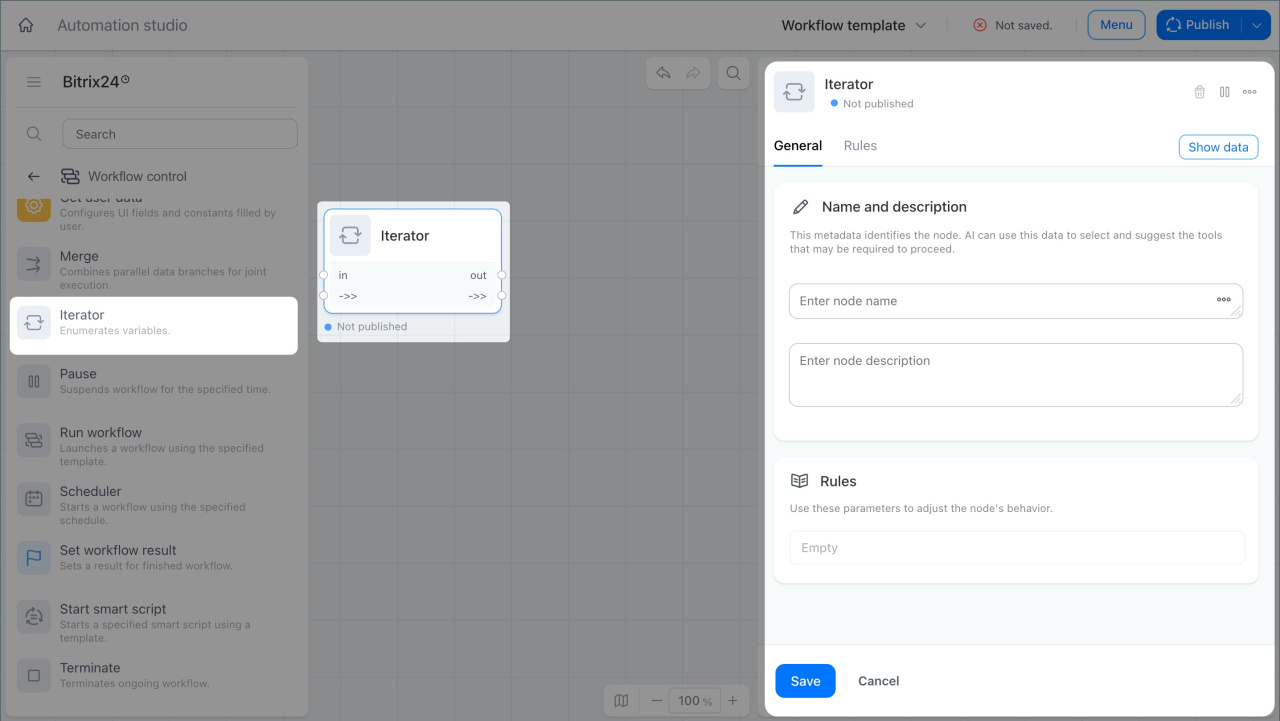
This node runs an activity for each value in a multi-value variable.
For example, at the end of the Project management process, the system starts collecting feedback. The node gets a variable with the list of project members and creates a task for each one.
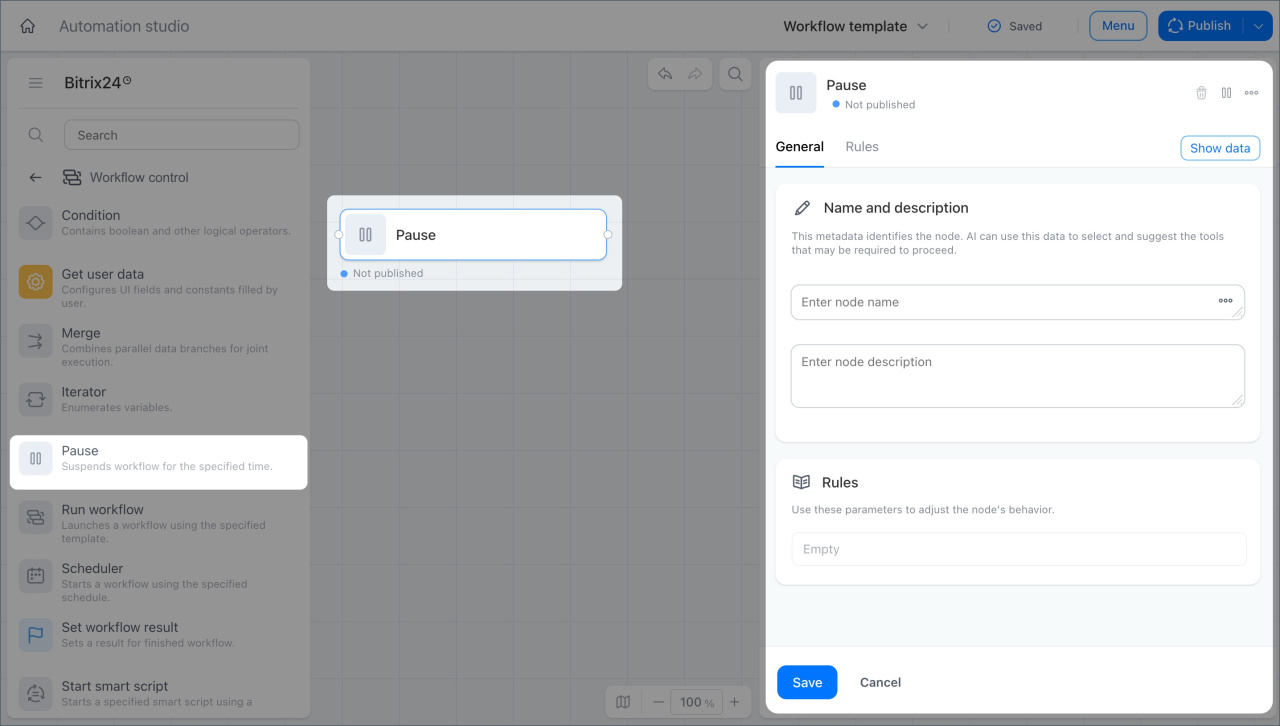
Pause
This node delays the next activity in a process for a set period or until a specific date.
For example, the node can pause a process until the day of a client meeting. On that morning, the process resumes and the manager gets a reminder with the key details.
Terminate process
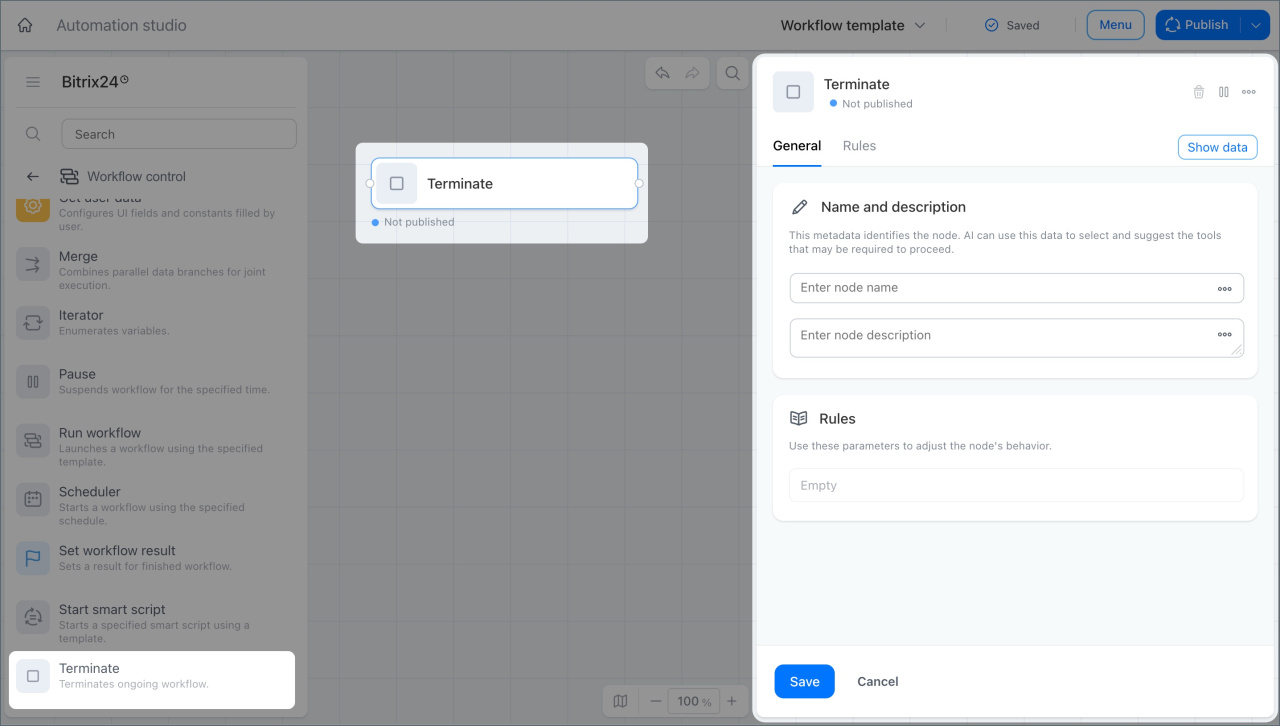
This node stops a workflow. After that, the process cannot continue from the same step. You need to start it again.
For example, in the Contract approval process, the supervisor approves the document. The manager then gets a notification, and the node ends the workflow.
Set workflow result
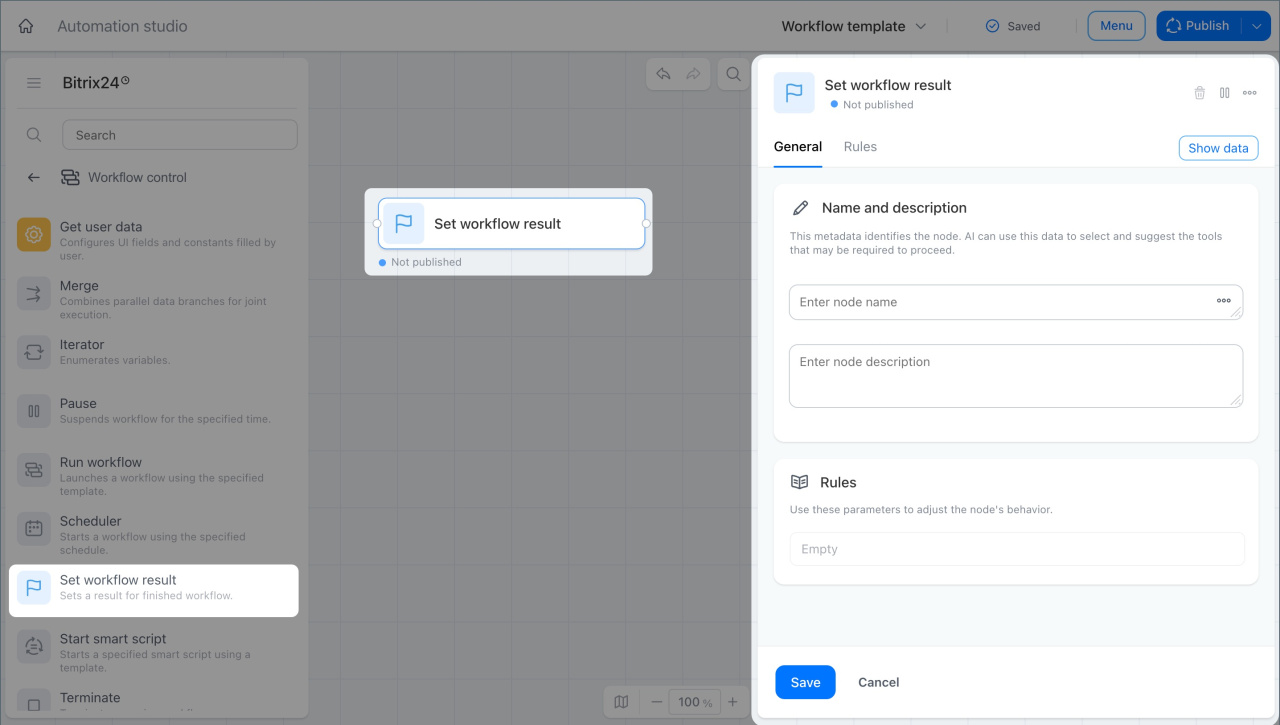
This node lets you define the workflow result:
- Process completion for a selected employee
- A document, field, or file.
For example, in the Proposal preparation process, the supervisor approves the proposal and the node saves the file as the workflow result. The file then appears in the list of completed processes, and the manager can open it right away.
In brief
- The Workflow control group includes activities and triggers that control workflow logic and flow.
- The Get user data node lets you set up constants and configure the form layout where users enter them.
- The Merge flow node merges two parallel process branches.
- The Condition node checks a condition and sends the process down the true or false branch based on the result.
- The Schedule-based launch trigger starts a process on a set schedule.
- The Start smart script node starts a smart script inside a process.
- The Run workflow node starts another workflow at a specific stage of the current process.
- The Iterator node runs an activity for each value in a multi-value variable.
- The Pause node delays the next activity in a process.
- The Interruptprocess node stops a workflow.
- The Set workflow result node lets you define the workflow result.